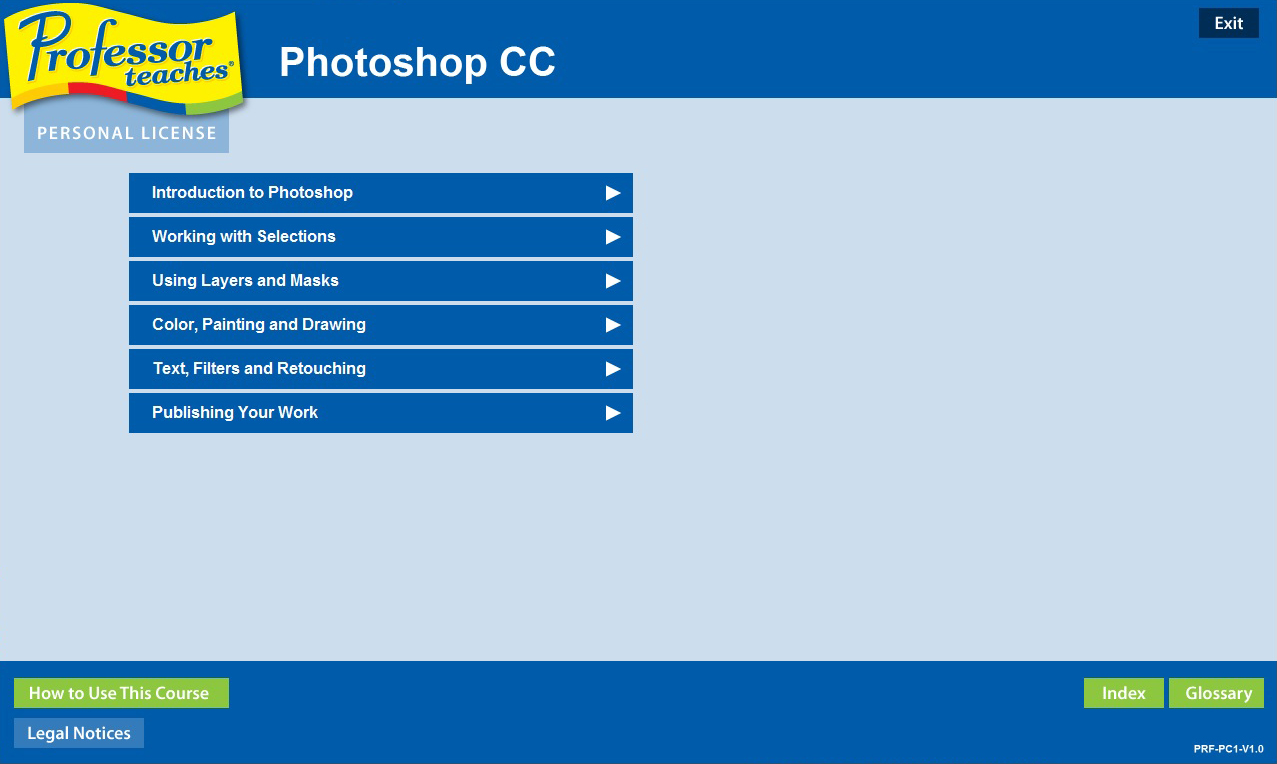
Professor Teaches Photoshop Creative Cloud is a fast and easy way to learn Adobe Photoshop CC, the premier image design tool used by artists, animators, design agencies, and web developers and designers. Professor Teaches Photoshop CC provides complete tutorials, guides, and interactive exercises to help unleash your creative potential.

Daftar masuk untuk menambah item ini ke senarai hajat anda, ikuti atau tandakannya sebagai diabaikan

Bahasa Bahasa Melayu tidak disokong

Produk ini tidak menyokong bahasa tempatan anda. Sila semak senarai bahasa yang disokong di bawah sebelum membuat pembelian

Beli Professor Teaches Photoshop Creative Cloud


Tentang Perisian Ini

Professor Teaches Photoshop Creative Cloud is a fast and easy way to learn Adobe Photoshop CC, the premier image design tool used by artists, animators, design agencies, and web developers and designers. Professor Teaches Photoshop CC provides complete tutorials, guides, and interactive exercises to help unleash your creative potential.

Our extensive training course covers all key topics beginning with an overview of Photoshop CC, working with Adobe Photoshop Options, Menus, and Tools, using Selection Tools, understanding Layers, Styles, and Masks, working with the Drawing and Painting Tools, using Filters and Type Effects, and publishing your Creations.

Build your skills and learn everything you need, from beginning to advanced topics. Each interactive tutorial is organized for fast and easy learning with practical exercises that build skills quickly and effectively.
Realistic, Interactive & Complete Training
Realistic simulations provide an accurate learning environment so your use of Photoshop CC is efficient. More than just videos, you'll interact to perform the correct action during each exercise for better learning & retention. Hundreds of learning lessons for beginner through advanced subjects are included. No other training is more complete.
Product Feature Bullets:

• Working with Photo Layers
• Transforming a Selection
• Creating a Selection Mask
• Adjust Color & Retouch Images
• Using Adjustment Tools
• Using the Drawing Tools
• Optimizing Images for the Web

Complete Training

• Practice in a Realistic Simulation of the Software
• Hundreds of Learning Topics
• 4 to 8 Hours of Training per Course
• Realistic Simulations
• Beginner to Advanced Topics
• Self-Paced Learning Objectives
• Introductions and Summaries
• Interactive Exercises
• Professional Voice Narration
• End-of-Chapter Quiz Questions
• Checkmarks for Completed Topics
• Glossary, Index, and Search
• Professor Answers for Instant Training

Keperluan Sistem

    Minimum:
    • OS: 10, 8.1, 8, 7, XP
    • Pemproses: None
    • Memori: 150 MB RAM
    • Storan: 150 MB ruang tersedia
    • Kad Bunyi: 16 Bit Sound Card

Ulasan pelanggan untuk Professor Teaches Photoshop Creative Cloud Tentang ulasan pengguna Pilihan anda

Keseluruhan Ulasan:
Negatif (11 ulasan)


Untuk melihat ulasan dalam sesuatu jangka masa tarikh, sila klik dan seret pilihan pada graf di atas atau klik pada bar tertentu.


Tapis ulasan mengikut masa bermain pengguna semasa ulasan ditulis:


Tiada minimum hingga Tiada maksimum

Tunjuk ulasan dalam susunan paparan yang dipilih


Ketahui Lebih Lanjut
Penapis
Tidak termasuk Aktiviti Ulasan di Luar Topik
Masa bermain:
Kerap Dimainkan di Steam Deck
Operating System:
CPU:
GPU:
Device Type:
Penapis Ulasan