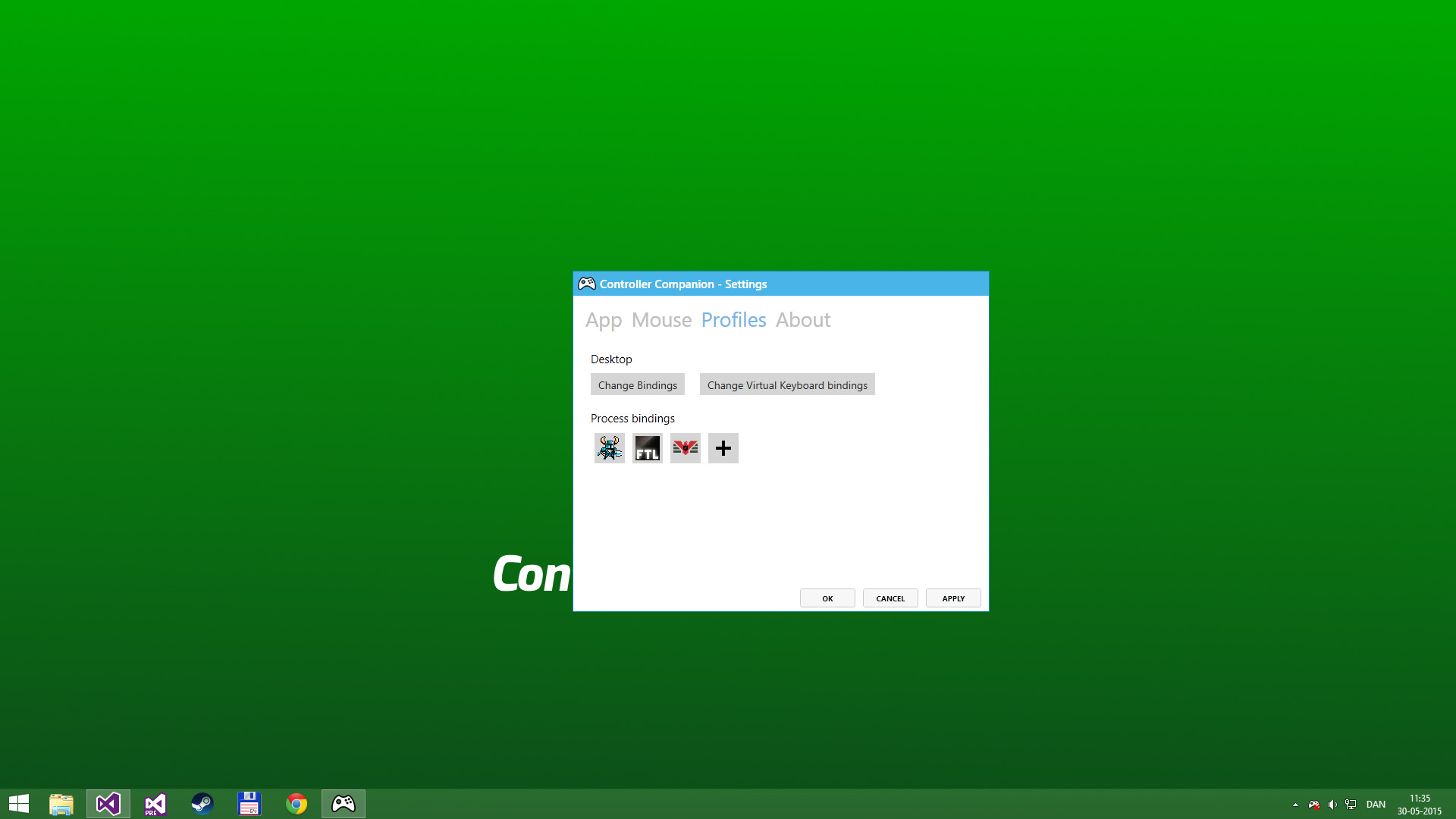
Navigate your PC desktop with a controller! Put mouse, media and keyboard control in the palms of your hands so you'll never have to leave the couch again!

Daftar masuk untuk menambah item ini ke senarai hajat anda, ikuti atau tandakannya sebagai diabaikan

Bahasa Bahasa Melayu tidak disokong

Produk ini tidak menyokong bahasa tempatan anda. Sila semak senarai bahasa yang disokong di bawah sebelum membuat pembelian

Beli Controller Companion


Tentang Perisian Ini

Use your controller even when you're not in-game or in Big Picture.
Never leave the couch when using a controller with PC. Control mouse, keyboard and media player. No more getting up to muck about with mouse and keyboard to launch the game you wanted to play.

Mouse and Keyboard Control on the Desktop
When Big-Picture is not running, you can control the mouse with the left thumbstick and scroll with the right thumbstick.

Click the left thumbstick and you get keyboard input directly on the desktop with a nice arcade-style keyboard spiral.

Turns off your wireless controller when you turn off your PC
Never again will you have to pop out the battery to turn off the controller when you turn off the PC. (Only Xbox 360 Controllers)

Very Low CPU usage
Controller Companion makes sure to stay in the background and use as few resources as possible. It will also disable itself as soon as Big Picture is running.

Switch between PC and TV displays
Switch between your connected monitors or TV screens with the controller.

Use Controller as a Media Remote
Control your music player with the controller using Y for Play/Pause and the shoulder buttons for Previous and Next track.

Customization
You can remap the buttons.

Xbox 360 Chatpad Support
You can finally put the Xbox 360 Chatpad to use on PC. A custom experimental driver will allow you to use the Chatpad whenever you are not playing any games.

Freqently Asked Questions:

Does it work with Xbox One and Wired Xbox 360 Controllers?
Yes, it works with any controller that is supports XInput.

Why did it stop working when playing fullscreen video?
Controller Companion auto-disables for fullscreen programs, you can override it by holding back and start. See the video above about Auto-Disable.

Will running this app show me as "Playing Controller Companion"?
No! Controller Companion will launch through Steam and then run in the background.

Do I need to have Steam running to use Controller Companion
No, you can even set Controller Companion to automatically start when you start your PC.

Is there any kind of DRM in Controller Companion?
No.

Can I use my PlayStation controllers?
No, not without installing an XInput wrapper.

Is the Xbox One Chatpad supported?
The Xbox One Chatpad is supported by Windows 10 natively. You will not need to install Controller Companions chatpad driver do use the Xbox One chatpad

Can I remap the Xbox One Elite paddles?
No, the paddles always have the same functionality as the buttons they have been mapped to. This is a limitation of Windows 10.

Keperluan Sistem

    Minimum:
    • OS *: Windows 7
    • Nota Tambahan: Also required is an XInput compatible controller. If you have a wireless Xbox 360 controller you'll also need an Xbox 360 Wireless Receiver.
    Dicadangkan:
    • OS: Windows 10
* Mulai 1 Januari 2024, Steam Client hanya akan menyokong Windows 10 dan versi yang lebih baharu.

Ulasan pelanggan untuk Controller Companion Lihat pecahan bahasa Tentang ulasan pengguna Pilihan anda

Keseluruhan Ulasan:
Sangat Positif (2,519 ulasan)
Ulasan dalam Bahasa Melayu: 0


Bahasa dengan bilangan ulasan yang mencukupi untuk menjana skor ulasan khusus bahasa telah diasingkan di bawah bagi memudahkan penapisan.


Untuk melihat ulasan dalam sesuatu jangka masa tarikh, sila klik dan seret pilihan pada graf di atas atau klik pada bar tertentu.


Tapis ulasan mengikut masa bermain pengguna semasa ulasan ditulis:


Tiada minimum hingga Tiada maksimum

Tunjuk ulasan dalam susunan paparan yang dipilih


Ketahui Lebih Lanjut
Penapis
Tidak termasuk Aktiviti Ulasan di Luar Topik
Masa bermain:
Kerap Dimainkan di Steam Deck
Operating System:
CPU:
GPU:
Device Type:
Penapis Ulasan