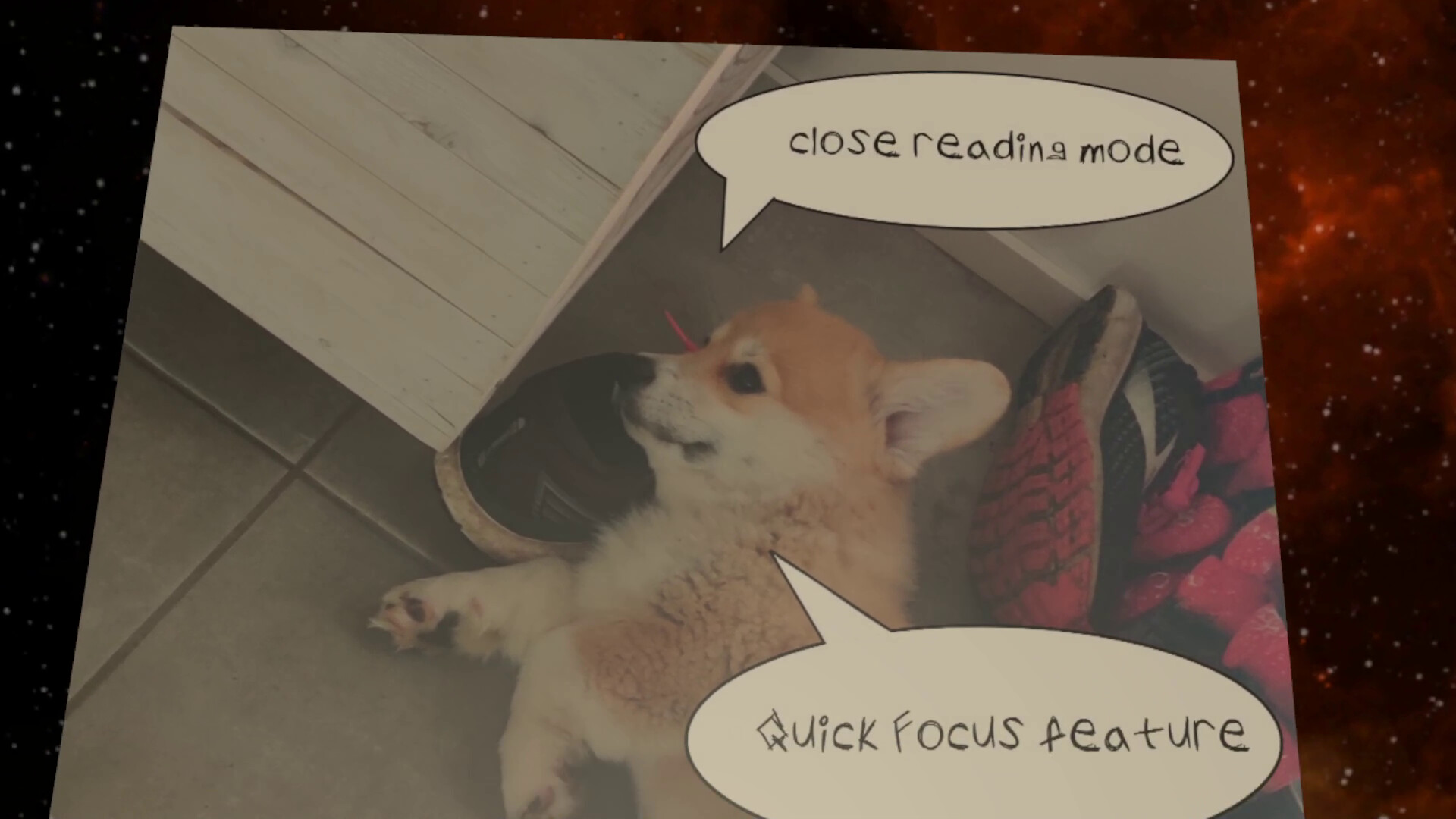
Read manga, magazines and photos in VR. Intuitive controls and zoomable pages are designed for reading small text.
發行日期:
2025 年 5 月 15 日
開發人員:
發行商:
標籤

搶先體驗軟體

立即開始使用,並參與軟體開發過程。

備註:這款搶先體驗軟體尚未開發完成,且內容可能會有所變動。如果目前的開發進度未使您產生興趣,建議您等待本軟體開發至下一階段再決定是否購買。了解更多

開發者的話:

為何採用搶先體驗模式?

「VR Reader already works and I use it a lot. However, it still has some ruff edges, and there's room for optimization. That's why I release it in early access in reduced price, to gather feedback and continue improving.」

這款軟體的搶先體驗時間大約會持續多久?

「Early access will be about 3-9 months, or even more if there's important features to add.
EDIT in 2025/11/14: Oh man time goes fast. I had little time for developing in autumn, and at the same time the scope got too big. Gotta get back to basics and focus on v1.0 release. 」

正式版預計會與搶先體驗版有何不同?

「I plan to updates when they are ready. Focus is now on optimizing performance and adding more quality-of-life improvements to enhance the user experience.」

搶先體驗版目前的開發進度如何?

「All the features I originally planned and mentation below in "About This Software" section already function, but there might be small bugs. Reading manga or old gaming magazines is enjoyable and works better than from the monitor. 」

軟體售價在搶先體驗期間前後會有所變動嗎?

「Price will go slightly up when more features are added.」

在開發過程中,您打算如何與社群互動?

「Is VR Reader lacking something you need? Leave your suggestion in VR Reader's Steam forum or join the MottiBitti's discord.」
繼續閱讀
不支援繁體中文

本產品尚不支援您的目前所在地的語言。購買前請先確認語言支援清單。

僅有 VR 版

購買 VR Reader

 
查看所有討論

在討論區回報錯誤並留下對於此軟體的意見

關於此軟體

Read manga, comics, magazines and photos from your harddrive in VR.

  • Zoomable and grabbable pages

  • Intuitive controls designed for manga/comics and small text

    • Close reading mode

    • Quick focus

    • Page tilting

  • Great resolution & image compression

  • Supported files in early access: pdf, cbz, zip, jpg, jpegpng

  • No advertising or other hidden costs

  • No online store, you have to have the content in your PC

  • Low system requirements. Tested on an older laptop with an AMD Ryzen 5 3550H, 8GB RAM, and an Nvidia GTX 1050, using a Meta Quest 2 via Steam Link.

Handling the pages and reading in VR works a little differently than in real life. Here are two ways I've found it to be better and more enjoyable in VR than in real life.

FULL PAGE MODE

  • Focus the page

  • Zoom so you see the whole page at once

  • Turn tilting toggle on from book settings

  • Press left/right to turn the whole page normally and use Focus when necessary

CLOSE READING MODE

  • Turn tilting off from book settings

  • Use focus to center the page

  • Pressing up/down keeps the page in close, and pulls it from up to down

Day 1 update v0.8.3: Analog stick deadzone slider, and early keyboard support. More info in Community Hub (button on upper side of the Steam page).

2025.9.29 Update v0.8.5: Update for VR controller's deadzone

2025.10.8: Quick security patch fix.

AI 生成內容聲明

開發者針對他們的遊戲使用 AI 生成內容方式的說明如下:

AI made imaginary comic book pages seen in trailer and previev pictures.

系統需求

    最低配備:
    • 作業系統: Windows 10
    • 處理器: Intel i3-6100/AMD Ryzen 3 1200
    • 記憶體: 8 GB 記憶體
    • 顯示卡: NVIDIA GTX 970/AMD Radeon R9
    • DirectX: 版本:12
    • 儲存空間: 300 MB 可用空間
    • VR 支援: OpenXR supported headsets and OpenXR Toolkit supported controllers: Meta Quest 1, Meta Quest 2, Meta Quest 3, Meta Quest Pro, HTC Vive, Valve Index, Oculus Rift, WMR headsets
    • 備註: Works in AMD Ryzen 5 3550H, 8GB, Nvidia 1050 laptop with Meta Quest 2 via Steam Link
    建議配備:
    • 作業系統: Windows 10, Windows 11
    • 處理器: Intel i5-4590/AMD Ryzen 5 1500X
    • 記憶體: 16 GB 記憶體
    • 顯示卡: NVIDIA GTX 1060/AMD Radeon RX 480
    • DirectX: 版本:12
    • 儲存空間: 300 MB 可用空間
    • VR 支援: OpenXR supported headsets and OpenXR Toolkit supported controllers: Meta Quest 1, Meta Quest 2, Meta Quest 3, Meta Quest Pro, HTC Vive, Valve Index, Oculus Rift, WMR headsets
此產品無任何評論

您可以撰寫評論來與社群分享您對於本產品的看法。請使用本頁面中位於購買按鈕上方的區塊來進行評論的編寫。