Create your own wonderful dice art by laying down colorful and small dice. With reference photos and videos, anyone can easily get started with dice art.

Sign in to add this item to your wishlist, follow it, or mark it as ignored

Buy Dice Art Studio


About This Game

About

Dice Art Studio allows you to create dice art up to 512x512 size. Customize the surface and eyes of the dice with your favorite color and texture to create a unique work.

"I don't know what to make."
"I'm not confident in my artistic ability."

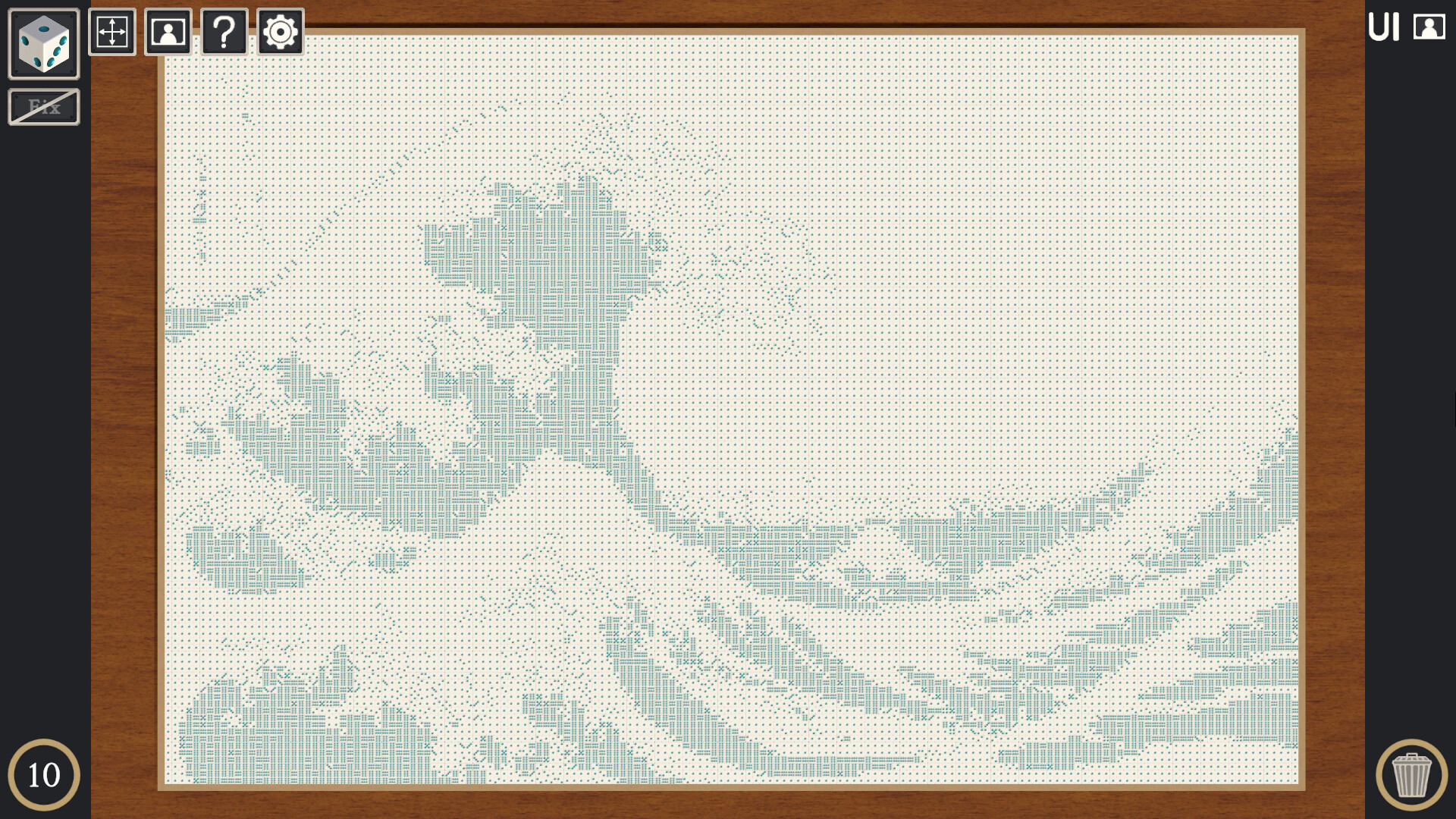
For those of you who feel this way, we have a function (*1) that converts photos and images into sample images for dice art placement. Just prepare your favorite photos and images and you can enjoy dice art as if you were filling in a jigsaw puzzle.

Features

  • Create dice art up to 512x512 size

  • Dice customization function (color, metal feel, surface smoothness)

  • Image conversion function

Guidelines for video and live streaming, etc.

If you need one, check out the Myojo Studio website.

Music used in the video

George Street Shuffle by Kevin MacLeod
Music promoted by Chosic
Creative Commons Creative Commons: By Attribution 3.0 License

________________________________

*1 The image conversion function converts your photos and images into an image that shows the dice placement and the dice number that faces forward. The converted sample image will not include the colors of the original photo or image.

System Requirements

    Minimum:
    • OS: Windows 10+
    • Processor: Depends on art size
    • Memory: 2 GB RAM
    • Graphics: Depends on art size
    • Storage: 1 GB available space
There are no reviews for this product

You can write your own review for this product to share your experience with the community. Use the area above the purchase buttons on this page to write your review.