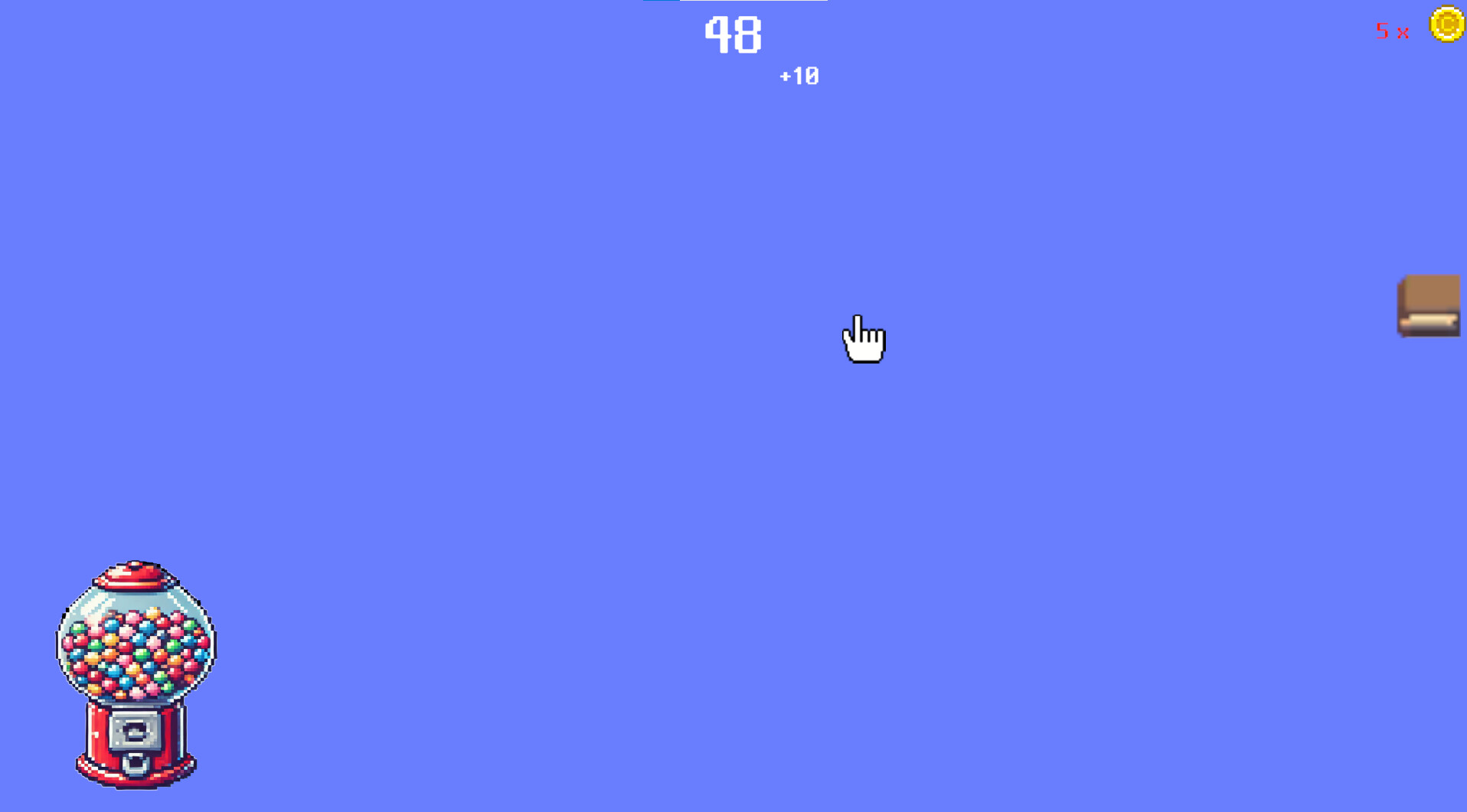
Collect and draw game cursors in this game! Click to earn coins, and use those coins to draw new cursors to fill up your collection.

Zaloguj się, aby dodać tę pozycję do listy życzeń, zacząć ją obserwować lub oznaczyć jako ignorowaną

Polski język nie jest obsługiwany

Ten produkt nie obsługuje twojego lokalnego języka. Przed zakupem zapoznaj się z listą obsługiwanych języków, która znajduje się poniżej.

Kup CursorPlayer


O tej grze

Cursor Collection Gacha Game
When you achieve 100 clicks through left-clicking, you earn 1 coin. Click on the Gacha Machine located at the bottom left corner to navigate to the Gacha page. On the Gacha page, click on the wallet to make coins pop out, which will automatically move towards the Gacha Machine. Coins that don't make it into the Gacha Machine can be moved with your cursor. You can either put them back into the wallet for safekeeping or leave them on the ground. However, be careful, as any coins left on the ground might get stolen, so make sure to either put them in the Gacha Machine or store them in the wallet.

Cursors obtained from the Gacha can be equipped or unequipped by clicking the collection icon on the right side of the coin earning page. The first to fourth cursors from the top left of the collection are of a higher rarity, and you can view their special abilities by right-clicking on them.

Since this is my first game release and I'm still new to game development, I would greatly appreciate any feedback on areas that need improvement. I'm open to suggestions and eager to learn.

Wymagania systemowe

    Konfiguracja minimalna:
    • Wymaga 64-bitowego procesora i systemu operacyjnego
    • System operacyjny: window
    • Procesor: Intel Core i3-2100
    • Pamięć: Minimum: 1GB GB RAM
    • Miejsce na dysku: 1.38 GB dostępnej przestrzeni
    Konfiguracja zalecana:
    • Wymaga 64-bitowego procesora i systemu operacyjnego

Recenzje klientów dla produktu CursorPlayer O recenzjach użytkowników Twoje preferencje

Ogólne recenzje:
Recenzje użytkowników: 1 (1)


Aby zobaczyć recenzje w wybranym zakresie dat, kliknij i przeciągnij zaznaczenie na powyższym wykresie lub kliknij na wybrany słupek.


Filtruj recenzje według czasu gry użytkownika w momencie publikacji recenzji:


Bez minimum do Bez maksimum

Pokaż recenzje w wybranej kolejności wyświetlania


Dowiedz się więcej
Filtry
Wyłączanie okresów występowania recenzji nie na temat
Czas gry:
Głównie Steam Deck
System operacyjny:
CPU:
GPU:
Typ urządzenia:
Brak recenzji pasujących do filtrów ustawionych powyżej
Dostosuj filtry powyżej, by zobaczyć inne recenzje
Wczytywanie recenzji…