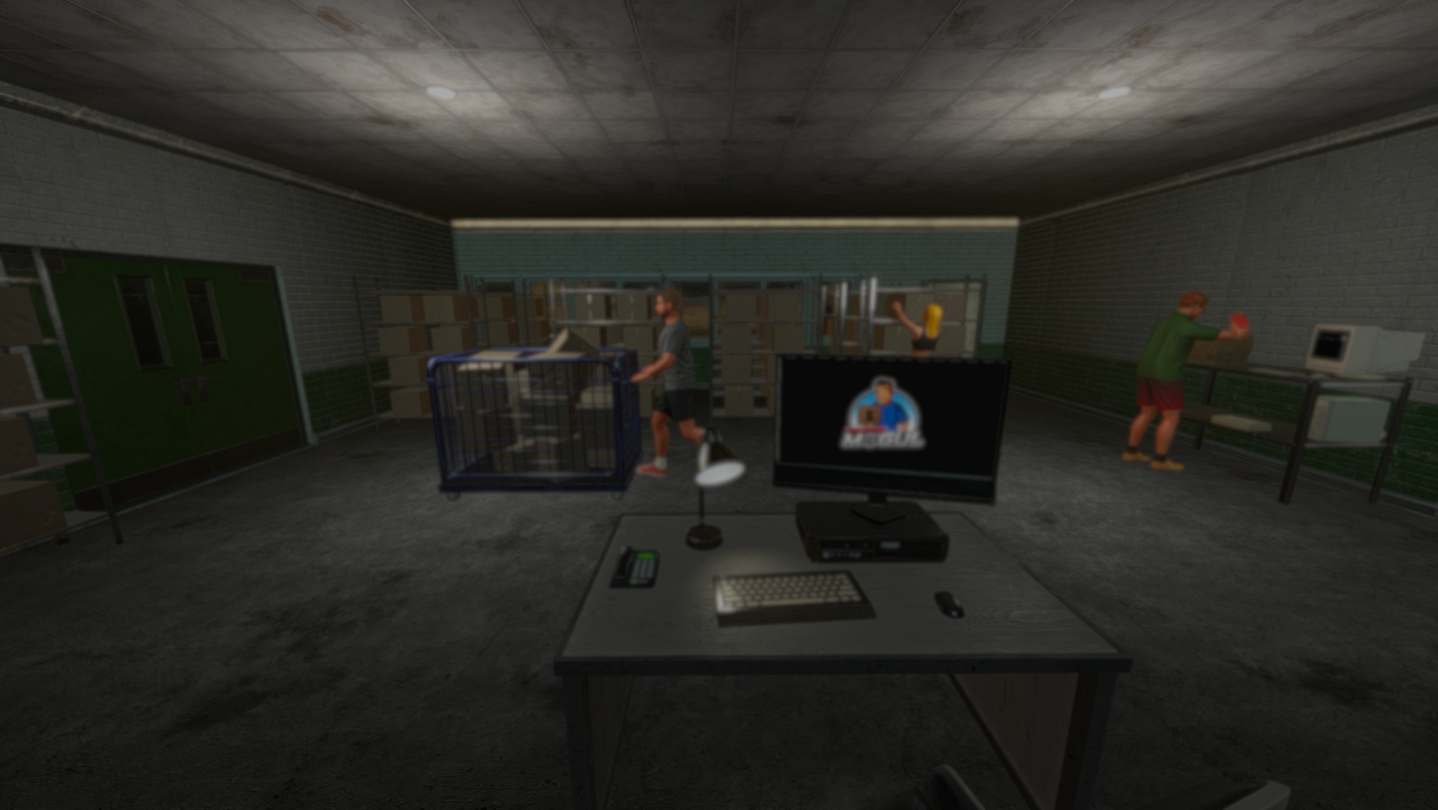
Rise to become a webstore mogul by managing your own online shop. Set prices for your products, manage inventory, hire employees, and design your online store. With strategic decisions and effective management, you will build a successful online business.

로그인하셔서 게임을 찜 목록에 추가하거나, 팔로우하거나 또는 제외로 지정하세요.

앞서 해보기 게임

지금 바로 플레이할 수 있습니다. 게임이 개발되는 과정에 참여하세요.

참고: 앞서 해보기 게임은 완성된 게임이 아니며 개발이 진행됨에 따라 크게 바뀔 수 있습니다. 게임의 현재 상태가 흥미롭지 않게 느껴진다면, 개발이 더 진행될 때까지 기다려 보세요. 앞서 해보기에 대해 자세히 알아보세요.

개발자의 한마디:

왜 앞서 해보기를 진행하나요?

“Webstore Mogul is still to get some great features, which require a longer development time. Based on player feedback, we can find out which features are of great importance or which existing modules should be improved. Thanks to the early access, however, we can still present the game to the players so that you can already have fun with it.”

얼마나 오래 앞서 해보기를 진행할 계획인가요?

“We plan to fully release the game in 12 months after the Early Access release. It is important for us to deliver good content quickly.”

정식 버전은 앞서 해보기 버전과 어떻게 달라지나요?

“As a player, the customisation of the shop should become even more interactive and personal. Of course, this also includes many new products that can be sold. But also completely new features, such as new employee jobs, supplier selection, shop takeover and much more.”

앞서 해보기 버전은 현재 어떤 상태인가요?

“At the moment you can already play the big features of the game and have a lot of fun. Shop creation, warehouse management, free market system are just a few examples of what is in the version so far. From personalising your own shop to managing your first employees, you can already become a webstore mogul.”

앞서 해보기 기간 전후로 게임 가격이 달라지나요?

“The price of the game will increase slightly when it is released as a full version. We justify this with the many new features that will be included in the full version.”

개발 과정에서 어떻게 커뮤니티와 소통할 계획인가요?

“You can send us suggestions, bugs and improvement requests via our social media channels, Discord and also via the Steam community function. We also want to organise polls where players can vote for certain implementations. As a developer, you always have a kind of tunnel vision on your own game. Active players can help to bring in a view from outside. This view is worth its weight in gold and we would therefore like to actively involve them in the development of the game.”
더 읽어보기
한국어(을)를 지원하지 않습니다

이 제품은 귀하의 로컬 언어를 지원하지 않습니다. 구매하기 전에 아래에 있는 지원하는 언어 목록을 확인해주세요.

Webstore Mogul 구매

출시 기념 할인! 종료일: 2025년 12월 16일

 
모든 토론 보기

버그를 신고하고 게임 토론에 피드백을 남기세요.

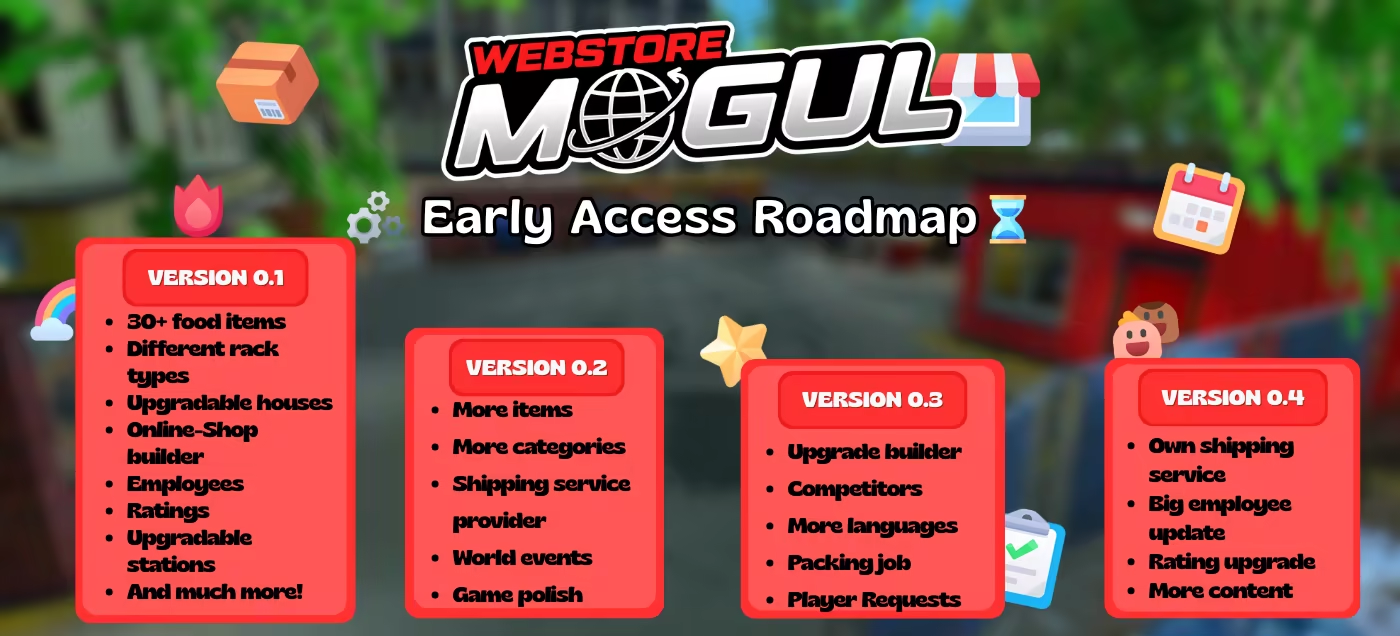
로드맵

게임 정보

Create your own online shop. Choose your desired name and the category that suits you. Process new incoming orders with an interactive packing system.

Organise your warehouse according to your wishes. Order products and store them based on your own system. Expand when space becomes tight. Build different shelves for different products so that they can be stored correctly. Keep an overview of your warehouse so that you can offer your customers a smooth and fast ordering process.

Set the prices for your products yourself by analysing the market. Base your prices on customer demand and the global market. If you miscalculate, it can be expensive. If your prices are too high, customers will rate you less favourably and you will receive fewer orders. But if your prices are too low, you won't make a profit. Will you find the happy medium to satisfy customers and your bank account?

It is almost impossible to manage the work alone. It's a good thing that there are (mostly) capable employees out there who (mostly) want to make your work easier. They can do all the work for you. Re-ordering products, processing orders or working in the warehouse. You only have to count the money yourself.

The appearance of your online shop is of great importance. Who wants to buy from a site that just looks "normal"? Add shop elements such as navigation, images, product overviews or simply text. Customise every single detail exactly as you wish. Whether the colour of the text or the position of your logo. Become a web designer so that your customers feel comfortable in your online shop.

AI 생성 콘텐츠 사용 공개

개발사는 게임에서 AI 생성 콘텐츠를 사용하는 방법을 다음과 같이 설명합니다.

Steam capsule contains AI components

시스템 요구 사항

    최소:
    • 64비트 프로세서와 운영 체제가 필요합니다
    • 운영 체제: Windows (64-bit) 10
    • 프로세서: i5 3550 / RYZEN 5 2500X
    • 메모리: 6 GB RAM
    • 그래픽: NVIDIA GTX 1050 / AMD R9 270X
    • DirectX: 버전 11
    • 저장 공간: 8 GB 사용 가능 공간
    권장:
    • 64비트 프로세서와 운영 체제가 필요합니다
    • 운영 체제: Windows (64-bit) 11
    • 프로세서: i5 7600K / Ryzen 5 2600x
    • 메모리: 8 GB RAM
    • 그래픽: NVIDIA GTX 1060 / AMD RX 480
    • DirectX: 버전 11
    • 저장 공간: 8 GB 사용 가능 공간

Webstore Mogul에 대한 사용자 평가 사용자 평가 정보 환경 설정

종합 평가:
사용자 평가 7개 (평가 7개)


특정 날짜 범위에 속하는 평가를 보려면, 위의 그래프에서 선택 항목을 클릭한 후 드래그하거나 원하는 바를 클릭하세요.


평가를 작성한 시점의 사용자 플레이 시간을 기준으로 평가를 필터링:


최소 시간 없음 ~ 최대 시간 없음

선택한 표시 순서로 평가 보기


자세한 정보
필터
게임과 관련없는 평가 활동 제외
플레이 시간:
주로 Steam Deck에서 플레이
위에서 설정한 필터 조건에 맞는 평가가 없습니다
다른 평가를 보려면 위에서 필터를 조정해주세요
평가 불러오는 중...