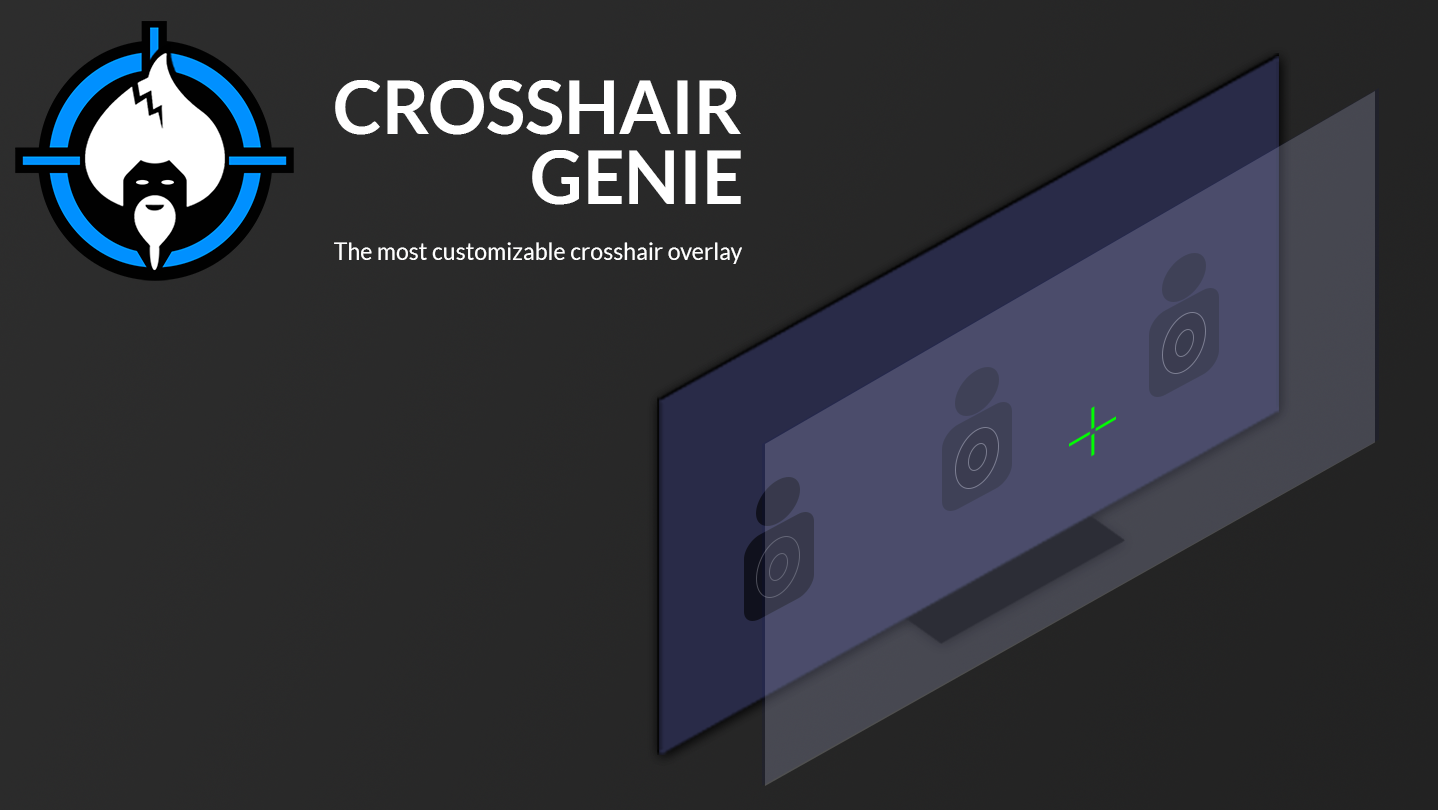
Enjoy a custom crosshair for every game you play using a carefully-constructed and intuitive editor to create the exact crosshair which suits you. Choose from presets that are included and start fragging the way you want.

Connectez-vous pour ajouter cet article à votre liste de souhaits, le suivre ou l'ignorer

Français non disponible

Ce produit n'est pas disponible dans votre langue. Veuillez consulter la liste des langues disponibles ci-dessous avant de l'acheter.

Acheter Crosshair Genie


À propos de ce logiciel

Elevate your gaming experience with Crosshair Genie, a versatile, lightweight overlay ready to adapt to your needs!

Overlay Key Features


  • Scaling and Repositioning on-the-fly.
  • No added Input Lag.
  • Consistent crosshairs between games.
  • Exclusive fullscreen and windowed support
  • Compatible with external overlays meaning no interference with other overlays.
  • Auto-adjusts to fit game resolutions, including stretch resolutions.
  • Light on System Resources resulting in less of an impact on your gaming experience.
  • Anti-cheat Compliant and non-intrusive.
  • Show and Hide functionality via mouse.
  • No Xbox Game Bar required.

Unlock the full capabilities of the overlay by utilising the Designer to perfectly craft a unique and accurate crosshair fit for you and your desired game. Experiment with different tools and tweak your crosshair for the best settings.

Designer Key Features


  • Useful Tools used to make changes to your crosshair.
  • Configurable pixel-space to make meaningful changes required to have a precise crosshair.
  • Preview window to see real-time what the crosshair will look like once shown in the overlay
  • Customisable tool size slider to change multiple pixels simultaneously.
  • Settings window to adjust overlay information (Position, Scale and Visibility) and modify Hotkeys used for both; the Designer and the Overlay.
  • Zoom and Pan functionality such as zooming in and out, resetting the view and panning around the scene to align efficiently.
  • Colour Picker featuring recently selected colours which allows for the necessary colours to be used in your crosshair.
  • Undo and Redo functionality to go back on your mistakes with no worries.
  • Image Loading and Saving so you can either design your crosshair from scratch or use an existing image.
  • Presets allowing you to make a decision on what kind of crosshair best matches you.
  • Resize Canvas enabling you to resize things if enough detail can't be shown for your crosshair.
  • Visibility Preferences such as toggling visibility for grid lines, crosshair lines and more.

Configuration requise

    Minimale :
    • Système d'exploitation et processeur 64 bits nécessaires
    • Système d'exploitation : Windows 10
    • DirectX : Version 11
    Recommandée :
    • Système d'exploitation et processeur 64 bits nécessaires

Évaluations pour Crosshair Genie À propos des évaluations Vos préférences

Évaluations globales :
positives (36 évaluation(s))


Pour consulter les évaluations publiées lors d'une période spécifique, cliquez et faites glisser votre sélection sur un graphique ci-dessus ou cliquez sur une barre.


Filtrer les évaluations en fonction du temps de jeu au moment de leur publication :


Pas de minimum à pas de maximum

Afficher les évaluations dans l'ordre sélectionné


En savoir plus
Filtres
Activité d'évaluation hors sujet exclue
Temps de jeu : 
A joué surtout sur Steam Deck
Système d'exploitation :
Processeur :
Carte graphique :
Type de périphérique :
Plus aucune évaluation ne correspond aux filtres définis ci-dessus
Ajustez les filtres ci-dessus pour voir d'autres évaluations
Chargement des évaluations...