The best audio visualizer this side of the galaxy. Experience your favorite music like never before!

Inicie a sessão para adicionar este item à sua lista de desejos, segui-lo ou ignorá-lo

Indisponível em Português (Brasil)

Este produto não está disponível no seu idioma. Confira a lista de idiomas oferecidos antes de comprar.

Compatível com RV

Comprar AudioSpace


Sobre este software

This music visualization experience was awarded at the Aalto Creatives Art & Tech Open Call ’25 with the following citation:

"AudioSpace harnesses modern computing power to deliver exceptional music visualisation experiences. AudioSpace utilises Unreal Engine and offers high quality visuals to various settings from home PCs to live stages, and VR environments."

Visualization works with any audio received (such as microphone input) or played back (like media players) on your PC. There’s also a powerful built-in synthesizer that responds to MIDI input, allowing you to play music yourself and see it visualized in real time.

Your virtual audiovisual room orbits a planet/star of your choice. On the walls of this room you may choose to display things like vectorscopes, spectrograms, waveforms, or just a cat nodding its head to the music if that's your thing. There are many visualization shaders readily available, and you are free to modify them or create new ones!

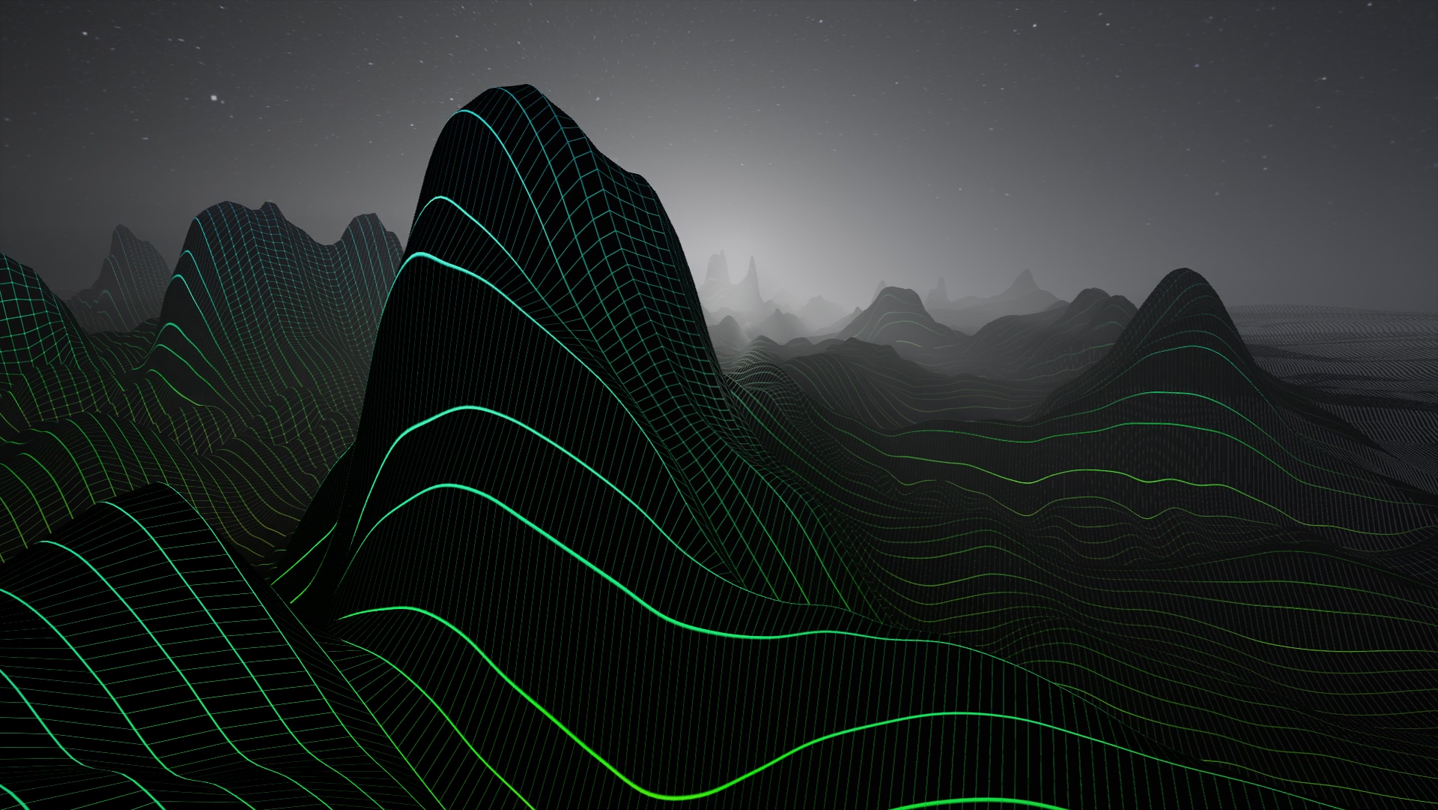
Each wall also has a media player, supporting a wide range of audio and video formats as well as playlists. Inside the room and in the surrounding space you have a selection of unique 3D visualization elements that you may combine and configure to your liking. Sound moves and shapes the elements, particles dance to the rhythm. Chill out watching the auroras, fly over rolling wavescapes, or engage full speed into a warp tunnel. Freely configurable scene presets can be instantly selected with keyboard or set to change at random (or in order) when silence is detected between tracks. Randomization can also be activated for visualization parameters and color palettes.

Virtual Reality is supported through OpenXR; reference hardware is Pimax 5K Plus with Valve Index controllers (finger tracking included), but any OpenXR compatible VR headset should work. Controller support is readily available for HTC Vive, Oculus Touch and Windows Mixed Reality, but can be customized and expanded via SteamVR Input. In VR, music and visualization can come together in a wonderful way. Nowhere else does one have the freedom to see absolutely anything, only limit is the imagination. AudioSpace puts this freedom into good use and creates an unprecedented way of experiencing music. Enjoy!

Tutorials are available both for the basics and for advanced use in the Community Hub Guides. Some Questions and Answers are found there as well.

Performance and compatibility:

AudioSpace is best experienced with powerful hardware, both CPU and GPU should be relatively recent, mid-to high-end devices. Audio card/interface with low latency is recommended when visualizing audio input instead of output. For professional use, ASIO capturing can be enabled with the "useASIO" option in Documents/AudioSpace/config.ini.

Requisitos de sistema

    Mínimos:
    • Requer um processador e sistema operacional de 64 bits
    • SO: Windows 10 64-bit
    • Processador: Quad Core CPU (4 x 2Ghz)
    • Memória: 8 GB de RAM
    • Placa de vídeo: Nvidia GTX 1080 / AMD Radeon RX 5600 XT, with at least 6 GB VRAM
    • DirectX: Versão 11
    • Armazenamento: 2 GB de espaço disponível
    • Compatibilidade com RV: OpenXR. Finger tracking supported with Valve Index Controllers.
    Recomendados:
    • Requer um processador e sistema operacional de 64 bits
    • SO: Windows 11 64-bit
    • Processador: Intel Core i7-3770K Quad Core CPU or better / AMD FX 4350 Quad Core CPU or better
    • Memória: 16 GB de RAM
    • Placa de vídeo: Nvidia RTX 2080 / AMD Radeon RX 5700 XT, with at least 8 GB VRAM
    • DirectX: Versão 11
    • Armazenamento: 2 GB de espaço disponível
    • Compatibilidade com RV: OpenXR. Finger tracking supported with Valve Index Controllers.

Análises de usuários para AudioSpace Sobre as análises de usuários Suas preferências

Análises em geral:
8 análises de usuários (8 análises)


Para ver análises de um período específico, clique e arraste uma seleção no gráfico acima ou clique em uma barra específica.


Filtrar análises de acordo com o tempo de jogo do usuário no momento da publicação:


Sem mínimo até Sem máximo

Exibir as análises na ordem de exibição selecionada.


Saiba mais
Filtros
Ocultando atividade de análises fora de tópico
Tempo de jogo:
Jogado principalmente no Steam Deck
Sistema operacional:
Processador:
Placa de vídeo:
Tipo de dispositivo: