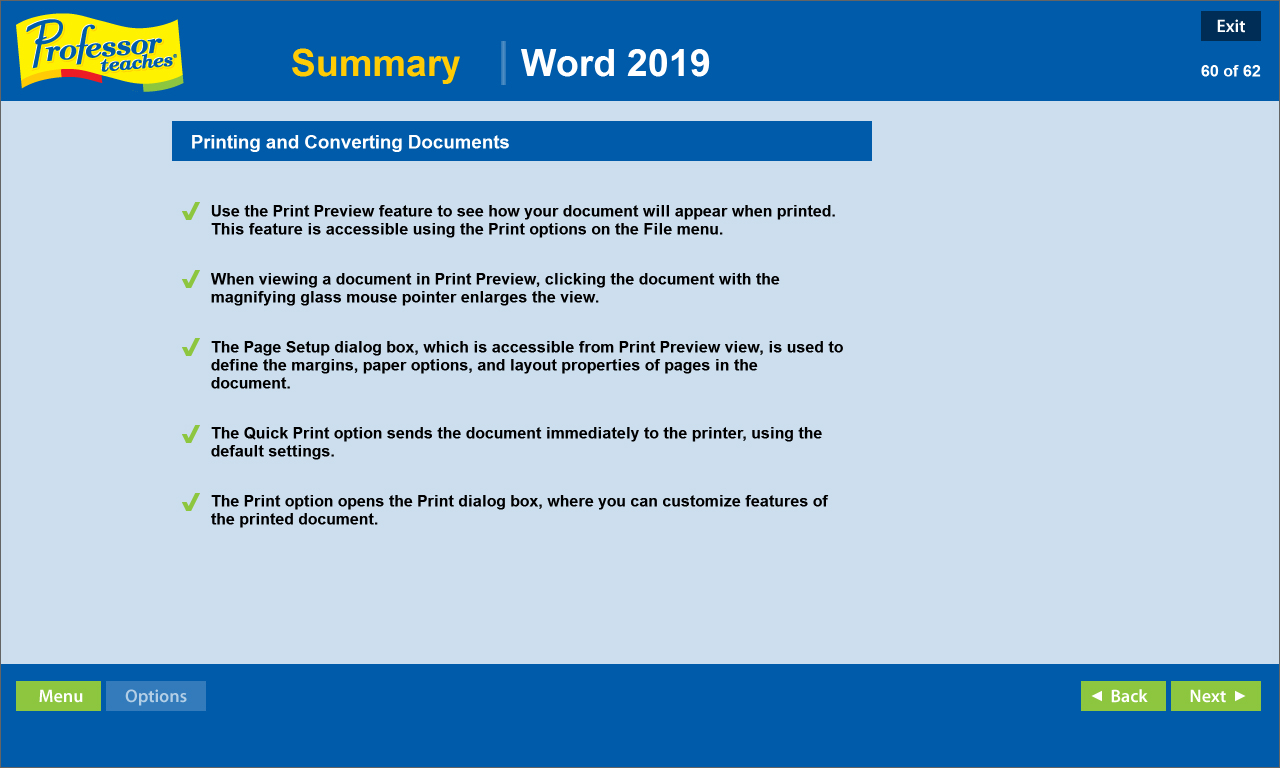
Professor Teaches, the leading brand of training, provides realistic, interactive, and complete training for Word 2019. Build your skills with Professor Teaches tutorials and learn everything you’ll need, from beginning to advanced lessons.

Connectez-vous pour ajouter cet article à votre liste de souhaits, le suivre ou l'ignorer

Français non disponible

Ce produit n'est pas disponible dans votre langue. Veuillez consulter la liste des langues disponibles ci-dessous avant de l'acheter.

Acheter Professor Teaches Word 2019

PROMO DE LA SEMAINE ! L'offre prend fin le 9 février

-30%
$14.99
$10.49
 

À propos de ce logiciel

Professor Teaches, the leading brand of training, provides realistic, interactive, and complete training for Word 2019. Build your skills with Professor Teaches tutorials and learn everything you’ll need, from beginning to advanced lessons. Each interactive tutorial is organized for fast and easy learning so you can practice and apply what you learn right away.

Learn Microsoft Word 2019 with hours of interactive training lessons and exercises. Microsoft Word is a word processing program that is a part of the Microsoft Office suite. This program allows you to create high quality, professional-looking documents using the finest document formatting tools. Professor Teaches Word 2019 will teach you how to create, edit, save, share, and access documents online from any internet browser.

The Benefits of Learning Microsoft Word 2019
• Create professional-looking documents for presentations and reports
• Learn to create meaningful reports and share valuable information
• Learn to export information as a web page

Word 2019 – Over 70 Lessons!
Our extensive computer training course will cover the following topics:
• Learn how to apply Quick Styles
• Use SmartArt™ diagrams
• Publish documents as Web Pages
• Create bulleted and numbered lists
• Insert images, tables, and charts
• Learn to use the Document Inspector
• Explore Office Backstage
• the Quick Access Toolbar
• Working with KeyTips
• Creating and editing text
• Using Repeat, Undo, and Redo
• Revealing and Clearing Formats
• Using the Format Painter
• Exploring page layout options
• And more!

Key Benefits
• Accurate screen presentations, menus, and buttons provide an easy transition to the real application
• Step-by-step interactive exercises help you achieve high retention rates
• Practical exercises and examples make learning easy
• Professional voice narration assists retention
• The most realistic, interactive & complete training


Features of Professor Teaches Word 2019
Practice in a Realistic Simulation of the Software
Hundreds of Learning Topics
4 to 8 Hours of Training per Course
Realistic Simulations
Beginner to Advanced Topics
Self-Paced Learning Objectives
Introductions and Summaries
Interactive Exercises
Professional Voice Narration
End-of-Chapter Quiz Questions
Check marks for Completed Topics
Glossary, Index, and Search
Professor Answers for Instant Training

Configuration requise

    Minimale :
    • Système d'exploitation : 10, 8, 7
    • Processeur : Intel
    • Mémoire vive : 150 MB de mémoire
    • Espace disque : 150 MB d'espace disque disponible
    • Carte son : Recommended

Évaluations pour Professor Teaches Word 2019 À propos des évaluations Vos préférences

Évaluations globales :
1 évaluations (1 évaluation(s))


Pour consulter les évaluations publiées lors d'une période spécifique, cliquez et faites glisser votre sélection sur un graphique ci-dessus ou cliquez sur une barre.


Filtrer les évaluations en fonction du temps de jeu des utilisateurs au moment de leur publication :


Pas de minimum à pas de maximum

Afficher les évaluations dans l'ordre sélectionné


En savoir plus
Filtres
Activité d'évaluation hors sujet exclue
Temps de jeu : 
A joué surtout sur Steam Deck
Plus aucune évaluation ne correspond aux filtres définis ci-dessus
Ajustez les filtres ci-dessus pour voir d'autres évaluations
Chargement des évaluations...