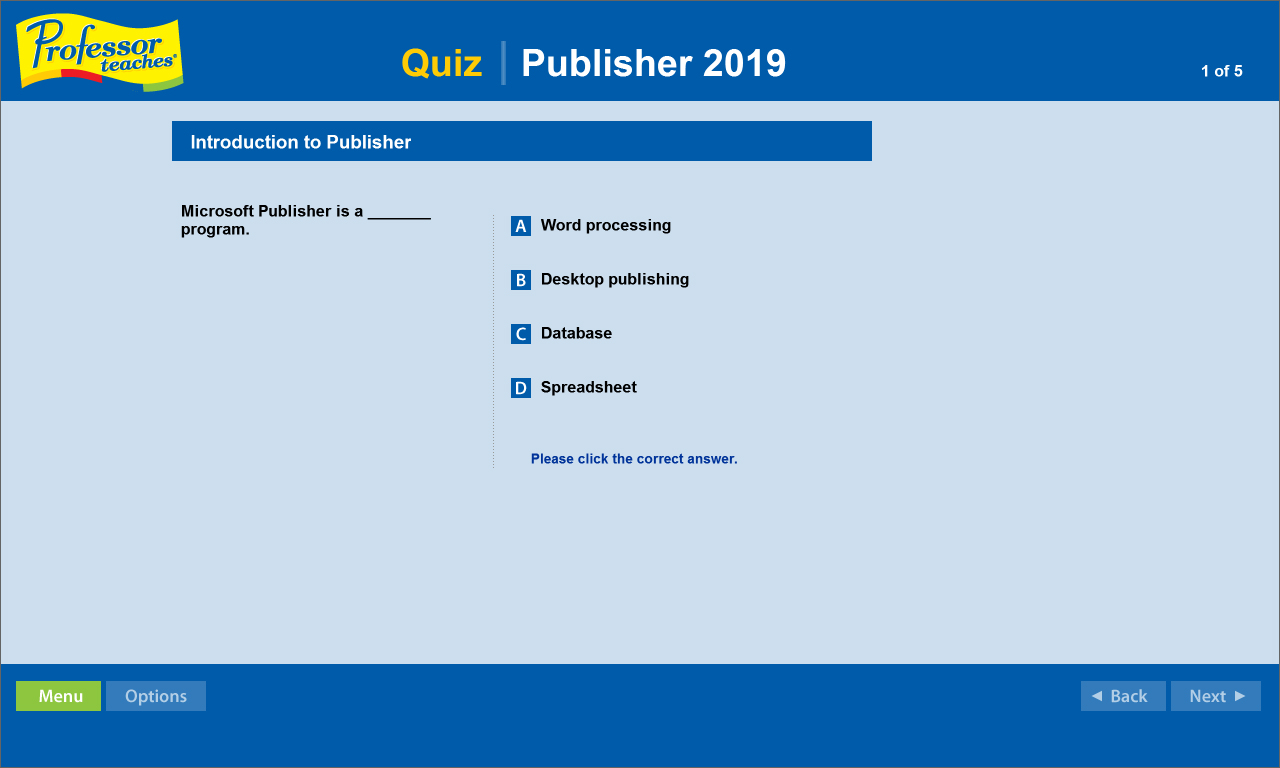
Professor Teaches, the leading brand of training, provides realistic, interactive, and complete training for topics in Publisher 2019. Build your skills with Professor Teaches tutorials and learn everything you'll need.

Jelentkezz be, hogy ezt a tételt a kívánságlistádhoz adhasd, követhesd vagy mellőzöttnek jelölhesd.

A Magyar nyelv nem támogatott.

Ez a termék nem támogatja a nálad beállított nyelvet. Kérjük, vásárlás előtt tekintsd át a támogatott nyelvek listáját.

Professor Teaches Publisher 2019 vásárlása


A szoftverről

Professor Teaches, the leading brand of training, provides realistic, interactive, and complete training for topics in Publisher 2019. Build your skills with Professor Teaches tutorials and learn everything you'll need. Each interactive tutorial is organized for fast and easy learning with practical exercises that build skills quickly and effectively. Download the course and start learning today! Publisher 2019 offers new features and improvements that allows users, both novices and professionals, to create captivating media for print, web, e-mail, and more.

The Benefits of Learning Microsoft Publisher 2019
• Create visually stunning marketing materials for your company.
• Design print media material for large corporations.
• Make captivating fliers for an event, party or concert.
• Create great looking websites using conversion tools.

Publisher 2019 – Over 60 Lessons!
Our extensive computer training course will cover the following topics:
• Office Workspace Basics
• Exploring Microsoft Office Backstage
• Working with the Ribbon
• Customizing the Quick Access Toolbar
• Getting to Know the Publisher Screen
• Opening an Existing Publication
• Building Blocks of a Publication
• Creating Publications for Print
• Modifying Page Layout
• Formatting & Importing Text
• Using Text Styles and Font Schemes
• Using the Format Painter
• Formatting Tables
• Adding Border Art
• Using Catalog Merge
• Modifying Drawing Objects
• Importing a Graphic File
• Creating WordArt
• Inserting Clip Art
• Saving a Publication as a Template
• Creating a Web Publication
• Inserting Hyperlinks
• Publishing Web Pages
• And more!

Key Benefits
• Accurate screen presentations, menus, and buttons provide an easy transition to the real application
• Step-by-step interactive exercises help you achieve high retention rates
• Practical exercises and examples make learning easy
• Professional voice narration assists retention
• The most realistic, interactive & complete training

Features of Professor Teaches Publisher 2019
Practice in a Realistic Simulation of the Software
Hundreds of Learning Topics
4 to 8 Hours of Training per Course
Realistic Simulations
Beginner to Advanced Topics
Self-Paced Learning Objectives
Introductions and Summaries
Interactive Exercises
Professional Voice Narration
End-of-Chapter Quiz Questions
Check marks for Completed Topics
Glossary, Index, and Search
Professor Answers for Instant Training

Rendszerkövetelmények

    Minimum:
    • Op. rendszer: 10, 8, 7
    • Processzor: Intel
    • Memória: 150 MB RAM
    • Tárhely: 150 MB szabad hely
    • Hangkártya: Recommended

A(z) Professor Teaches Publisher 2019 vásárlói értékelései A felhasználói értékelésekről Beállításaid

Összesített értékelés:
1 felhasználói értékelés (1 értékelés)


Az értékelések egy dátumtartományon belüli megnézéséhez kattints és jelölj ki egy részt a fenti grafikonon, vagy kattints egy konkrét sávra.


Értékelések szűrése a felhasználó értékelés íráskori játékideje alapján:


Nincs minimum - Nincs maximum

Választott megjelenítési sorrendben mutatja az értékeléseket.


Tudj meg többet
Szűrők
Témaidegen értékeléstevékenység kizárása
Játékidő:
Főleg Steam Decken játszva
Operációs rendszer:
CPU:
GPU:
Eszköztípus:
Nincs több értékelés, amely megfelel a fent beállított szűrőknek
Állíts a fenti szűrőkön, hogy más értékeléseket láss.
Értékelések betöltése...