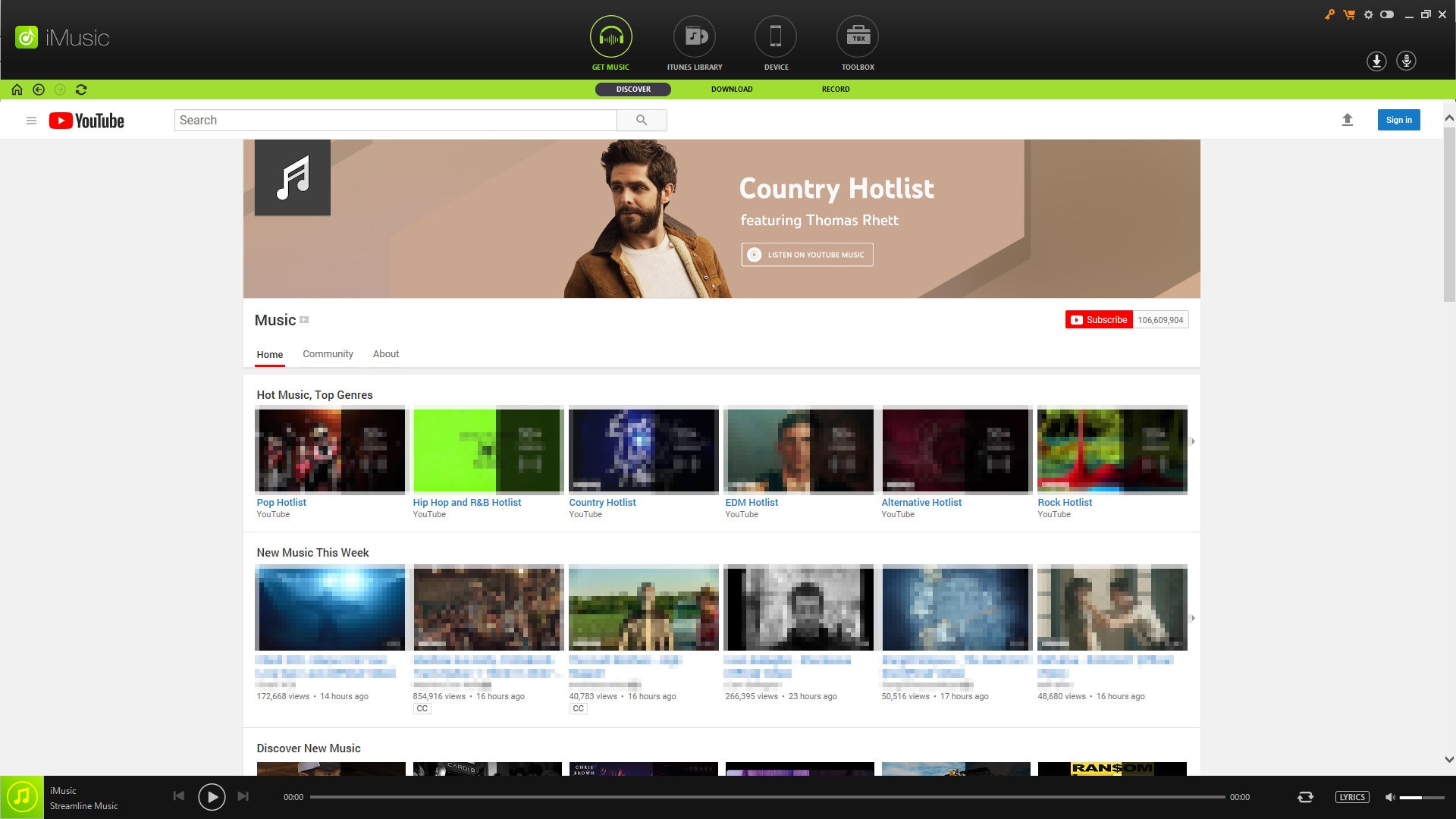
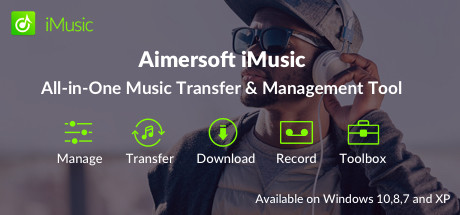
iMusic is an all-in-one music manager and downloader for you to easily manage, record and download music. What's more, you can use it to transfer music between iPhone/iPad/iPod/Android phones and iTunes/Mac/PC.
Tanggal Rilis:
13 Jun 2019
Pengembang:
Penerbit:
Tag

Login untuk menambahkan item ini ke wishlist-mu, mengikutinya, atau mengabaikannya

Bhs. Indonesia tidak didukung

Produk ini tidak didukung dalam bahasamu. Silakan tinjau daftar bahasa yang didukung di bawah ini sebelum melakukan pembelian.

Beli Aimersoft imusic


Tentang Software Ini

>All-in-One Music Management Tool
iMusic is an all-in-one music manager and downloader for you to easily manage, record and download music. What's more, you can use it to transfer music between iPhone/iPad/iPod/Android phones and iTunes/Mac/PC.

• Contains almost all the tools you need to manage downloaded music.
• Transfer music between iPhone/iPad/iPod/Android phones and iTunes/Mac/PC.
• Download music from online music sites from 3000+ sites.
• Playlist batch download in MP3 & MP4 (600+ songs at once).
• Download music in MP3, MP4.

>Manage Music as You Wish
• Backup & Restore iTunes: Allows you to backup and recover the iTunes Library when it's needed.

• Fix Entire iTunes Library: Ability to clean up the dead or broken downloaded music tracks on your iTunes Library; fix mislabeled songs; add missing covers automatically and remove duplicate tracks.


>Transfer Music Between Devices and iTunes
• Between iOS device and iTunes:
Transfer songs/playlists/podcasts/iTunes U from iTunes Library to iPhone, iPad, and iPod without erasing the existing data on your iPhone, iPad and iPod.
1 click to copy music from iPhone, iPad, iPod to iTunes Library without generating duplicates.

• Between Android device and iTunes:
Sync music from iTunes Library to Samsung, LG, Motorola, Sony, ZTE, HUAWEI, Lenovo, etc.
Add music/playlists from Android devices to iTunes Library for further management.

>Download Music You Want
• Download Music from 3000 Sites: iMusic is able to download songs on your PC from more than 3,000 music sites. It means you can directly download MP3 from Spotify, Dailymotion.etc

• Music Playlist Batch Download: Besides downloading songs one by one, you can also use iMusic to download the entire music playlist to MP3 with URL

• HD Music Video Download: It also support downloading high quality music video from Dailymoiton and more.

Note: iMusic is developed for individual usage only. Please don't use it for any commercial purpose.

>Record Songs and Playlists
• To prevent, in some cases, the song cannot be downloaded normally, iMusic provides RECORD feature. Whenever you play a song and you feel like to keep it, just click the RECORD button to get it.

• The ID3 tags, like artist name, song title, year and genre, will be added to the song automatically. This feature is especially helpful when listening to radios.

>Powerful Toolbox
• Remove DRM: Remove music DRM protection and convert downloaded M4P music files to MP3 format.

• Car Playlist: 1 click to transfer downloaded music and playlist to USB drive to enjoy in car.

• Burn DVD: Ability to burn downloaded songs and playlists to CDs with iMusic.

• Built-in Music Player: Stream any music and play the music you downloaded from the Internet on iMusic.

Persyaratan Sistem

    Minimum:
    • OS *: Windows 10/8/7/Vista/XP
    • Prosesor: 1G Hz Intel processor or above
    • Memori: 512 MB RAM
    • Penyimpanan: 100 MB ruang tersedia
* Mulai 1 Januari 2024, Steam Client hanya akan mendukung Windows 10 dan versi yang lebih baru.

Ulasan pelanggan untuk Aimersoft iMusic Tentang ulasan pengguna Preferensimu

Ulasan Umum:
Tidak ada ulasan pengguna


Untuk melihat ulasan dalam rentang tanggal tertentu, klik dan seret pilihan pada grafik di atas atau klik bilah spesifik.


Ulasan filter berdasarkan waktu bermain pengguna saat ulasan ditulis:


Tidak ada minimum sampai Tidak ada maksimum

Tampilkan ulasan dalam urutan tampilan yang dipilih


Pelajari Lebih Lanjut
Filter
Tidak Termasuk Aktivitas Ulasan Keluar Topik
Waktu bermain:
Seringnya Dimainkan di Steam Deck
OS:
CPU:
GPU:
Jenis Perangkat: