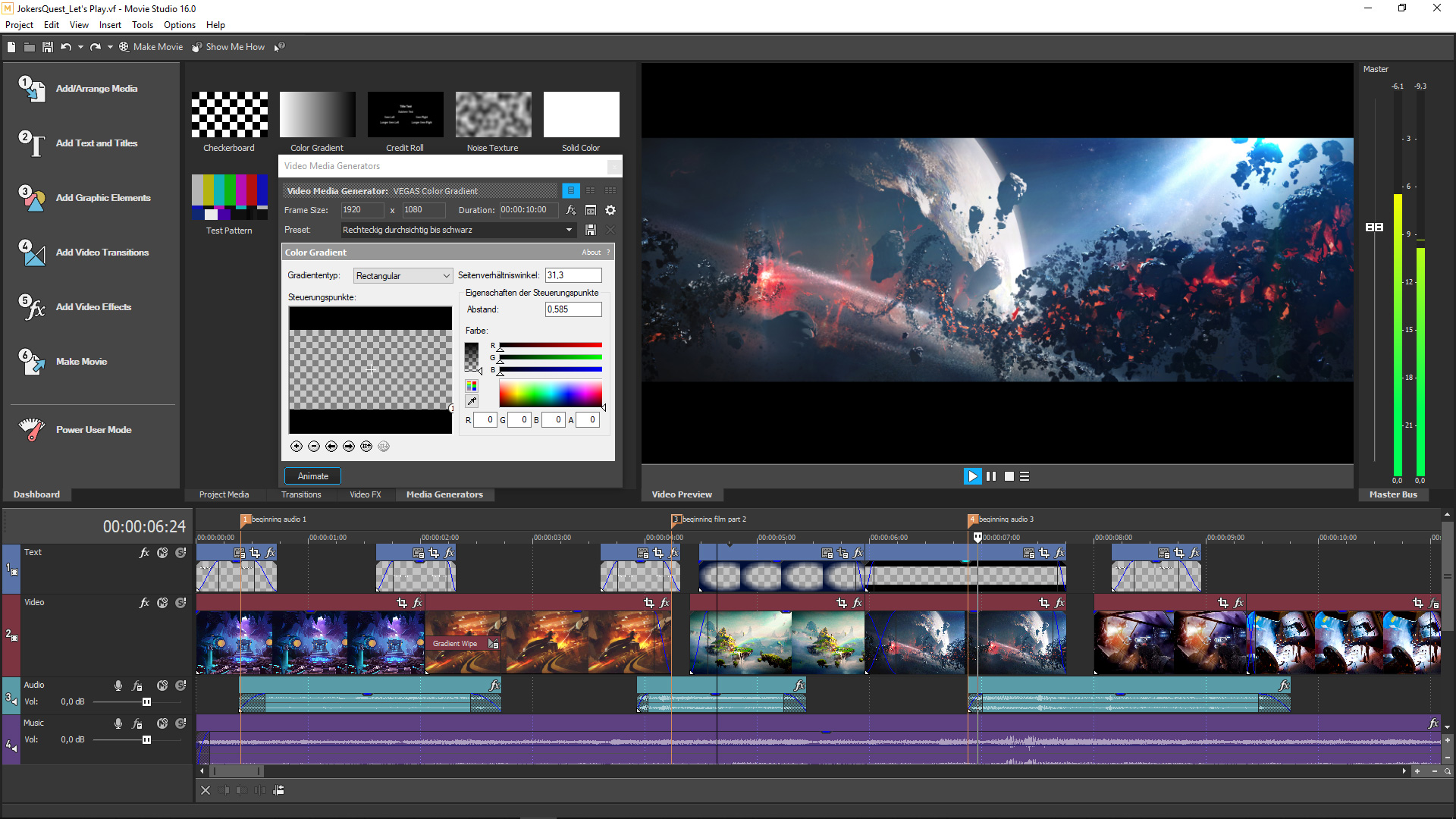
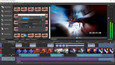
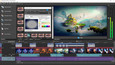
Video and audio editing with pro features as simple as possible! This is what VEGAS Movie Studio 16 Steam Edition stands for. Powerful, yet ease-to-use features give you all you need to make your Let's play and gaming videos look unique and awesome.
1번 스크린샷
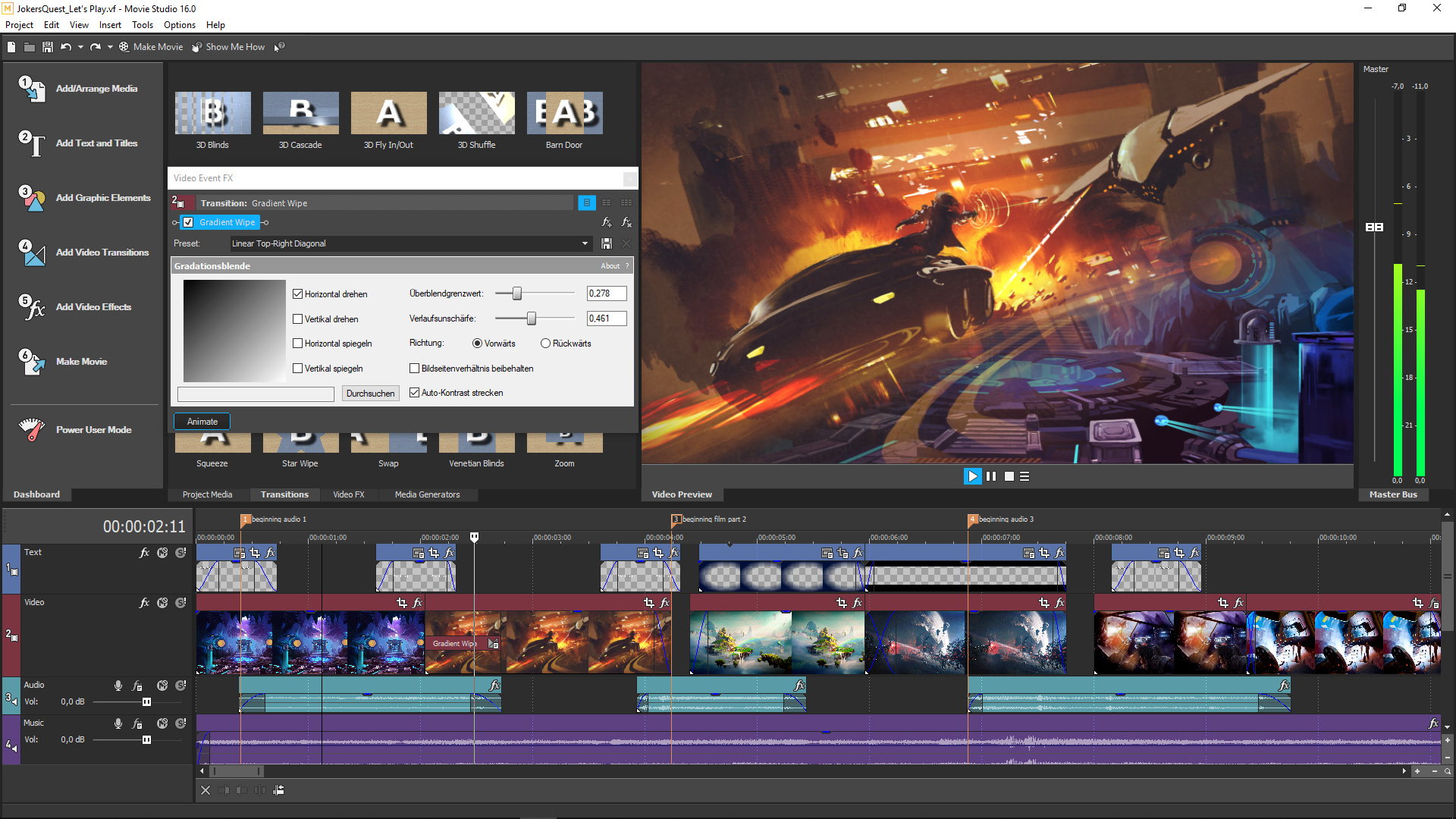
2번 스크린샷
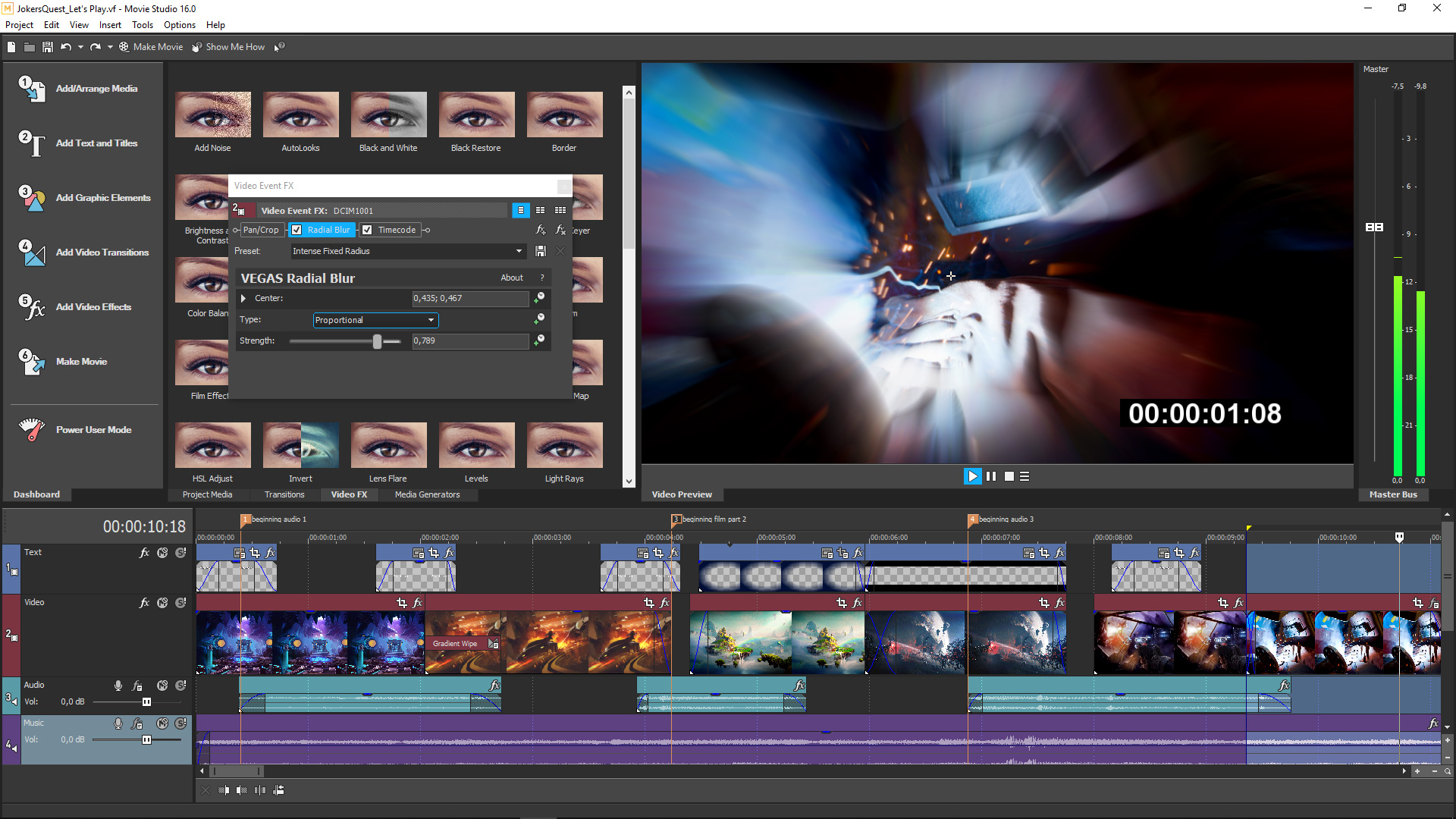
3번 스크린샷
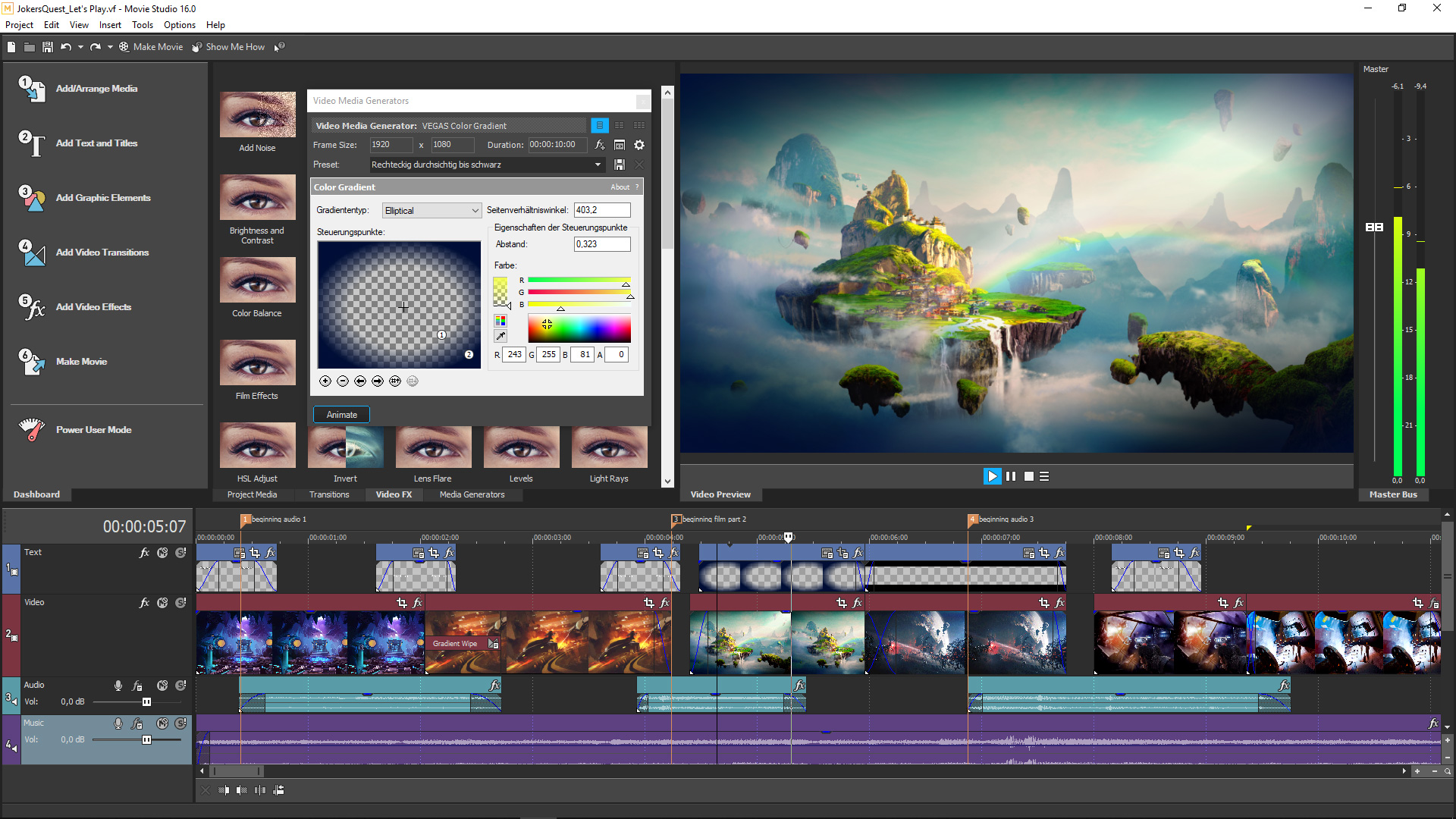
4번 스크린샷
5번 스크린샷

로그인하셔서 게임을 찜 목록에 추가하거나, 팔로우하거나 또는 제외로 지정하세요.

한국어(을)를 지원하지 않습니다

이 제품은 귀하의 로컬 언어를 지원하지 않습니다. 구매하기 전에 아래에 있는 지원하는 언어 목록을 확인해주세요.

주의: VEGAS Movie Studio 16 Steam Edition 게임은 더 이상 Steam 상점에서 이용할 수 없습니다.
 

소프트웨어 정보

Looking for an easy-to-use video editing program for your next YouTube video, Let's Play, vlog, or meme? With VEGAS Movie Studio 16 Steam Edition you can edit your videos any way you want – and faster than ever before. The new "Guided Video Creator" lets your create Videos in five simple steps. Or use "Easy editing modes" to add text graphics, transitions, and effects in no time. At any time, switch to Power user mode to access the full feature set and power of VEGAS Movie Studio 16 Steam Edition.

The perfect introduction to the world of video production: As part of the VEGAS family, VEGAS Movie Studio is powered by the same technology as VEGAS Pro, the fastest and most flexible professional video editing program on the market.

Highlights

[/list]
  • Mode-based workflows for fast & easy video editing
  • 5 steps to complete videos with new Guided Video Creator
  • Unique interactive storyboard editing
  • Tons of video effects and transitions presented in a clear interface
  • Goodbye to long rendering times: Advanced hardware acceleration
  • Advanced Audio Editing with powerful audio tools and the highest audio resolution

Video and audio production

Innovative functions for intuitive editing
Who said video editing has to be complicated? VEGAS Movie Studio 16 Steam Edition makes editing videos a whole lot of fun. Edit, retouch, and organize images and videos easily, with amazing special effects, sophisticated titles, and customized music. Edit your gameplays or vlogs natively in resolutions of up to 4K, then upload the results directly to your channel and share with friends, family, and your subscribers.

Share your results

When your video is finished, sharing it is easy – just use the program wizards to quickly upload your videos and gameplays to Facebook, YouTube, and Vimeo. VEGAS Movie Studio 16 Steam Edition automatically uploads your video in the best format for the platform you select. So what are you waiting for? Share your video with the world!

시스템 요구 사항

    최소:
    • 운영 체제 *: 64-bit Microsoft® Windows 7, Windows 8, Windows 8.1, or Windows 10
    • 프로세서: 2GHz
    • 메모리: 4 GB RAM
    • 그래픽: Supported NVIDIA or AMD GPU
    • 저장 공간: 1500 MB 사용 가능 공간
    • 사운드카드: Windows-compatible sound card
    권장:
    • 운영 체제 *: 64-bit Microsoft® Windows 7, Windows 8, Windows 8.1, or Windows 10
    • 프로세서: Multicore or multiprocessor for HD or stereoscopic 3D
    • 메모리: 8 GB RAM
    • 저장 공간: 1500 MB 사용 가능 공간
    • 사운드카드: Windows-compatible sound card
* 2024년 1월 1일부터 Steam 클라이언트는 Windows 10 이상 버전만 지원합니다.

VEGAS Movie Studio 16 Steam Edition에 대한 사용자 평가 사용자 평가 정보 환경 설정

종합 평가:
복합적 (평가 68개)


특정 날짜 범위에 속하는 평가를 보려면, 위의 그래프에서 선택 항목을 클릭한 후 드래그하거나 원하는 바를 클릭하세요.


평가를 작성한 시점의 사용자 플레이 시간을 기준으로 평가를 필터링:


최소 시간 없음 ~ 최대 시간 없음

선택한 표시 순서로 평가 보기


자세한 정보
필터
게임과 관련없는 평가 활동 제외
플레이 시간:
주로 Steam Deck에서 플레이
위에서 설정한 필터 조건에 맞는 평가가 없습니다
다른 평가를 보려면 위에서 필터를 조정해주세요
평가 불러오는 중...