The Metronomicon: Slay The Dance Floor - [AG] riv otter
Hey dancers!
We released a patch that updates controller support and also supports SteamDeck! You can read the full patch notes below.
Alongside this patch, The Song Editor is now accessible through a dedicated public branch where you can edit and create custom song choreography or create new ones! The branch is called "pcSongEditorIncluded".
Patch Notes
Improved automatic support for auto-detection and button mapping of more major modern controllers.
Improved button iconography for more major modern controllers.
New support for plugging in a controller during gameplay and hot-swapping, including many related niceties.
Press TAB on the Start Menu or Pause Menu to manually scan for newly plugged-in controllers.
Disconnecting a controller during singleplayer play will automatically pause the game.
Dropping a multiplayer controller during multiplayer play will now return to the controller-mapping screen, as will disconnecting at any point in multiplayer story, so controllers can be reassigned.
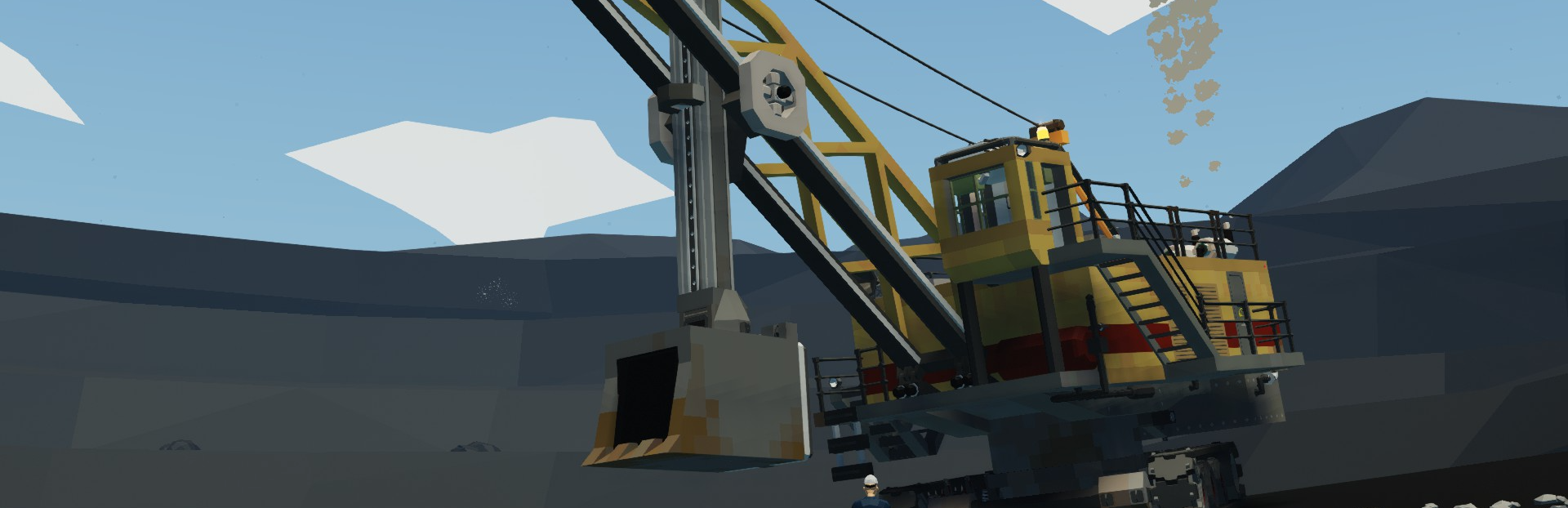
Grab your block and tackle and start calculating your mechanical advantage - rope pulleys are now in Stormworks!
Rope pulleys work in the way you might intuitively expect - a pulley allows rope to pass through, with equal tension on each side of the pulley. Pulling on one side of a pulley will pull the rope through from the other side.
You can create an array of pulleys to create mechanical advantage with a block and tackle style arrangement, or just use pulleys to better design your cranes by separating your winch from the top of your gantry arm.
Two blocks are provided - the 'U' arrangement with rope anchors on the same side, and the 'L' arrangement with rope anchors at right angles to each other.
We have also reworked the preset vehicles a lot, so expect many improvements and new presets.
We have also added several fixes and improvements, please see the notes below for full details.
We hope you enjoy the new update, and look forward to your thoughts, feedback, new cranes and inventive ways of using pulleys!
Much love <3,
The Stormworks Developers
Patch Notes
v1.9.22-23
Feature - #4053 New Rope Pulley Block Feature - #21412 New/updated preset vehicles Feature - Decorated sawyer bases with seasonal meshes Fix - #19513 Train wheels slower in reverse Fix - #21611 Hide player option in camera mode not working Fix - #21484 Fixed and optimized lights in hangar offices and hangars Fix - #21477 Electric valves not working if below 90% charge Fix - #21442 MC editor logic gates descriptions not showing in hotbar Fix - #21342 Removed mega_island_16_3 floating trees
I am happy to announce that I will soon release a prologue for Mortal Glory 2! The prologue will be free and give a short glimpse into the world of Mortal Glory 2.
This update contains many implementations that I am sure a lot of you will like, since many of them were based on your feedback on our Discord server! This may be the last big UI-related update for now, as I will finally start the second phase of the Preview Release, updating the bot.js file and the blocks.
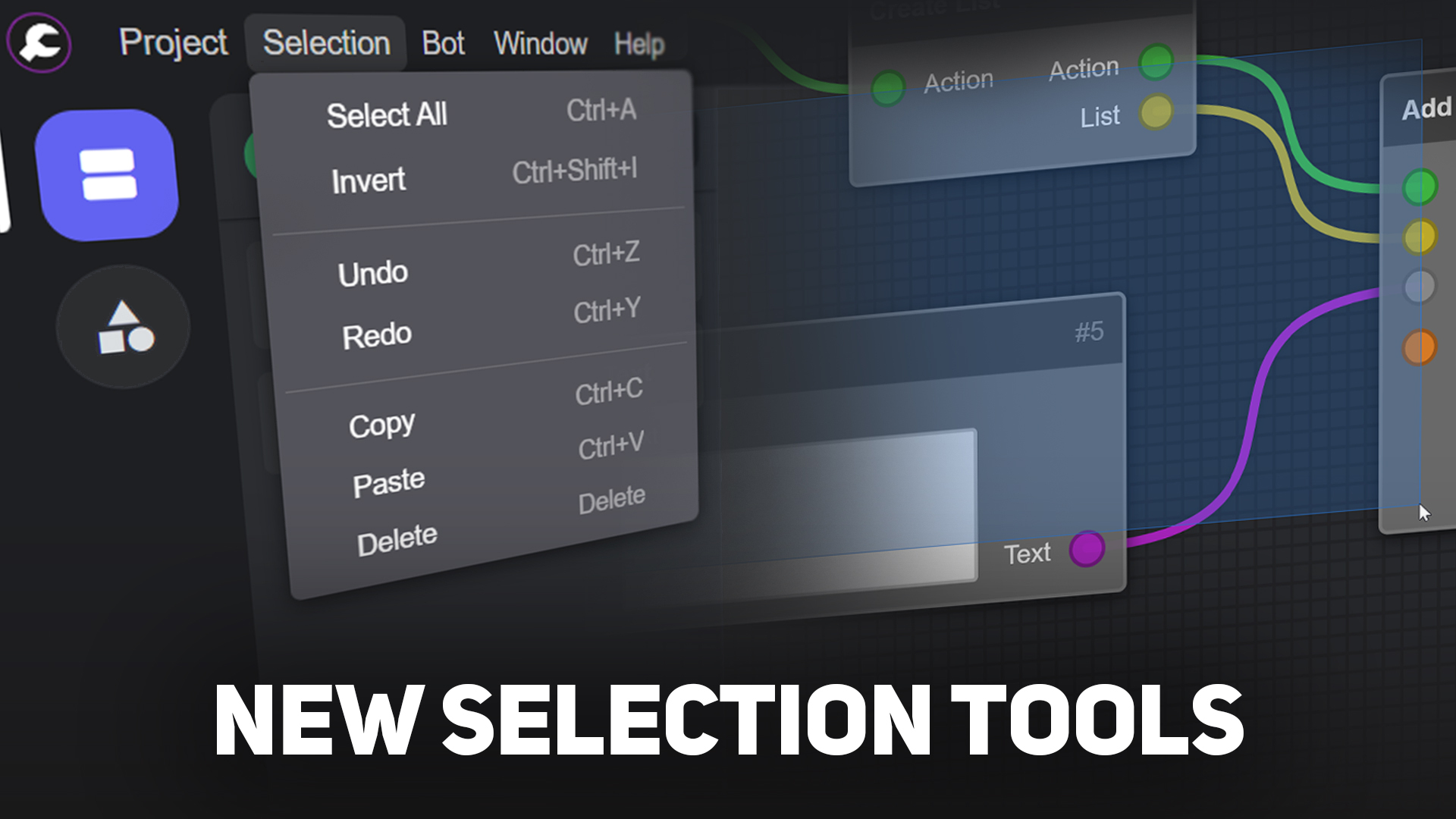
New Selection Tools
Missing your Ctrl+Z uh?
Select each Block and Note to copy and paste them into another workspace or even another project. Hold down Shift+Left Click to make a selection area and also hold down Ctrl to make it invertible. Be aware that the Undo/Redo feature has not been fully tested, so try not to abuse it.
Changelog
Added Copy/Paste
Added Undo/Redo
Added Selection Area
Added "Invert" (selection) menu option
When selecting any Item, it switches to the Workspace Items sidebar automatically
Added a bottom bar in the sidebar to display the active workspace info
Added "Copy Workspace ID" badge to the Workspace Preview popup
Added trivial keyboard shortcuts to Dialogs
Added Hungarian translation by Zan1456
Readded the ability to rename blocks ("Developer" menu) and refresh them ("Bot" menu)
Made the workspace draggable on the outside
Made each workspace have its own zoom and pan
Made the Item Preview animation a bit slower
Made Multiport resizing the Block automatically
Makes a backup of the (raw) project when opening it
Changed the default bot intents (all intents are enabled now)
Fixed Multiport (it's fully functional hopefully, just update your bot.js)
Fixed the Item Browser's search
Fixed bot.js not logging errors
Fixed bot's "data.json" file getting partially reset when saving project
Fixed Block's checkbox option
Fixed "Open Recent" menu
Fixed a rare case where some Block ports could not be connected
PATCH NOTES - v2024.1.5.1 Trash Bandits is officially available on Steam!
GRAPPLE POINTS -Can now be configured to have a "hint" which will show the button prompt for "swing" or "pull" after the player dies in the same room 3 or more times -Added a "Lock X" and "Lock Y" toggle to focus the camera on the grapple point when the player is connected
VENT -Added Vents, which act as teleporters -"Receiving" teleporter will redirect player's velocity towards its opening direction
OPTIONS -Added an option to disable climbing and wall sliding with the analog stick -Added a toggle for shockwaves, e.g. when grappling or triple jumping
PLATFORMS -Fixed a bug preventing player from being crushed while clinging to a moving platform -Paths for moving platforms and hooks are now shown (can be toggled) -Fixed an issue with sliding down into a teleporter sending the player to the wrong position
MUSIC -Music now resumes where it left off after fishing, opening a lootbox, etc.
TV -Added more channels -Added sound effects when near TV -TV picture now maintains the same orientation when TV is flipped horizontally
HOTEL -Added Prickles -Added Mackerel -Added McMouse -Guests now leave more money after eating food -Fixed an issue with the hotel always raining -Hotel now updates guests whenever a level is completed
OTHER -"Return to HQ" is now "Return to Main Menu" if player is in first tutorial level -Fixed quotation marks not appearing at the end of strings -Various updates to cutscenes and dialogue -Updated some fish sprites -Fixed an issue with walljumping while holding the "Cling" button -Buffered inputs can now be cleared, to prevent menus from moving after opening them, etc. -Save files from before the official launch will now be deleted automatically -Added audio and visual effects for collecting a key -Added a sound effect for entering a secret area -Added "Copper Wire" collectible
Greatly enhance building user experience for mobile specially and works as good for PC as well. Now it will work just as mobile-friendly as in any other building game. You can click and drag, move the grid and the grid won't disappear until you successfully construct the object. Furthermore introduced one more main quest for novice iron miner!
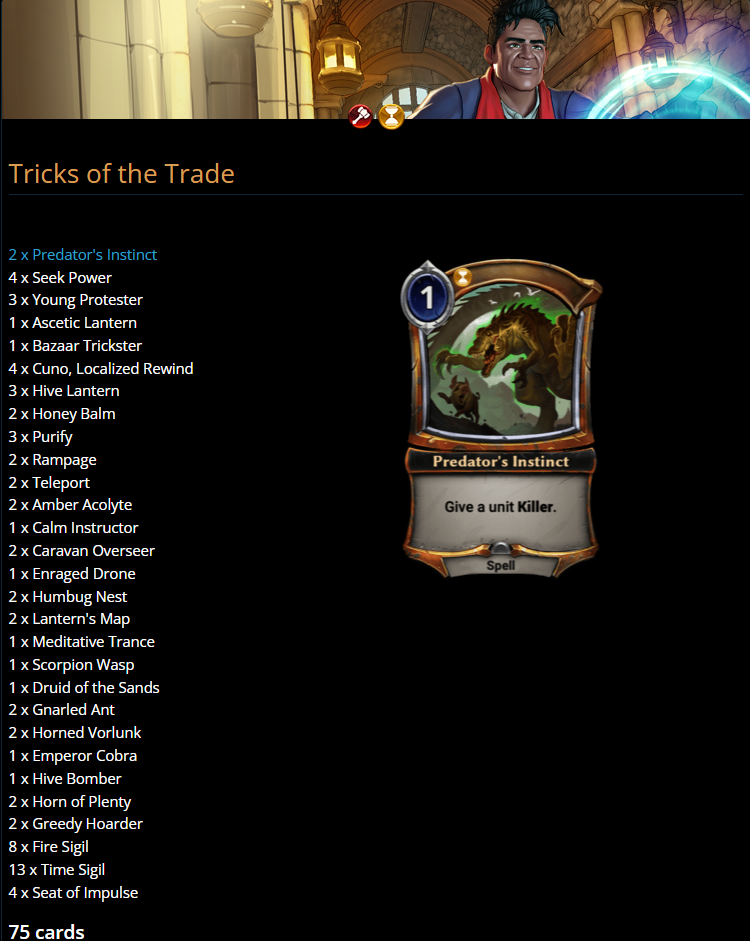
A new year, a new Chapter! Being a professional gambler’s easy when you can rewind time. Unless they catch you…
Heroic Upgrade Players can purchase this Chapter’s Heroic Upgrade For 1000 gems to get:
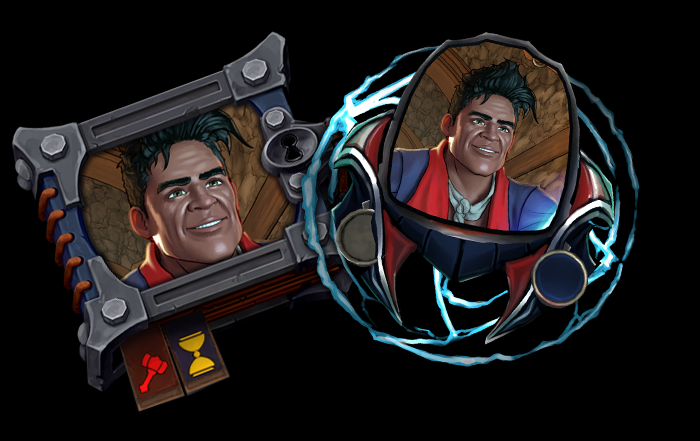
Tricks of the Trade Theme deck 4x premium copies of each of this Chapter’s Promo Cards A Unique Premium Avatar: Cuno, Localized Rewind
Reminder: Premium cards will be granted immediately after purchase for any Missions in a Chapter that a player has completed at the time of purchase. Upcoming premium cards in the Chapter will be granted after a player beats the associated Mission, or at the end of the month.
Magratheus blesses you once again with a third new range of fixes in our latest patch for the Morbid: The Lords of Ire Demo.
Read the full Demo Patch Notes #3 below:
Striver has her Dibrom Sword equipped from the get-go!
Tentacle gate hearts now have their red ribbons back again
Small combat improvements
Camera movement is now allowed while Striver is dead (which she never should be)
Small improvements on the ladders
Further stamina balancing
Small improvements to a few selected assets in Wintry
Removed the "Help" screen from middle mouse-button. Instead, said button now activates targeting
Thalas now gives Skill Points from completed quests, instead of just XP
Small UI improvements
Professor Maximus has a new shiny name
For Dualshock 4 & 5 users - you can now activate the option to use your PS4 & PS5 controllers work with Morbid: The Lords of Ire on Steam! In the settings menu on the Game Hub page, simply select 'Controller' and set the overide setting for Morbid to 'Enable Steam Input'.
Thank you for all the amazing feedback on this demo! We hope you have enjoyed battling through the fearsome enemies of Rimehold so far, and hope that this new patch helps improve your experience!
Have you defeated the fearsome Morio, the Man-Eater yet? If not, then the time is now - pick up your Sword of Dibrom and start on your perilous path that lies before you, Striver...
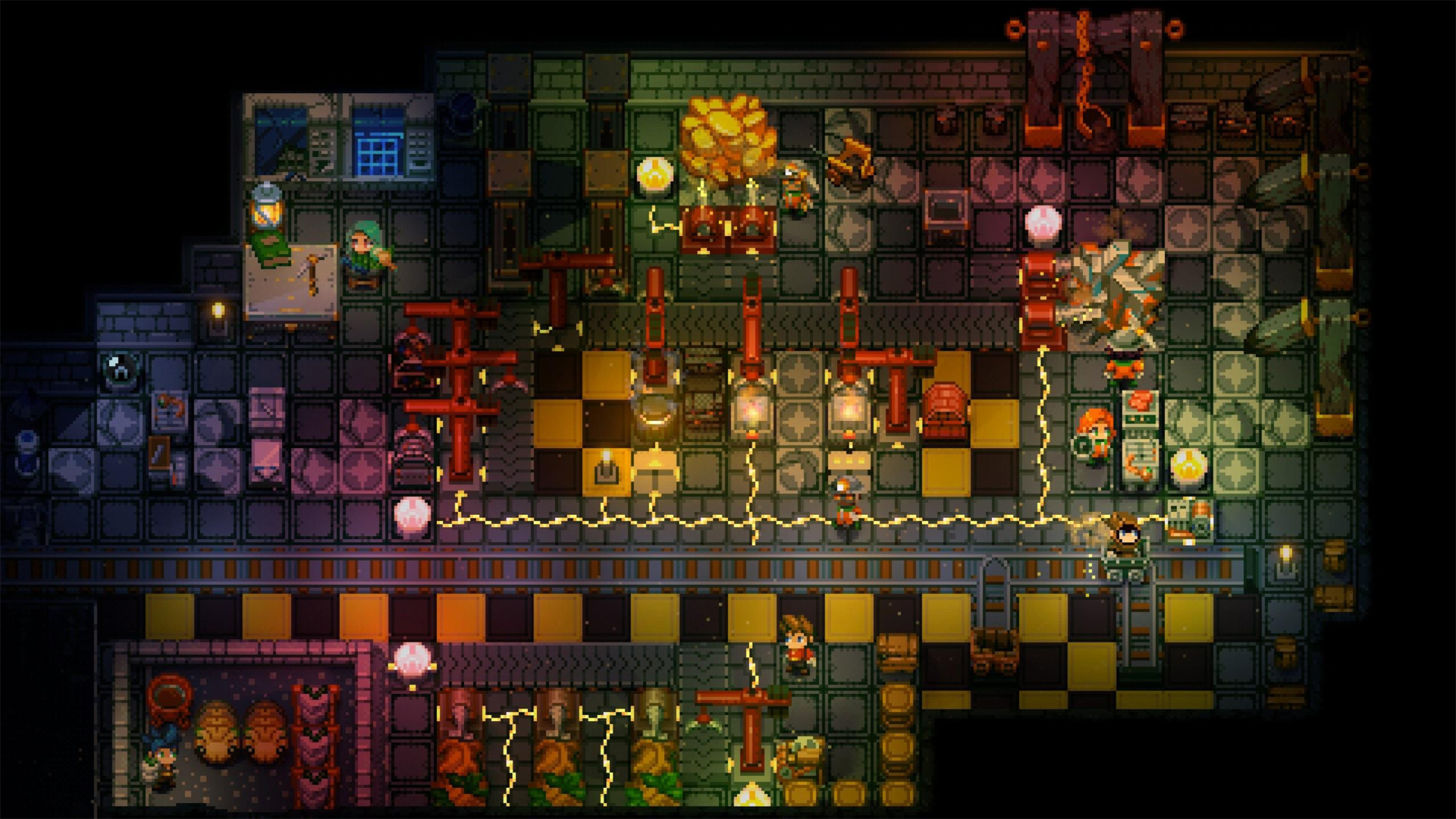
It's the first community wrap-up of the year and we're very excited to be getting back into the swing of things here at Pugstorm and Fireshine! Our awesome community shared so much fabulous content with us over the holidays, and we can't wait to show it off here. We'll also be recapping on some of the things we shared that you might have missed.
Echo of the Past - Orchestra Edition
We shared this wonderful video on Christmas eve as a little gift to our community. Our talented composer, Jonathan Geer (on piano), recorded this live orchestra edition of Echo of the Past and we can't stop listening to it. We hoped our community would love it as much as we do, and judging by the YouTube comments, it seems like you do!
Particle Spawning System
Fredrik gave us a sneak peek into an almost decade-old system for spawning particles in Core Keeper. This system makes it very easy to create juicy VFX when developing new gameplay systems. Here's a little picture of us spawning a bunch of particles simultaneously!
Switch Screenshot!
Just a reminder that Core Keeper is coming to console this year, and we've even got a cheeky screenshot to show you what it's shaping up to look like on the Nintendo Switch.
Hot Chocolate by the Fire
We went on our Christmas vacation on the 21st of December, and you can read about some of the Pug's plans for the holidays here. Whether you were celebrating Christmas or just taking a little time to rest up before the new year, we hope your December was a good one!
Merry Christmas from Navanav!
A very talented community member called Navanav shared this adorable fan art on the Core Keeper Discord server. It really warmed our hearts, especially the baby Moolin holding the star, and we hope it puts a smile on your faces too.
Mini Christmas Design by Wednesday
Check out this mini Christmas design by a member of our Discord server called Wednesday. We think it looks like a little Christmas market or a scene from a Christmas card!
Santa's Library Speed Build
One of our Discord moderators, Mistry, built a gorgeous festive library in Core Keeper's Creative Mode! We really loved watching this speedbuild.
New Year Pixel Art by SnapDragon987
We were also treated to this awesome New Year pixel art from Discord user SnapDragon987!
1. You can now turn candles and lamps on/off. 2. Added 6 new items. 3. Added 5 new hairstyles. 4. Fixed an issue that caused the player to get stuck sitting on something when bedtime started. 5. Fixed colliders of some items.