Here's my December report. And, first and foremost, I hope this report will be the last one before the release of Chapter 4! I've made good progress since my last post here. I'm starting to get the hang of my part-time schedule, and it's reflecting in my work-life balance, as well as in my results! So, let's talk about it. - 890 images are done - more than 3500 frames of animations -4260 lines of script
But this last number doesn't represent the entirety of my scripting/coding work. In fact, I've completely recoded the walkthrough integrated into the game to make it more modular, to add icons for example, but also to integrate it into the new GUI I'm working on. I've also reworked the screens I use to make them easier to modify, and to add mechanics to them. For example, the exit screen (Amy sadly asking if you're sure you want to leave) is now different depending on your progress in the story, and uses the same screens as the game. Well, basically, I've recoded part of it to see what I could do for the designer, and what I couldn't do (and for now, I can do everything!) Moreover, the script has been sent to my proofreaders, so after their feedback, all that's left is to translate it into French. So, I can tell you that we are, for the whole game, at 52,000 words in English at the moment! :)
As for the rest to do: - finish the lewd scene I'm currently doing - set up a big scene (about 120 renders) - set up the last big action scene (150 renders and two animations) - set up the post-credits scene (10 renders) - code the jukebox (which will allow you to listen to the game's music on demand, and if you have the premium version, to download the music in wave format for crazy quality!) - code and integrate the new UI when the designer is finished - do the translation
As you can see, it's really coming along well (especially if you compare the numbers to those of November!) but there's still a bit of work left.
PS: I'm looking into the possibility of adding voice acting for the lewd scenes. It wouldn't be words, but more like moans, giggles, little naughty laughs, etc... If you're interested in this feature, don't hesitate to say so in the comments (because it will cost quite a bit of money to integrate into the game :) )
Mainly bugfixes and some small quality-of-life improvements!
Changelog v0.3.4 (12/9/2023)
-Changed handheld scaling to be more granular (0-100) instead of discrete steps (1-8)
-Handheld can now be scaled down to 0, allowing it to become invisible
-Ghost inputs will no longer persist when handheld is disabled while holding a button. Conversely, inputs that are being held when the handheld is enabled will be activated.
-By default, switching between Main and Alt set will zero the joysticks and triggers. This behavior can be reverted by checking "Don't zero virtual analogs when switching between Main and Alt set" in the General menu. (This will have no effect if "Disable Mouse/Analog Emulation When AltSet Is Being Used" is checked)
-You can now increment and decrement the input bindings profiles in intervals of 10
- 30% Less EXP - +6% higher Critical Hit chance and Evasion Rate - +5% SE Regeneration per turn - +5% Blind and/or Confuse chance per hit!
Inns:
- Heal full HP and Mana - Don't heal Burn Bleed Poison Petrification Toxic and a few other Debuffs - Can only save inside Inns!
Now after that amazing QoL that I think is healthier for the game, on to the other updates!
QoL Changes:
- Rift's Vertex Rifthaven Inn now has a Training Arena that provides 100-250 gold on the fights depending on the option you choose!
- Blacksmith prices lowered for most of the gear found in Rifthaven's Blacksmith shop, the other Blacksmiths also have these weapons and armors!
- Gold formula changed to provide less gold but still good amounts, wanted to fix higher level scaling of the gold formula if you kill low level monsters for example
Bug Fix:
Fixed W key firing a common event that skips paying for Bernard's unlock slot!
I hope everyone is enjoying the game and feel free to message me in the Rift Walker community pages, thanks for your support!
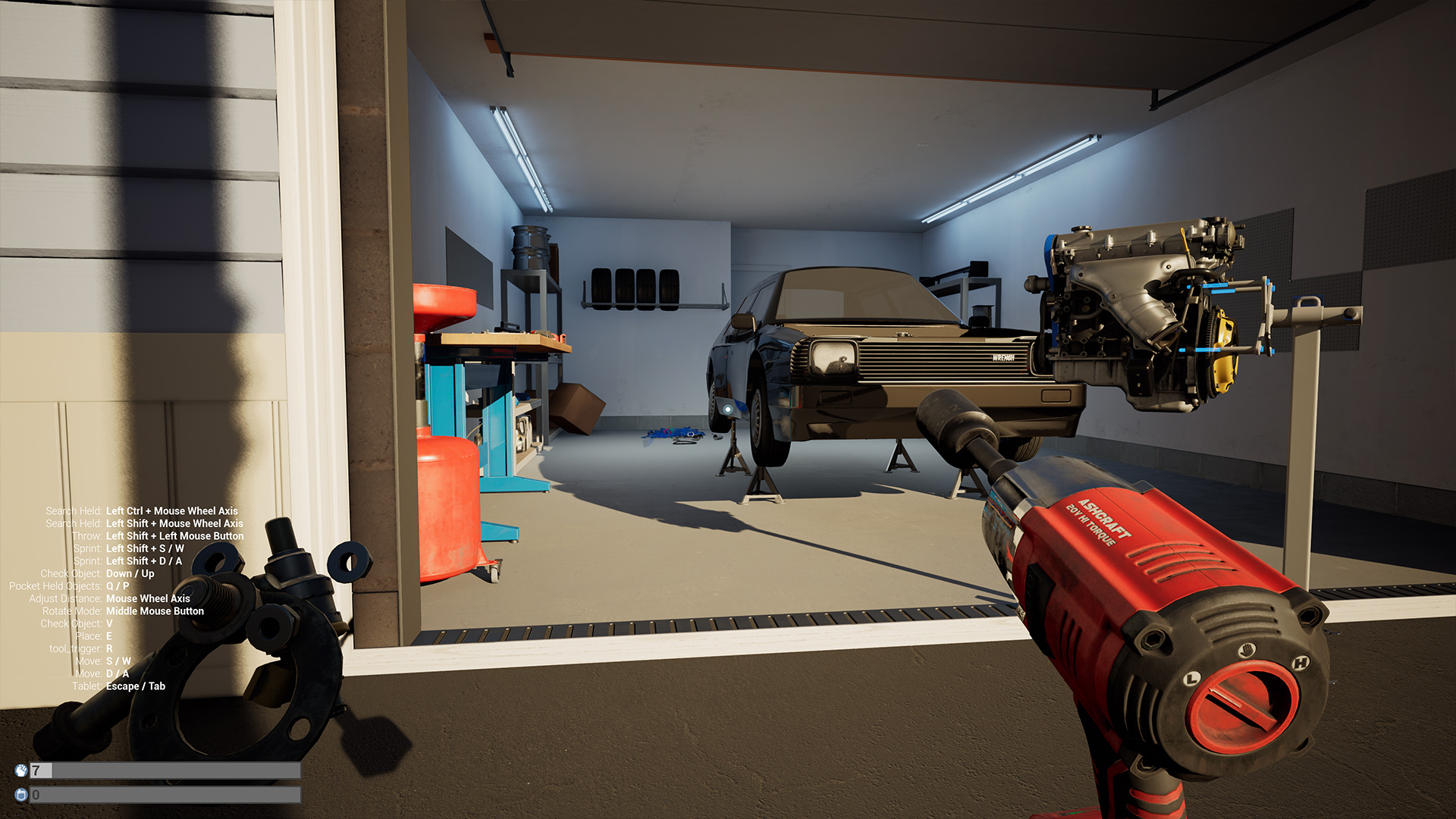
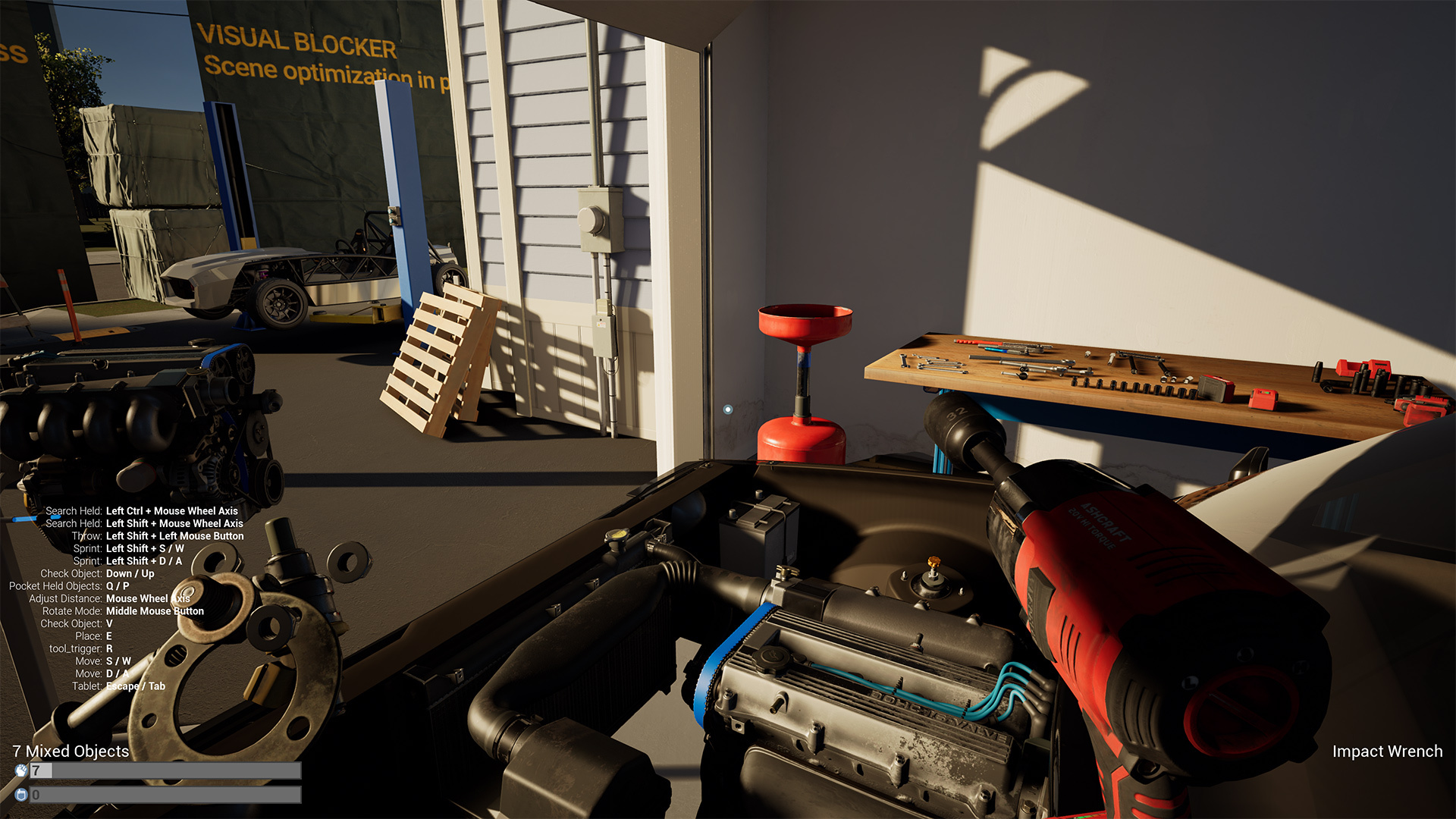
Today’s beta release is a limited test of all of the new game systems. We disabled saving, part ordering, and there is no progression or game loop. The game interactions are all totally new code and they work differently than any previous release. The controls are different and the way players interact and manage parts is a fresh design. We want feedback on this, especially areas where you find friction or frustration. Our general approach has been to keep things very physical and in the world. Parts can be handled as groups, stored in containers, and managed more easily. We want the players to keep track of their parts by managing them in the world on a per task basis, not using a large inventory that quickly becomes confusing to sort through. In desktop mode we have tried to eliminate the need for constant camera motion and small trips- the old system required repeat mouse look actions to get and install every part and often involved small trips back and forth. We plan to do another pass on control binds and are aware that some inputs are a little awkward right now. We are open to feedback. We don’t want players accidentally dropping or losing things so please let us know if you run into issues.
Some key concepts to point out:
Desktop Small parts move to the corner and can be cycled through with control + mouse wheel.
Tools can have sockets and batteries installed on them in the world but can also be interacted with by cycling through points of interest. Cycle points of interest with the V key and then click to interact. This is also how you do things like change tool directions or impact power modes.
Holding the E key allows you to place parts into the world on surfaces instead of dropping them in place. Small parts require using the E key to place them into the world (or a bin). This is to prevent accidentally dropping and losing small parts or clumps of small parts. Misclicking and suddenly dropping a handful of bolts into the engine bay is a gameplay ruining experience and we want to avoid that without making the game difficult to play. Large parts are easily dropped in place by clicking and can also be placed with the E key + click.
There is still a pocket function in desktop but it is less like an inventory and more like just storing a clump of parts in your actual pocket. Pocket contents populate in and out of what you are carrying in your corner hold and are toggled with the Q key.
In desktop mode the B key functions as a simple headlamp.
VR: Scoop up groups of loose small parts by holding the palm grab. Small parts can be dropped into a face up open hand and will pour out of your hand if turned sideways. Pick through your held clump using the pinch grab.
Long range grab has been limited to loose parts and can no longer uninstall parts. We will probably make more changes to limit the use of long range interactions but we want to keep some functionality for getting things from the floor and also for other types of part interactions. We also want to change the visual around the laser pointers to make them less distracting.
We are using a single interact button to do things like toggle tool direction or interact with world objects (A or X on oculus). For example, this is how you place pegboard hardware or tools into pegboard in VR.
Sockets, batteries, etc are manually installed with simple physical installs similar to parts.
Final note: We are in the middle of aggressive optimization of the neighborhood environment. Many assets were pulled out and will be worked back in after being improved. For now we placed obvious signage to make it clear the art is not final.
Embark on a new chapter with the formidable Stormguard, a colossal adversary shrouded in mystery. The fallen guardian, once a symbol of might, adds a fresh layer of complexity to the game's combat dynamics.
Update Notes:
Colossal Adversary: Stormguard introduces innovative blocking mechanics, providing a unique and challenging combat experience. Adapt your strategy to conquer this colossal foe.
Bug Fixes: Smoother and more stable gaming experience.
Enriched Soundtrack: Immerse yourself in the world of Kuro with new musical compositions. The atmospheric soundtrack enhances the overall gaming experience.
Post-Death Tips: Receive insightful tips and guidance after each defeat. Learn from your mistakes and evolve your combat strategy with valuable in-game advice.
Controller Vibration: Feel the intensity of each battle with enhanced controller vibrations. A tactile experience adds an extra layer of immersion to every encounter.
The end of another year is closing in, and that means a lot of things... but to those of us who have been split into identical counterparts, it means the Festive Season is upon us again, running until January 2! Of course last year's items and the Holiday Rush metagame will be returning, but there are a few new items this event brings too! And just like with the Halloween event, this year the items will be in their own gashapon. There is also a set of festive weapon skins to collect for a cheaper price, so be sure to check those out too! Don't forget the stocking stuffers; every player who logs in during the event will get a free Frozen KOunter!
There's something special about this particular event though; this will be the last holiday event of Counterpact's development phase! That's right, the game will be launching very soon (by the end of the month, most likely)! It has been a long journey, but for those of you who stuck around after all this time, thank you very much. However, this also means the Development Gashapon will finally be leaving us soon, so be sure to complete your collection while you still have the chance because those items will not be returning!
Without further ado, the patch notes...
New Content:
A new Power Struggle map, Shortcake, has been added.
New Donator Rewards Shop items:
Frozen KOunter
Silver Bell Keychain
Dreidel Keychain
Snowflake Keychain
New Festive Season Gashapon items:
Prison Rule Precedent (Common Holiday Back Alley Invitation Weapon Skin)