Hey I'm back to announce that a new build is out with some new content, although it comes with some caveats I'll have to explain along with it.
First, this isn't quite the big expansive update I really wanted to deliver... yet. A lot of the work on the new section of the game is complete, but there's still a bit more that needs to be done before it can be finalized, so it won't be shipping with this build. However, I do have some new stuff that can go live now, so I decided to put out this smaller update while the rest of it is still cooking.
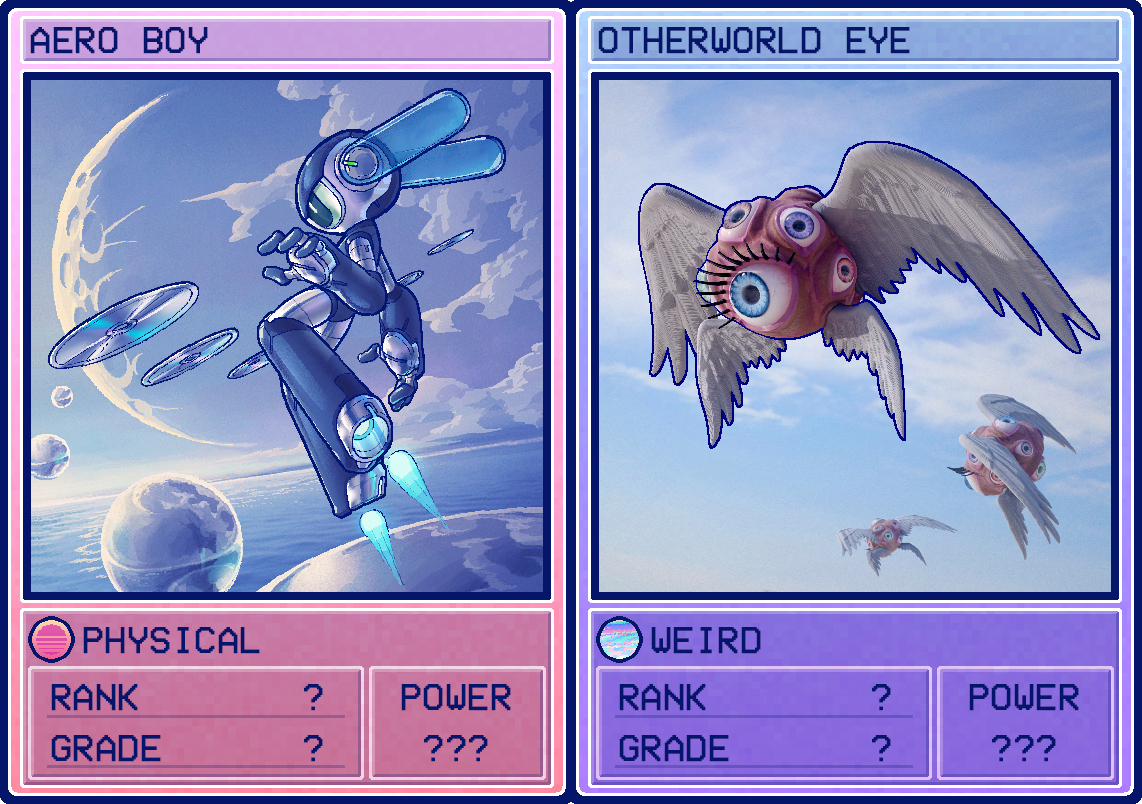
This update introduces 2 new playable cards to the game. Here's a preview of them:
This update also brings with it lots of subtle polish features, bug fixes, and balance changes to improve the gameplay experience overall. If there's any other issues I missed or features you'd like to see added, please let me know. And as always, thanks for sticking with me.
We have had some reports of crashes while attempting to start PvP matches. After some time investigating we have found the cause of the issue and have applied a fix in the latest patch.
• Fix for matches exiting while attempting to kick off in online PvP • Minor tweaks to new chip values
Hey Ziggys! Do you like the idea of being able to play Orten Was The Case while traveling? What’s Orten Was The Case? Well, it’s a free movement puzzle/adventure game where you play as Ziggy, stuck in a time loop reliving the last 12 minutes of the world looking to save it!
Anyway, as we were saying, want to play it on the move? Well some great news is that we’ve tested it loads on Steamdeck and it works really well. We would love it if more people played so that Steam can learn about its usage on the Steamdeck. We want to get it Verified and the only way is if more people play the game on the Steamdeck.
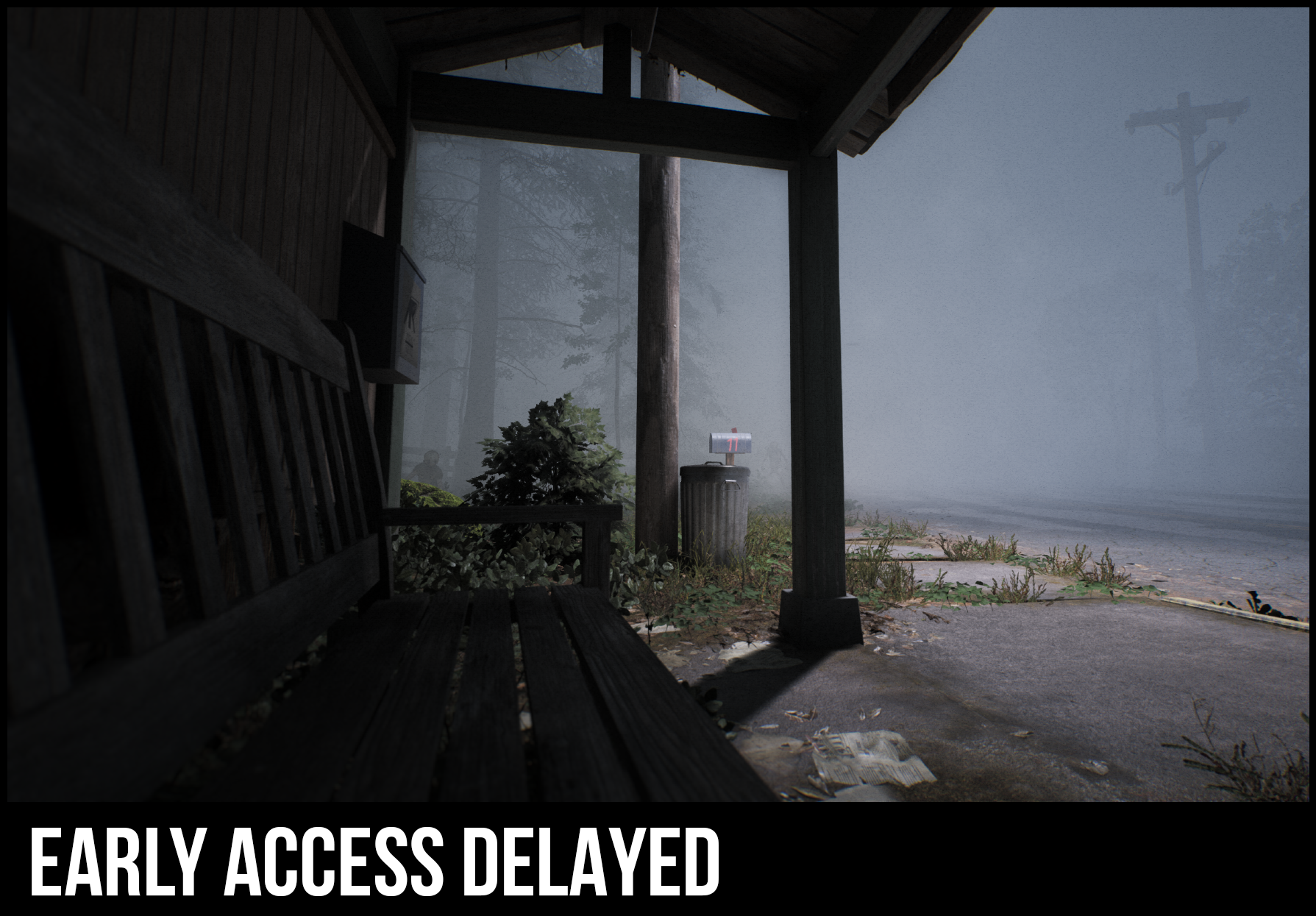
So what do you think? Can you help Ziggy save the world (even while traveling or perhaps from a park bench)
Hello again everyone, Today we are moving over the previous patch released on Experimental as well as introducing two new changes, Aside from some very long requested QOL like the Invert look option also working for Vehicles and Trains, now you can also remove offline players out of vehicles by entering them yourself, as well as fixing another top mentioned issue on QA Site with the MAM research resetting when you closed the menu.
If you encounter any issues with this new update or if there’s anything we’re forgetting from Update 8 as a whole, please let us know over at our QA Site https://questions.satisfactorygame.com/ We read your posts every day
See you again soon everyone, Thank you for enjoying our game <3
New fixes:
QOL
You can now enter occupied vehicles and kick out the driver if the driver is offline
BUG FIXES
Fixed pressing ESC to close the menu resetting MAM research, requiring you to spend additional time if you accidentally closed the menu
Previously on Experimental:
QOL
Invert look option now also works on Vehicles and Trains
UI
Updated the description of the Maintain Y-Axis FOV Aspect Ratio option to indicate that it is broken
Due to underlying system changes, this setting will be temporarily broken and will need some considerable rework from us in order to work again
BUG FIXES
Potential fix to a crash related to ItemRegrow subsystem
Fixed CTRL Key getting stuck when building
Fixed bug where sampling buildings was not possible in some cases
Potential fix for Blueprint Sampling sometimes not working after loading a save
Fixed bug where Hand Mining would sometimes get stuck as client
Fixed Conveyor belts resetting to default customization when the belt was split
Fixed a bug where it was sometimes impossible to hand mine near Gas Pillars
Potential fix for a crash that would happen when switching between upscalers
Fixed Antialiasing always resetting to TAA
EOS
Fixed a bug that led to players loading into sessions while only partially logged into EOS
LOCALISATION
Updated all languages with the latest translations
Updated language completion rates
Updated community translators in the credits
KNOWN ISSUES
A reminder for people who have been having issues with unexpected crashes on startup or weird behaviour with the game, in that case please try to verify your game files.
You can do this on Steam by Right Clicking the game in your Library > Properties > Installed Files > Verify integrity of game files...
And on Epic by clicking on the three dots (“...”) next to the title or at the right side, depending on your selected library view > Manage > Verify Files > Verify
This may or may not redownload a large amount of files which might take a while depending on your internet connection or hard drive speeds so be wary of that.
If you are using mods, they might need to be updated or uninstalled after updating so please keep this in mind too.
The first time booting the game will be very slow, but that should not continue to happen after the first boot
Game can hang on quit
Factory Animation tick reductions can be slightly too aggressive
TSR can cause visual issues with conveyor belts, you can try using the following console command to alleviate the issues, but this will reduce AntiAliasing quality
In Suicide Runners you will fight many enemies here is another one of them. This enemy has a life force laser beneath him and shoots multiple shots at the same time.