The English translation is currently under development and is expected to be finalized within approximately two weeks. We appreciate your patience and understanding during this time.
We have been listening to your ideas and opinions, (as always keep them coming) and we are proud to announce that the latest update sees brand new ships and planes as well as a change to the way the backend works that will help create more detailed MODs!
In order to play this now go into your library, right click on the name Victory At Sea Pacific and click Properties. under BETAS, select “First Look” there is no password required.
With Victory At Sea Atlantic moving forward we are not forgetting our older games, Atlantic has allowed us to change the way some of Pacific works (it has led us down new paths) as well as getting in some new ships and planes to use!
We have been listening to player feedback on allowing for greater number ranges when it comes to allowing for greater differences in ship types (Including weapons etc). We have been stuck on this for a while as any change would mean a major change to the backend and would break everyone's MODs. We have, thanks to Atlantic, come to an (obvious) solution! We needed to step back and look at how Atlantic worked to see a way to do it.
So now when players MOD, and where appropriate, you are no longer stuck using whole numbers. For instance rather than having a rating of 1 you can have 1.5, this should give the game much broader capabilities.
Not only that we have also added the Queen Elizabeth-class battleship, County-class heavy cruiser, and Town-class light cruiser to the Royal Navy as well as Updated the model of the Illustrious-class carrier.
Planes have not been forgotten, we have added the Supermarine Spitfire and Supermarine Seafire fighters to the Royal Navy,
Please keep sending us your feedback as we will be tweaking and fixing beyond the bugs. We try to monitor all your conversations and suggestions but if you think that we are not addressing a feature please post on the community forum either in General Discussions or Bug Reports and let us know what specifically is causing you issues.
We sometimes miss specific things in long conversations and don’t tend to read comments on the announcements (as it’s hard to directly reply to people on there) so it’s good to have it’s own thread, we would rather have more than one thread on a subject than not have one at all.
Gameplay:
Added the following ships;
Queen Elizabeth-class battleship
County-class heavy cruiser
Town-class light cruiser
Added the following planes;
Supermarine Spitfire
Supermarine Seafire
We have also updated the model of the Illustrious-class carrier.
Docked aircraft carriers will launch aircraft in defence of the port at which they are docked.
Changed the way numbers work in Pacific.
Mods:
Weapon damage and armour piercing values, and armour values on ships and structures, are no longer restricted to whole numbers.
Bug Fixes:
Fixed a case in which the UI could get stuck when splitting a fleet.
Fixed a bug preventing saves using mods in single-fleet mode from loading correctly.
Ding ding ding! Seconds out, round two, for part two of the Train Sim World 4 Roadmap. Get a brief summary below on this thread, or discover all the information on our article:
Today, we’re focusing on the new and updated core features coming to the new game, and boy, do we have a lot to go through.
PC Editor, Free Roam, Scenario Planner 2.0, Livery Designer 2.0, Formation Designer, Photo Mode, New Scoring, Ease-of-access improvements, Haptics, Volumetric fog, Audio and source trips, and Music. Whew! So, let’s get started, shall we?
Note: If you’d like more information on TSW4, you can find out more on our shiny new webpage, including details on pre-order, discounts, and frequently asked questions.
Dovetail Direct Livestream
View our full announcement live stream with all the upcoming information detailed out:
Railfan TV schedule
Alongside our Roadmap and future articles, we will of course be showcasing all Train Sim World 4 has to offer via our live streams. Here are some dates to mark down in your calendars before the game's release on September 26th. All streams will start at 18:00 UTC and be available on our YouTube and Twitch channels.
Livestreaming Schedule
August 24th: The TSW4 Roadmap (Matt & JD)
September 1st: Intro to TSW4 & Vorarlberg Preview (Matt, Lukas & Alex)
September 5th: PC Editor Showcase (Matt, Will K & Alex)
September 7th: Antelope Valley Line Preview (Matt & Jamie)
September 12th: Creative Tools Previews (Matt, Cat & Alex)
September 14th: Dresden and Vectron Preview (Matt & Jan)
September 18th: Free Roam Mode Preview (Matt, Lukas & JD)
September 20th: ECML & Scotsman Preview (Matt, Jamie & Joe)
September 25th: Train Sim World 4 Summary Stream (Alex & Ben)
The Roadmap (Part 2)
Due to the length of the roadmap part-2 article, not all the information is on this thread - please view the roadmap above to find all the imagery and information!
The PC Editor (beta)
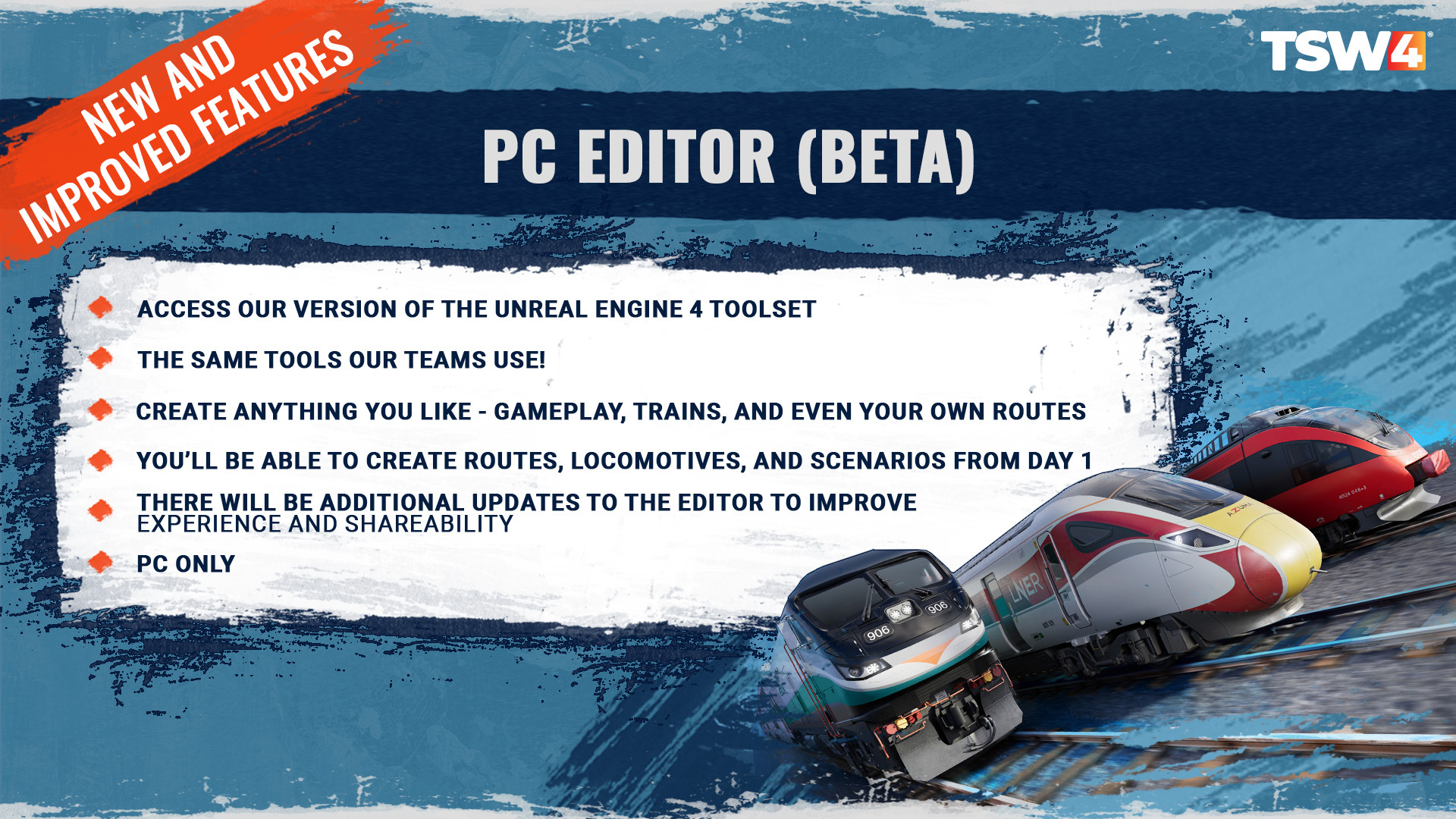
Way back in 2019, we spoke about our desire to bring the Unreal Engine 4 Editor to PC players. Well, it’s taken a little while, but we’re delighted to be able to offer access to the PC Editor (beta) to players with Train Sim World 4. But what is the Editor, and what possibilities will it enable for you? Our Executive Producer Matt has the details.
What is the PC Editor?
Matt: "Train Sim World is built using our heavily modified version of the Unreal Engine 4 Editor, all the trains you drive and the routes you drive them on are built by the team with this tool. The PC Editor we’re talking about here is exactly that, it’s a special build of the editor that works outside of our development environment but otherwise is identical and will let you create any content you like, exactly like our team does."
Tell us a little bit about what players will be able to do with the PC Editor.
"The PC Editor allows you to create anything that works in the game, including new routes, new trains, new scenarios and even new timetables for service mode. The command line tools for running the simulations to create the timetables is all part of the package as well, as is the packaging tool used to create the package files that allow you to share your creations with friends."
Free Roam Mode
Another new feature we can’t wait for you to try out. Our sandbox mode – enabling you do spawn anything on any route. It’s Off-the-Rails Mode on steroids.
In a nutshell, what is Free Roam Mode?
Matt: "Sometimes you just want to take the train of your choice and do whatever you want with it. It’s not about planning a scenario, or doing a service, you just want to… explore. Make it up as you go along. That’s what free roam mode is about."
Free Roam Mode will be available for your entire collection of routes and trains.
Can you spawn trains in Timetable mode using Free Roam features?
"Yes! This is one of the most exciting features in the release, allowing you to take the living world of the normal timetable in service mode and add your own train to it and do what you want, in and around those trains. You’ll really begin to appreciate the way the control system (known as the “Dispatcher”) can guide you around dynamically in amongst those trains. Be careful though, with great power comes great responsibility, in reality trains don’t just spawn out of thin air and this means you have the potential to throw the organised world into chaos. Sounds fun though doesn’t it? Experiment with it and enjoy the possibilities it brings!"
Scenario Planner 2.0
Getting a long-awaited lick of paint are both Scenario Planner and Livery Designer, with some awesome new features to help you create great content more seamlessly for you (and other players!) to enjoy.
What new features are coming to Scenario Planner for TSW4?
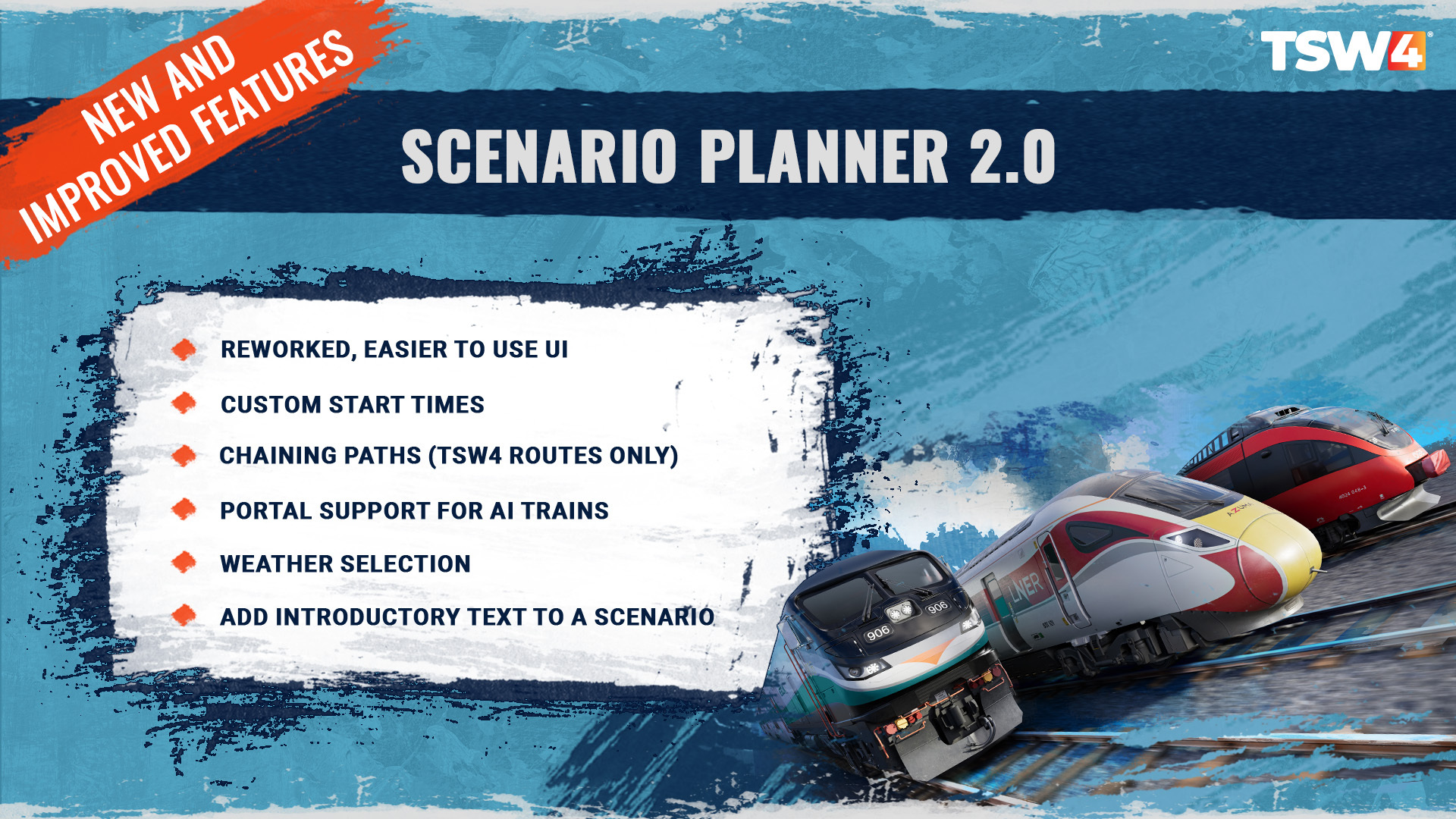
Matt: "Scenario Planner 2.0 is reworked into a brand new user interface bringing it more in line with the rest of the UI in the game making it simpler to understand and easier to use. Beyond the UI changes, there’s a range of new features and enhancements that will allow you to make more comprehensive scenarios as well! The changes begin at the very start of the tool, you can now set a description on the scenario which used to be autogenerated, allowing you to add some personal flavour to it. Further, that description will now be shown at the beginning of the run when a player starts it, so you can also use it to set the scene for the player as well."
"Creators can now set the start time of a scenario separately to the time the player service starts, we think the primary use of this is going to be allowing the scenario to start 5-10 minutes before the player, to allow some action to get moving in front of the player or around the player before they set off. This will allow you to get another train to depart the same station as the player and get ahead of them for example, to cause some non-green lights right from the start. Another massively requested feature from creators is being able to specifically set the time of year and the weather that the scenario will use. We’ve made the full dialog of options available so you can choose dynamic weather, or set a specific custom pattern."
"The most important new feature in Scenario Planner 2.0 is that you can now chain paths together, so imagine on Vorarlberg line you could start in Lindau and run to Lustenau, then run from Lustenau to Bludenz, and then back from Bludenze back to Lindau. This allows you to create a much more diverse range of scenarios including changing ends and so forth, exciting stuff!"
"Lastly, we’ve made it so that AI trains can now start and end their journeys in Portals allowing for much easier AI usage on corridors. Previously you had to start all AI trains on a marker and end them there and it became a challenge to balance out those start and end points when really the end goal was just to get something “going in the other direction”. Using portals this is all now much easier. It’s important to note that some features such as Portal usage and Chaining paths may only work on TSW4 routes, or may work to varying degrees on older routes depending on how they were originally set up."
Livery Designer 2.0
In Train Sim World 4, alongside the sweep of changes coming to Creators Club, the Livery Designer has been re-vamped to better help the player create the best liveries they can with these new features. Our Associate Producer Cat has more details:
What new features are coming to Livery Designer for TSW4?
Cat: "More Layers – Before, the old Livery Designer had a max number of 300 layers for the player to place on their model. Now the max number has gone up to 1000 layers, allowing players to create much more detailed designs."
"Organised Layer Lists – Instead of placing all layers together in one long list, the layers will now be separated by the side of the model they’re placed on. For example, layers placed on the front of the model will be listed separately from the layers listed on the back of the layers. With the layer number being increased, this organisation will help players keep track of the components of their creations."
"Type Text – Livery Designer 2.0 will still have letters as selectable layers, but another feature has been added to extend on this. Players will now be able to type out full words and preview them, before placing them onto their models. This will make the task of adding text a lot easier by taking out the pain of placing and size individual letters together."
Photo Mode
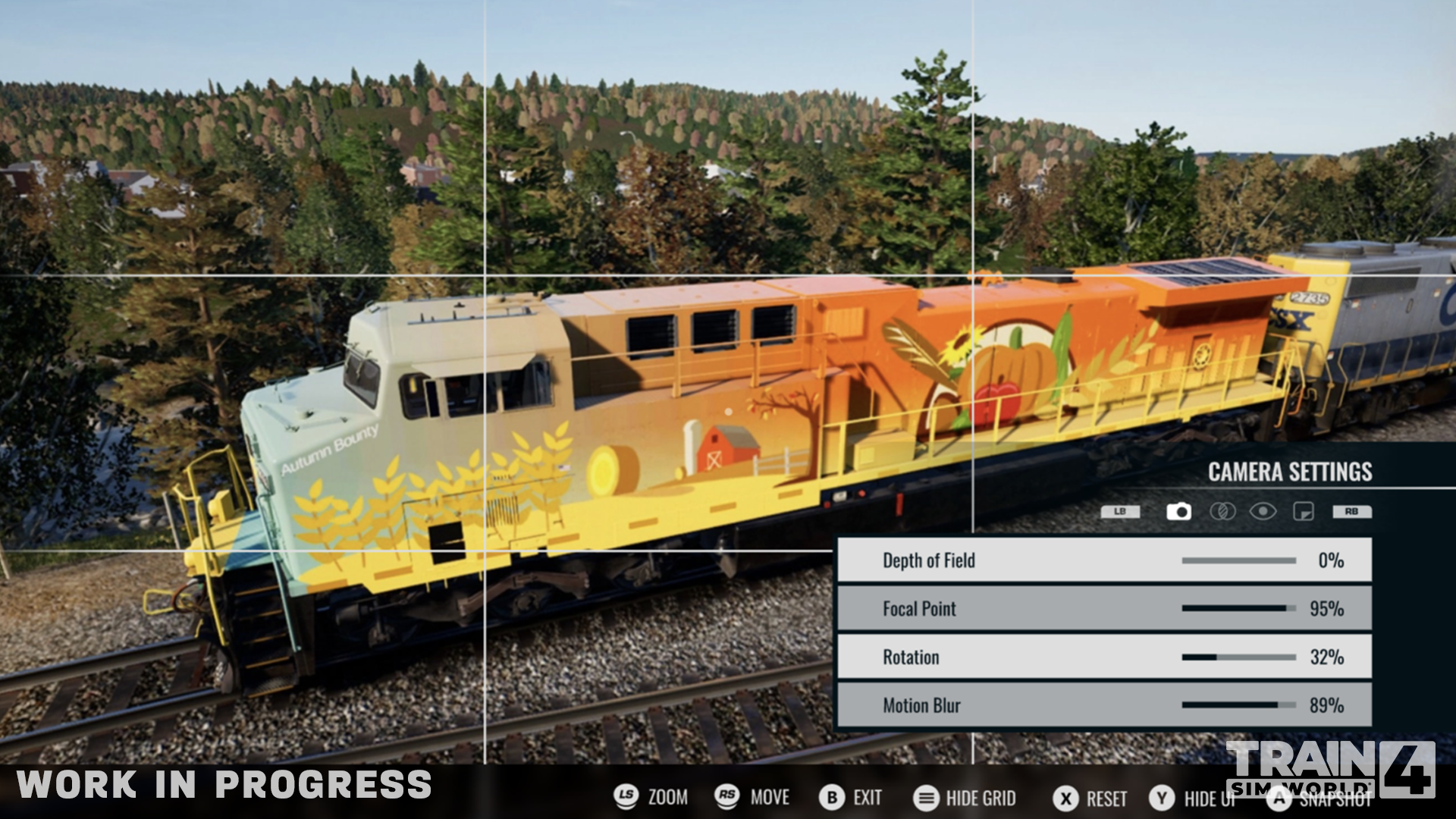
Strike a pose! Ever had that moment where you’ve seen the perfect Railfan opportunity slip through your fingers as you were travelling too quickly, or worried about operating your train? With Photo Mode, you’ll have the freedom to take amazing screenshots, for both your personal use and to share off your creation. Cat's back with more:
In a nutshell, what is Photo Mode?
Cat: "Photo Mode is a game feature new to Train Sim World. With this mode, the player can pause mid game and switch to a camera view that they can position in the paused world to get the best shot they can. They can also adjust the image by changing the contrast, saturation, brightness, and camera focus."
Scoring 2.0
With Train Sim World 4, we want to reward driving expertise – so we’ve shaken up our Scoring system.
Ease-of-access improvements
Whilst for a lot of you, your first experience of Train Sim World is a distant memory. However, we’re continuing to improve a TSW newbie’s first time playing the game, and we’ve also bundled in some UI and accessibility improvements we think all players will enjoy too.
What do we mean by ‘ease of access’ improvements?
Matt: "This covers a range of different topics but it’s really all about just making the game more understandable, helping players find things to do that they will be comfortable they can achieve and then trying to give them some more help when they’re actually in the cab. Trains and Railways are both hard, much harder than is apparent until you’re actually in the hot seat and someone’s saying 'now shut this cab down, change that junction and put the train over there'."
A difficulty rating for each train
Scenarios now tell you what makes up their difficulty ratings
Adding the Class 323 and 8F to the training center
Adding “gates” to train controls
A minimal hud for all users
Reset train simulation physics in the pause menu
Missing a station will just carry on to the next one
Coupling and Uncoupling can now be set to be semi-automatic.
Tutorial Recommendations.
Haptics and Additional Features
What haptics have we implemented for TSW4?
Track Rumble Vibration
Throttle and Brake Level Vibration
Collision with buffers/couplings Vibration
Track Switches Interaction Vibration
Hovering over interactable controls in the cabs Vibration
Train Safety System Alerts via Controller Speaker
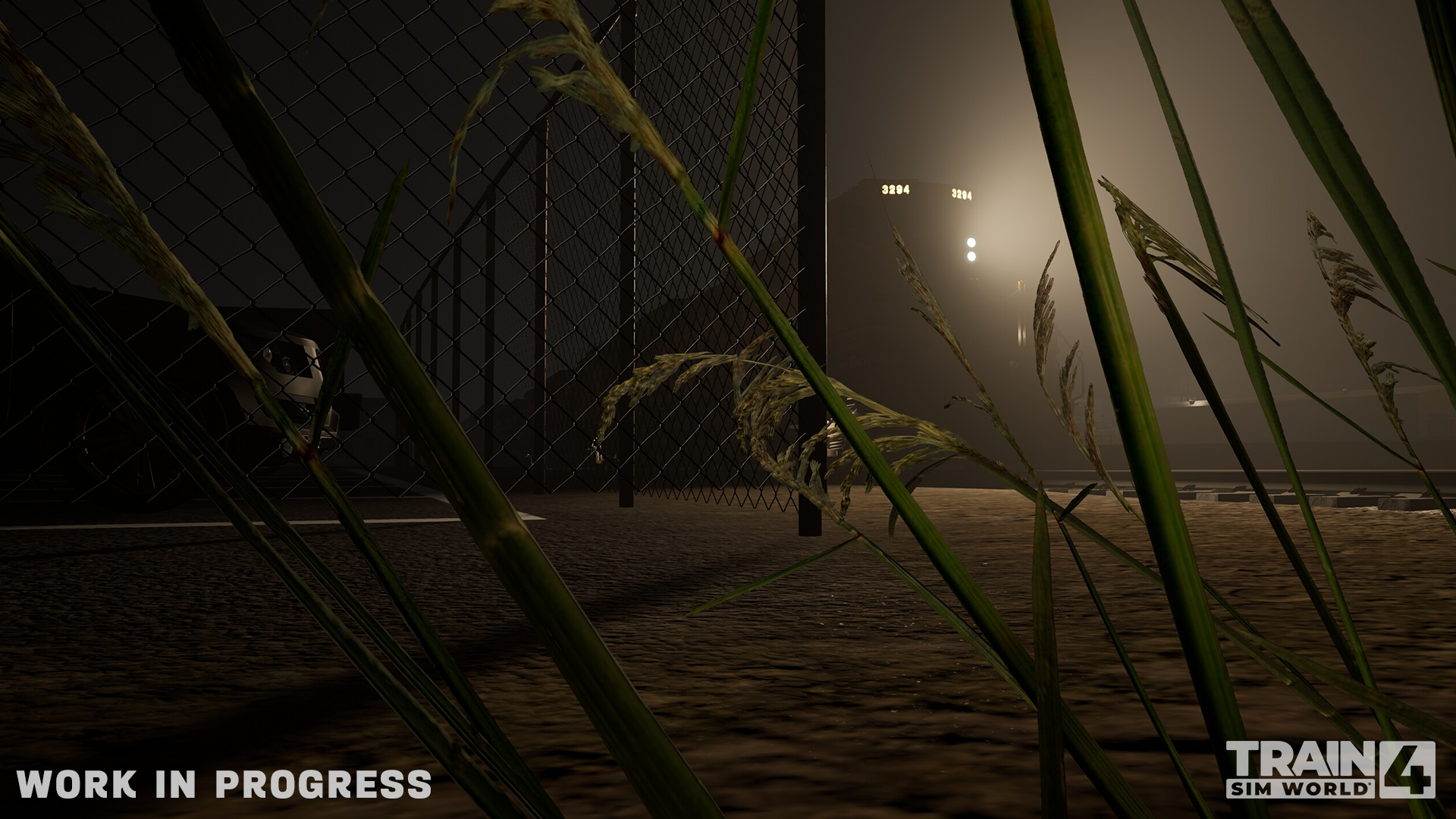
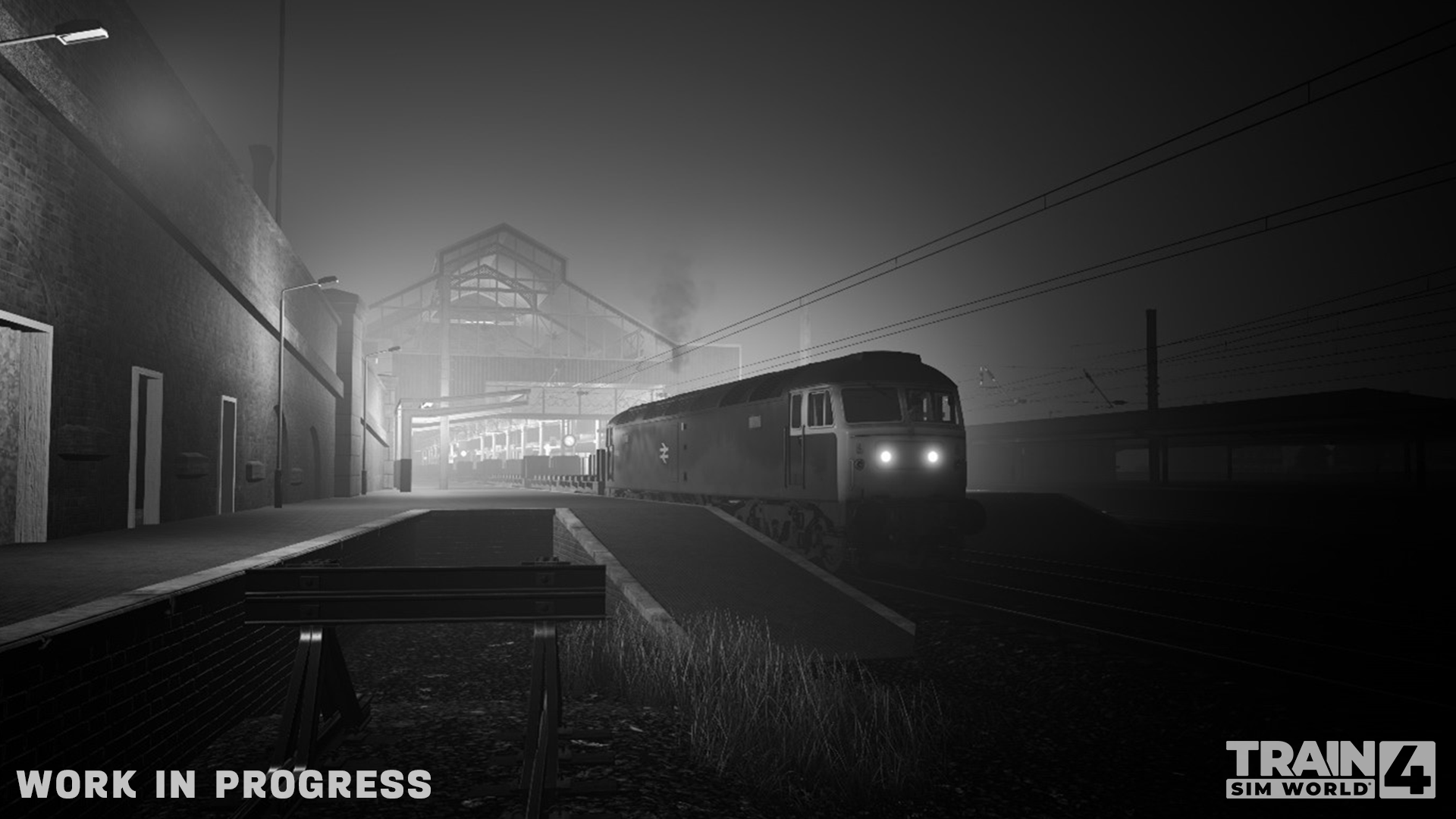
Volumetric Fog
IT. LOOKS. SO. GOOD. Fangirling aside, volumetric fog provides a really important depth to our graphics, and also means headlights can be hinderances, rather than helps in certain conditions (as in real life). Let's check in with out Senior Software Engineer Alex:
What benefits do volumetric fog provide players?
Alex: "Whereas previously fog could have only one brightness across the scene, volumetric fog allows fog to be lit up by various individual lights in the world. This allows the sun to cast god rays at sunrise/sunset, as well as train headlights and some scenery to produce beams of light when it gets dark."
Do we have any shots of how volumetric fog makes a difference to a route’s feel?
Sounds and Audio
With Train Sim World 4, we’ve really pushed the boat (or train?) out with our recording and mixing audio, getting real-life recordings from visits to Metrolink in California, Siemens in Germany, and – of course – Scotsman in its pomp.
TSW4 Music
Not content though with just authentic sounds, we’ve gone ham on the menu music and audio cues in game with Train Sim World 4. If you watched the first 5 minutes of Dovetail Direct on Tuesday, the City of Rochester Symphony Orchestra (how good were they, by the way?) gave an emotive rendition of the new track. At the centre of it? Senior Community Manager-come-Composer Ben has the details on how we made the iconic soundscape of TSW4.
What did you have to consider when creating the music for Train Sim World 4?
Ben: "I’m very lucky in the sense that I’m given the freedom to create and write what feels right to me. That doesn’t make the process challenge-free, I’m very good at getting in my own way and making things difficult for myself!
When I found out we were releasing Train Sim World 4, I started writing the main theme before I’d even been asked to! I had an idea in mind, and I wanted to make that a reality before anything else got in the way.
I knew instinctively that I wanted to maintain the theme and motif I’d developed for the previous iteration of Train Sim World because players had grown attached to that (so had I, to be honest!). I also knew that I wanted to expand on that and take the piece in new directions, introduce some new thematic ideas, and go bigger in terms of the overall scale. "
Train Sim World 2 Preservation Crew content
We are sorry to say that, at this stage, we will not be releasing these updates to Train Sim World 2. It is a really tough decision to make, and we’ve not taken it lightly – but it has become apparent, that, whilst we’ve always intended to release the content, for a number of technical reasons, it is causing more issues than it resolves with the way the builds now work.
Rather than have good intentions but no substance (or worse – a scenario that means your game can’t be played how you currently play it), we believe you deserve something concrete.
There are many factors at play here: among other things, various unforeseen technical hurdles have hit when putting builds together which jeopardised content players were already playing. We also want to focus on ensuring Train Sim World 4 is as good as we can make it for you all. We’ve always remained hopeful these improvements would be released, but sadly it’s become apparent that it’s not possible at this stage. We’re extremely sorry it has taken this long to come to this conclusion.
For Train Sim World 4, we’re making it very clear what you can and can’t expect from the remaining Train Sim World 3 game updates, and we hope you can accept our apology.
TSW3 and TSW4 patch schedule
In yesterday’s Roadmap article, we spoke about the Day 1 content you can expect from Train Sim World 4. Today, we wanted to provide more detail on the future content TSW3 players can expect from us.
Please note that everything in the TSW3 column will also be available on Day 1 for TSW4. Our intention is to release for TSW3 patches as soon as we can.
More detail for the content of the patches will be confirmed upon release.
A quick summary for those who don’t want to go through the whole article. There are more details on all these points within the Roadmap.
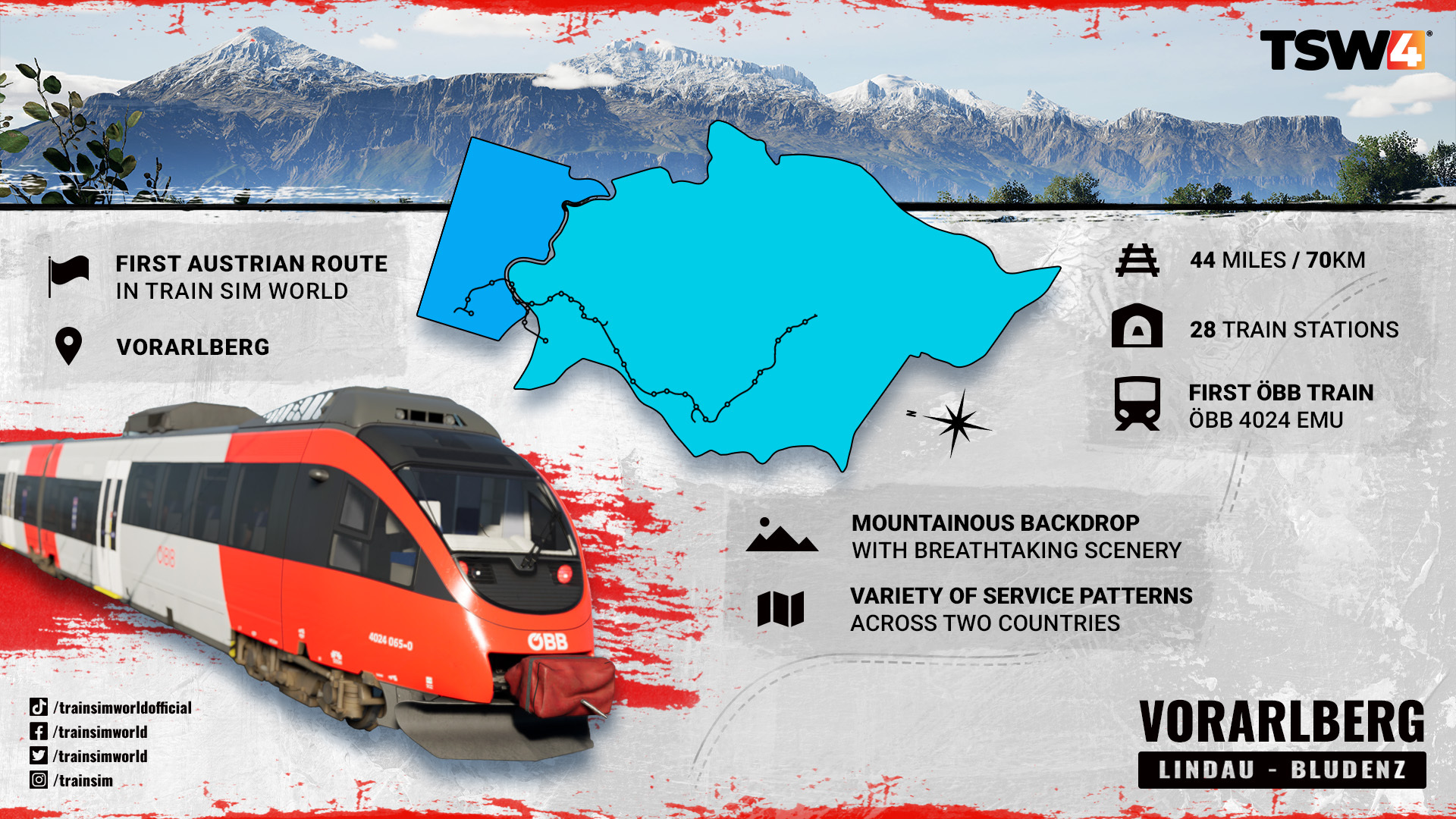
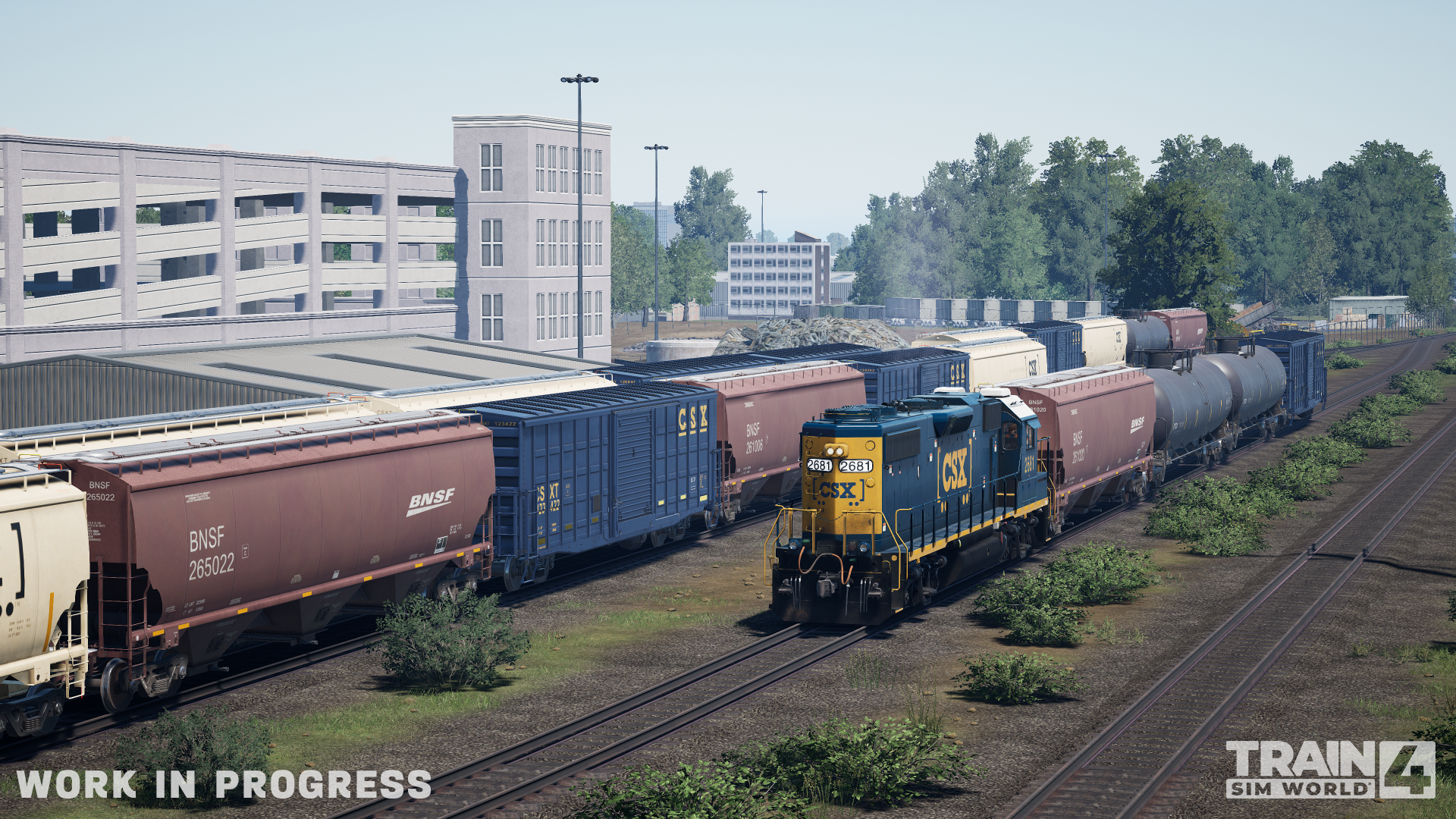
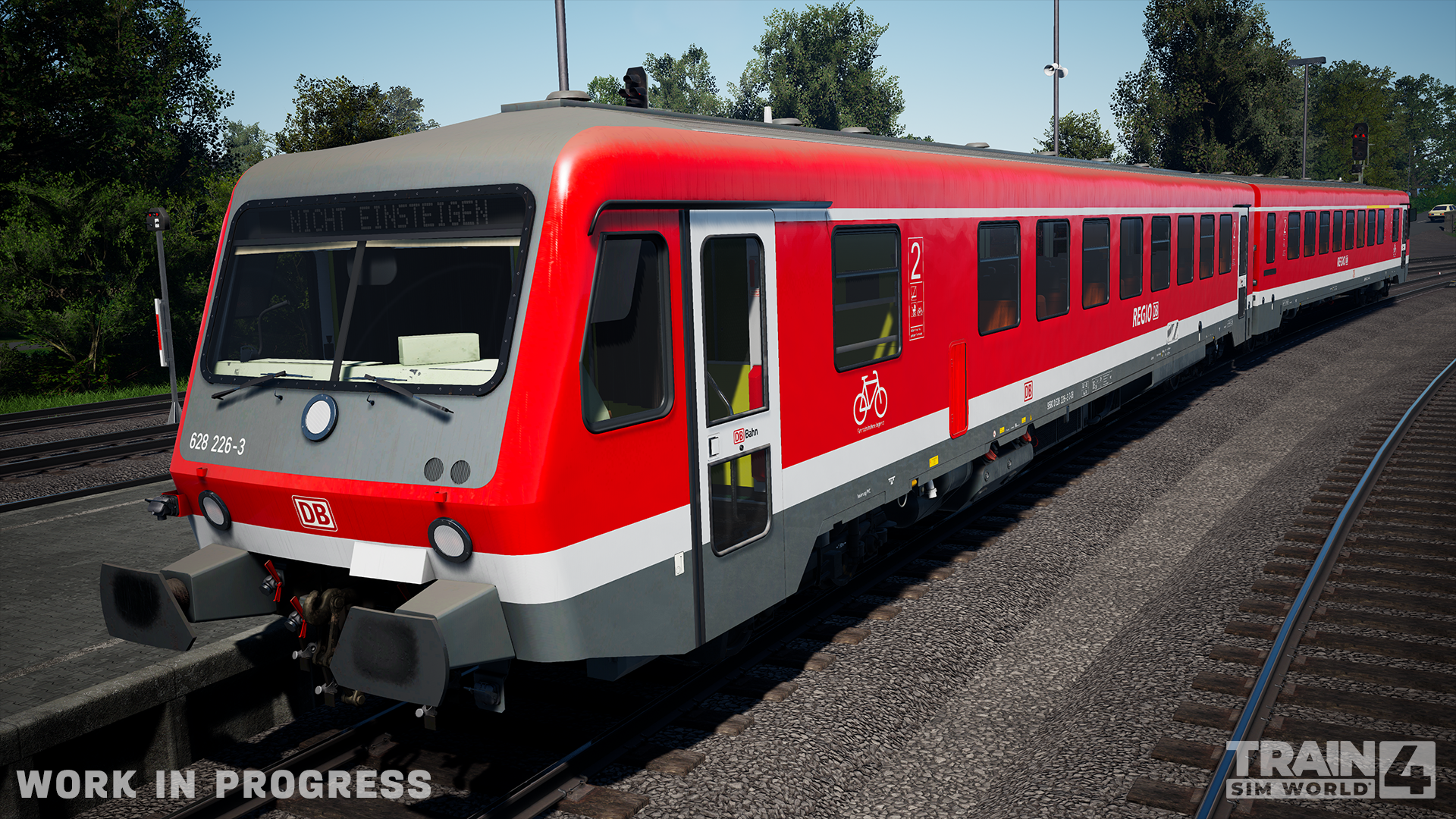
Vorarlberg: Lindau - Bludenz: Our first Austrian route, and first border-crossing, featuring the ÖBB 4024 Talent 1
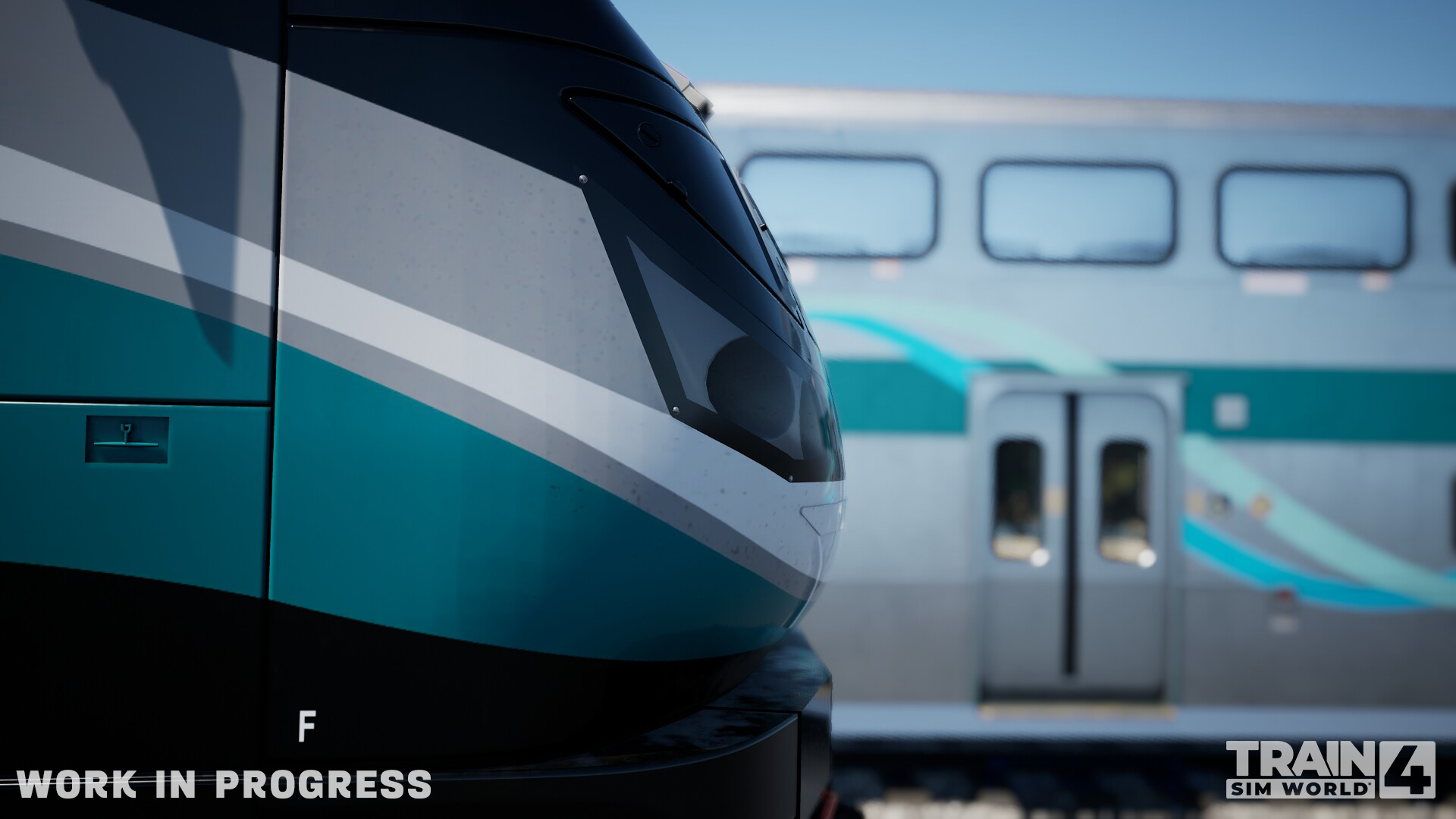
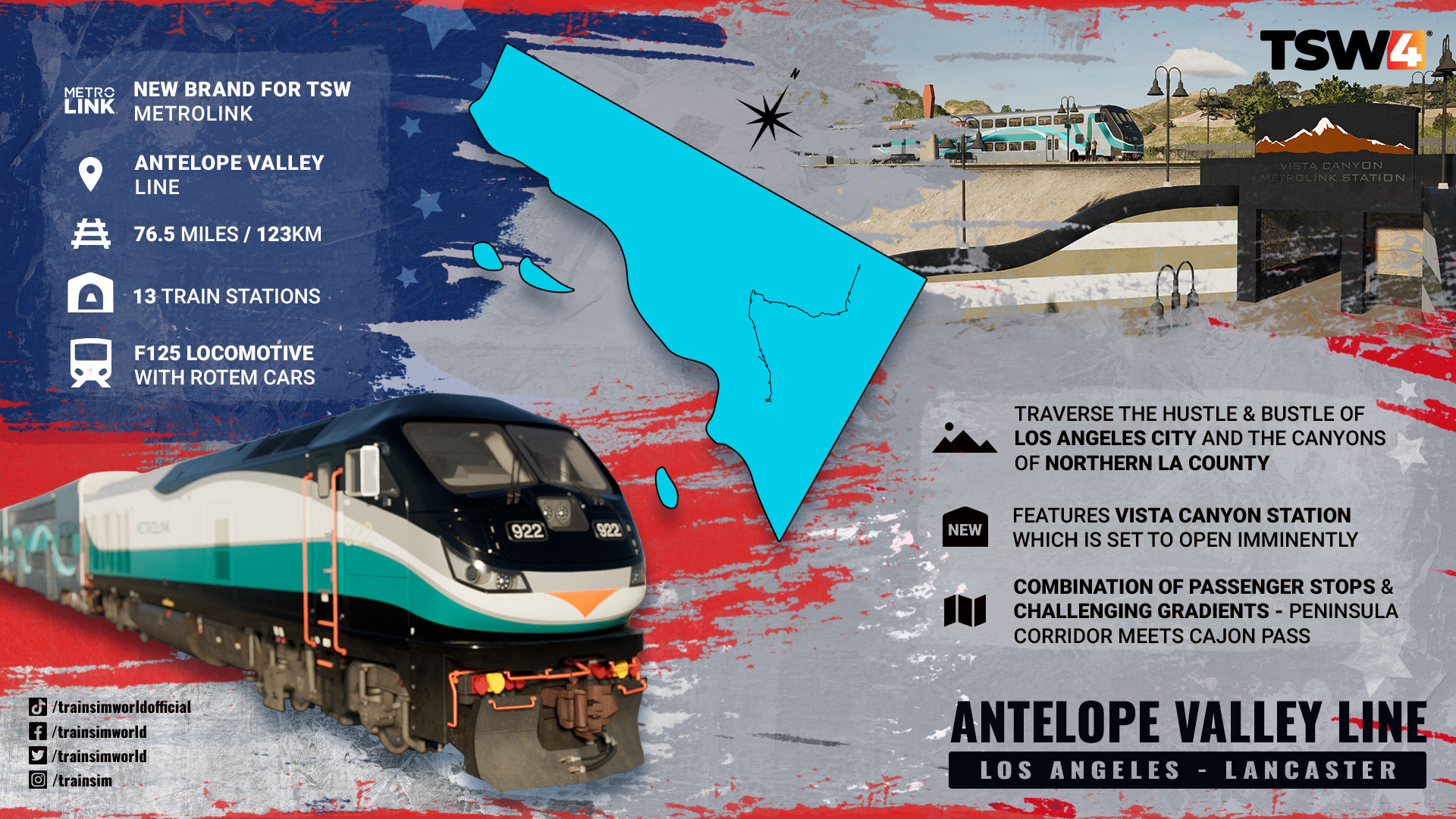
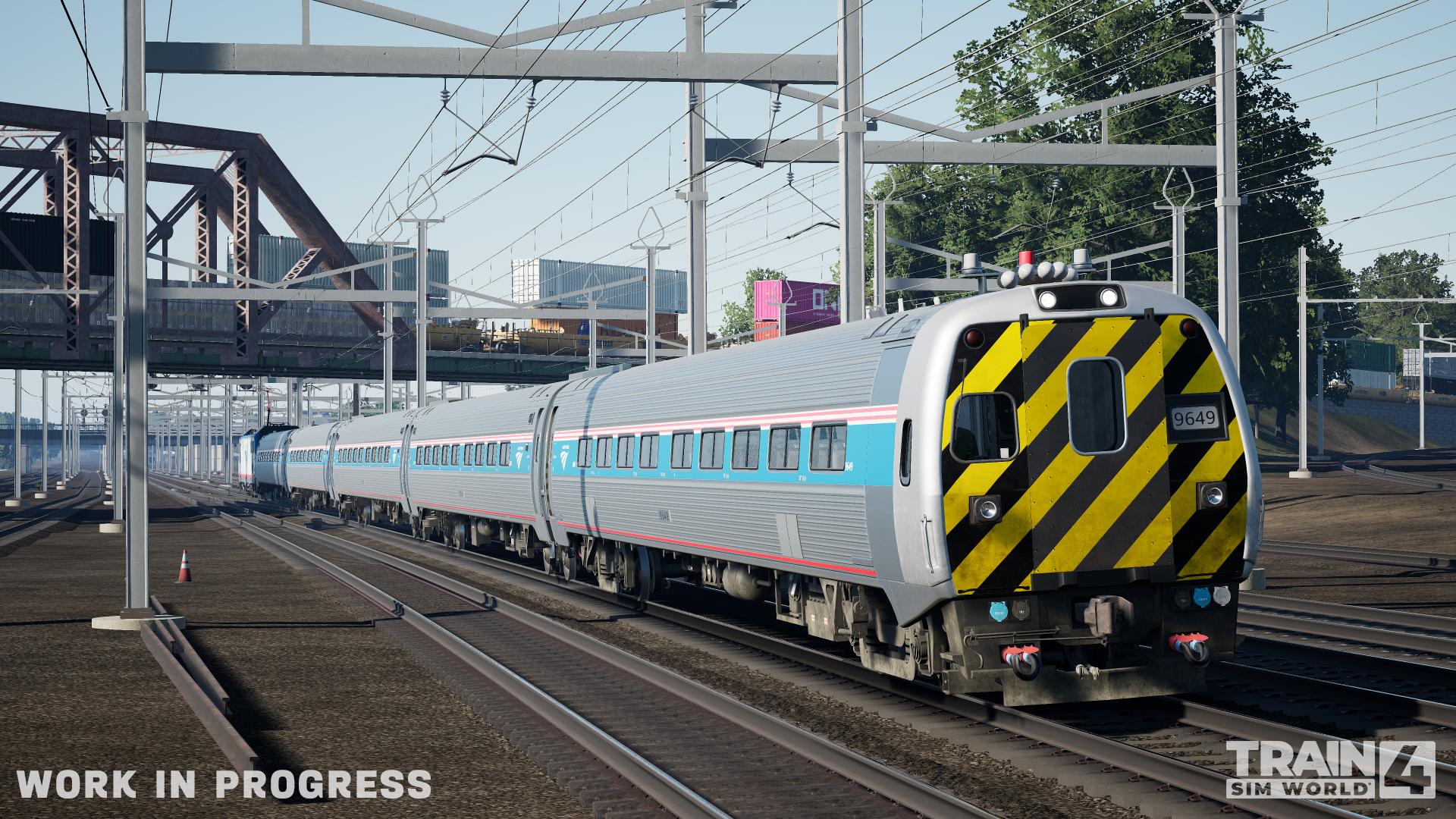
Antelope Line: Los Angeles – Lancaster: Challenging canyon terrain meets the hustle-and-bustle of Los Angeles with the unique F125 locomotive, with Rotem cars
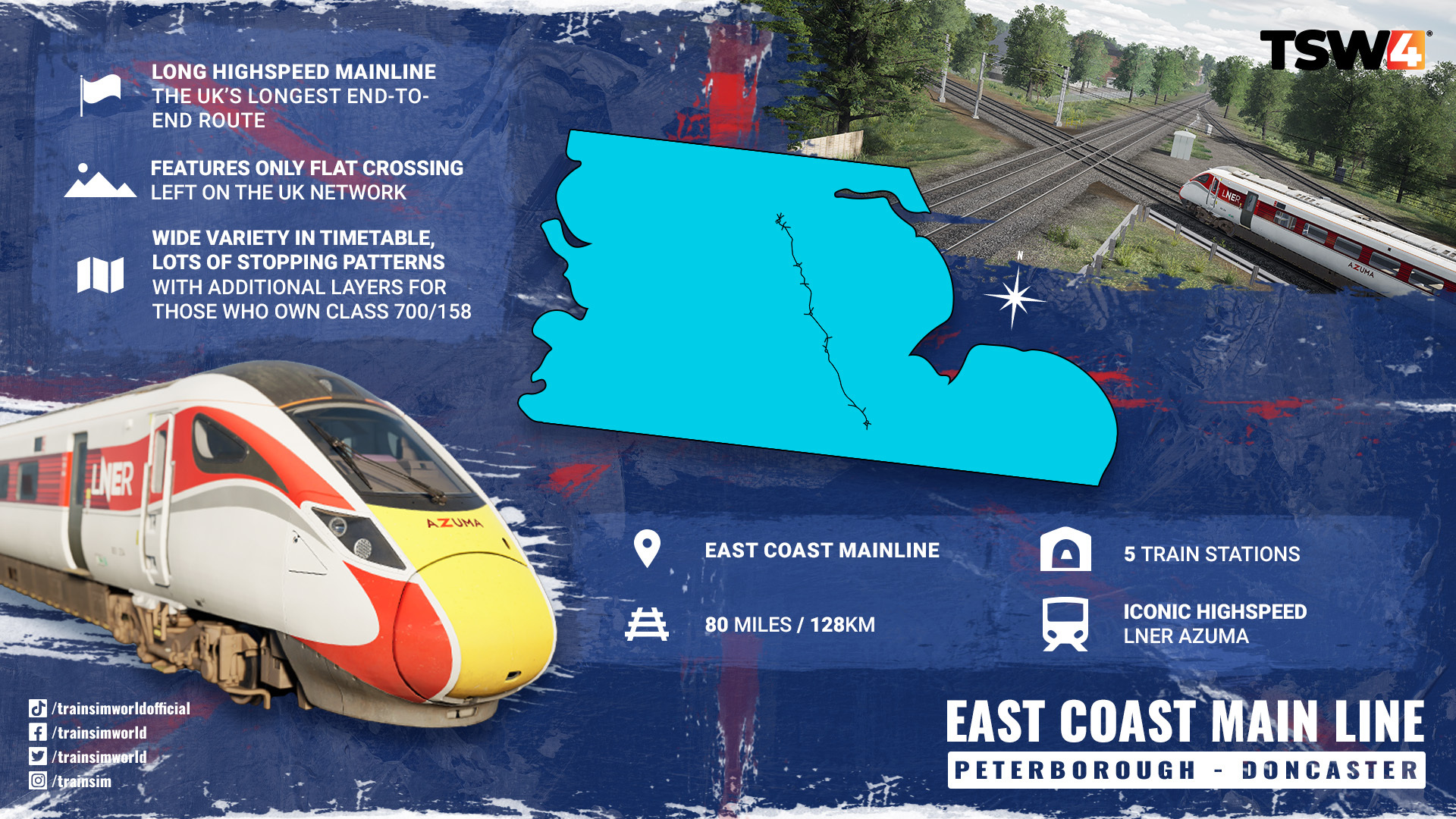
East Coast Main Line: Peterborough – Doncaster: The perfect racetrack for the high-speed LNER Azuma (and railtours…) to stretch its legs
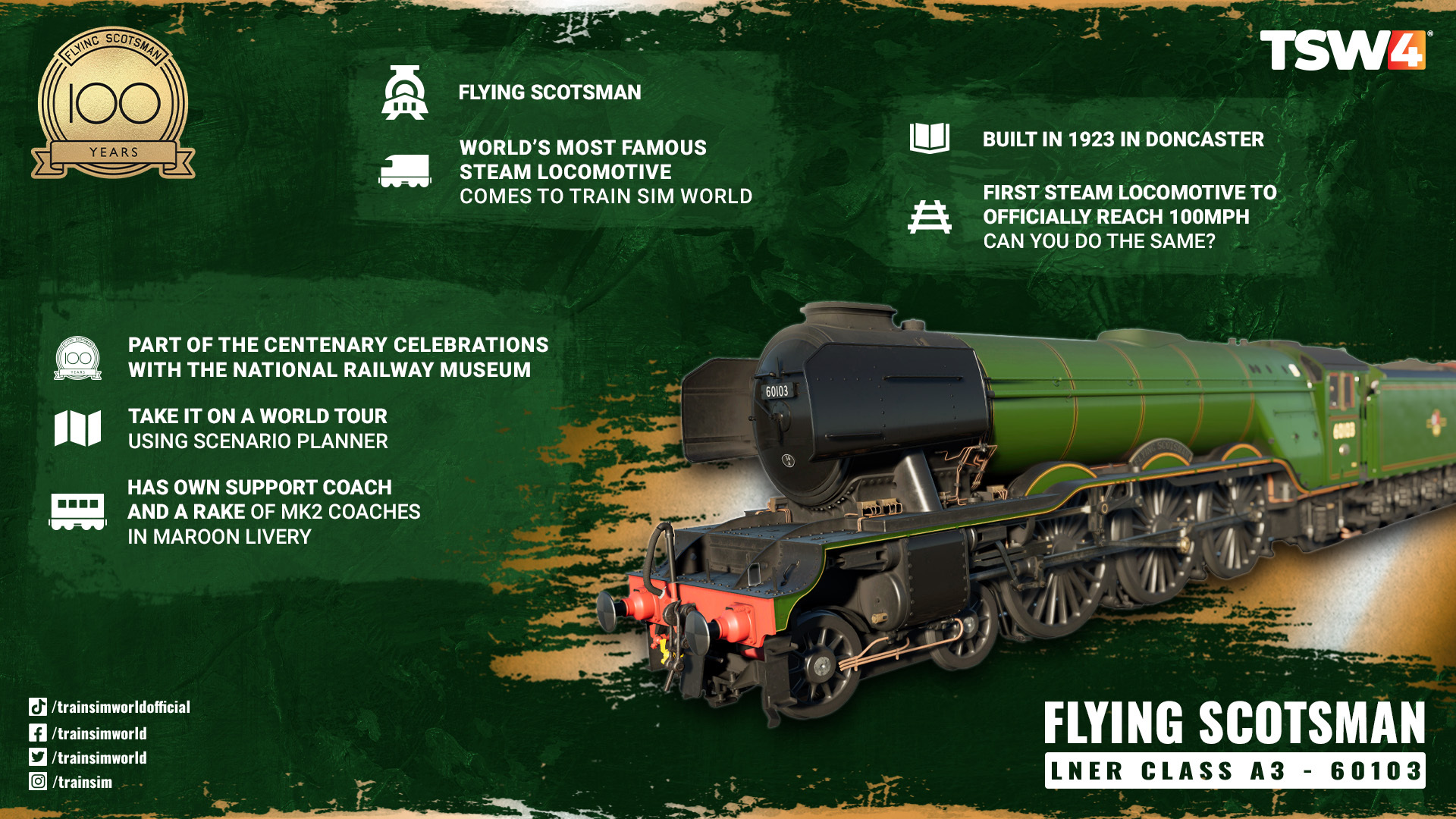
Flying Scotsman (Deluxe and Special Editions only): The world’s most famous Steam locomotive takes a Centenary Railtour on ECML
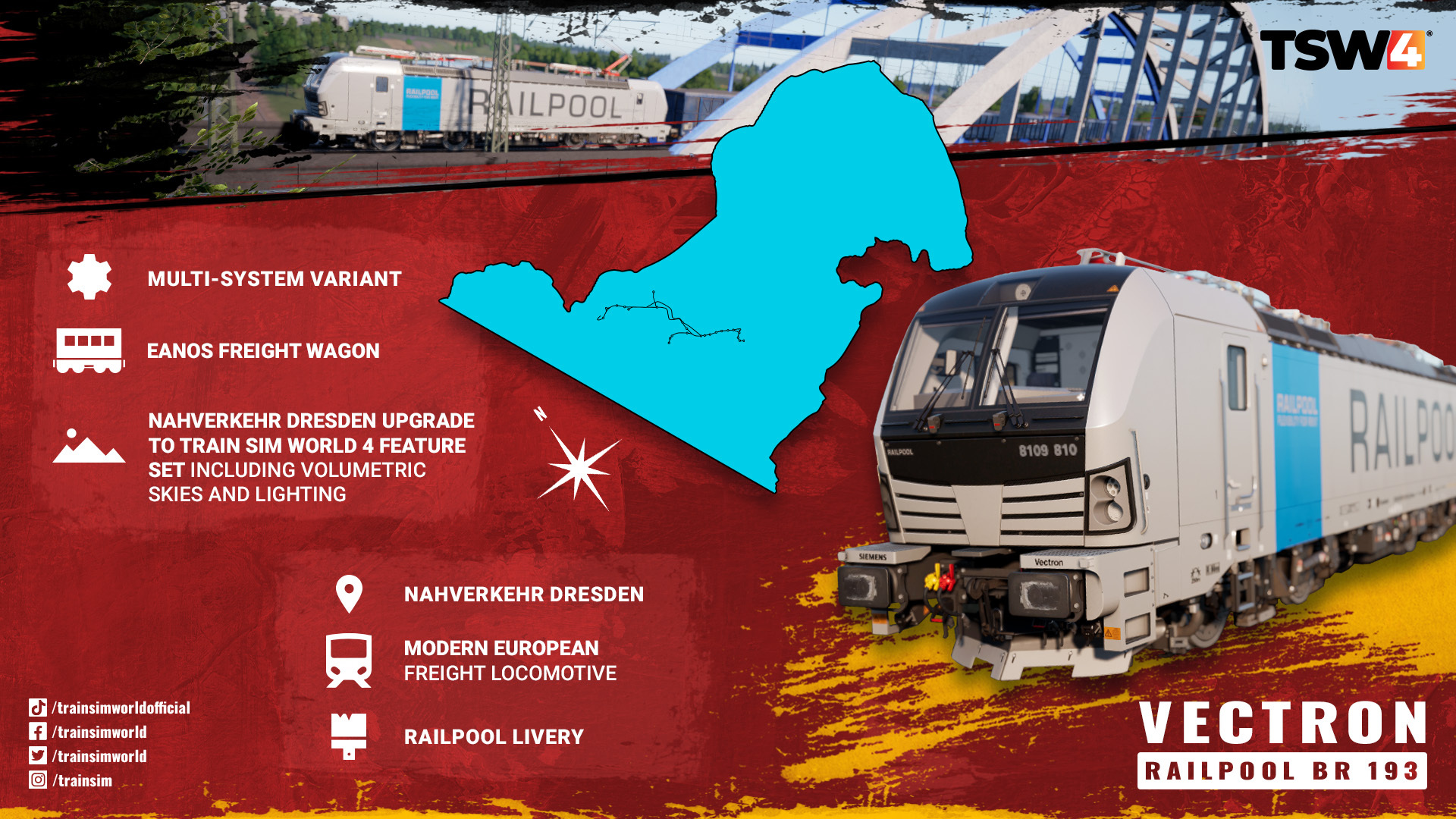
Railpool BR 193 Vectron (Deluxe and Special Editions only): Coming to Nahverkehr Dresden (which will be upgraded to TSW4 feature set), the ‘computer on wheels’ will be a great addition to German railfans’ collections
Scenario Planner 2.0: Chained paths, custom start times and weathers, portal support for AI trains, new UI, and more!
Livery Designer 2.0: Undo/Redo, text entry, new fonts, toggling AI livery usage, 1,000-layer limit, and more!
Photo Mode: Pause the game to take the perfect screenshots, with adjustable camera settings, filters, and enhancements, to populate your in-game Gallery
Creators Club improvements: Filter by content you own, and a new UI
New Scoring System: Rewarding experienced drivers for driving well with all-new Platinum medal tier.
Free Roam Mode: Spawn trains anywhere at any time, set paths where you like, use custom formations – the world is your sandbox to use your whole collection as you choose in a single session
The PC Editor (Beta): Access our version of the Unreal Engine 4 toolset, the same tools our teams use. Create gameplay, trains, and even your own routes!
Ease of Access improvements
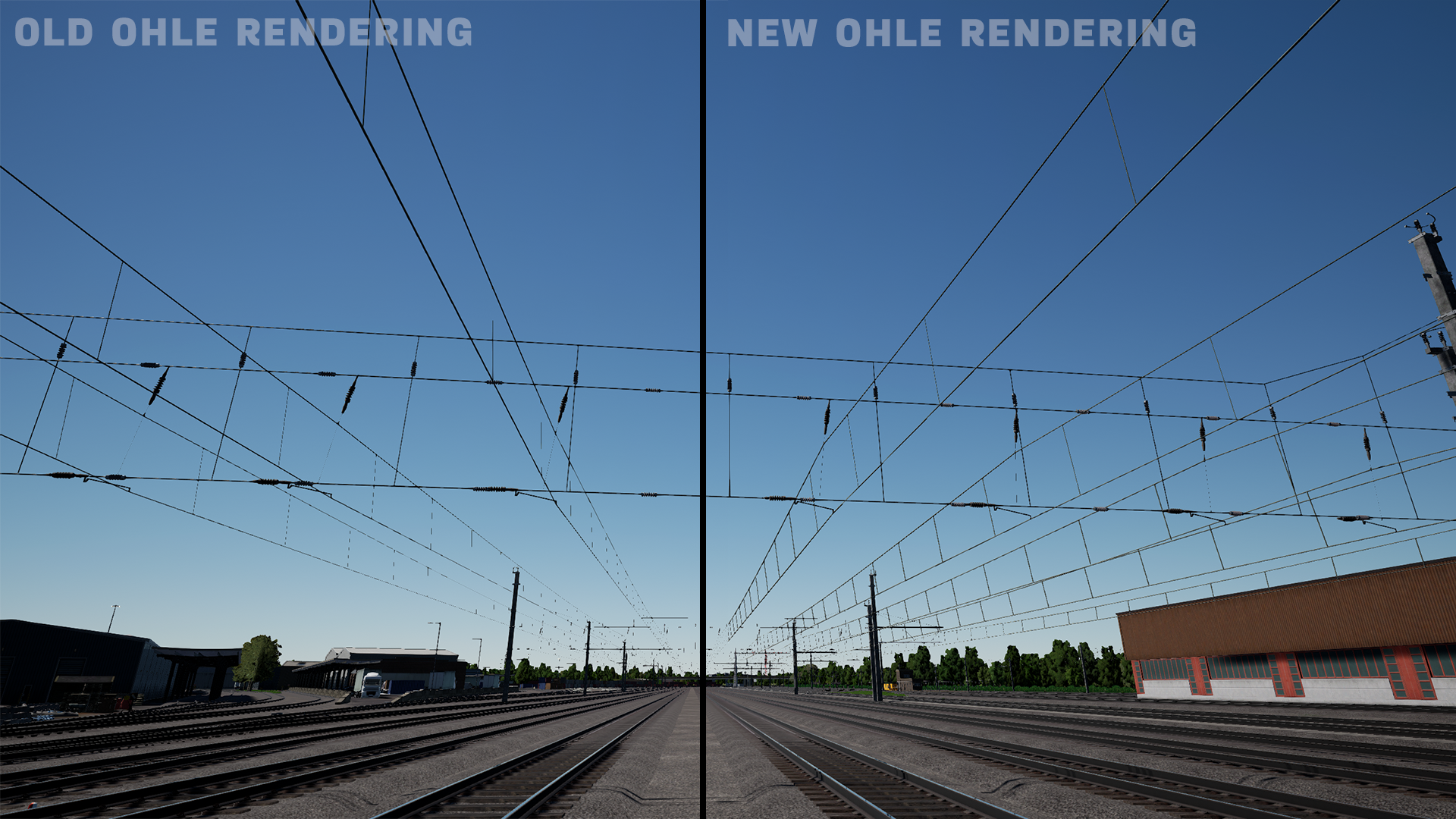
Improved Overhead Line Rendering
New Rain on Windscreen Effects
Haptics for Controllers
Volumetric Fog
Whew! Well, prepare yourself for the longest roadmap ever written, currently sat at 15,000+ words, with so much it in we had to split it into two parts! Today’s and tomorrow’s Roadmaps will cover all of the above in a little more detail, checking in with the teams who have made them to drill into what makes them special. We’ll be talking about the routes and locos as well as the OHLE, suspension, and rain windscreen graphical improvements today, as well as talking about some of the things we know you’ll have questions about!
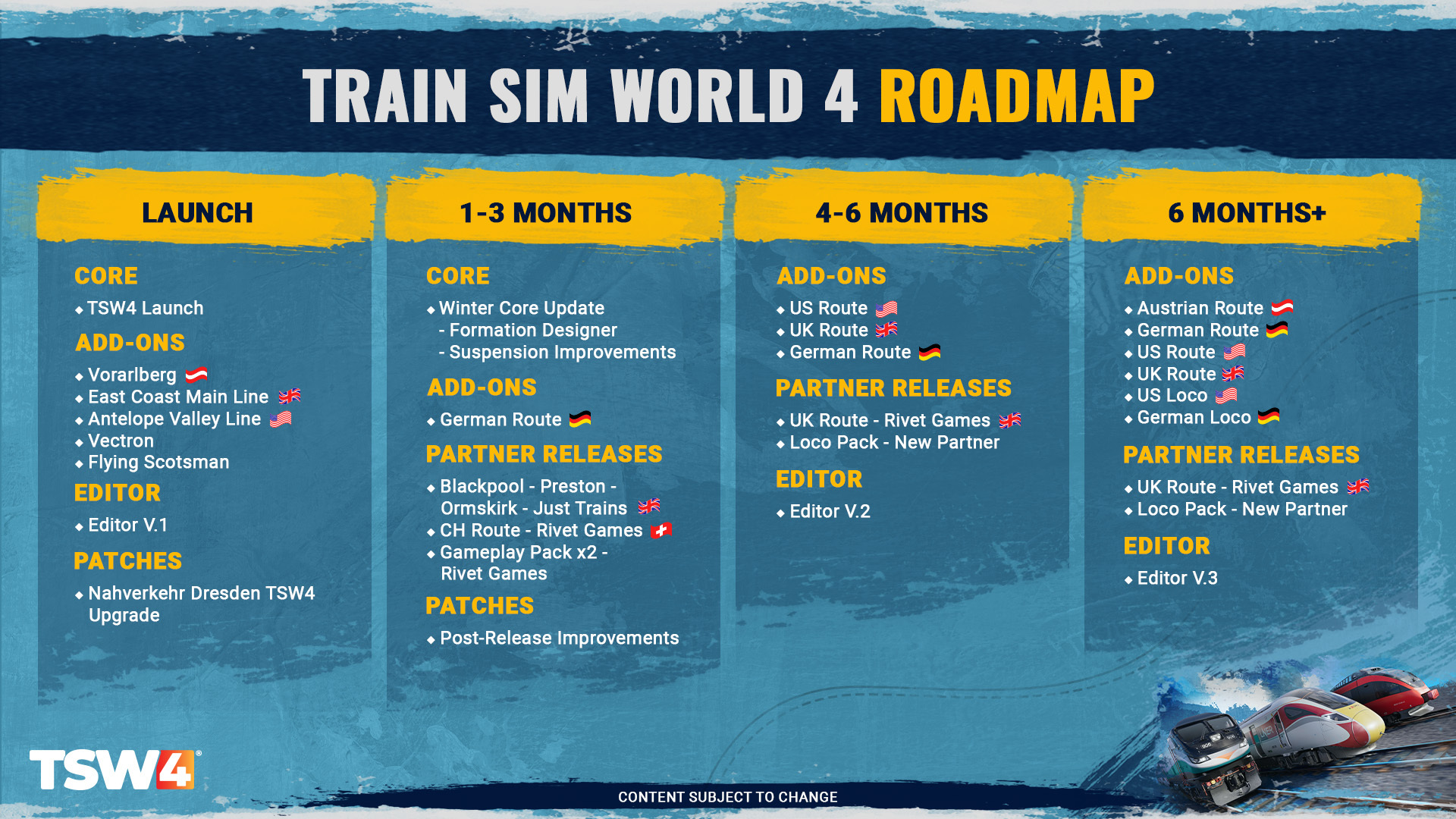
Here’s our new Train Sim World 4 Roadmap, detailing what you can expect from us over the coming months. Please note, this is for all new content – we provide an update on other projects further down in the Roadmap:
You can find out more on our shiny new webpage, including details on pre-order, discounts, and frequently asked questions.
Railfan TV schedule
Alongside our Roadmap and future articles, we will of course be showcasing all Train Sim World 4 has to offer via our live streams. Here are some dates to mark down in your calendars before the game's release on September 26th. – all streams will start at 18:00 UTC and be available on our YouTube and Twitch channels.
Live streaming Schedule
August 24th: The TSW4 Roadmap (Matt & JD)
August 31st: Vorarlberg Preview (Matt, Lukas & Alex)
September 5th: PC Editor Showcase (Matt, Will K & Alex)
September 7th: Antelope Valley Line Preview (Matt & Jamie)
September 12th: Creative Tools Previews (Matt, Cat & Alex)
September 14th: Dresden and Vectron Preview (Matt & Jan)
September 18th: Free Roam Mode Preview (Matt, Lukas & JD)
September 20th: ECML & Scotsman Preview (Matt, Jamie & Joe)
September 25th: Train Sim World 4 Summary Q&A (Matt & Alex)
(Timings and details of streams may change)
Roadmap Images
Due to the length of the roadmap, there is only a selection of images on this thread - please view the roadmap above to find all the imagery and information!
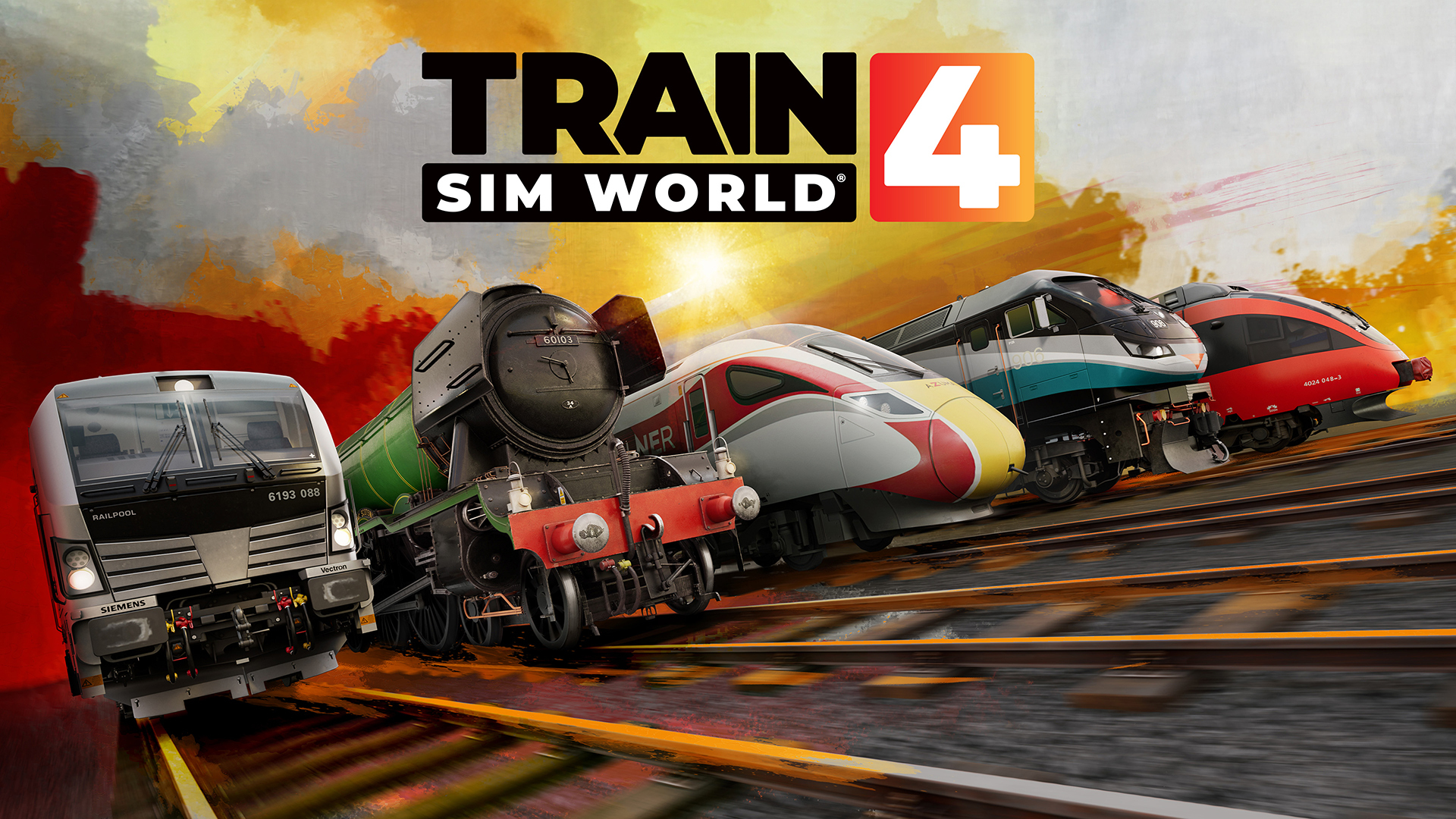
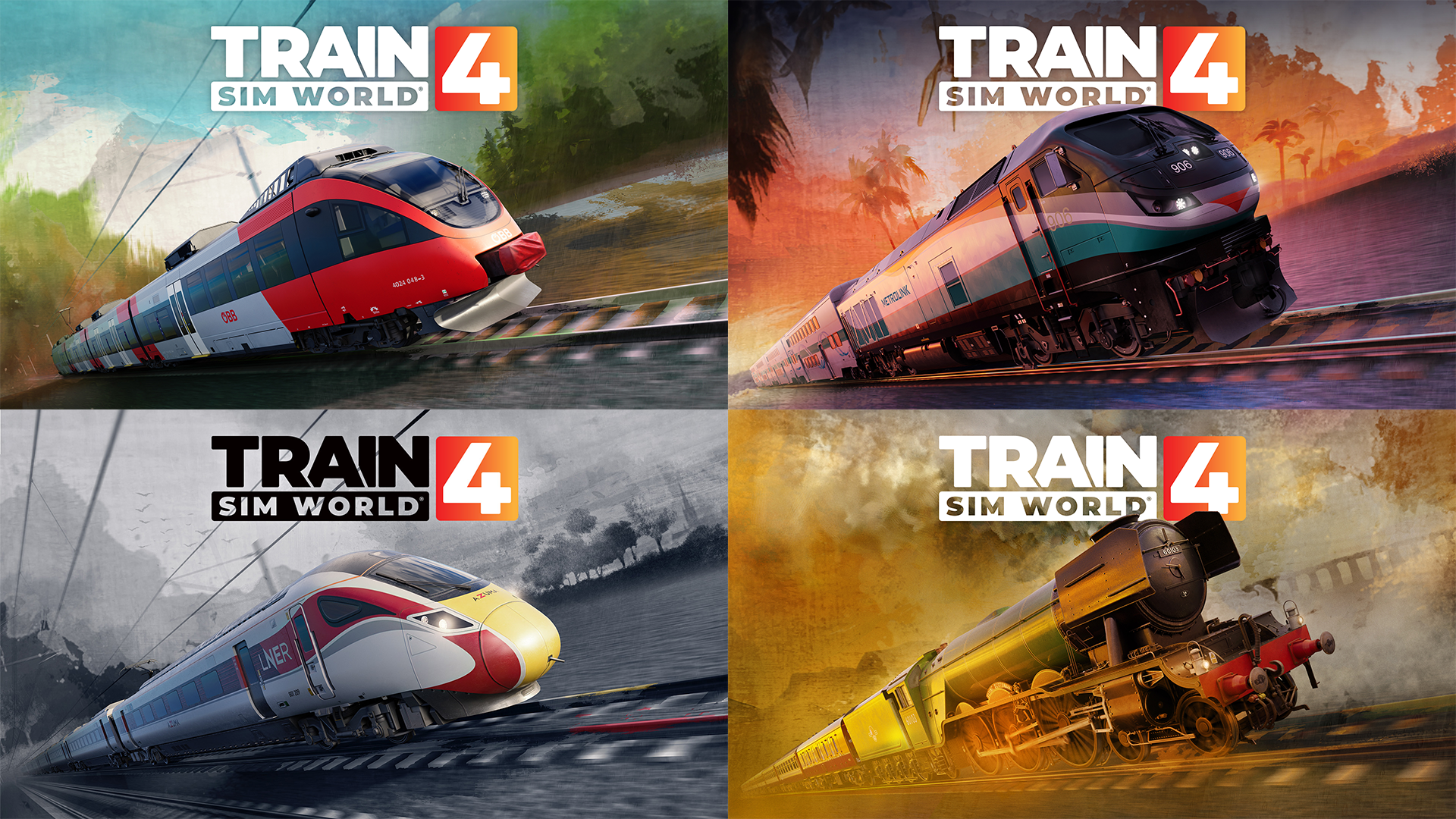
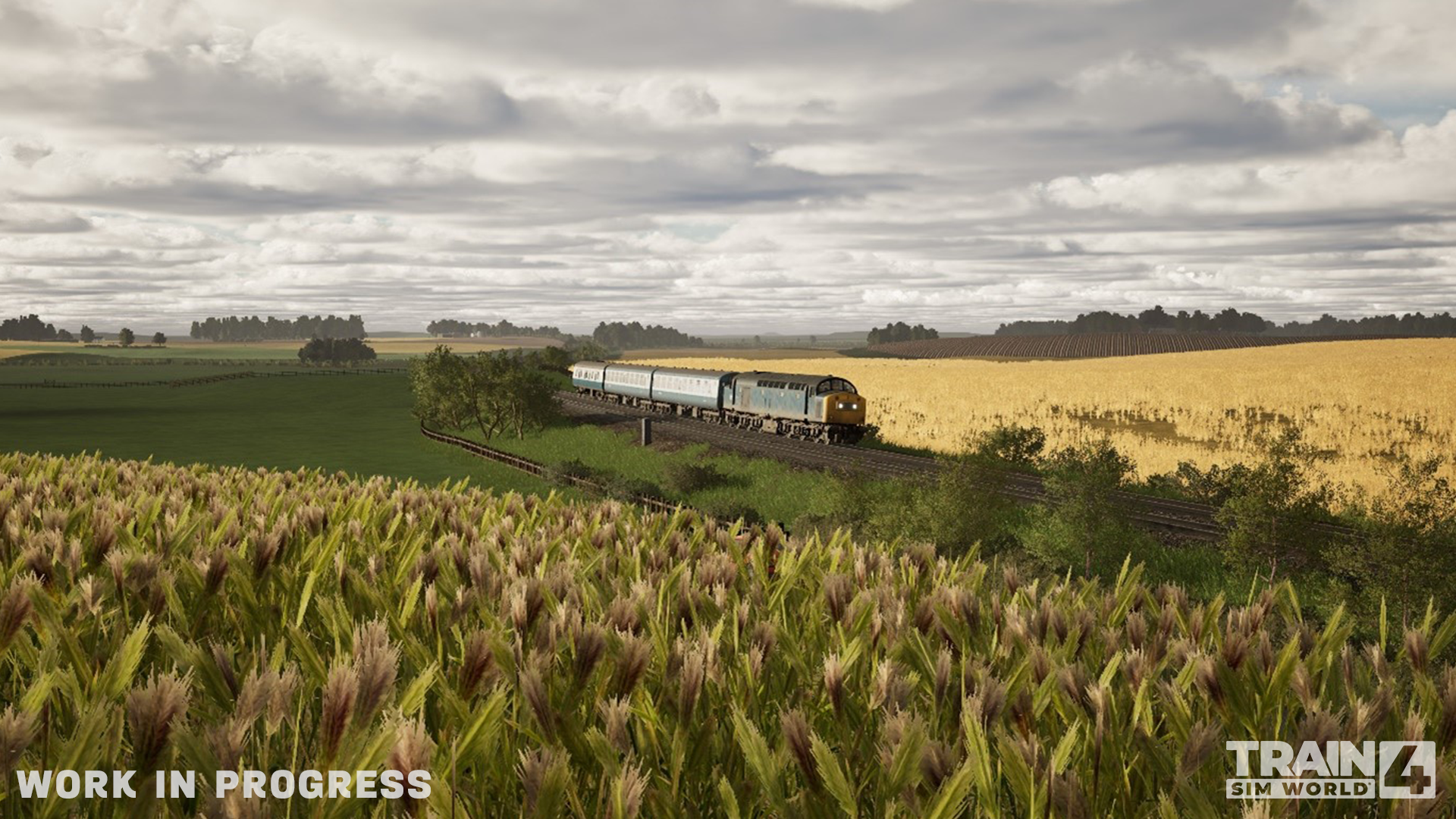
Train Sim World 4 Key Arts
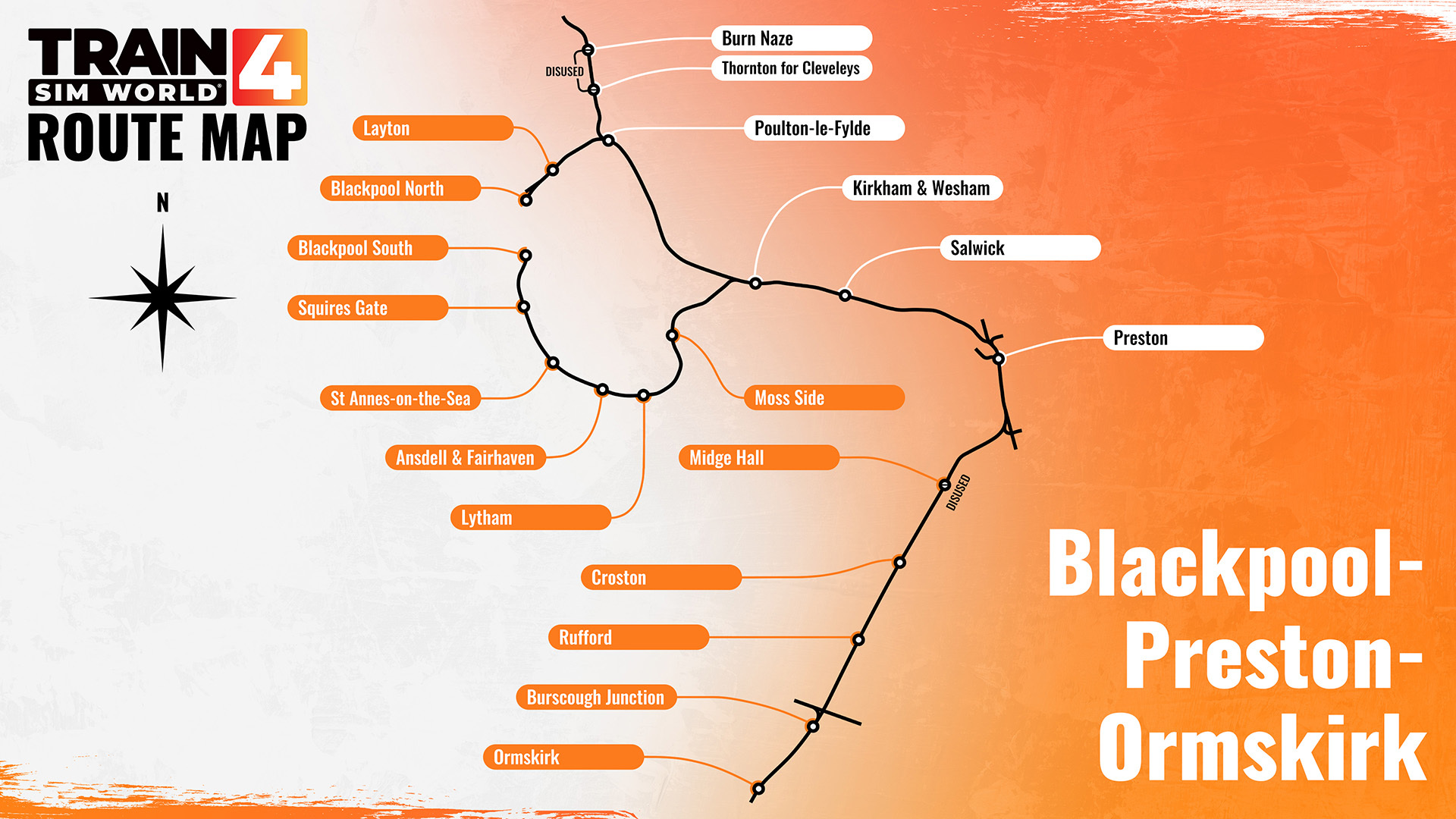
Route Maps
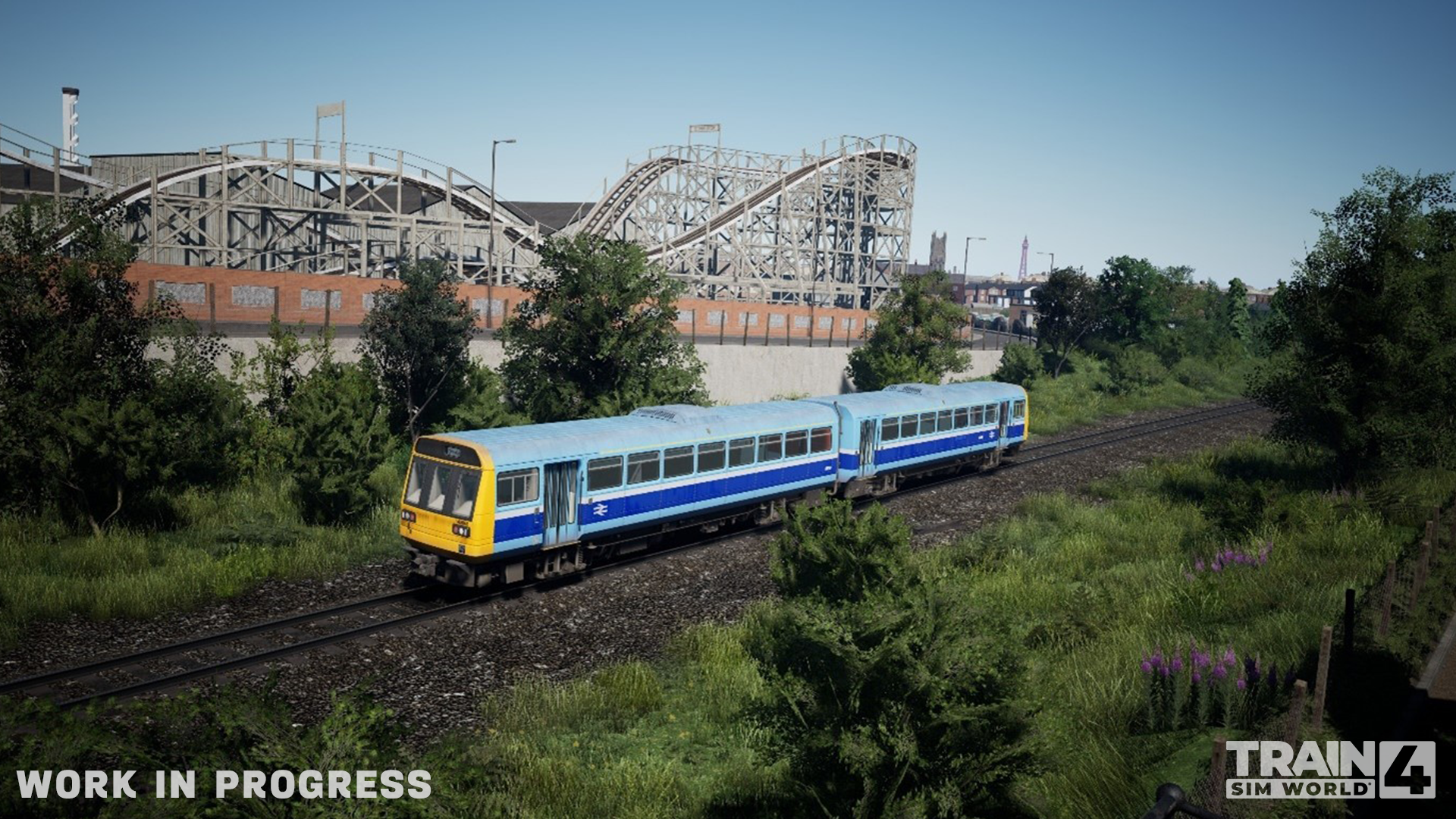
Blackpool-Preston-Ormskirk (Just Trains)
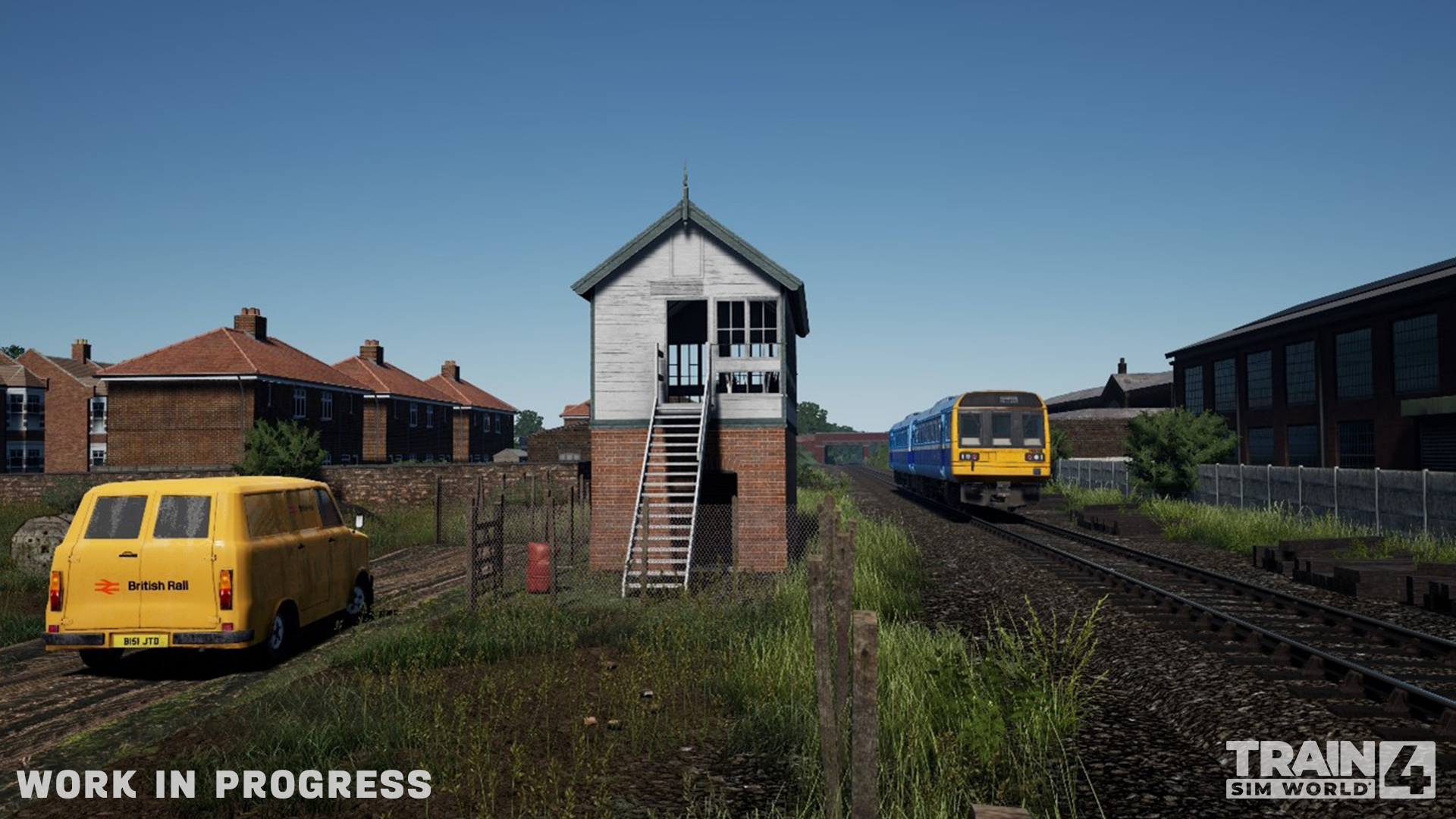
Rain Window Effects
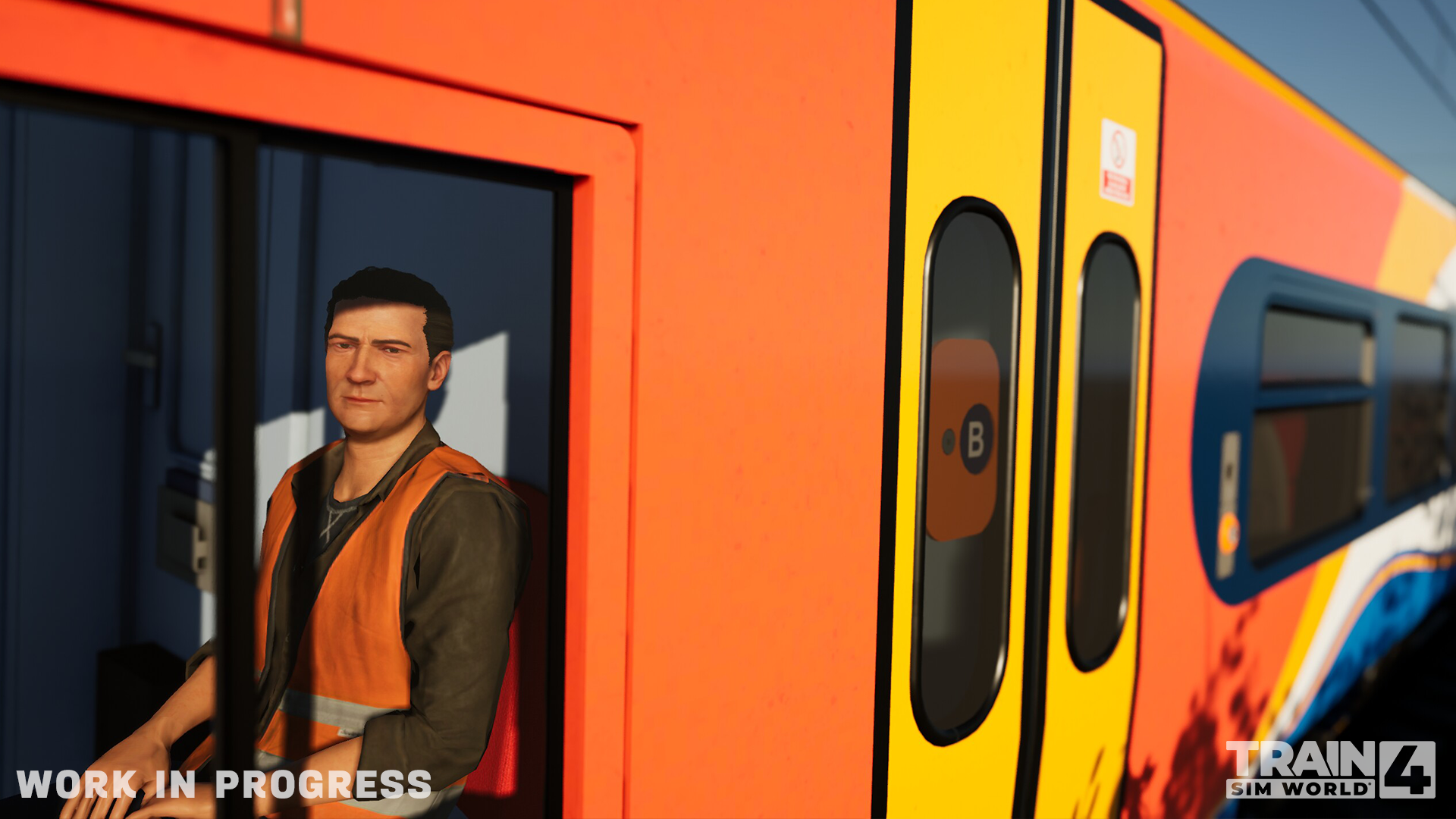
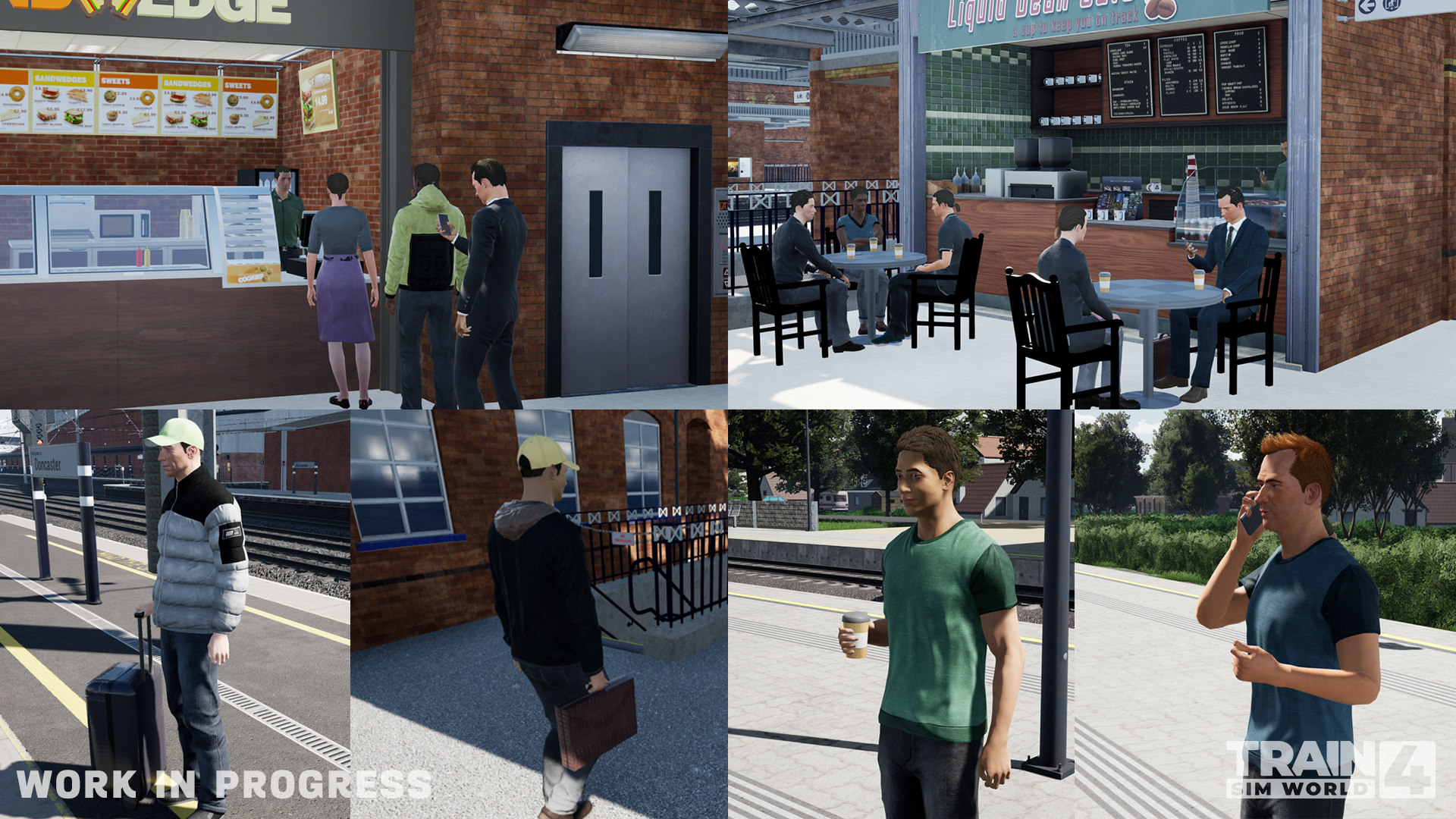
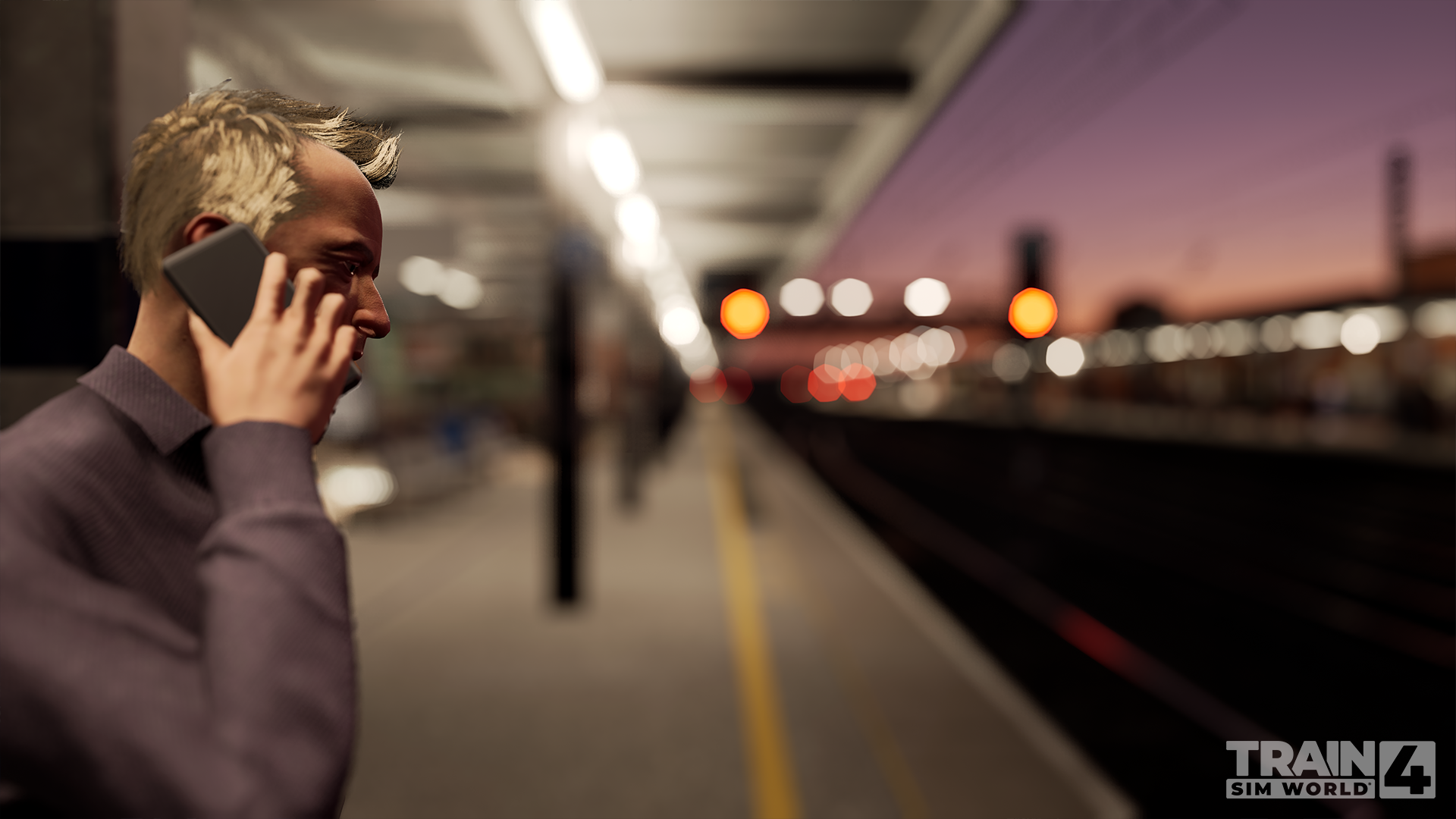
Character Updates and New Dioramas
Northeast Corridor: New York – Trenton additional timetable
Southeastern High-Speed Route Improvements
Niddertalbahn Bonus Content
As mentioned above, our roadmap exceeds the Steam limit of 8000 characters (It's actually over 8000 words) so for more information and developer insight, dive into the Train Sim World 4 Roadmap Part 1!
You can also head over to our incredible and extensive Train Sim World 4 FAQ page, and find out more on our Train Sim World 4 Website, including details on pre-orders, discounts, and other commonly asked questions.
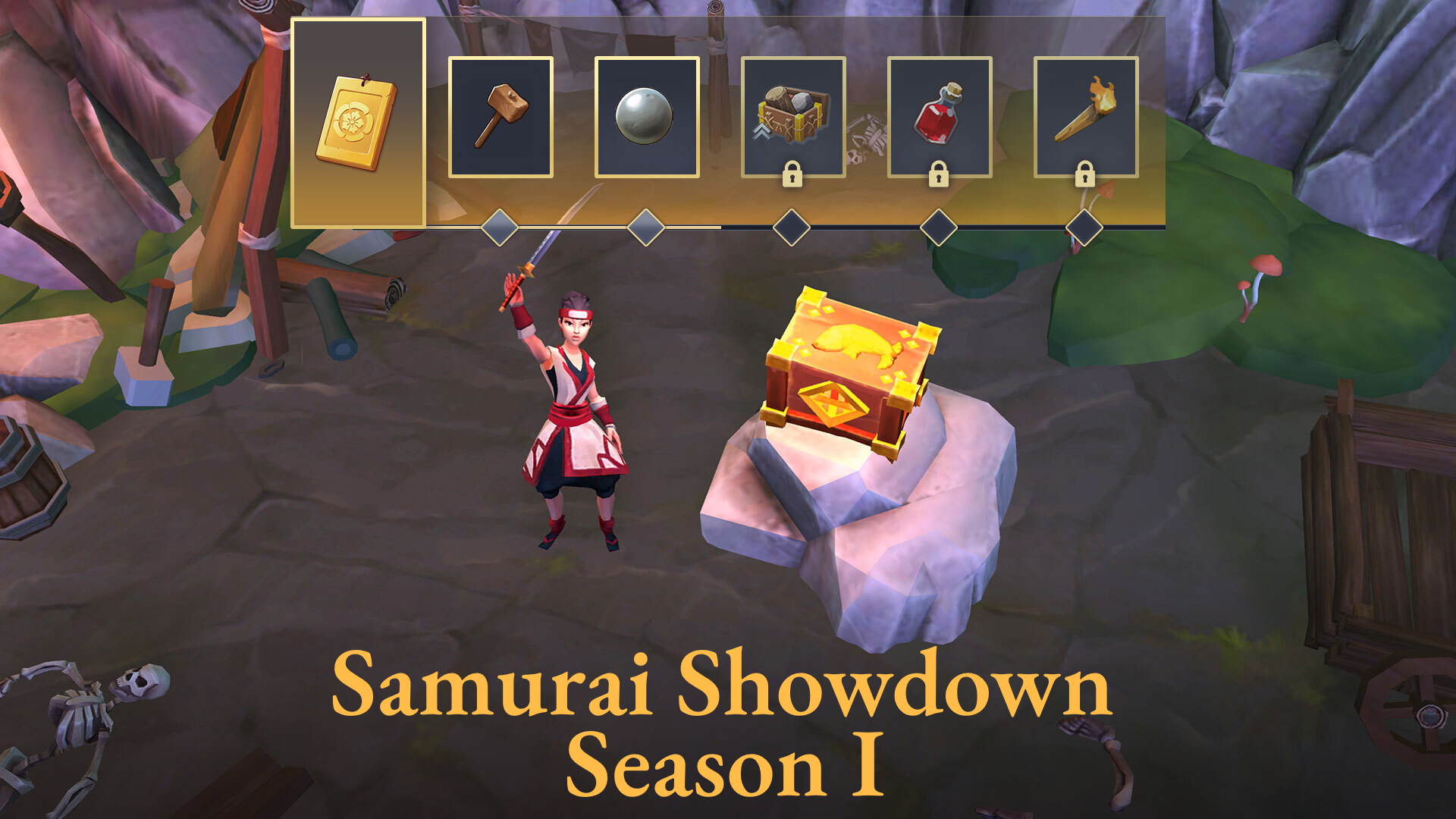
📒Complete daily and weekly quests in the Battle Pass to level it up; 🎁Unlock rewards like gems, coins, keys, boosts, and exclusive items such as the Hare Ring and Fire Naginata.
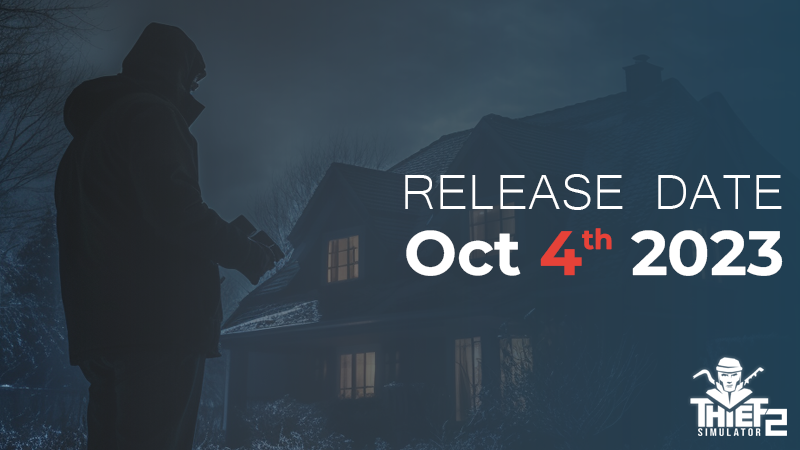
Prepare yourself, the underworld is about to expand! Coming this October 4th, 2023, Thief Simulator 2"will unlock a treasure trove of criminal endeavors, inviting you to forge your path in the grand landscape of theft and strategy.
Explore and invade 2 diverse neighborhoods and 3 unique heist locations! Each with rich loots, from quiet suburban houses to gold-filled bank vaults, all ripe for the taking. Equip yourself with an array of tools, from crowbars to hacking laptops, and level up to master even more daring heists with enhanced skills and techniques.
Whether you're silently disabling security systems or hot-wiring high-speed sports cars for a quick getaway, the choices are all yours. The clock is ticking, the stakes are higher, and the police are just a step behind.
Gear up for "Thief Simulator 2," and embrace the thrill of being a mastermind criminal. October 4th marks the beginning of your reign in the criminal underworld. The countdown to "gone time" has officially begun!
Work on the game is ongoing, and we want you to be able to know what we're doing, share ideas, and discuss your expectations. Developer streams are the best place to see what we're currently working on and simply have a good time. We invite you to join us for some fun and get to know the AirportSim game.
As the end of [Sengoku] Season approaches, [Knightfall] season is coming soon. In order to provide a more balanced battle environment with variety, we will gradually adjust the balance based on the performance of each unit during the next month.
To express our gratitude for your support, the following events will take place this Saturday and Sunday (runs from 0:00 on September 9th to 24:00 on September 10th):
1. Removing doctrines won't cost any resource consumption. 2. Participate in Siege and Field and increase the unit XP gained by 100%.
In addition, the Scroll of Forgetfulness for the Men-at-Arms and Spear Sergeants which can fully reset their Mastery will be given away to all Warlords this month.
Thank you for your support! We wish you great fortune in your military endeavors and dominating presence on the battlefield!