As we’re getting closer to launch, we’re increasing the frequency of DevStreams and will now be streaming every week. To celebrate, our next DevStream will be a special one!
Ian Currie is the creator of the Jagged Alliance franchise and has been working with the Haemimont team on Jagged Alliance 3. He’s been gracious enough to join us on our DevStream next week where we’ll talk about the previous games, chat some about JA3, and answer a bunch of questions. This is a unique opportunity to interact a long time veteran of the game industry, so you don’t want to miss it!
We also might be giving away a few more JA3 team shirts to few lucky viewers as well.
While we can’t promise we’ll get to everyone’s questions, we welcome you to post any questions you’d like to ask Ian here. We’ll be gathering them together and pulling from this question list, as well as questions from chat, during the stream.
Mark you calendars for June 22nd at 11:00 AM EDT / 5 PM CEST on the THQ Nordic Twitch Channel: http://twitch.tv/thqnordic
Added ability to choose an object by clicking the background of its timeline label
Added visibility control to choose whether to see timelines for all objects or only selected objects
Timelines now highlight when the corresponding object is hovered or selected
Changes and Enhancements
Drastically reduced the profile for the timeline
Timeline no longer vertically shrinks to fit visible timelines when resizing
Increased speed of timeline zooming with mousewheel
Changed the highlighted text background color for text input pop-ups to make it more readable
Enhanced timeline label hover effect for better visibility of corresponding non-mesh objects in the canvas
Bug Fixes
Fixed a bug where the cursor would appear below some ui objects when an alternate cursor was displayed for timeline or object resizing
Fixed a bug where zooming in the timeline had jittering temporaral artifacts
Fixed a bug where under certain circumstances scrollwheel wouldn't zoom into the timeline
Fixed a bug where using the Next Key shortcut at a time after the last key would switch the time to the last key instead of wrapping around to the first
Fixed a bug where resizing the timeline would offset the currently scroll position
Fixed a bug where the timeline right-click menu still used the old behaviour of activating upon hover
Fixed missing option labels for timeline right-click menu
Fixed a bug where unintended value editor would display when right-clicking stroke keyframes
Fixed a bug that caused timeline tick marks to disappear under certain zoom or scroll conditions
Known issues
Non-mesh children of strokes don't update in real-time when using ik
A bunch of new stuff to do! Collections, areas, puzzles, activities, and quality of life changes!
I'd noticed that people were mostly ignoring the shop skins available later in the game since they had a high cost and didn't provide any gameplay benefit (classic capitalism). So they've been moved out of that store and placed as unlockable rewards spread throughout the game.
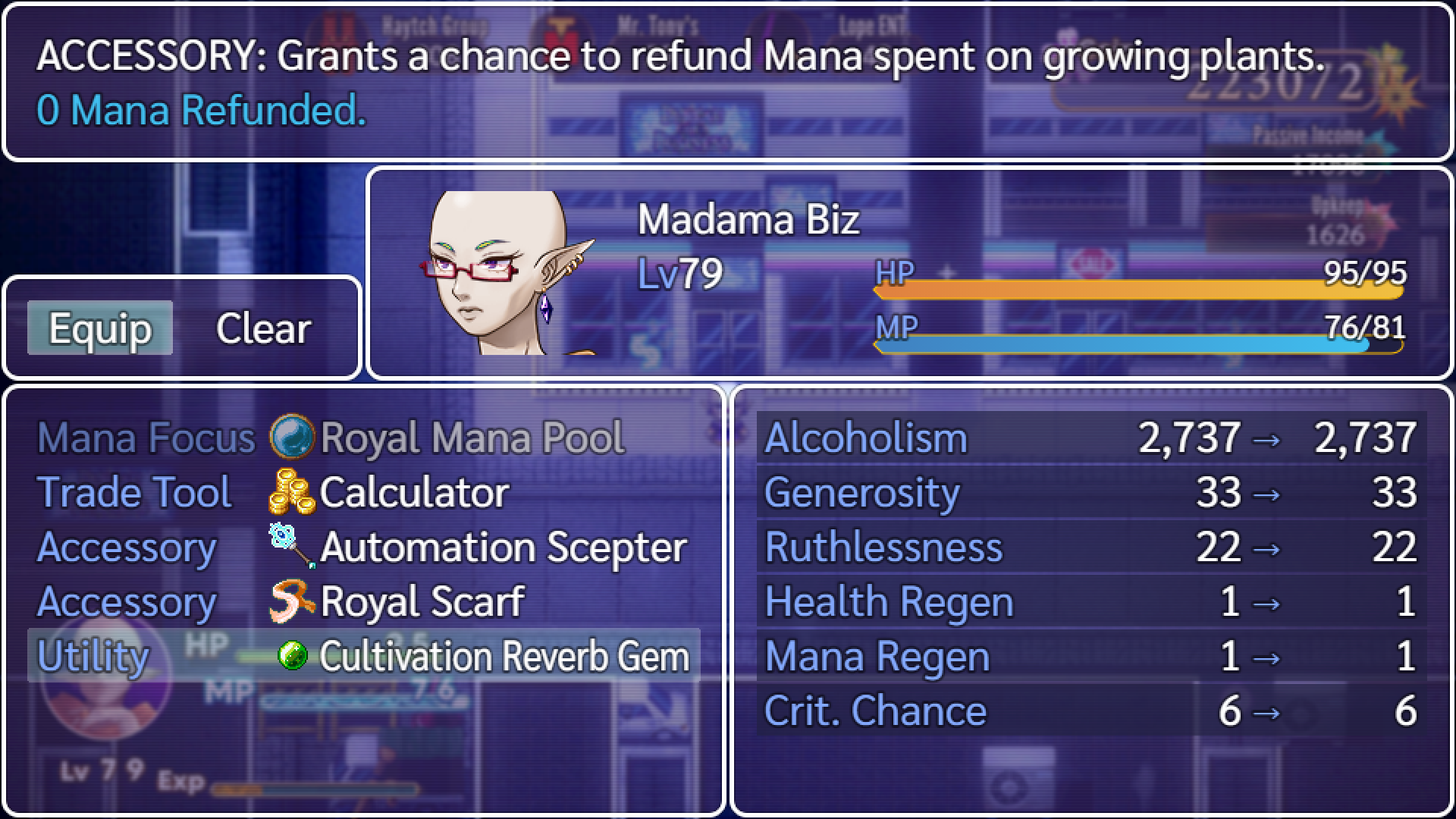
And a few accessories weren't seeing use for similar reasons of not providing direct money gains, so a new dedicated slot for utility accessories has been added!
Quite a few player requests have been addressed in this patch as well, read on for full details.
Changes:
Added song puzzles. (Also functions as a fun toy!)
Added Faeona Library interior.
Increased cloud cover in phase 2 Castle Marx.
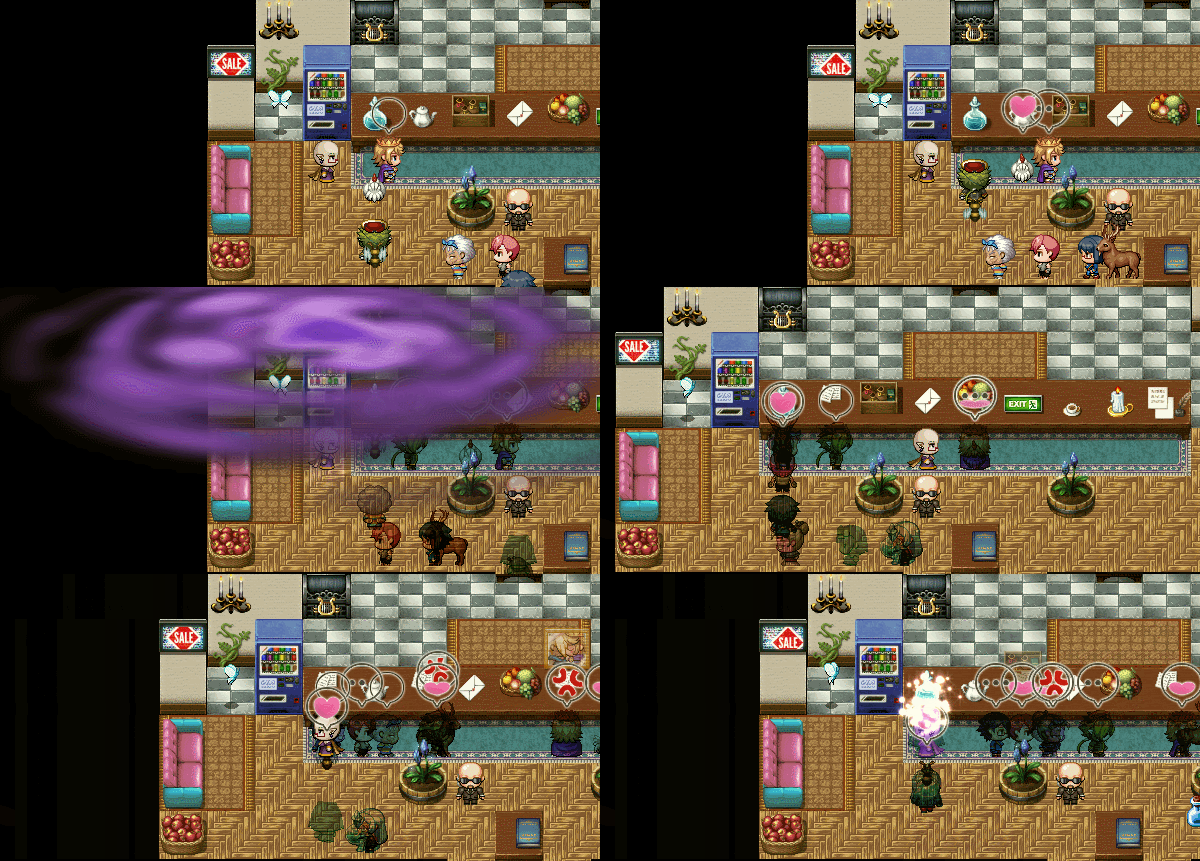
Added a new spell that temporarily disables customer collision.
Ms. Mandy will now take over as Enterpriston Bureau clerk if you hire the Bird later in the game.
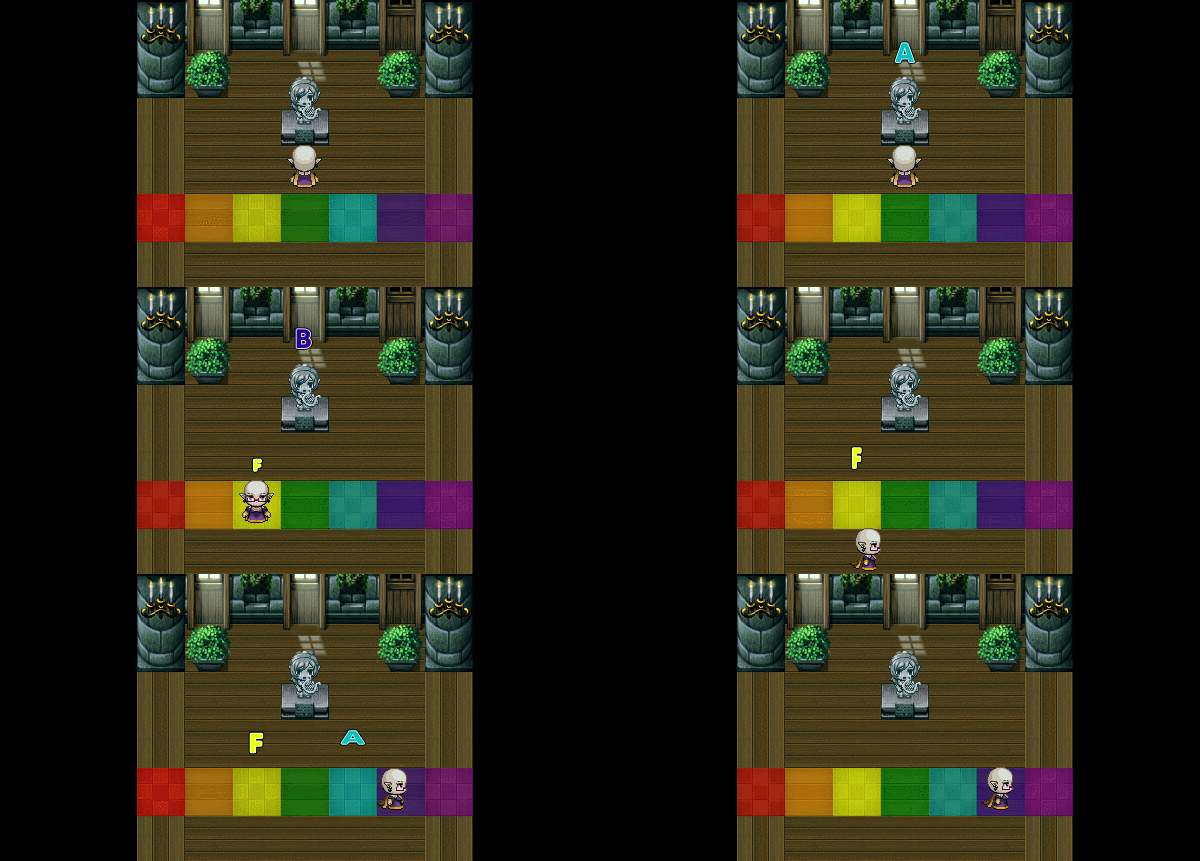
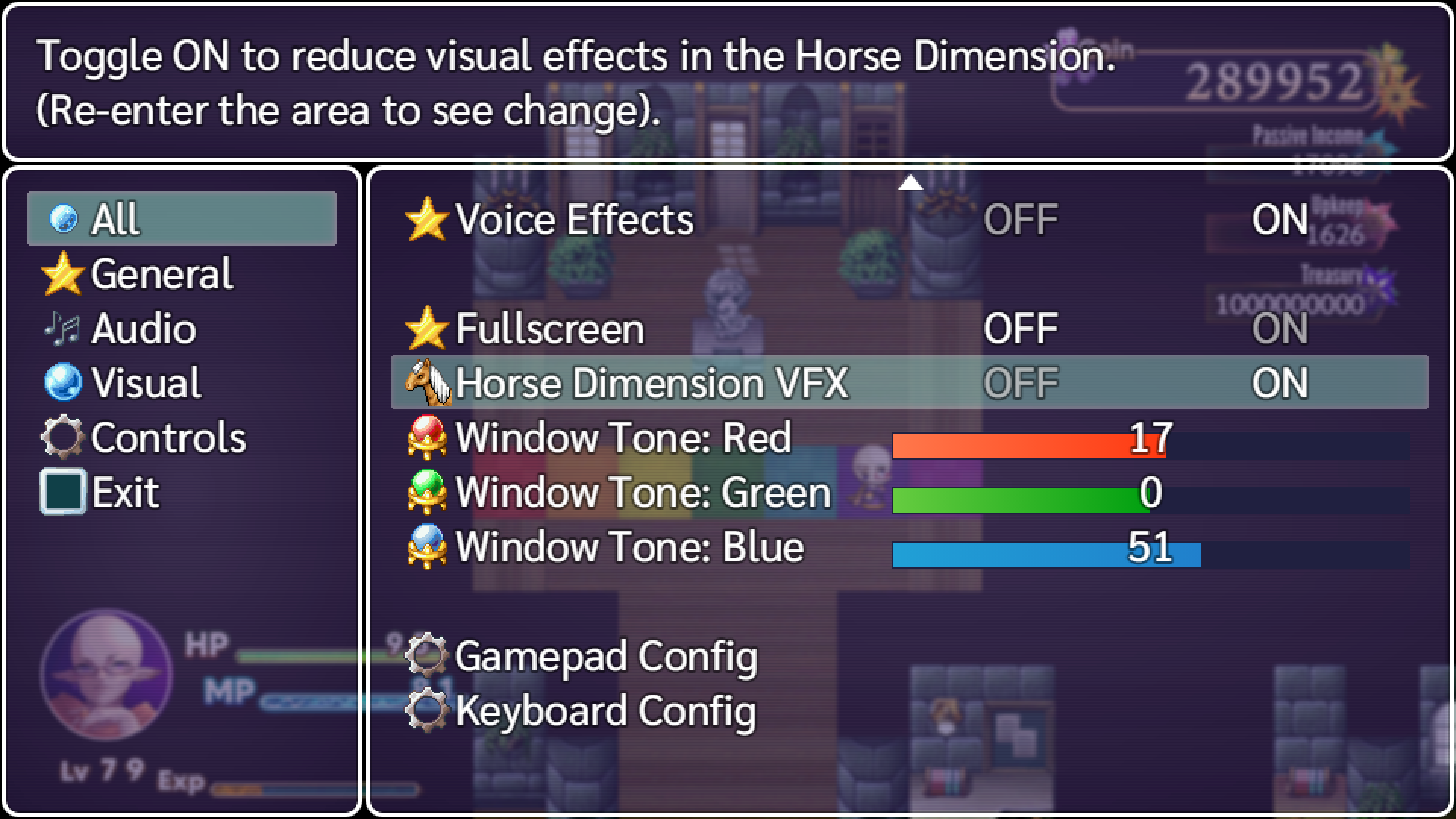
Added a toggle in the option menu to reduce Horse Dimension VFX. (Feedback on how this impacts performance on Steam Deck would be appreciated, I'm unable to test it myself).
Added a vine growth location near where you learn Wild Growth.
The Fowl House can no longer be purchased before Magnolia is a customer.
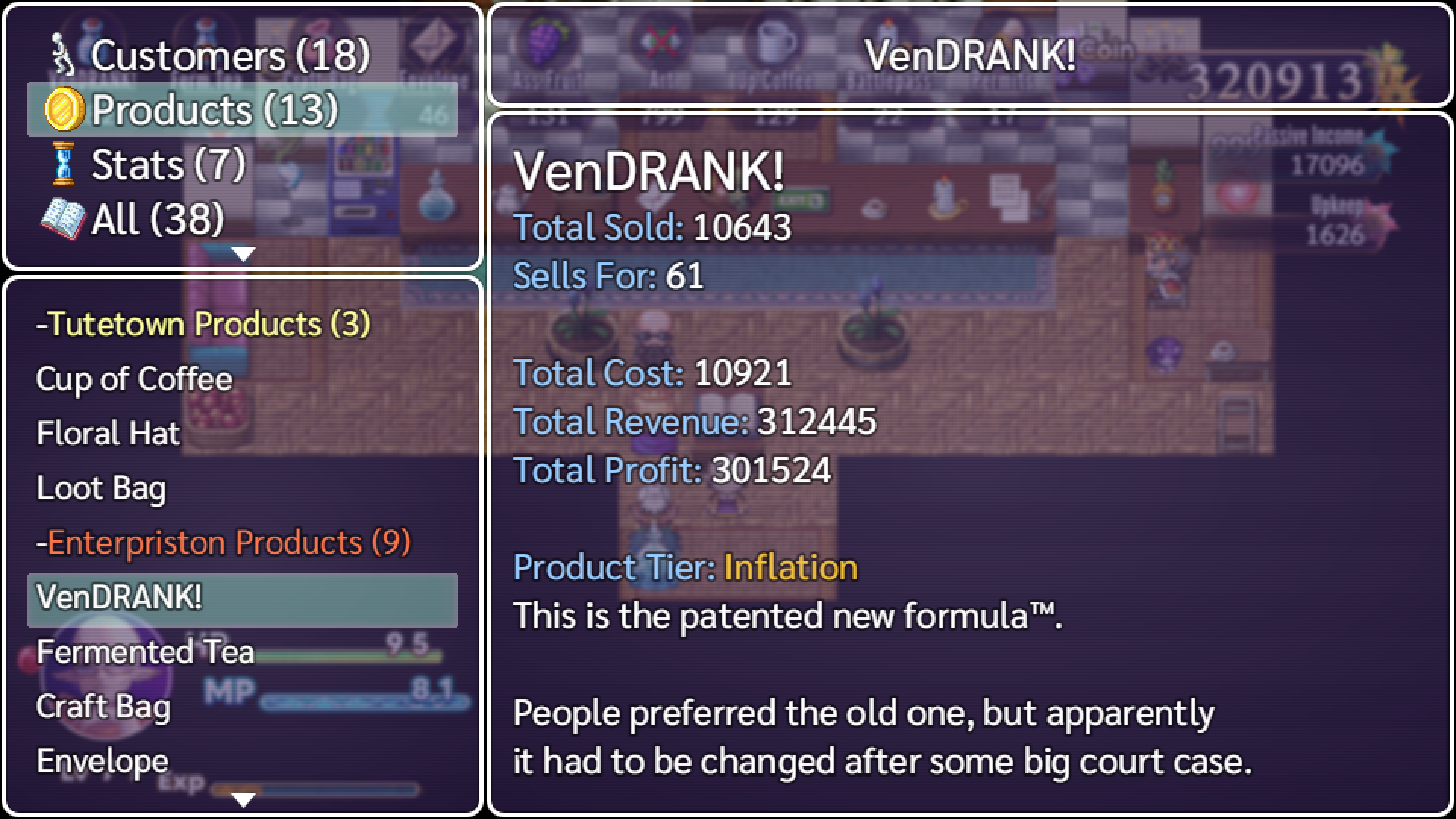
Product upgrade tier is now displayed in the ledger (supply & demand and so on).
The dog in Enterpriston can now be moved into the store.
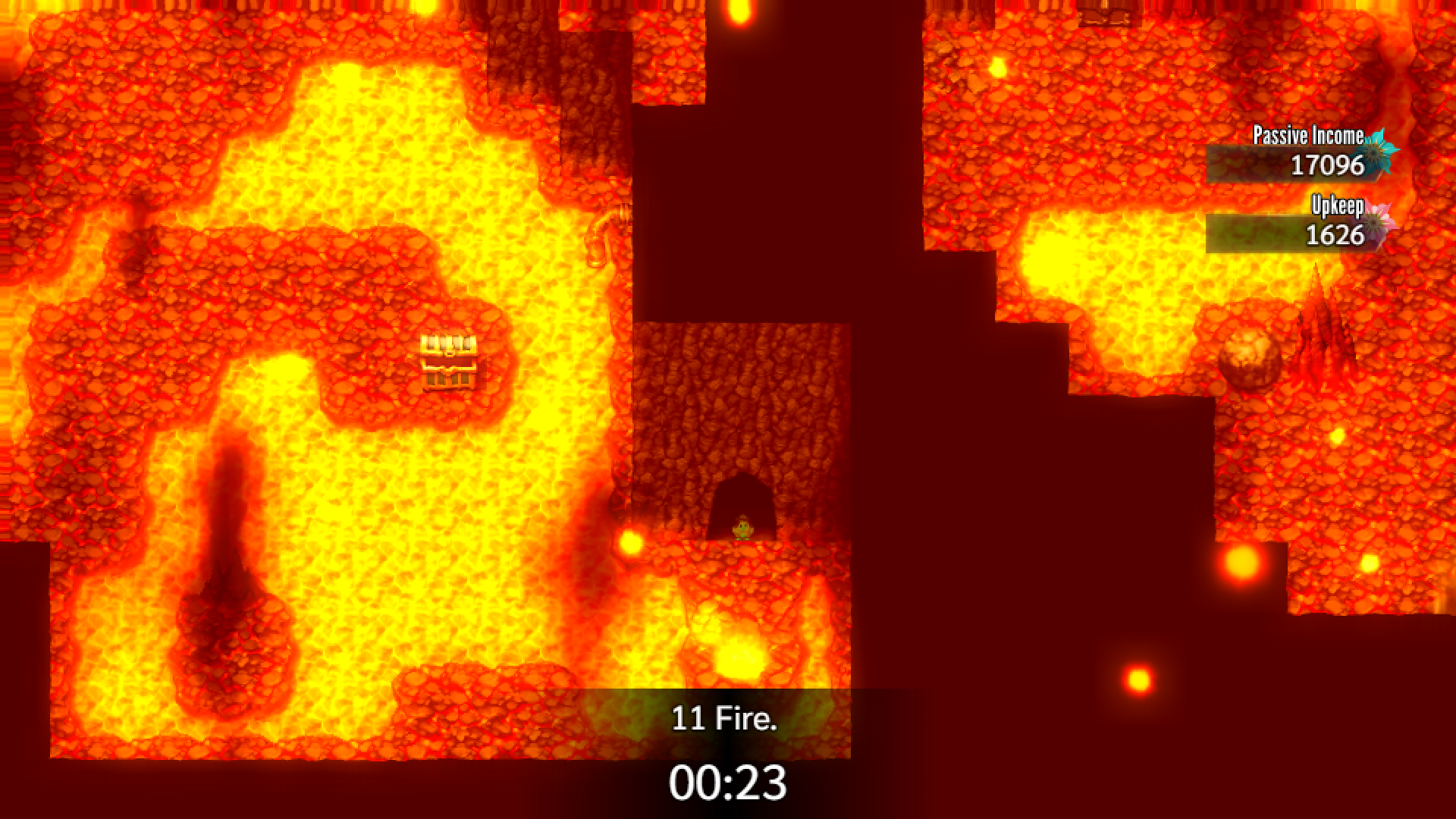
Adjustments have been made to the lava place map.
The lava machines now have a purpose (lategame).
A candle crafter for the store can now be unlocked.
Easy fire unlock now carries over to newgame+.
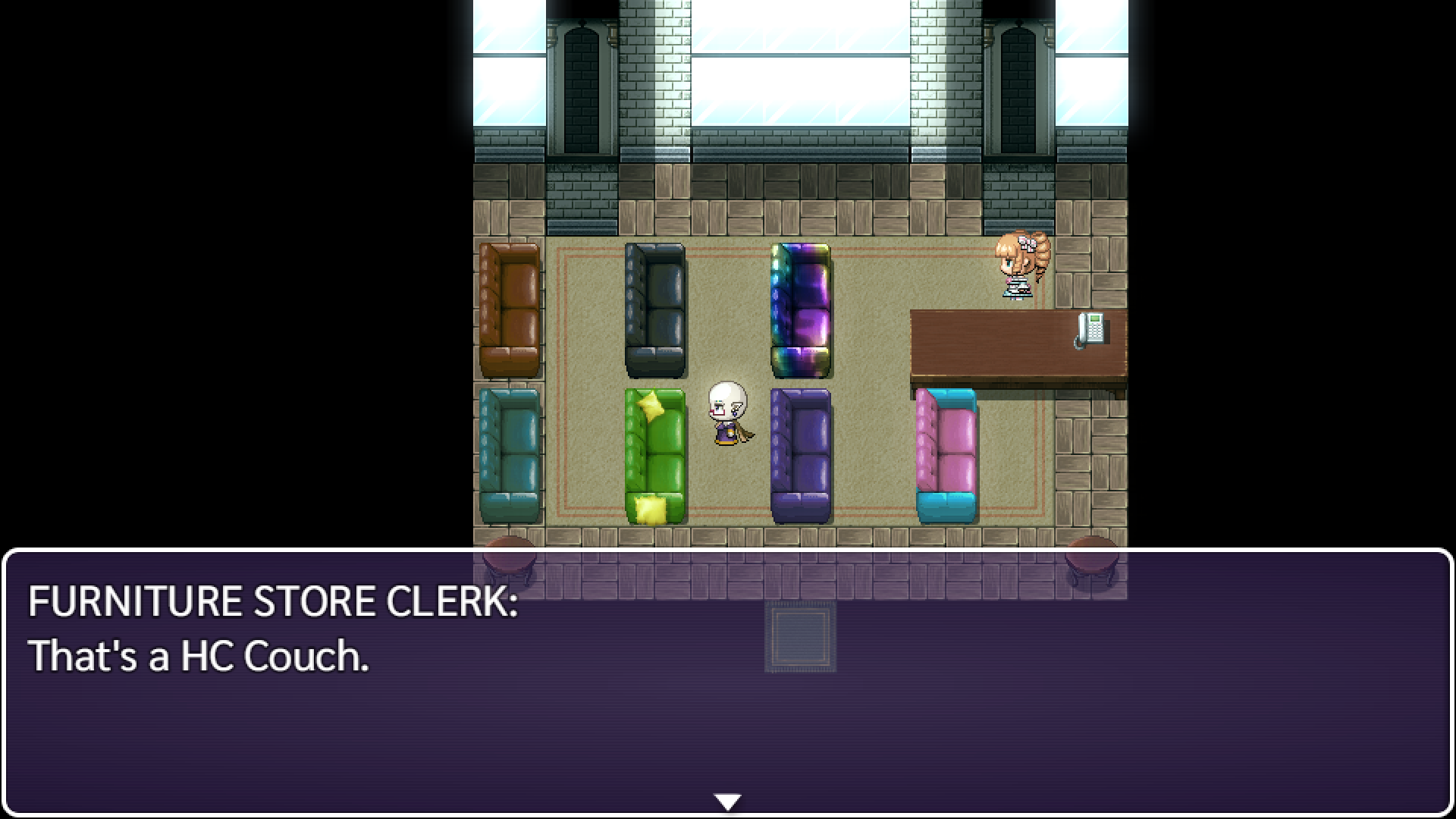
Redesigned the couch store layout, available couches are now on display and shop skins have been removed from this store and are now obtainable as unlocks in unique locations throughout the game.
New apple treasure chest.
Moved the Warm Curtains cosmetic unlock.
Added a new room in the Enterpriston Apartment Block.
Added a separate accessory slot for utility accessories (booze club pin, fish motivation motivator, stocks ring, boots, cultivation gem).
Restructured the equip and magic menus.
Added interior for the Guild Tower in The Capital.
Added Minto the Dragon and their exclusive hoard.
Profit/loss display popup when leaving the store now has the coin icon and 'g' after the number value.
Added an unlockable shortcut to Tinto.
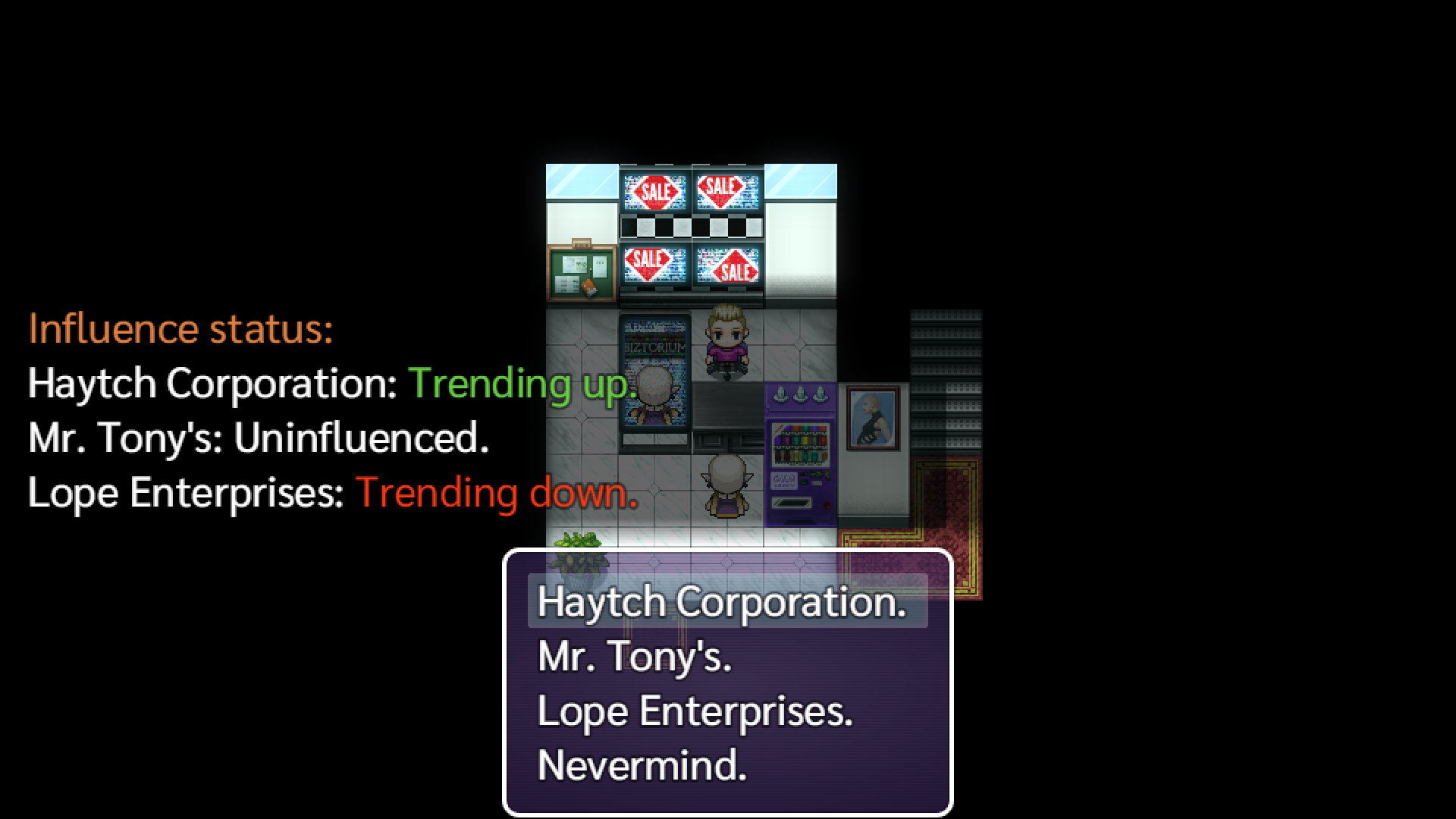
Stock trends can now be influenced through the Ad Agency.
Added a way to obtain another spoiled orange if discarded.
Added a hint about being able to type numbers directly into number input windows when using a keyboard.
Bug Fixes:
Fixed a rare soft lock.
Fixed candle crafting sometimes using the old animation set.
Capital HUD now is disabled during the finale.
Added missing customers to epilogue cutscene.
Fixed Batnik being able to push you into a corner while sprucing (lol).
Thanks for playing!
Please help spread the word about Final Profit! And consider leaving a Steam Review.
HAELE is a versatile 3D feet poser and customizer app. It is an easy to use foot anatomy drawing reference tool for the artist, with a wide palette of detailed options and animations to create the feet you need be it highly realistic or stylized. Change poses, lighting, materials, colors and many more.
For more than a month we didn't publish any update... we're just a two-person team not even full-time doing this, so excuse us, please! Beside that, update itself took huge effort to implement, test, and fix bugs, and test again :) Each object's data should be carefully considered - elf's positions, states, current occupation, etc. Hopefully, we didn't miss anything. So now, players can save ang load game! Also we fixed a couple of crashes on the way. Will work on tutorial further!
changes include:
Game can be saved and loaded
No crash on game restart
Bunkhouse crash fixed
We hope you will have lots of fun with the demo!
Don't loose yourself in the fog, thundercatofdoom and CleDeSol
A new game update has been released, bringing RUMBLE up to version 0.3!
The first batch of Shiftstones is here!
Version 0.3 marks the introduction of Shiftstones, which are colorful gems that all possess unique powers. By wearing them on your hands, you can use the power of these gems and turn them into abilities! Since you have two hands, that means you can use two Shiftstones at a time, so you might want to combine two that work together well!
Currently there is a total of 8 Shiftstones you can choose from:
VIGOR STONE The Vigor Stone will passively give you back 1 HP every 15 seconds. This means that it can be used to great effect when you have a defensive playstyle. Note that your HP will never exceed the maximum of 20.
GUARD STONE The Guard Stone grants you the Active Guard ability, which is essentially a new move! By assuming the Guard pose, you can block attacks that come in from the front. Blocked attacks will deal 1 less damage, and knockback taken from blocked attacks is also reduced. Since Disc structures generally only hit for 1 point of damage, you negate all damage from Discs while blocking! Structures like Walls however will still hit you pretty hard, even if you successfully blocked the attack.
FLOW STONE The Flow Stone allows you to use either a Dash or a Jump once after leaving the ground! This means that you can change your movement direction in mid-air with an aerial Dash, or that you can halt your fall and gain more height with an aerial Jump! It's great for mixing up your landing, or getting out of harms way after a poorly timed Jump.
STUBBORN STONE The Stubborn Stone is quite simple, when you have it slotted into one of your Shiftstone Sockets it passively reduces the knockback you take from all attacks. Great for if you want to prevent yourself from getting thrown out of the arena, or even just don't like getting knocked around all that much.
CHARGE STONE The Charge Stone enhances your Hold move. When you have Hold active on a structure for 1 second or longer, the potency of the next force-modifier applied to it will be drastically increased. For example, using Straight after the Charge Stone has done its thing will almost double the power behind your punch! Great for reaching faraway opponents with heavier structures, without the need for advanced combos.
VOLATILE STONE When you have the Volatile Stone active, explosions that come from your Explode move have a lot more power behind them. With this Shiftstone you can use explosions to launch other structures at substantial speeds, or to throw your opponent out of the ring when they're much closer to the center of the arena than before.
SURGE STONE The effects of the Surge Stone only activate when you only have 5 or less HP remaining. When you do, every hit you land on your opponent will deal 1 additional point of damage. It's a great comeback tool that can really turn the tide if used effectively. Beware the discs that hit for 2 points of damage.
ADAMANT STONE Like the Surge Stone, the Adamant Stone's effects also only come into play when you have 5 or less HP remaining. Once this condition has been met, the Adamant stone will subtract 1 point of incoming damage every time you get hit, meaning you're essentially Disc-proof!
As mentioned above, you can use 2 Shiftstones at the same time, so be sure to experiment plenty with all kinds of Shiftstone combinations! More Shiftstones will be added to the game as we keep updating it, so you can look forward to all kinds of cool effects coming later on.
So, what's next?
First, updates and fixes
In the weeks after this update has gone live, we'll spend some time working on stability, while also fixing some of the more commonly reported bugs. We primarily use our feedback page to gauge which issues are currently bothering you all the most, which can be found via this link: https://feedback.bucketheadentertainment.com/bug-reports
So if there are any issues with the game you'd like to see fixed soon, please either create a new post if nobody has reported it yet, or upvote an existing one in case they have.
Then, Character Customization!
The next big update will feature complete character customization. You'll be able to customize your entire battle suit, as well as your face and to some extent your body. There won't be a lot of cosmetics when it first releases, but more will be added later on when we've finished development on our progression overhaul.
This progression overhaul will allow you to earn a form of currency that can't be purchased with real-life money in any way, that you can freely spend on whatever cosmetics you want most. There will also be cosmetics you can't spend your currency on, but are instead earned by doing cool things.
We also have some changes to the world visuals in the works, which will simultaneously make the game look prettier and provide a small boost to performance.
That's all we have to share for today, we hope you'll enjoy playing with Shiftstones, and look forward to what's to come!
RUMBLE Version 0.3 Patch Notes
CHANGES
Shiftstones have been added to the game.
FIXES
Fixed a bug where performing Straight and Uppercut in rapid succession would not unground the target structure.