Aimlabs - AimLabDev
Meet Our New Results Screen!

Introducing our fully redesigned results screen, showing you even more relevant information and feedback after you finish a task in Aim Lab.
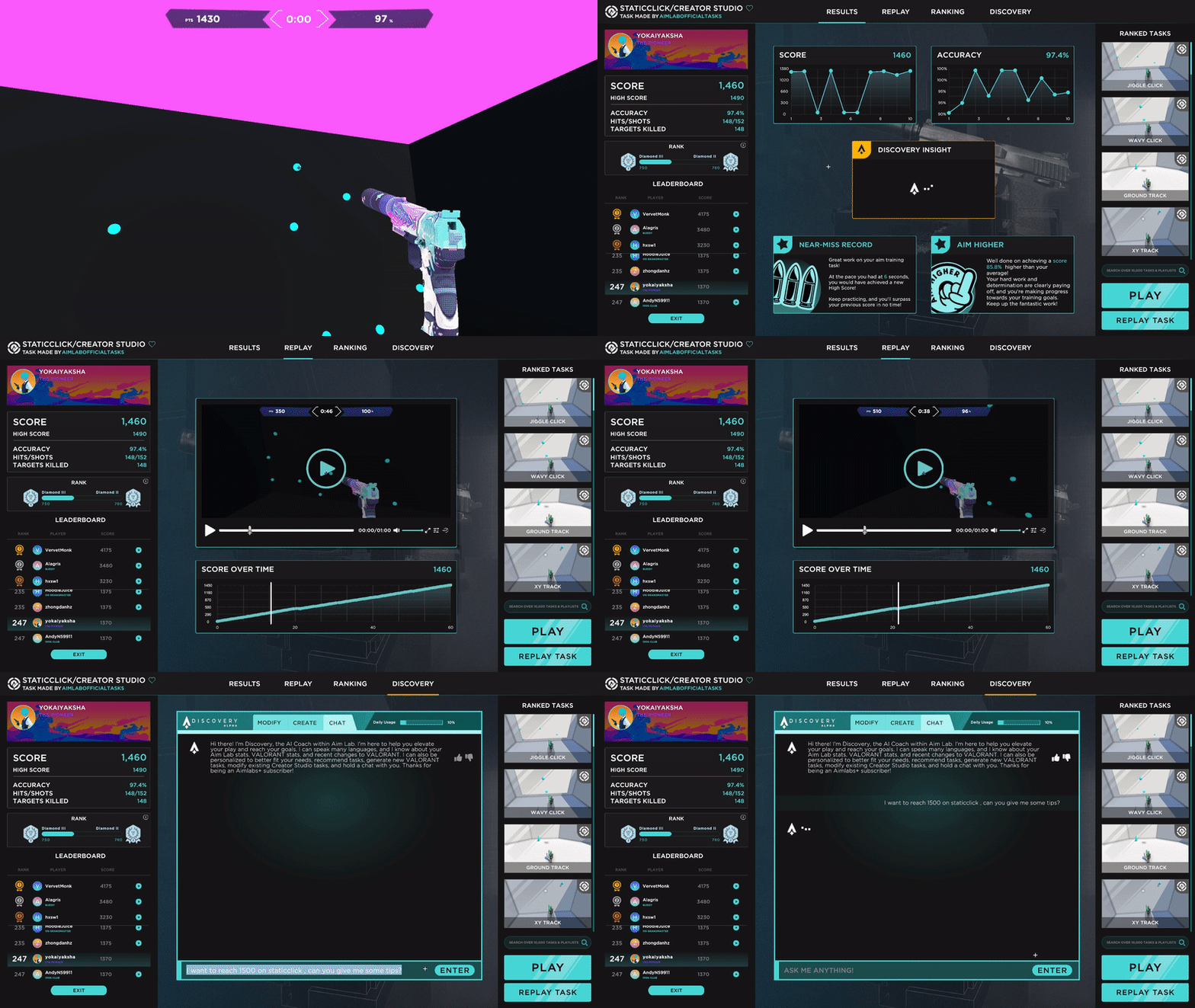


Our new results screen is designed to help you get the most out of your training and improve your aiming skills. You can see your score, rank, leaderboard position, replay, and more. You can also get personalized recommendations and discover new tasks to try next.
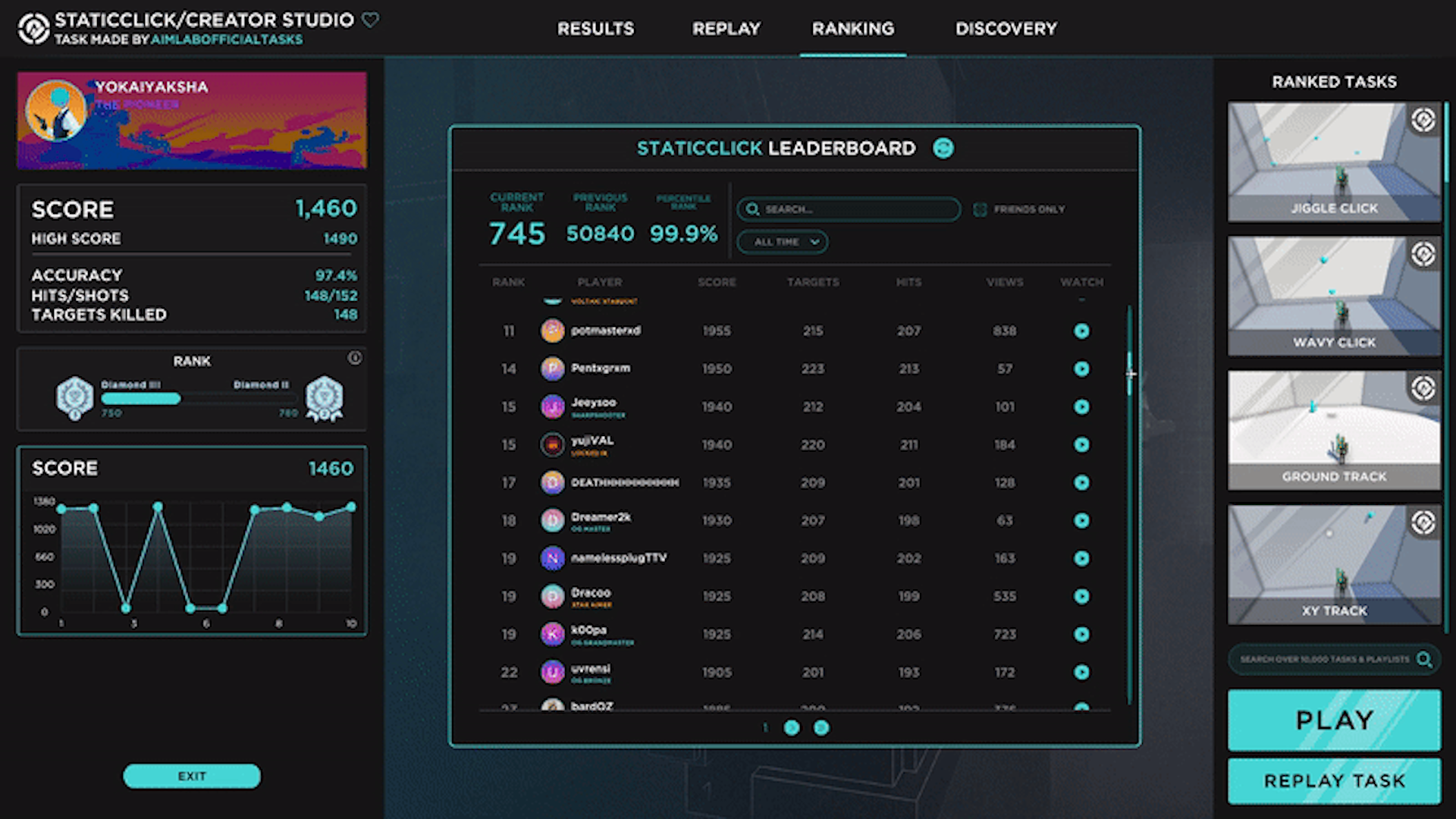

It's about more than just a summary of your performance. It’s about analyzing your strengths and weaknesses, learning from your mistakes, and celebrating your achievements. The new results screen is also a great way to explore new content and challenge yourself with different tasks!
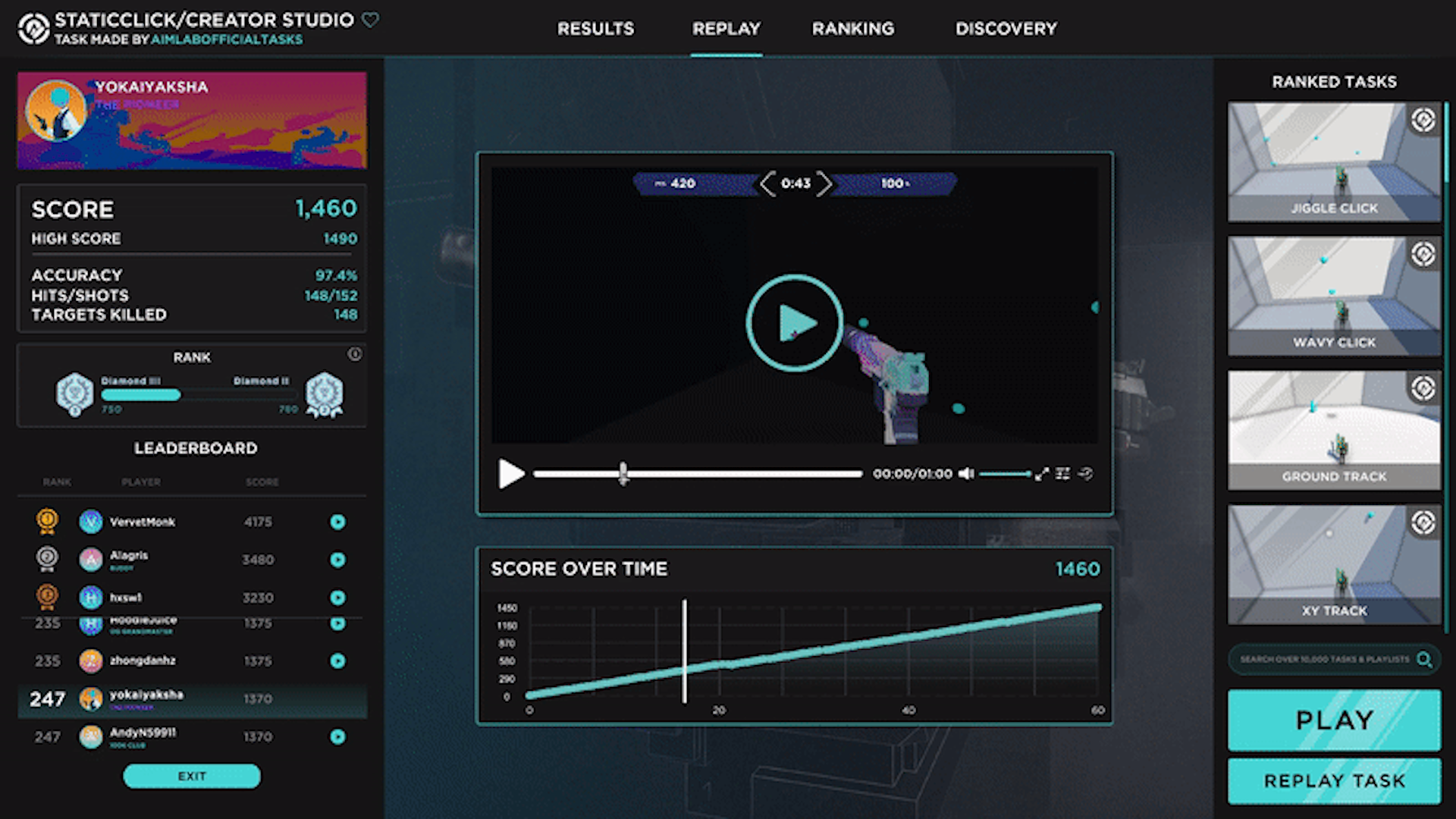


To try out the results screen, just update Aim Lab to the latest version and start playing any task. You’ll see the results screen pop up after you finish the task. You can switch between four tabs: Results, Replay, Ranking, and Discovery. Each tab shows you different types of data and insights that will help you improve your skills!

More features we think you'll love:
  • Leaderboards are now viewable directly on the training tab without having to play a task first!
  • Replays are now synced to the Score Over Time Graph, meaning you can directly see your peaks & lows of your run in the Replay.
We hope you enjoy the new results screen and find it useful for your training. We’d love to hear your feedback and suggestions on how we can make it even better. Feel free to contact us at community@statespacelabs.com or join our Discord community!

If you aren't already following us, check out @aimlab on Twitter & Instagram for more awesome events, memes, and training tips. Don't forget you can report any bugs in-game and join us on Discord or check out the subreddit to let us know of any feature requests you have or just to come and hang out with the community & our devs!


May 6, 2023
SOCCER BOARD - besteveslopes
Improvement of the camera system.
Graphical improvements
CONSORTIUM VR - iDGi
CONSORTIUM VR BETA v0.1.20

Important service note! Achtung! COMING SOON: All owners of CONSORTIUM VR Steam will be getting the ability to choose to play in “FLATSCREEN/Remastered” mode (and support keyboard/mouse/controller), if desired.

FIXES:

- Fixed the kill area below the VT level sometimes destroying player important actors attached to the player and causing the game to get stuck. It only destroys CTCharacter actors now and the player specially with the KillMe command.
- Fixed a bunch of cases of indicators getting stuck on
- Turning mission ops lights on when red_alert_off relay is fired
- Validating crouch spaces on load for AIs
- If the chip minigame gets in a bad state it will clean itself up
- The player Saving in a crouch stance will now be properly restored on load
- Manual weapon command interface will remain disabled after loading a save game in zenlil 2
- Adding a chip to the battery crawl bank removes the chip from your inventory now...
- Pawn 7 will now be at the proper Z height when loading a save
- Pawn 1 and 12 are shown correctly as fully healed and have a new change of clothes in Zenlil 2
- Fixed the boots on the bishop suit always being covered in bloody gore
- Fixed legacy broken K15 cmc line after Queen convo
- Fixed incap and healing indicators getting stuck on in some cases
- Fixed recycling not clearing the recycle button hint
- Fixed pawn 44 not getting out of bed to go to mission ops after doing the birthday mission stuff
- Reduced the players capsule width a bit so they don't get stuck on ladders in some cases
- Deleted the old iDGi-1 avatar failing routines / “invisible walls” after Pawn 64 incident, no longer required.
- Fixed missing Global Ops pawn phoneme lines
- chair vehicles with open and close events will now keep track if the chair is open or closed and only do the animations when needed
- Fixed the usable context on some unnamed things not showing up on the crosshair. This is pretty uncommon and probably a bug when something doesn't have a name but still.
- Fixed homeless mercs, VT soldiers and civilians not having a name to show on the HUD (and was causing the issue above as well making it seem like you couldn't interact with them)
- fixed deleting a universe with an autosave not switching the screen back to the save games list
- On restore I now just check all overlapping rooms and set the player to those. The saved room state in the save data wasn't always 100% because of physics engine noise so I just do a re-check at load time and set the active rooms accordingly. This fixes saving right on room boundaries causing rooms to become invisible because the player was already overlapping them.
- fixed alignment change indication not happening when entering the alignments menu. This is because of moving to the bishop menu design and not moving the FlushAlignments calls to the menu buttons / opening the menu.
- Now killing all possible dialogs when player decides to go to bed at the end.

TWEAKS:

- Quit button now shows in VR
- Shifted the indicator HUDs for VR around a bit so they are easier to read / in your view
- Splash images are now just the logo symbol
- Bathroom shower door open by default and button deactive for now
- On screen messages has an outline now so it sticks out better against white backgrounds
- Made Info Console borders much thinner.
- Spaced out ending convo and mission convo start at the end of Wade intro in cockpit
- CEAR stamina damage buffed just a little. Two medium shots can take down 1 strommon shield nodded combatant.
- A little big of widget realignment with the end game user log


IMPROVEMENTS:

-More improvements to conversations and choreography in the last half of the stream.
- Important Queen convo change - she will now abruptly end the convo after something particular happens.
- Now holstering when entering a vehicle, and cannot pull out a weapon while in a vehicle
- Removed one way of causing pawn 62 to storm off in tree 62.
- World context HUD element now holds three lines of text and with slightly different justification
- Polish pass on all dynamic lights throughout Zenlil
- Intro dream connection tunnel +++ polish - now funnels all players towards sleeping figure, so when crawl occurs, it is toward players. Environment more fleshed out.
- Added terrain to Dream2
- Over 90 Info Console articles updated, edited and improved. ~15 new articles added. Developing…
- AIs can now be told to follow another AI around. This is just an extension of the civilian follow stuff so soldiers can also be requested to follow things.
- Merc fight - Kiril now has three strong “bodyguards”. He will also board Zenlil much earlier now.
- Missions and career record window now uses blue lines

New Ending Work:
-The very first “secret” Dream Scene can now be found in Dreamscape 3 / Quantum Limbo - the environment eventually accessed after the player goes to bed at the end. Developing...

C3800 Defense Minigame:
-Fixed broken pacing where no missiles would be fired.
-On Hard/Kiril dead, pacing is sped up considerably.
-Changed up how aiming works so that fighters that are partially locked onto will remember their partiallock - allowing users to come back to a target to resume targetting if you stopped briefly to destroy a missile, say.
-Simplified Missile Targeting - no more can players purposely target missiles with missiles, now EMP missiles will only attempt to lock on and fire at incoming missiles if all C3800 laser banks are destroyed.
-Now supports a unique VT medium mode.
-Hard mode made harder.
-Developing…


Virtual Trainer:
-Civilian Defense 3: Getting closer - more cover, more gameplay, more pathways. May have performance issues on Quest 2, not recommended to play on that just yet. It is possible to finish and save civilians now. It is very hard. Developing…
- VT CivilianDefense now unlocks when group_905 or group_360 complete. No longer available by default!
-Fixed VT C3800 Defense Minigame skybox to not have the ugly aliasing white boxes.


FLATSCREEN MODE ONLY:

- Added resolution and window mode settings to options
- Fixed the players body being left in the world after dieing and respawning
- Setup the menu key to resume game and back out of menus in flatscreen mode. If no game is running it will open the quit prompt.
- Can no longer control the view in the front end at all in flatscreen mode
- Fixed the disconnection sequence (ending) looking and working pretty oddly in flatscreen mode
- F8 reload now implemented (F9 in editor because F8 is taken)
- shake events will always occur in PC builds now
- Holding use after recycling turns on mass recycling letting you continue recycling afterwards
- R recycle button lets you mass recycle and recycle items instead of picking them up
- Pressing the page down button on the VT panel now switches to the next scenario and changes the page when on the bottom scenario per page, not just always changes the page
- Healing will now bring up the hand
Legends of Astravia - studioalemni
This devlog is unfortunately an extra short one. We're hard at work, but a lot of the progress made is still stuff that isn't really visually appealing or worth chronicling, unfortunately. Still happy to report what I can!

New Screenshots
As mentioned in the previous developer's log, the demo download has been removed from Steam and Itch.IO temporarily.

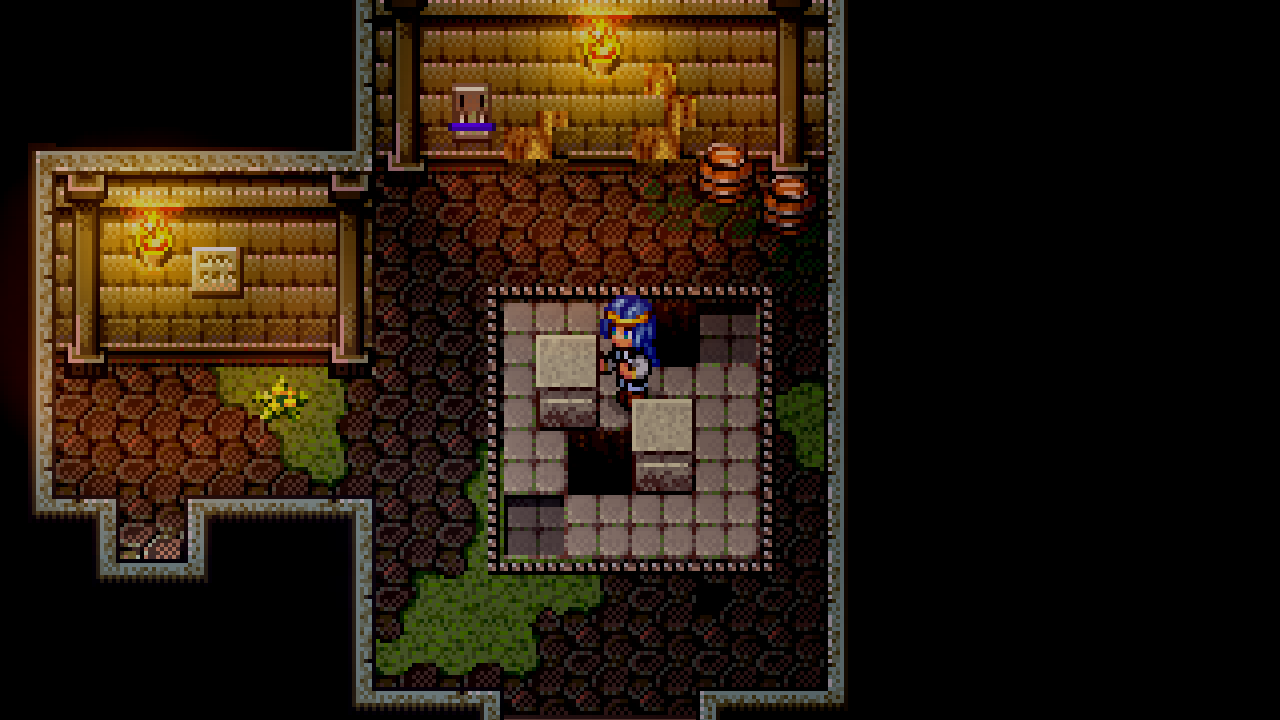
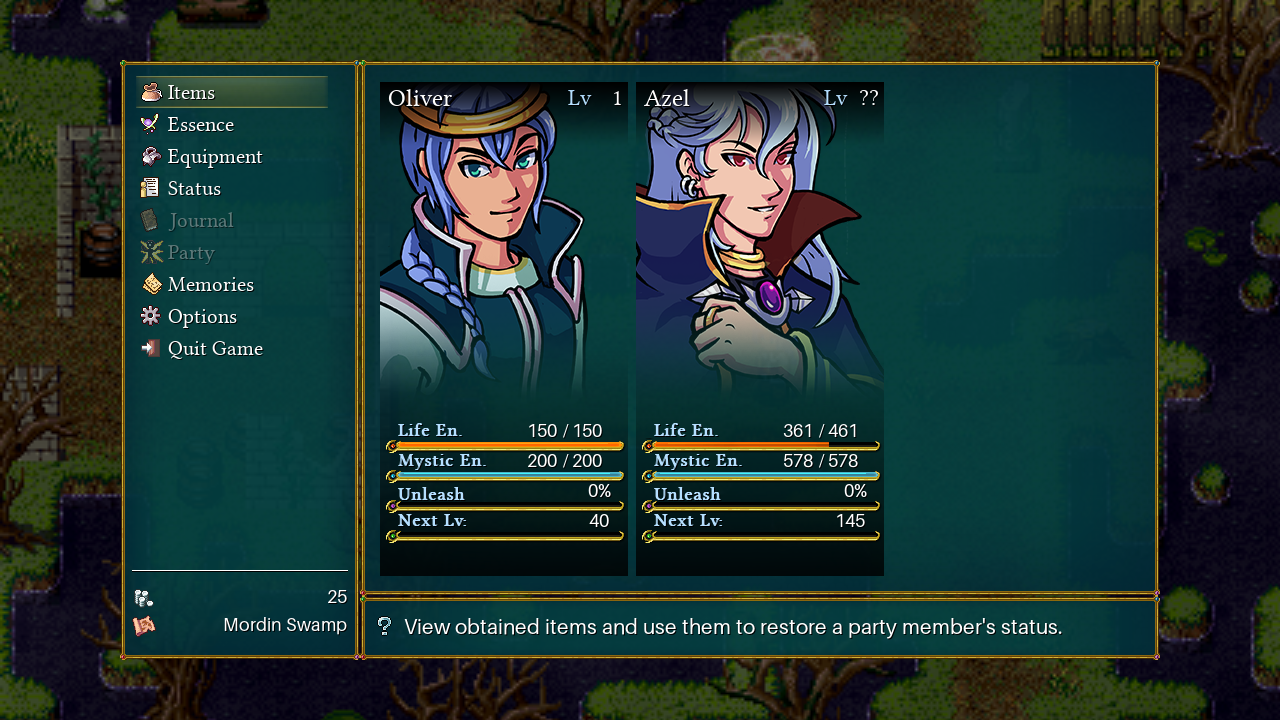
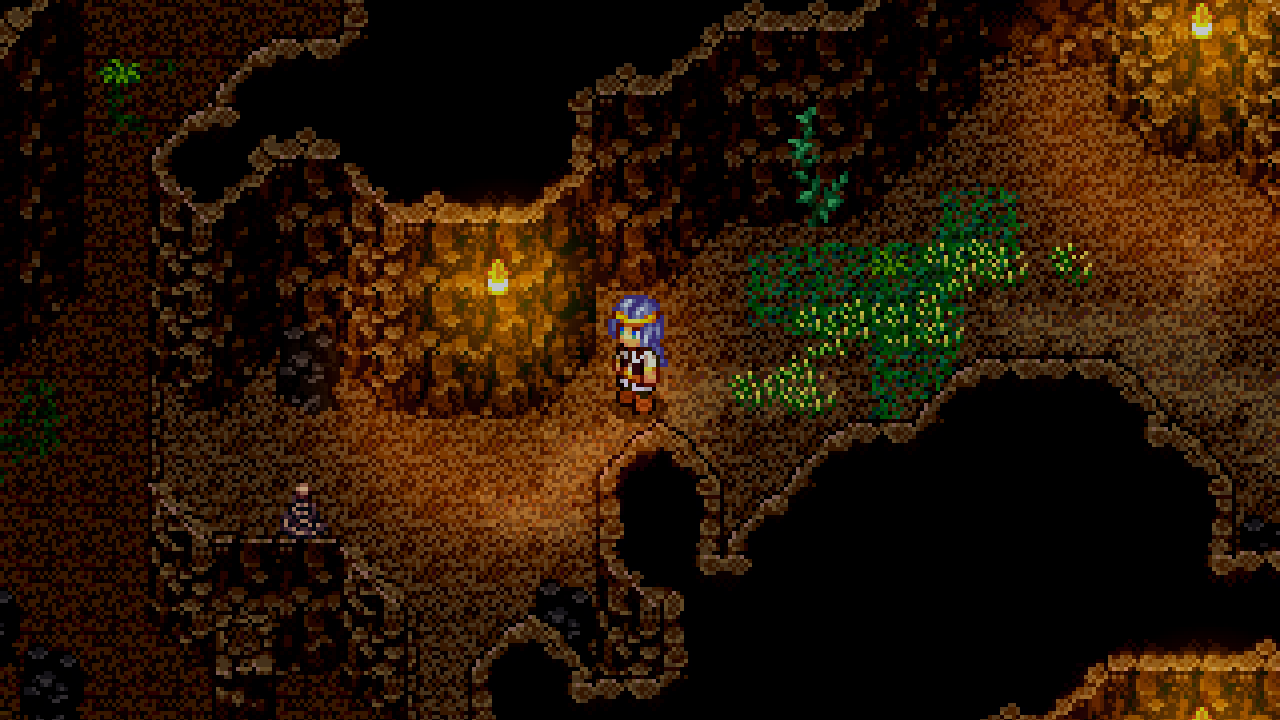
As a result, I was able to update the screenshots on the store pages to match the graphics overhaul announced in November. Here are a few of those screenshots!


Regarding the demo discontinuation, it is unfortunate my development predictions haven't been great, and I admit it's a little embarrassing to take down the demo in favor of yet another "improved, revised release" in the future. But I think this is all a part of being a learning indie developer, and I recognize that this journey is not dissimilar to a dev making their first couple of games before establishing a proper process.

So far this year though, the game's development process and workflow has been greatly improved, which is something to look forward to. And we hope to relaunch the demo for Steam's NextFest in the fall, ahead of Chapter 1's release.

Development Progress
Progress continues to be made through the various "passes" through the game. As mentioned in a previous devlog, the new process for creating the game involves going through the entire game and adding a certain type of content. We're not quite at the visual stage yet, so development these months is a lot of tell, not show.

The past month, the placeholders for story were completed, so I've moved on to adding all of the "collectibles" and placeholders for NPCs. These are just empty shells of the objects that you'll be able to interact with, that will eventually have pretty graphics, flavor text, and progression (such as quests) added to them.


Really, these areas look kind of ugly right now. This is why visual updates have been so scarce. Sorry!

I've been plenty "side-tracked" by bugs in the meantime as well. Interacting with objects is a lot smoother though, and overall I remain pretty proud of gamefeel--walking around the overworld and collecting stuff should just feel *good*.


That's all for now. Thank you for your patience as always, and see you next month!

-Jaiden
May 6, 2023
Burst Hero - YaYa Game
New Level - Chaos

  1. Complete one battle in each of the following levels: Grass, Boneyard, Castle and Hell to unlock the Chaos map.
  2. In the Chaos map, you will encounter enemies and events from all types.
  3. The timer will count down at double speed, resulting in a faster enemy spawn rate.
  4. Enemies will surround you from all angles, and bosses have additional skills.
  5. Defeating a boss will increase the Chaos level and spawn a new wave of enemies with 100% increased health, 50% increased speed, and 100% increased rewards.
  6. After defeating a boss, a random card will be removed from your deck.

Maps
  1. Fixed an issue where the map would not generate under specific circumstances.
  2. Adjusted some coefficients for the acceleration of the Lava Giant and Hellhound after being hit.
  3. Adjusted the duration of enemy projectiles.

Bullets

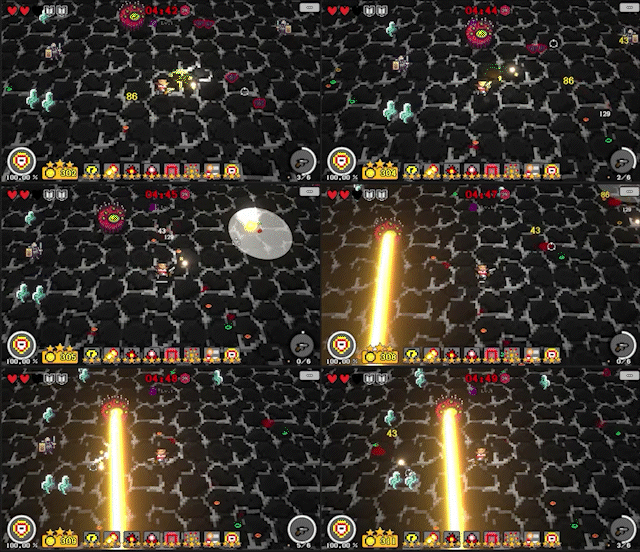
  1. New Bullet - Banana Bullet, which follows a random curved trajectory.

Cards
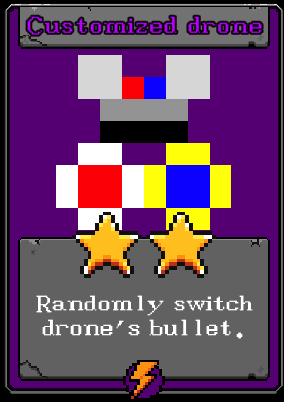
  1. New Card - Custom Drone, which randomly switches the bullet type of the drone.
  2. Sacrifice now a three-star card.
  3. Barricade now a three-star card.

Other
  1. Added some achievements.
Expel - renkon
Reduce background objects that are barely visible on the screen
Smack Studio - alecdutch99
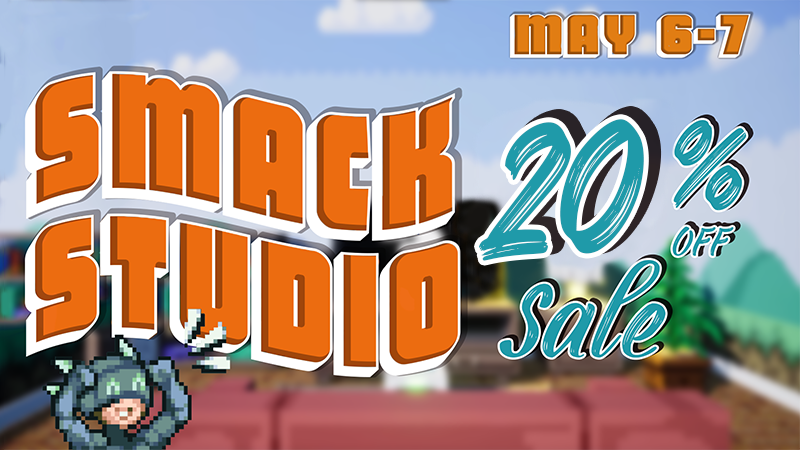
This week we hit 250 custom characters in Steam Workshop! To celebrate our community's growth, and to give more players a chance to try out the game while it's in Early Access, we're running a 20% off sale this weekend only, May 6-7. This is the first time our game has gone on sale, so if you've been on the fence we hope you check it out!

Whether you're a fighting game fan or a creator looking to unleash your imagination, we hope you'll join our growing community. Download Smack Studio today and get ready to build and battle!

ACT IT OUT XL! A Charades Party Game - SFC_yesdogman
Coming this summer, a hilarious Cards Against Humanity meets Jackbox style party game!

Awkward 2 is a brand new upcoming multiplayer experience for adults, from the creators of ACT IT OUT XL. The game now has its first official gameplay trailer and you can watch it right here:


Awkward 2 is an adult multiplayer party game filled with dark, hilarious & sometimes downright disturbing questions. Laugh, debate, defend yourself and find out things you never wanted to know about your friends and family!

Want to find out more? Make sure to check out the official Steam page and don't forget to wishlist!

https://store.steampowered.com/app/1682690/Awkward_2_The_Party_Game_of_Savage_Secrets/
It's Quiz Time - mvandermeulen
Coming this summer, a hilarious Cards Against Humanity meets Jackbox style party game!

Awkward 2 is a brand new upcoming multiplayer experience for adults, from the creators of It's Quiz Time. The game now has its first official gameplay trailer and you can watch it right here:


Awkward 2 is an adult multiplayer party game filled with dark, hilarious & sometimes downright disturbing questions. Laugh, debate, defend yourself and find out things you never wanted to know about your friends and family!

Want to find out more? Make sure to check out the official Steam page and don't forget to wishlist!

https://store.steampowered.com/app/1682690/Awkward_2_The_Party_Game_of_Savage_Secrets/
May 6, 2023
Solitaire Expeditions - _Q_
  • Free play game list: Favorites column can now be sorted like the other columns
  • Free play game list: List now always scrolls to currently selected game
  • Expedition mode: Added 'Connected states' to state tooltips
  • Expedition mode: Added connection from Arizona to Hawaii
  • Expedition mode: Added connection from Oregon to Hawaii
...