Mar 15, 2023
Gothic 1 Remake - T-Moor
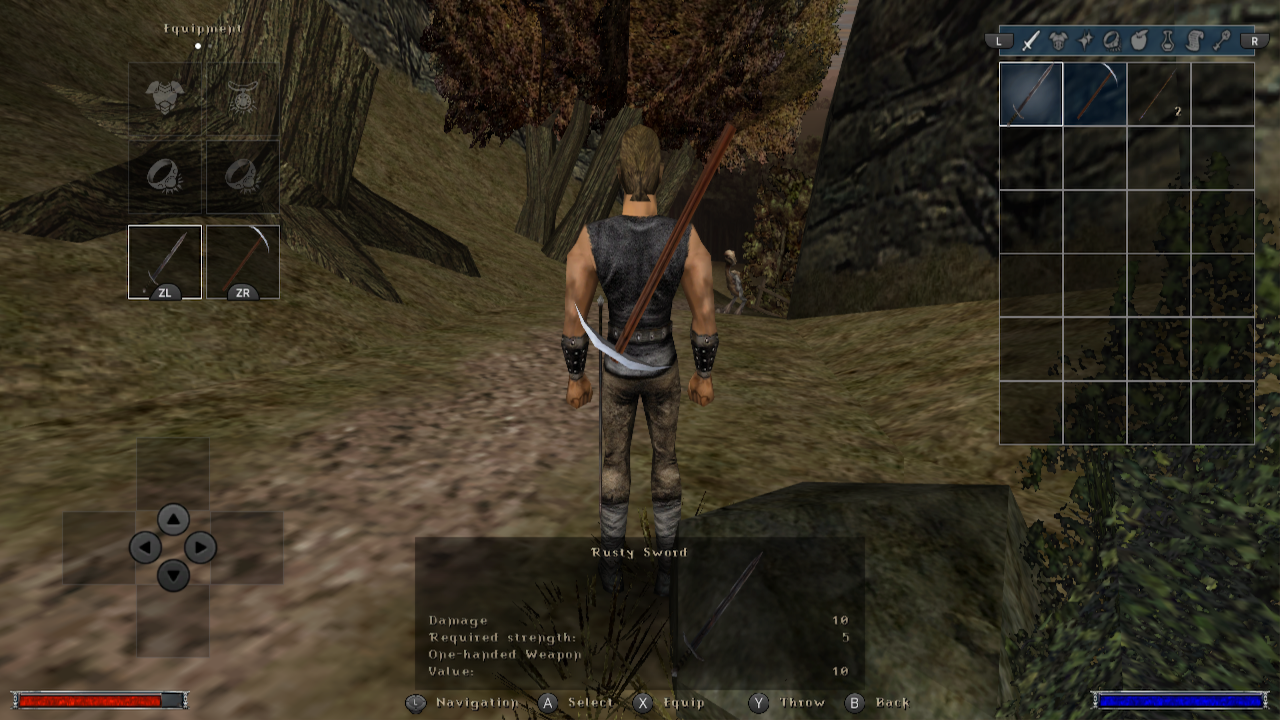
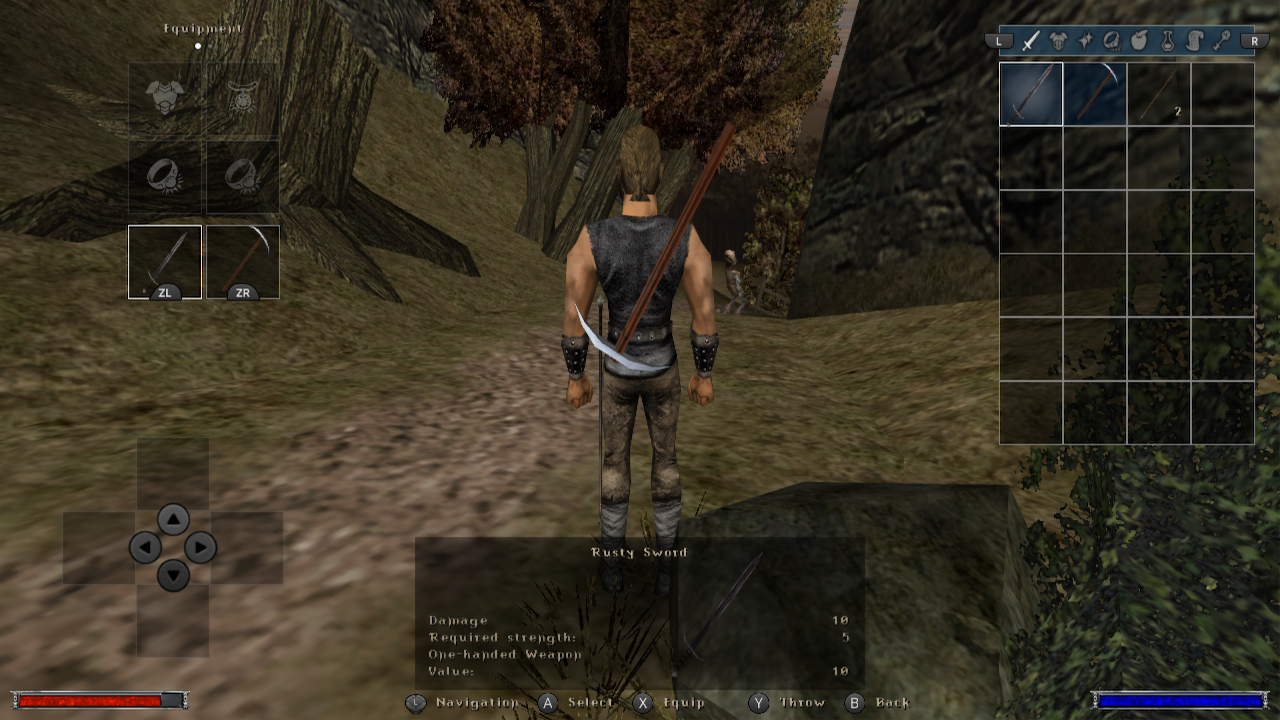
On this day in 2001, the world was introduced to a masterpiece of a game that would captivate players for years to come. Its immersive living world, gripping storyline, and challenging gameplay have left an indelible mark on the hearts of gamers everywhere. Thank you to the creators and developers who poured their hearts and souls into this unforgettable game!
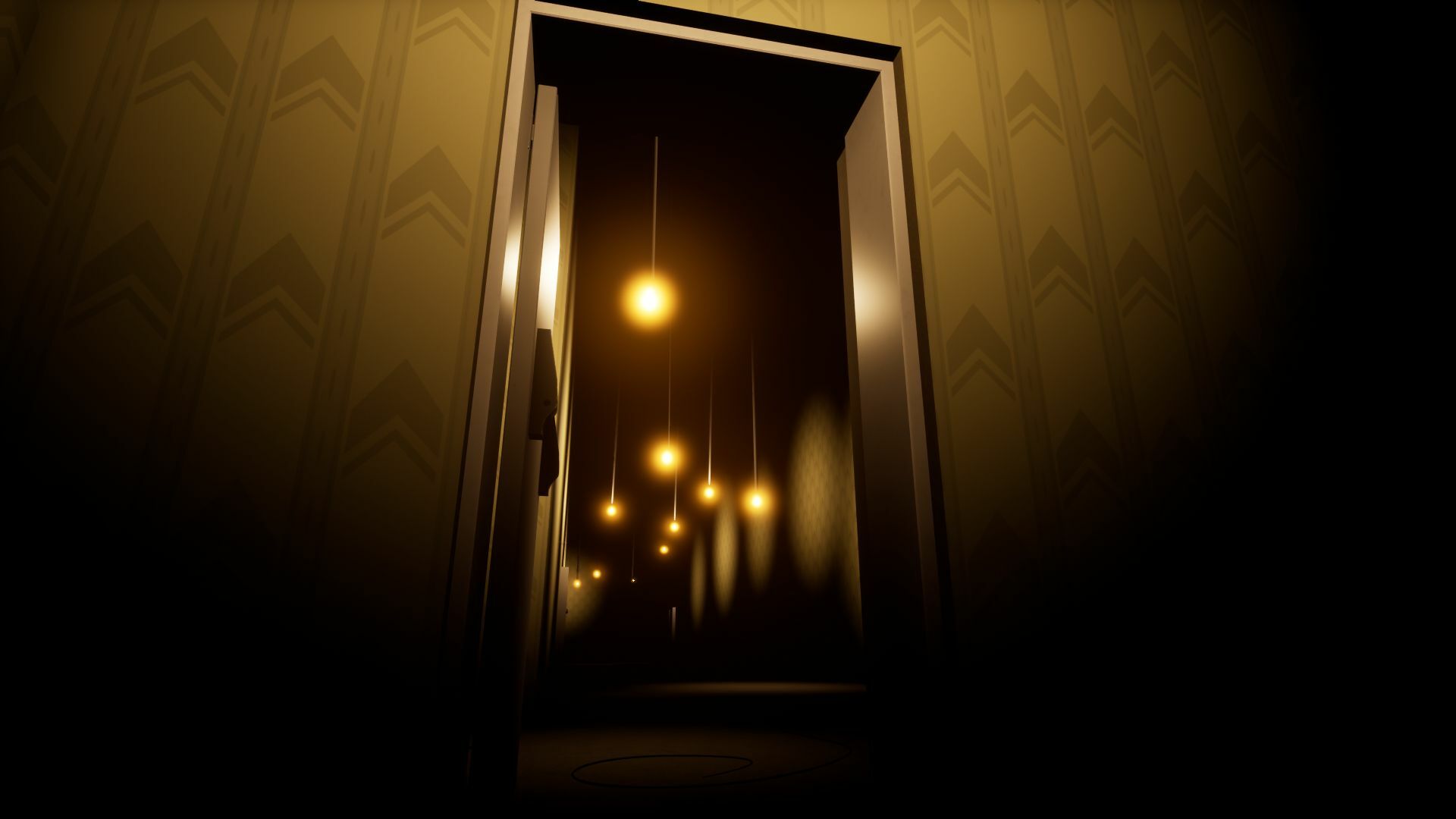
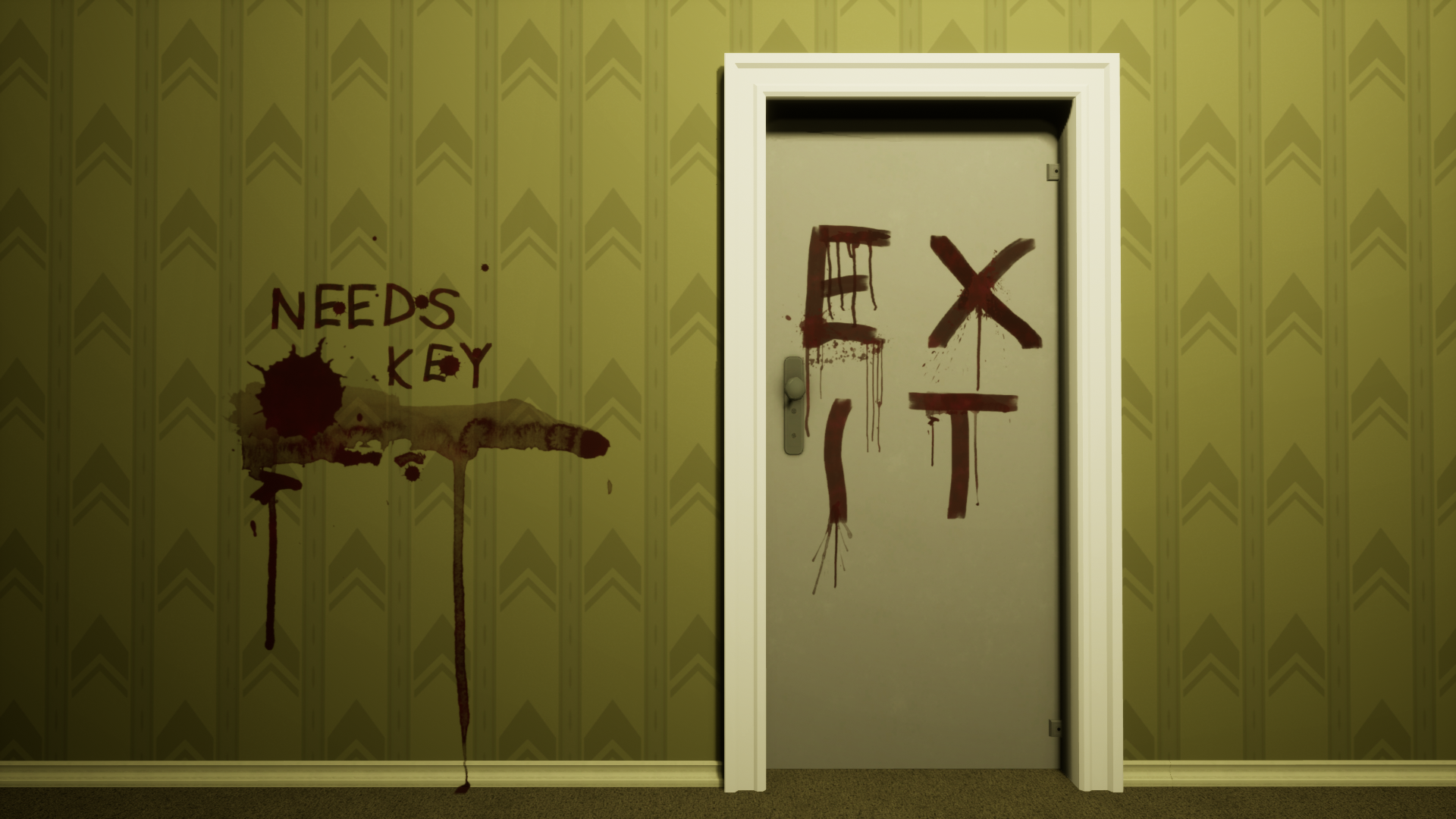
As a present for everyone, we want to follow up on our last tease and show you something similar. Enjoy!
Stay tuned for more updates.
For Gomez!
Share: