May 27, 2021
Outpost Engineer - wombat
This weeks handles some explosive content!

The game is less than two weeks away from early access. But that is not the only explosive content.

We had a small but very engaging closed beta with the discord community, and one of the suggested features was to add more options to destroy terrain.
Turns out clearing a large floor with a single pickaxe can be somewhat time consuming.

The result is we now have a new option to destroy terrain: An 'explosive charge'.
It is crafted in the assembler (or at the assembly table) by combining one Ammo MK2 with an iron frame.
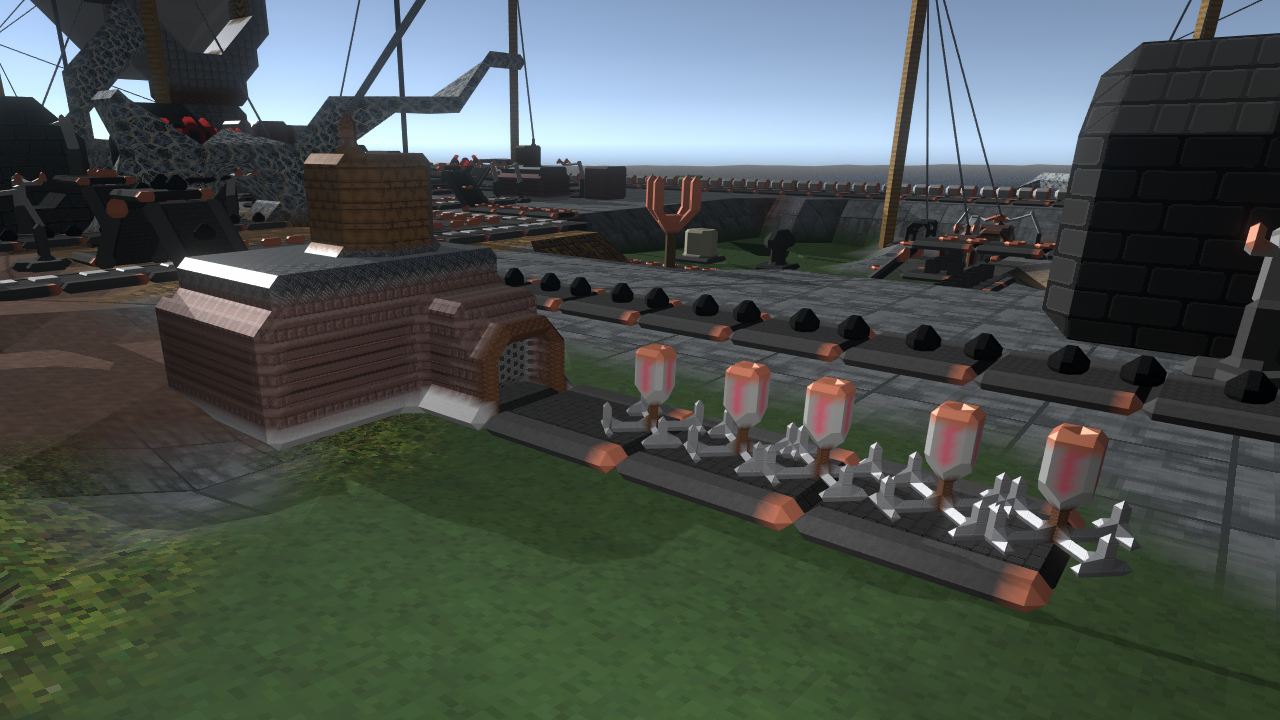

When you place it on terrain, it will automatically latch itself to the adjacent surface. After about 5 seconds (during which you can still undeploy the charge), it will destroy a region of 3 by 3 by 3 under it's attachment surface. It will not destroy machines, only terrain that can otherwise also be destroyed by pickaxe:
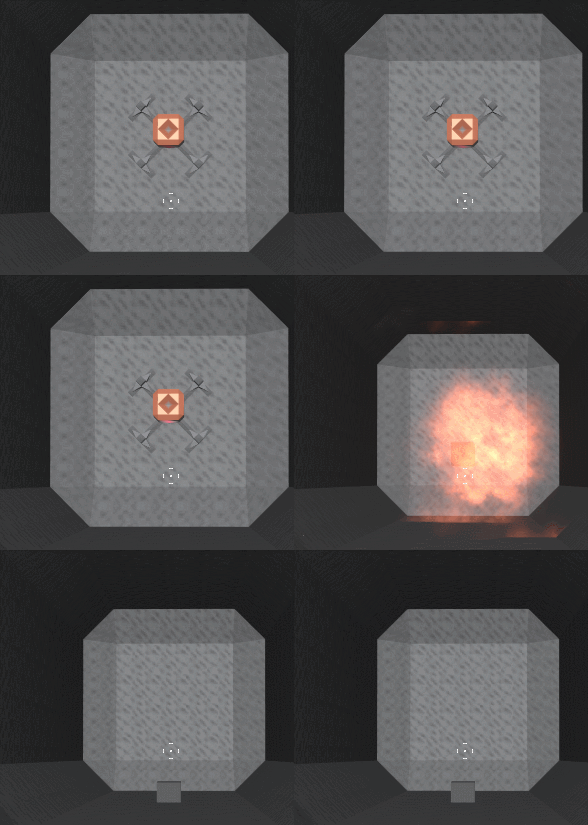


The code to orient the deployed charge will likely be reused later to create small power poles that can attach to walls, or perhaps ceiling/wall lights as well.

As for the coming week, I will mostly be focusing on getting the code in tiptop shape for the early access release on june 8th.

Hope to see you soon, and thanks for reading!


Eruption 爆发 - 签客骚人
Fix
  • Corrected the name of the museum in the museum history poster's title.

Add
  • Add an aiming tweak in lock target mode to make it easier to hit an object at a different height.
mdiapp+ SE - kf_dolphin
Function Improvement
  • Improved the behavior when saving MDP files.
Untitled Marble Game - Alone Fox
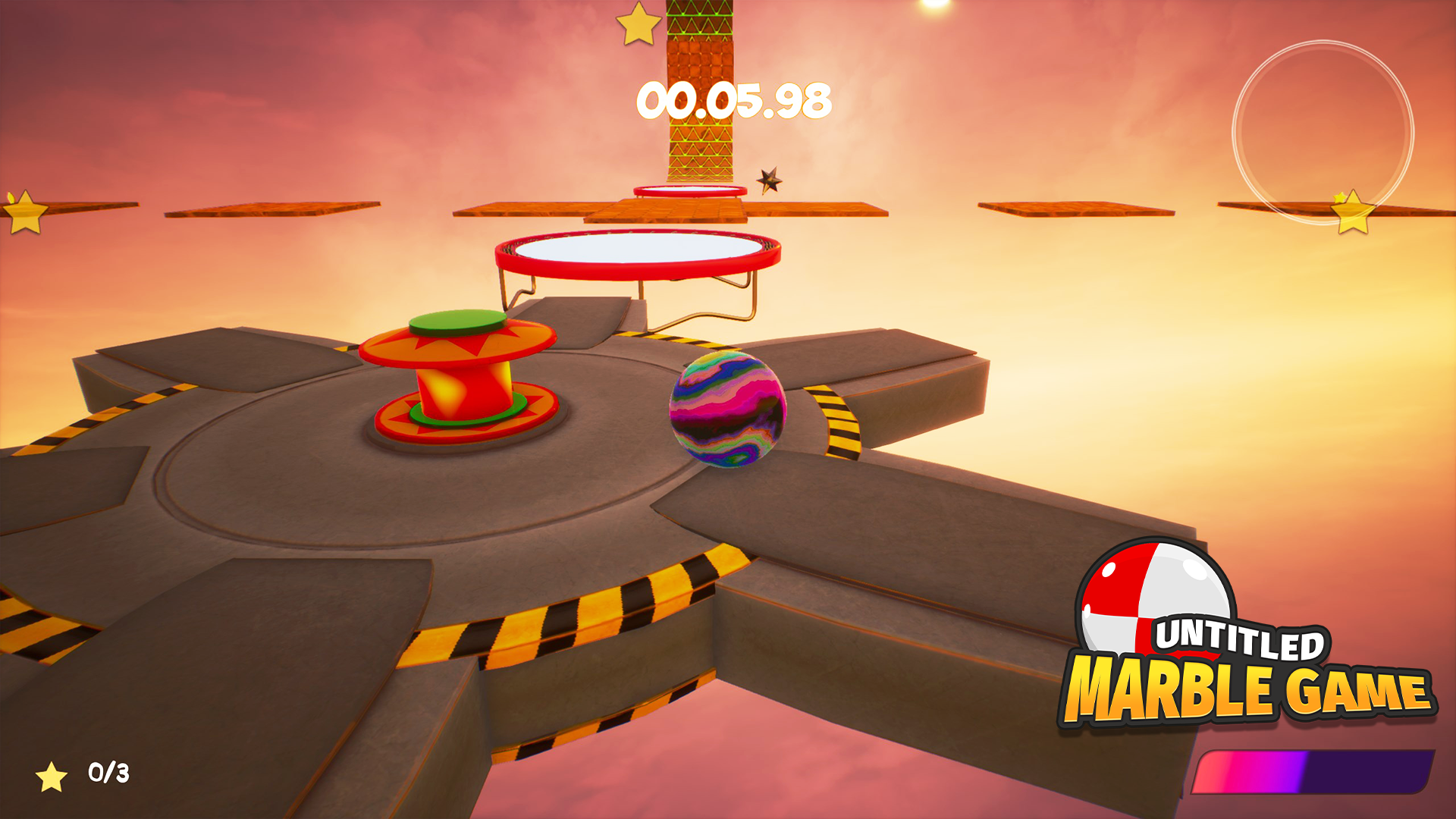
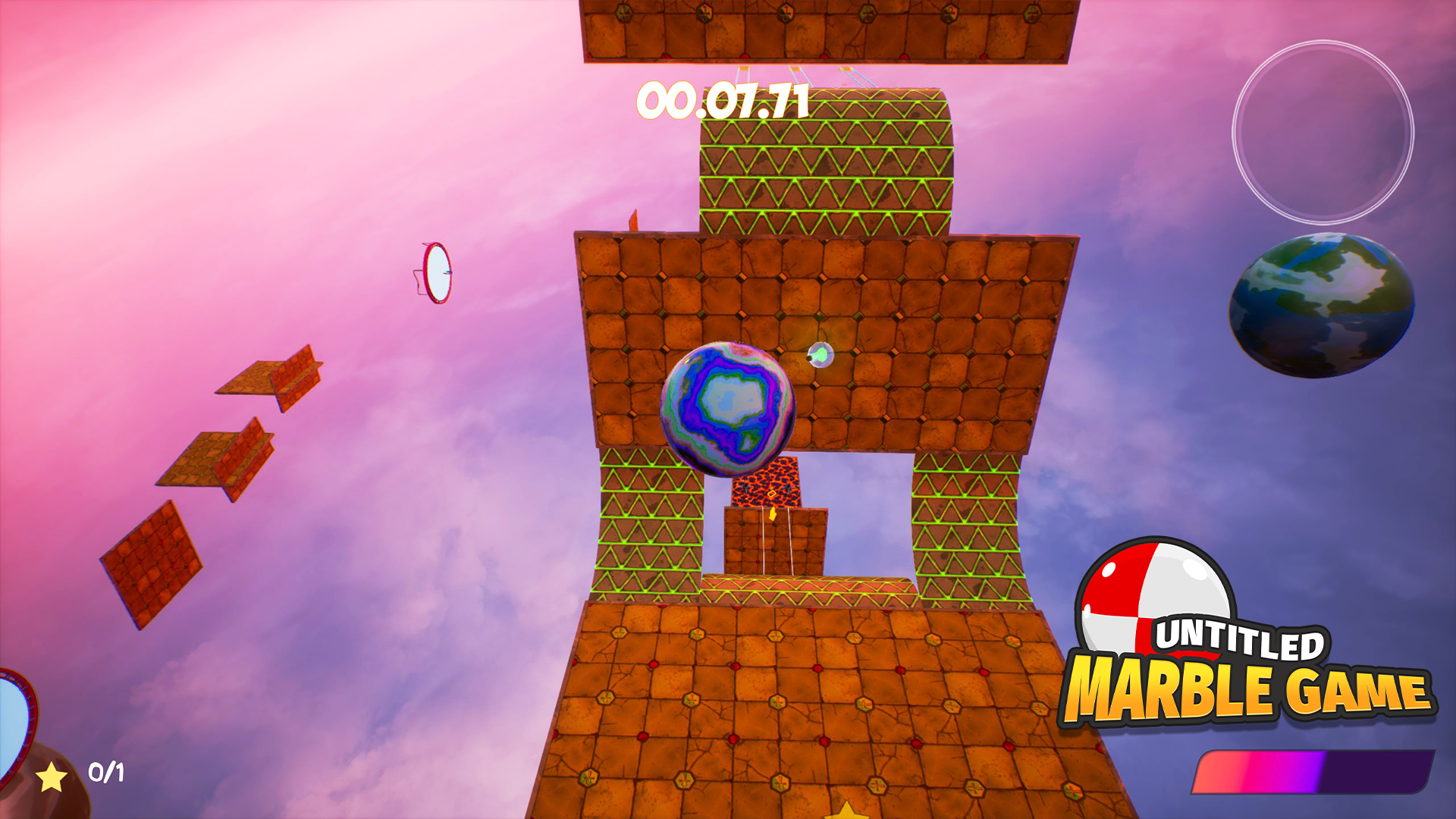
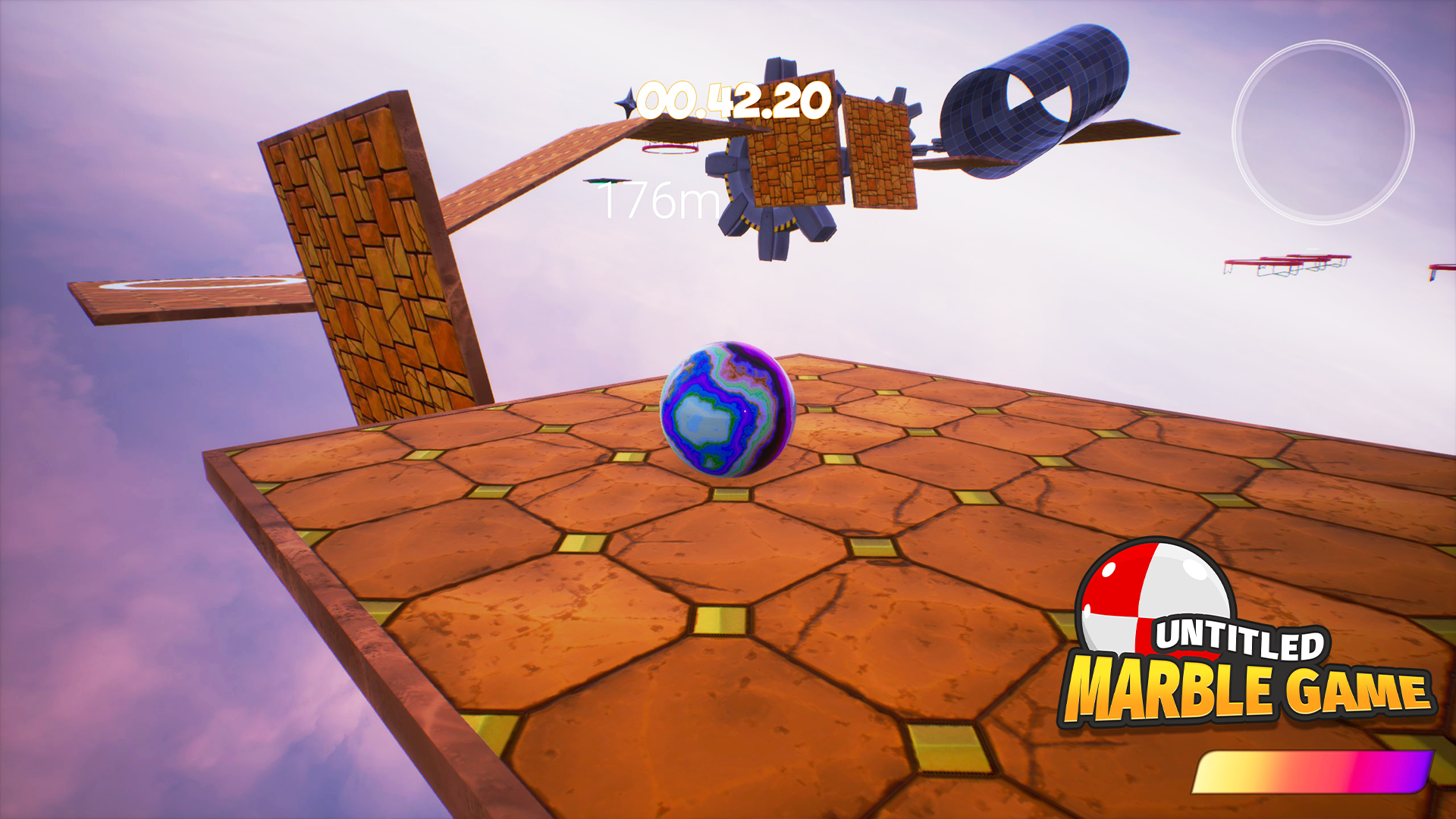
Hello Steam! We would like to present you a "Untitled Marble Game"! This arcade mind-breaekr game will test your skills and reflexes. You will have a marble under your control, which must be brought to the finish line. Tops hitting the ball, flying thorns, flipping panels and even a tornado will appear in front of you! And to complete some levels, you need to collect all the stars. But to even out the odds, various abilities are scattered across the levels. Sneakers to jump high, decreasing and increasing potions, a cap with a helicopter to cover long distances, and you can also change the gravity!

The game currently features 40 unique levels. They may seem daunting, but you need to be prepared for this! You will have to hone your skills to complete all stages flawlessly! And the solution to some problems may be unexpected.

The game will be available on Steam in exactly 2 weeks, on June 11th. In order not to lose it, add the game to your wishlist, Steam will notify you when the game appears in Early Access!


May 27, 2021
Sticky Paws - Jonnil
https://www.youtube.com/watch?v=gyT74Hv-MuM

Hello, Jonnil here.

I want to tell everyone that the beta branch for Sticky Paws DX is out right now, if you have the game on steam, you can right-click Sticky Paws in your library, then click properties, go to the BETAS tab, and then select “stickypawsremasteredbeta - A beta of the Sticky Paws Remaster”. It should then download the latest beta build, and you can play it. Keep in mind, this is still a work in progress, so not all levels are in the game yet, and some features might be missing. From now on, I will update this beta branch whenever I can, so you can play the latest beta build. I welcome all feedback on this project. I will now give more details.

I created Sticky Paws, a platformer game where you play as a cat who can climb on walls, first released on Steam on 1st November 2019. I continued to update the game, added a new playable character, and fixed bugs. This latest update came out on 15th April 2020.

After this update, the initial plan was to move over to work with Game Maker Studio 2 to make an entirely new game. I was still working in Game Maker Studio 1 to make Sticky Paws. I remade the whole platformer framework I was using for Sticky Paws, porting code over to Game Maker Studio 2 manually. I already had some concept art for my next game. But eventually, after some consideration, I changed my mind. Ever since Sticky Paws came out, I’ve gained many fans and support, and I can’t thank you, people, enough. I felt like there was still a lot of work that can be done with Sticky Paws. There were still a lot of bugs in that original game.

So my new plan was to remake the whole game in Game Maker Studio 2 and try to make it the best it can be. This idea is something I believe will improve the game. We worked hard on Sticky Paws: my friend Pixpak made backgrounds for the game, and some new friends I met online like Nate and Dusky voice acted for the characters. Subject Illuminant, Dusky, and Mario Sello made music for the game. There was a lot of work put into Sticky Paws, and I thought this game could reach more people if I put time into this remake. So, this is what I decided to do.

Here’s everything I’ve worked on so far. It’s still a work in progress. Some things from the original game are still being implemented since I’m manually porting over code from Game Maker Studio 1 to Game Maker Studio 2. I am redoing a lot of code to make the gameplay better.

___

The number one complaint of the original game was the game's length. There were only nine levels in the game. Making a level in Sticky Paws takes a lot of time. For me, every level needed to stand out, so Pixpak made an entire hand-drawn background for each level, and the music guys made a unique song for each level. I had to program each new thing you can interact with at each level. I also got help from Pixpak, and even my brother made one of the levels. We’re not that many people working on the game, so the output of levels is prolonged. That’s why the game is so short.

But I also had a straightforward level editor in the original Sticky Paws, and I’ve played some levels uploaded to gamebanana.com. It opened my eyes to the power of my level editor. The big exciting thing is the custom assets you could import into your level to add your own backgrounds and music. Some of my most dedicated fans made some of their own levels, like Shadomaske, who made six levels, all with creative art and music. DoruDoLasu, Mayro_boi, and Dj_Kirby also made levels. Some fans liked to mod Sticky Paws, opening the game up to add their own things, like adding characters. These levels and mods inspired me greatly, so I decided to expand on the level editor a lot more.

This new level editor is also designed to be used for the development of new levels. I’ve already remade some Sticky Paws levels in this level editor. In the original Sticky Paws, the levels were made in Game Maker Studio 1’s built-in room editor, which for my game, could be clunky to use. It’s much faster to make levels with my own level editor because it’s built entirely for my own game.

Levels are saved on the computer in an AppData folder. I then can transfer these levels to a folder in Game Maker called included files. That way, I can use these levels made in the level editor to show up in the official game. I don’t need a new room for every level. They are all saved in included files. It’s much easier to move these levels around now.

The level editor has new features, like different brush sizes, a horizontal fill tool for making floors easier. You can now enable and disable the grid and even change the grid to be bigger or smaller. If you make the grid one by one, you can place any object exactly where you want it. Zoom in and out button. Level resize. A new feature is the difficulty layers. I’ve always liked the game to be accessible for everyone, so I made most levels very easy. But of course, for some players, the game is too easy. I now want to present more challenging options. The difficulty option works in my game because the level design changes for what difficulty level you have selected. In the level editor, you can choose what layer you want to edit, and objects will only show up when you have that difficulty. This way, you can make the same level easier or harder. For example, maybe you can put down some more power-ups on the easy layer, and on the hard layer, you can put down more enemies. Simple as that.

I’m deciding to work on the level editor first because I believe this is the best way to add longevity to my game. Making levels is faster, so we can make more levels later on. But even so, the fans can keep the game alive with more levels. I’m always interested to see what the community can create.

___

The second most significant thing I’ve added is custom characters. As I said before, the fans inspire me. I saw people modding my game to try and add more characters. Making characters is hard, so I want to help out. I noticed myself when I added the second playable character way back in an update. Making characters takes a long time, and it was also hard because I had to rework a lot of code to make it work. Adding a character select screen, reworking so the player object can hold different animations, stuff like that. So making this custom character feature will benefit the fans, but it will also make my job easier. Here is how it works.

This might sound crazy, but the custom characters work similarly to how custom levels work. You have a folder for the character on the computer's AppData folder, where custom assets can be imported, like the animations and voice clips. There are also text files where values can be changed to change what abilities the character has. This works because I have to implement the functions of the player object myself, and you just turn on or off what specific skills you want your character to have. I can also port over the custom characters from the AppData folder to the included files folder. The character is now in the official game. This makes it very easy to move around what characters I want in my platformer framework.

This is a very new feature, and I have no idea what the community will make with this, but I’m very excited.

___

The next thing I want to share might not sound crucial, but I’m going to talk about it anyway because I’ve put a lot of time into this. The game has got a menu overhaul. All the menus are different and can be controlled with a keyboard, controller, and mouse. The menus look so much better now. In the original Sticky Paws, I barely put any effort into the menus. They were just black text that could only be controlled with a keyboard or controller. Clunky to use, and probably even hindered you from getting the most out of the game, with its convoluted options menu that takes you from menu to menu to menu. It’s a lot more streamlined now and much more clearer. It still doesn’t look perfect, and some features like sliders don't work with the mouse yet. I’m more of a gameplay programmer than a menu programmer, so I learned a lot about menu design to make this.

___

These are the most significant things I’ve been working on. Of course, a lot of quality of life updates and bug fixes have been made. If I have to mention some, the keyboard controls settings are much better now. I think making the pounce and sprint action separate buttons helps people. I know I like having them on the same button, but not everyone might want that. Letting you customize Sticky Paws to your liking is very important to me. Another thing is that the view of the level is much bigger now, you can see further ahead, and take in the beautiful backgrounds more. I could mention more, but it’s probably easier if you try the remake for yourself. I’ve been streaming my progress on Twitch, so I think people have seen how hard I’ve been working on this, getting the custom levels, custom characters, and menus to work. We had to fix a lot of bugs. It’s taken a long time for me to do all this, and I’m still not done. I’m going to upload a beta build of the remake so far to get some valuable feedback. Please keep in mind that this is all work in progress and that all features from the original Sticky Paws will come back in the remake. This game is crucial to me. I genuinely believe this will make the game even better than before. Features like the level editor and custom characters could help get the game out there. I’ve seen games like Friday Night Funkin’, which has a huge modding community, where fans add their own characters and music. Sonic also gets a lot of modding support for his games. There are entire youtube channels dedicated to this. I enjoy seeing how creative fans are, and I want to make my game easy to mod. That’s why I’m making the level editor and custom characters built-in features.


I’m very proud of my work, and I want to thank everyone who supported me and believed in me. Thank you so much. I want to thank people from my Discord server who have supported me every day. Thank you:

Dj_Kirby
Chillmanmax
FlyingParafin
Mayro_Boi
Pixpak (my best friend)
Daddy Nicko
Shadomaske
Voxxed_decimals
DoruDoLasu
And Fennex (my beautiful girlfriend)
And many more people, you know who you are ;)

Thank you to everyone who's on the Discord server, and thank you to everyone who’s been watching me on Twitch. I love you all. Let’s make this the best game it can be together.
FireAlpaca SE - kf_dolphin
Failure Correction
  • Fixed a bug in which overwriting and saving MDP files sometimes failed.
Star Conflict - PR Targem Games


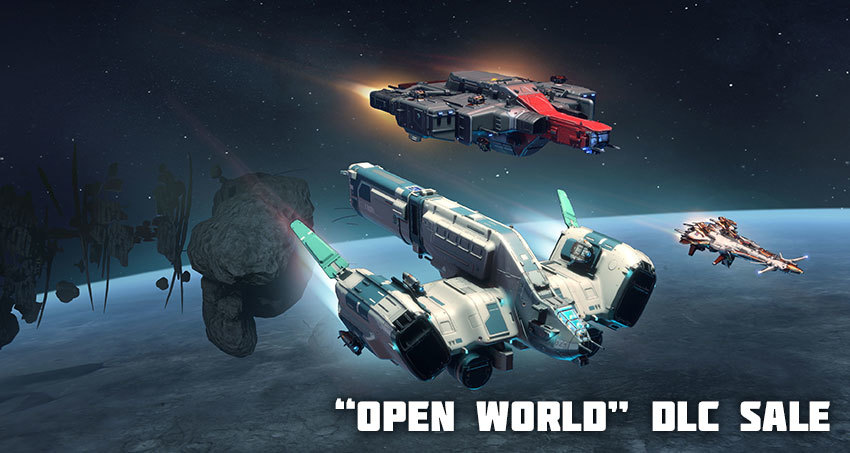
Attention all pilots! The Center announces the start of a special "Open World" sale!

Until May 31, 15:00 GMT, you can purchase the following DLC with a 60% discount! Unique bonuses and ships are already waiting for you, hurry up!

  • Star Conflict - Dyrnwyn
  • Star Conflict - Raven
  • Star Conflict: Gungnir


You can purchase the DLC on our website!


Best regards,
Star Conflict team
On Target VR Darts - 5of5
- Added Onboarding UI Menu


May 27, 2021
The Infected - DigxStudios
Hi Everyone,

I would like to share the progress of V9.6 Mini Update!

Here is a running list of additions/changes that are completed so far for the upcoming V9.6 Update. This post will be updated every few days so be sure to keep an eye on it if you'd like to keep tabs on stuff coming down the pipeline.

This update should be ready in about 1-2 weeks.

Last edit: 6/2/21 by Sifner


NEW CONTENT:

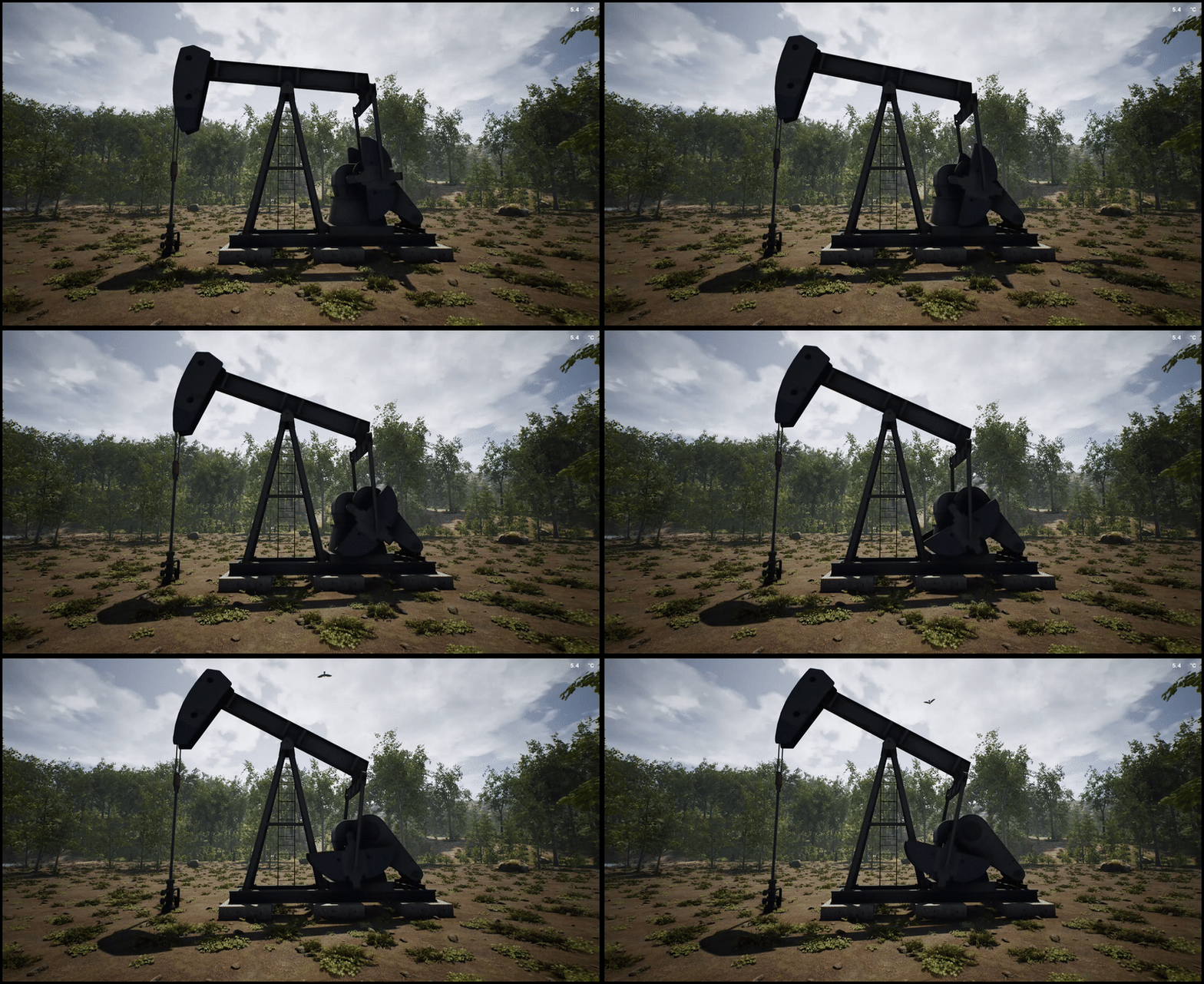
ADDED - The Oil Pump:

- Power Required: 150
- When an oil pump is constructed and has power, it will fuel available mineral extractors.


Recipe:

50 X Iron Ingots
20 X Steel Ingots
20 X Mechanical Parts
20 X Electrical Parts


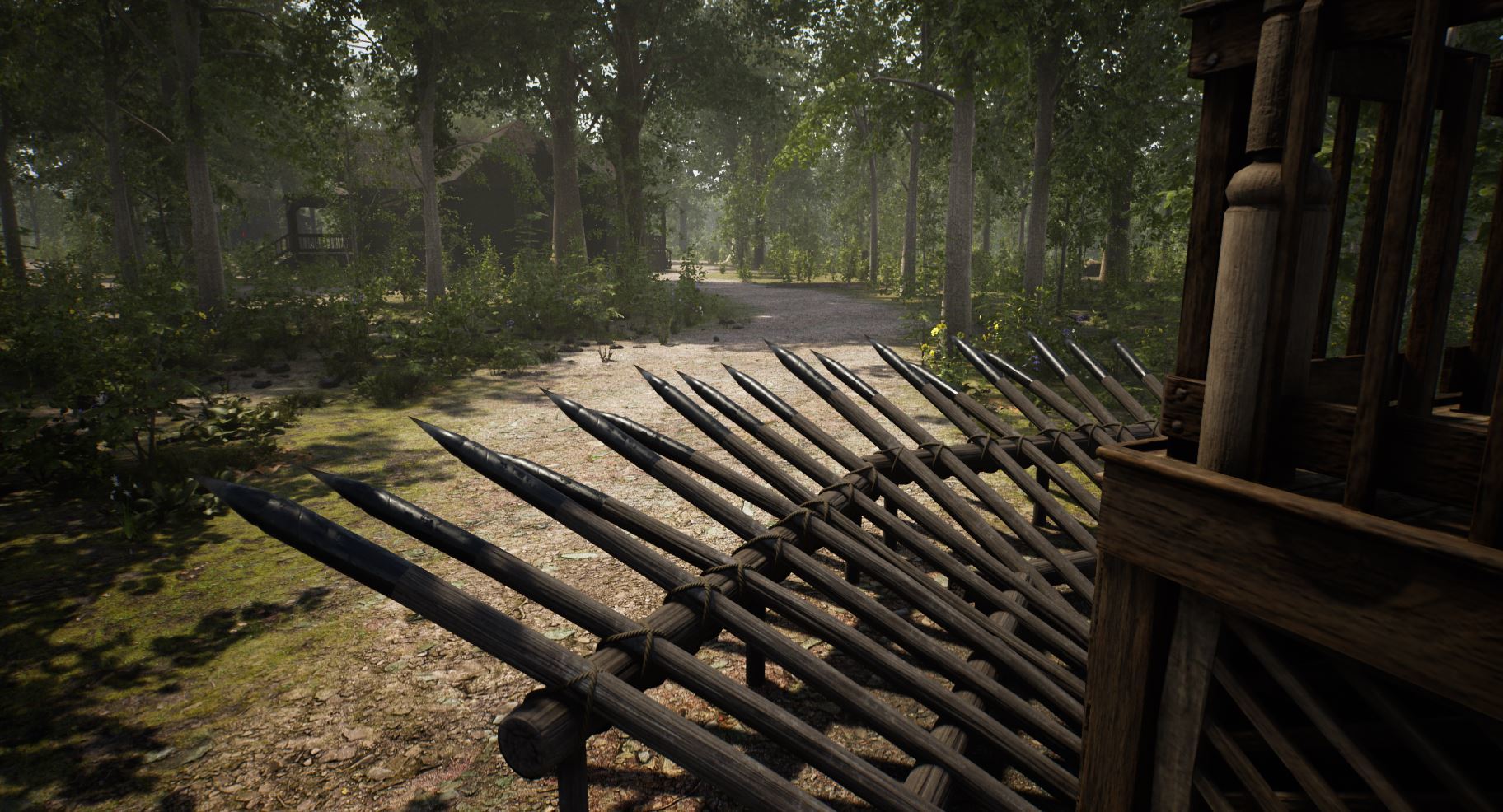
ADDED - Iron Spike Trap

- Spike Trap Upgrade
- 500 Durability
- 0% chance of being destroyed in 1 hit like the regular spike trap
- Can be repaired using Iron Fragments.

Recipe:

20 X Iron Fragments


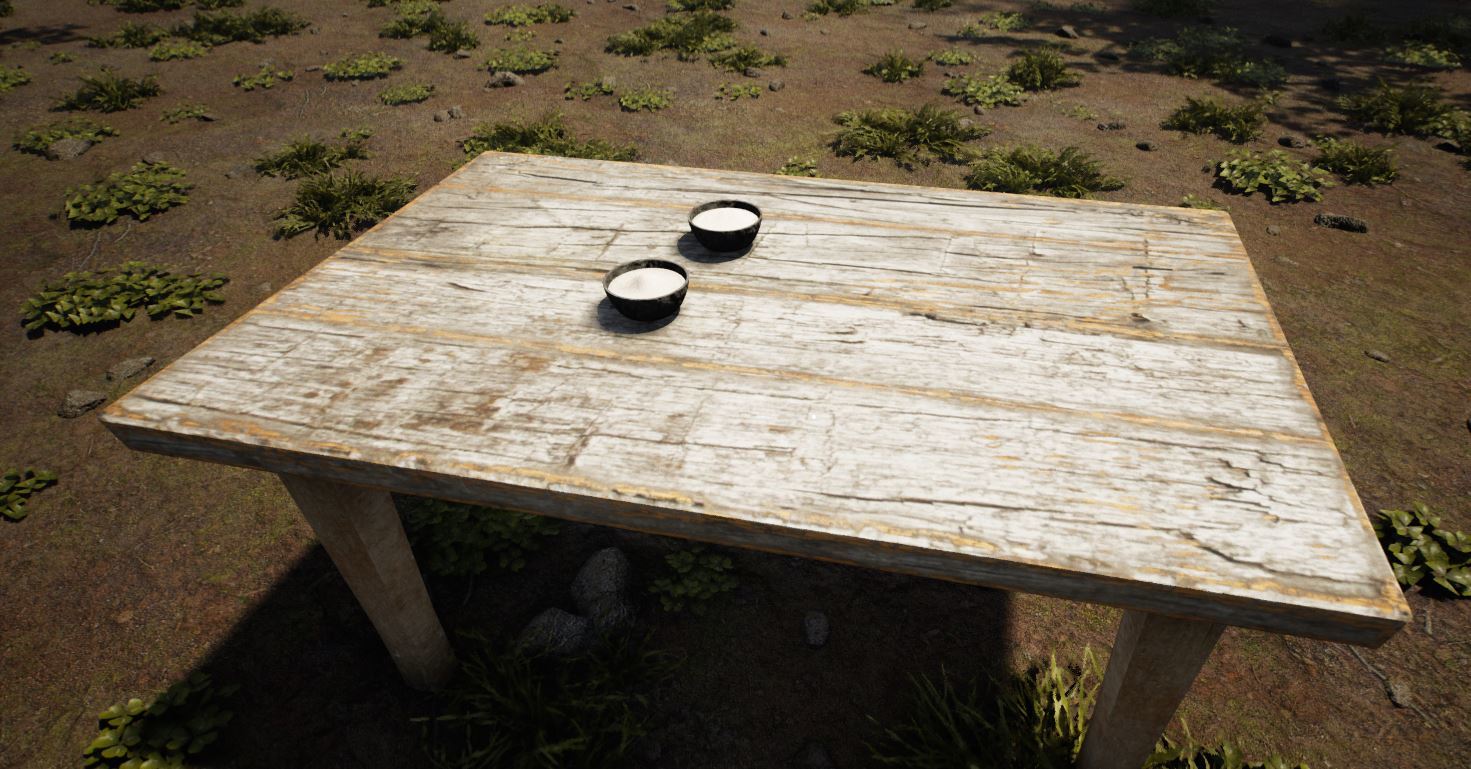
ADDED - Potato Paste

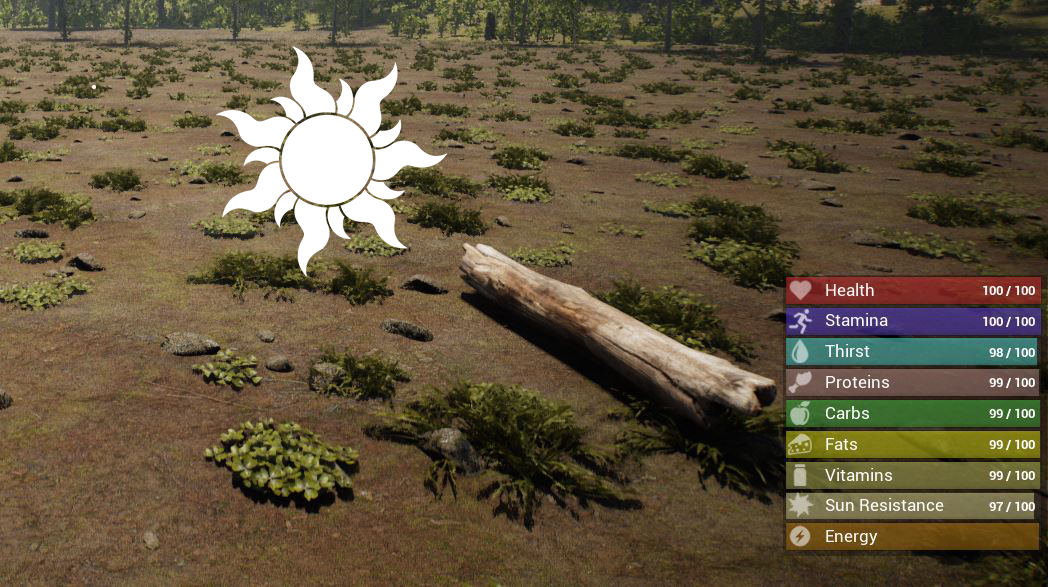
Consume to remedy sunburns and will increase your sun resistance by 25.

Recipe:

1 X Clay Bowl
1 X Potato


NEW VITAL STAT:

ADDED - Sun Resistance and Sunburn

When out in the sun, your sun resistance will slowly decrease. Once at 0, your thirst depletion rate will be increased by 3. You can avoid sun exposure and replenish your sun resistance by taking cover in the shade or inside your base. If both your sun resistance and thirst hit 0, you will develop a sunburn.

- Sunburns will slowly reduce your health if not treated.
- Craft and use Potato Paste to remedy sunburns.
- Any shadowed area (such as behind a tree) is considered to be shaded.
- If a day is cool, sun resistance will reduce at a slower pace.
- Days that are dark, cloudy or below freezing will not reduce sun resistance.
- Thirst depletion rate increased by 3 when your sun resistance is at 0.
- The sun is considered less strong in the evenings and early mornings, so the depletion rate is reduced.


OTHER ADDITIONS AND CHANGES:

CHANGE - Stone Grinder: Each stone will now grind into 10 sand and 2 Iron Fragments instead of 20 sand and 3 fragments.

CHANGE - I changed how dropping/spawning of items are handled. Items will drop at the players feet instead of a random distance in front of the player. This will solve the issue of items spawning on the other side of walls or landscape. The same applies for objects that spawn items, such as boulders.

CHANGE - If a players thirst is 0, your stamina will now reduce to 0. (Previously the player took health damage)

CHANGE - Players warnings bottom left of screen when a player is injured or hungry etc will now flash. Many were not noticing those icons there and hopefully this should help catch the eyes attention.

ADDED - Sound effect when hungry (stomach gurgling)
ADDED - Sound effect when thirsty (breathing/sigh)
ADDED - sound effect when energy is low (tired/yawn)
ADDED - sound effect when heat resistance is low (breathing/sigh)


BUG FIXES:

BUGFIX - There were additional instances where the log cart would end up under the landscape or in large boulders resulting in players losing sight of it.
May 27, 2021
Sentinel: Cursed Knight - [CD] Adonisraket
Hi all! We will introduce some fixes and tweaks to gameplay in this patch.

Tweaks

- Griffon health to 1200 instead of 1350
- Griffon damage to 150 instead of 182
- Prices lowered of demus coin shop
- Hammer of thorn, axe of gorn : 50 demus instead of 80
- Hammer of a thousand sins : 100 demus instead of 150


Fixes

- Shop selling right items, some shops sold wrong items when clicked, that's fixed now.
- Issue where sometimes you would teleport out of the map after saving
- Issue where the enemy crawler would teleport through walls

Thanks everyone for playing, and we hope you guys have fun!

Join the discord for more info/community.
https://discord.gg/G8RwCnt

- Sentinel Studios -
...