Medievalien - dOOb games
Our pre-beta launch last weekend was a smashing success. We owe a special thank you to our Roguelike Advisory Council for bringing this to life and for helping us field a mountain of feedback and insights from the community.

We’ve been furiously making updates and improvements to Medievalien, so even if you were one of the pre-beta players, we have a lot of new things to share with you.

If you want to be one of the first to see these changes live, join us during the upcoming Steam Game Festival for one of our developer streamers. We’d love to hear more of your feedback and to answer any questions you might have.

Also, a Demo version of Medievalien is freely available from the Steam page right now.
Go grab it now if you want to get a taste of the incredible adventure that is Medievalien!
Empires and Tribes - White Vertex Studios
This hotfix fixes two errors when loading savegames and some minor bugs.

Engine

Added:
- Improved resource mining system (wood, stone, clay, copper and iron) from the player's side.
- Added scrollbar that shows the progress of resource mining

Fixed:
- Fixed loading bug
- Fixed a bug that caused a crash in rare cases when training combat units
- Fixed a bug that caused more lamps to be stretched incorrectly when lumberjacking
- The player's hands are now hidden in the construction view
- The most effective tools to mine copper and iron are now pickaxes
Feb 2, 2021
Dura Vita Online - Stu Foo
- Added several new item drops to the game.
- Implemented rock harvesting. Purchasing a Pick Axe then clicking on it while aimed at a reddish rock will start the process.
- You can now craft sword components and a sword.
- Some potions have buffs and provide a visible icon and timer related to it.
- There is now a crafting bar that activates when crafting.
- Crafting board image has been changed and made smaller.
- Sounds added to some crafting.
- Increased night speed.
- Fixed Recovery under Unholy Magic to provide health not mana regen.
- Added ambient sound to the lake and crafting stations.
- Changed inventory hotkey to "B".
- Fixed Skeleton Keymaster loot.
- Fixed Coal purchase not adding enough weight to player.
- Fixed hotbar so you can't spam.
- Fixed armor in bank losing durability when hit.
- Fixed crab kebob icon when loading game.
- Portal now lasts much longer.
- Fixed certain cups being bugged on loot.
- Fixed some ghoul attacks that we not hitting.
- Fixed monster spawn issues(I hope).
- You can't use abilities while sitting now.
- Fixed buffs locking toolbar.
- Fixed Greater Health potion not providing correct stats or correct requirements.
- Fixed lockpick icon on loading game.
Feb 2, 2021
Desktop+ - elvissteinjr
What's new in Desktop+ 2.4?


Performance Monitor
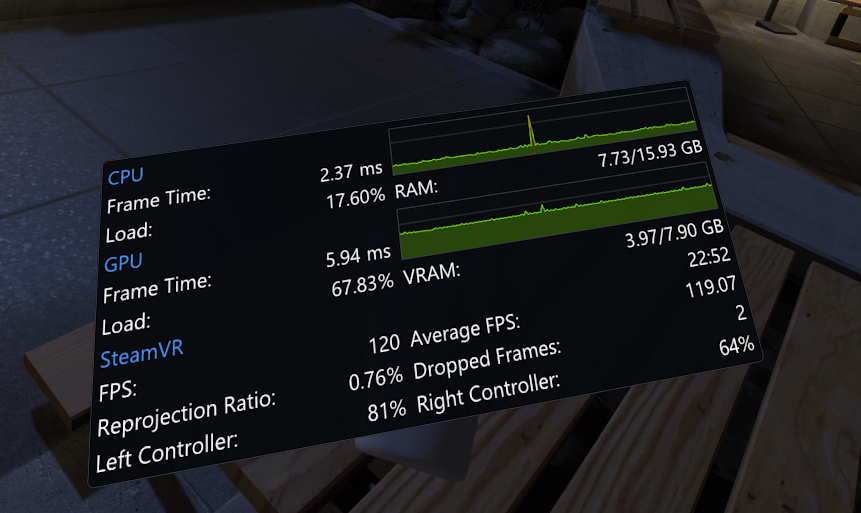
Version 2.4 adds a new kind of overlay: The Performance Monitor.
This overlay lets you quickly check the current state of your system from within VR in real time. It can be customized and positioned like any of the desktop/window overlays.

The following performance characteristics and other kind of state can be displayed by the Performance Monitor:
  • CPU Frame Time Graph
  • GPU Frame Time Graph
  • CPU Load %
  • CPU Frame Time
  • RAM Usage
  • GPU Load %
  • GPU Frame Time
  • VRAM Usage
  • FPS
  • Average FPS
  • Reprojection Ratio
  • Dropped Frames
  • Controller Battery Levels
  • Tracker Battery Levels
  • Vive Wireless Temperature
  • Time
You can configure and create the Performance Monitor overlay in the Performance settings page. Newly created Performance Monitor overlays will appear on the left hand-controller by default if connected.
Keep in mind that while you can create as many overlays of it as you want, they will all be showing the same content. Performance Monitor settings are global.


Improvements for Controller-less Use
There is now a notification/tray icon allowing easier access to the UI's desktop mode, as well as quitting Desktop+ while keeping SteamVR running.

Actions can now be bound to global keyboard hotkeys as well. To go with that, overlays can be assigned to one of three groups to toggle the visibility of multiple overlays at once.
This enables bringing up overlays from keyboard input.
Custom actions and action-related input settings have been moved to a new "Actions" settings page.

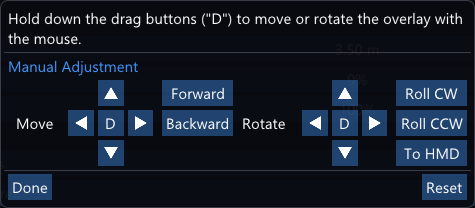
The overlay change position pop-up has been redesigned. Its new layout should be a bit easier to use. In the UI's desktop mode, overlays can now be dragged with the mouse from this pop-up.
There's also a new button to orient the overlay towards the HMD. The position reset button is now accessible without closing the pop-up as well.

First Launch Improvements
As it turns out, Desktop+'s first startup experience can be a bit overwhelming and confusing for some users. There have been some small changes and additions aiming to improve this, even if just a little:
  • The dashboard overlay is now opened automatically on first launch
  • Added welcome notification with quick start guide. Existing users can just press on it and choose "Do not show this again" to hide it permanently.
  • It is now additionally checked if the HMD is tracking before deciding to show a VR notification on first launch
These certainly don't address the underlying problem of Desktop+ not being as accessible as it could be, but I hope they'll serve their purpose to ease users in a little bit as a short-term solution.

Other Changes
New:
  • Added option to reset all settings to default values (Misc -> Troubleshooting)
  • Added additional rename button to the overlay management pop-up
  • Added "Toggle Keys" option to "Press Keys" custom actions
Changed:
  • "Ignore WMR Virtual Desktops" now takes the source adapter into account instead of just ignoring the last 3 desktops
Fixed:
  • Fixed overlay input not working while the Performance settings page was open
  • Fixed maximum cropping area being limited to the last selected desktop when using Desktop+ UI while SteamVR wasn't running
  • Fixed not reacting to display arrangement changes when there's no active Desktop Duplication overlay
  • Fixed trying to adapt cropping rectangle on display arrangement change for non-Desktop Duplication overlays
  • Fixed built-in actions not working when bound to controller input

The Future of Desktop+'s Interface

In the long run I'm planning to redo the interface of Desktop+. This is not something that will happen right away, nor will it be a blocker for other new features. While I do have a few ideas of my own, I thought it would be helpful to just ask the actual users of the app first.
If you have any great concepts of what you'd like to see in a new UI for Desktop+, head over to the forum topic and share them with me. Thank you!

B.O.T.S. and the Robofriends - Game Grotto
Hello everyone! We would like to share our Discord server for all B.O.T.S. and the Robofriends fans - The Game Grotto Network (GGN)

The Game Grotto Network will help you stay up to date on all the latest news, let you know when our Game Grotto team goes live on Twitch, or if there is game testing needed for our new titles 🎮💜 We also wanted to make an opportunity for players to look for others to play with, seeing how a game-match feature is not implemented in B.O.T.S. and the Robofriends.

We hope you will join us - all are welcome!

Join Here!
https://discord.gg/dBzFmdgQHX

Feb 2, 2021
Eville - JezzaPrime
WELCOME TO THE BASIC TUTORIAL
Have you ever considered the life of a Detective? Toyed with the idea of being a Slanderer? Ever wanted to purge the village of those goody-two-shoes, but weren't quite sure how to go about it? Rejoice oh stalwart citizen, rejoice!

The HOW TO EVILLE tutorial video will give you a head-start and insider knowledge regarding the basic premise of Eville. Don't enter the village unprepared!

The points discussed in this video are:
1. how roles are allocated at a start of a match
2. the vastly different goals of Villager's & Conspirators
3. the day/night cycle
4. item allocation and usage
5. unique role-based abilities
6. the usage of the Town Bell
7. voting
8. the vicious cycle repeats itself


GREAT, NICE VIDEO. NOW WHAT?
Follow us on social media (ALL THE MEDIAS!) to ensure you don't miss your once in a lifetime opportunity for us to demonstrate Eville up close and personal. Hush, now. Trust us.

MORE FANCY STREAMS
We're currently planning additional streams for ya'll! Make sure to follow us on social media, and on Discord to ensure you don't miss 'em.


WISHLIST
You can wishlist Eville and show us some love and by doing so, keep up to date with our development process.
https://store.steampowered.com/app/1220170/Eville/

HIT US UP
[/url]Our discord server is alive! You can join the conversation and hang out with other fans on the discord server and talk directly to us regarding your thoughts and ideas about Eville.
Dream Of Mirror Online - Zen_Dragoon
Weekly Maintenance has concluded and players may log back in.
Feb 2, 2021
Path of Exile - CommunityTeam_GGG
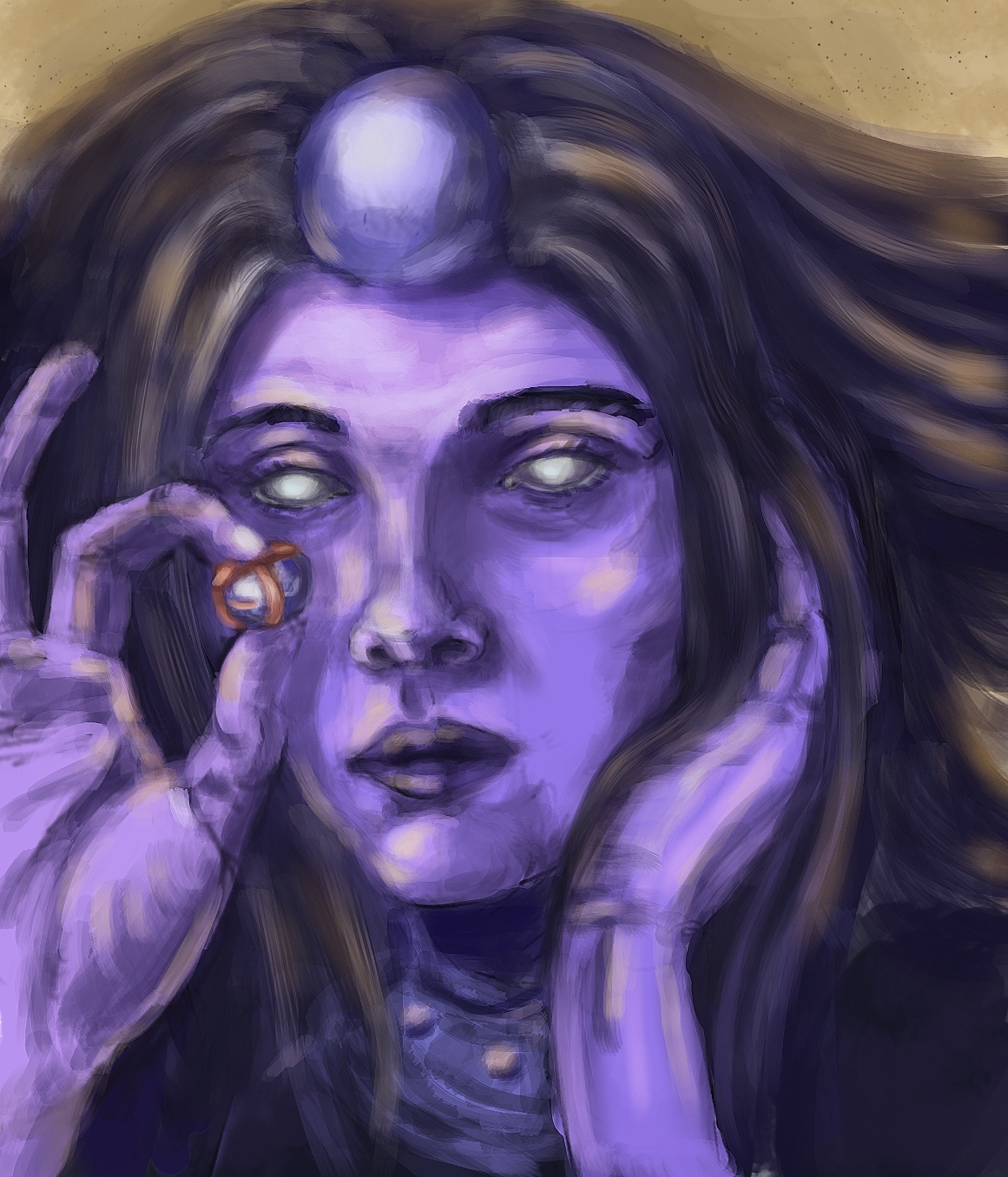
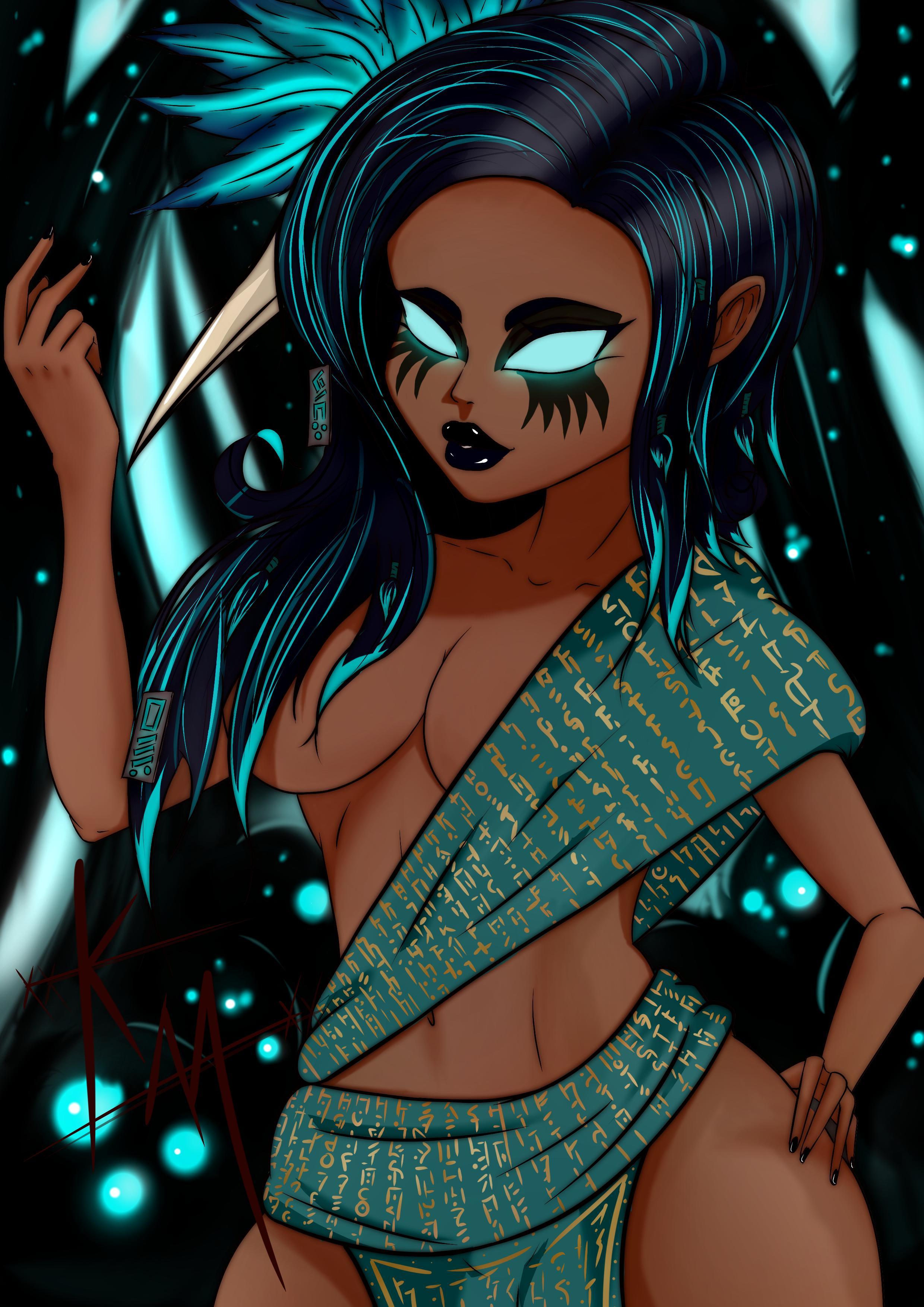
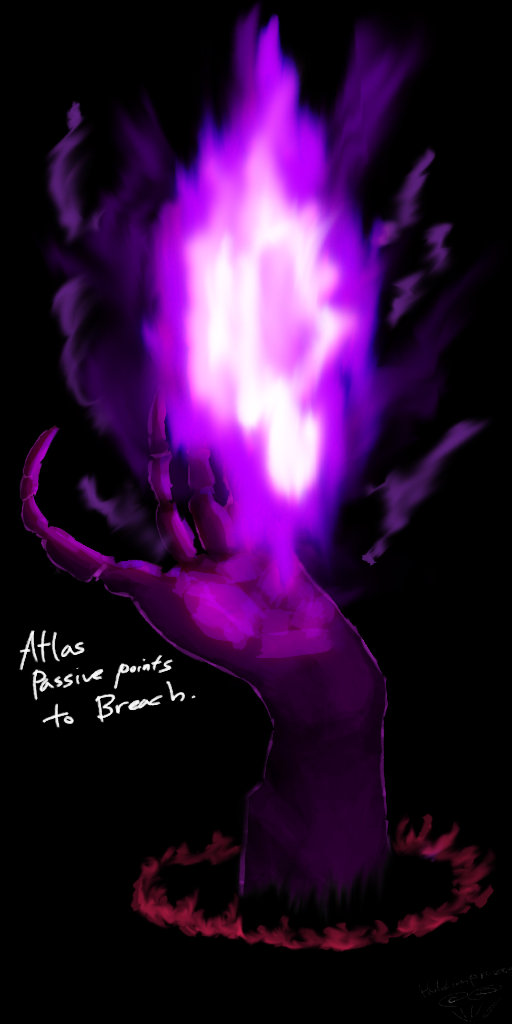
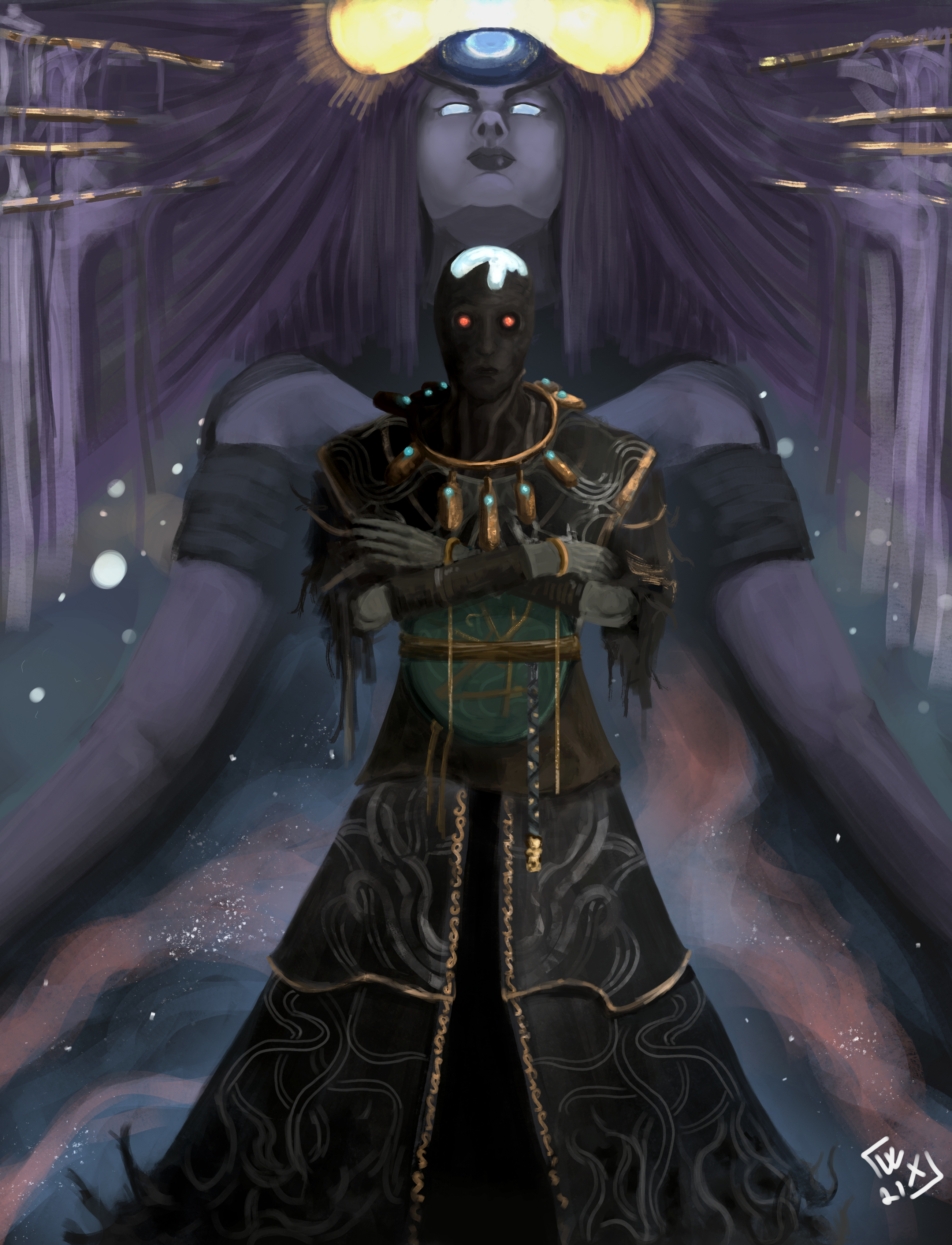
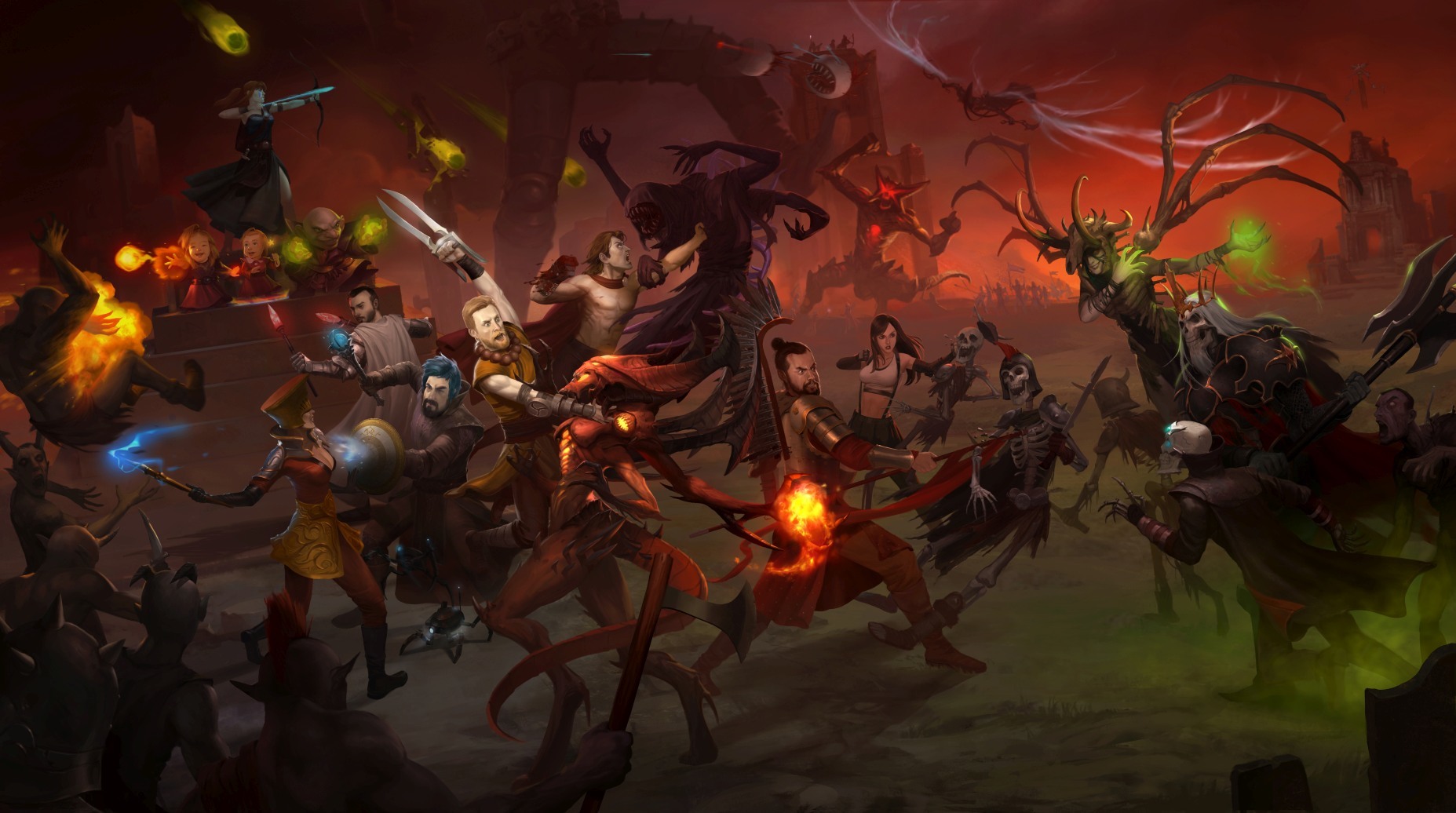
Let me bend your ear for a moment! In today’s news post, we have gathered some awesome creations from our community including a remix of the Maven theme and guitar cover of the Sirus theme, as well as more fantastic fan art. Take a look at their great work below.

Path of Exile - Maven (aTension Remix - no meme version) by aTension


Path of Exile: Orion - Guitar Jam Edition by Helscream


Maven by Cursedone66


Oshabi by Tartharos


Simple Breach Fanart by HoldimProvae


The Envoy by WidoXx


Quin69 - commissioned piece by Mihai Radu


If you are inspired and want to create your own fan art, don’t forget to share them with us and your fellow Exiles by posting your submissions on the Community Showcase forum or our subreddit.
Shades Of Heroes - infosuccess3d
A new update has been pushed for Shades Of Heroes

New
  • 14 New Commander Trials Missions (this is only a fraction of the new missions, 13 more will be available in the coming week, alongside a new trial adventure in the docks)
  • Steam Achievements are now active and can be unlocked (upon login, players should automatically unlock the achievements they should've earned)
    • 4 new achievements have been added for Treasure Hunter
    • Changed the values for the wins in a row achievements
    • Choosing your faction now shares the same achievement
      • New achievement for winning your first fight in PvG in place of choosing the Good side achievement
Bug fixing & Quality
  • Fixed a huge issue that caused players to lose almost all their gold when reaching 10 wins in a row in PvG
  • Fixed Daily Rewards Loading issue.The daily rewards should now appear normally, even if the player use the menu before Daily rewards load.
  • Fixed a bug where cards with [On Deploy] abilities (such as Charge or Tide Turner) would prevent players from using those cards' abilities that same turn (but AI still could)
  • Fixed a bug that displayed a connection error whenever attempting to delete your account
  • Fixed a bug preventing the Death From Above and Gift For a Friend achievements from progressing
  • Fixed a bug preventing Tottoa Hero's abilities Heroic Spirit and Posthumous Fame from working correctly
  • Fixed a bug causing the Pickaxe card to not update the resource gain value and changed its function to only work on Resource cards now
  • Changed text in Tottoa Hero's description (Howling renamed to Bad Howling, now correctly displays -20 HP instead of -40 HP and Cacophony's turns duration now display the correct amount)
  • UI improvements in the tutorial fights, text is now more legible on most resolutions
  • UI improvements in Treasure Hunter and Commander Trials
Last Epoch - Sarno
Want to get more involved with the community? Join us on the official forum!


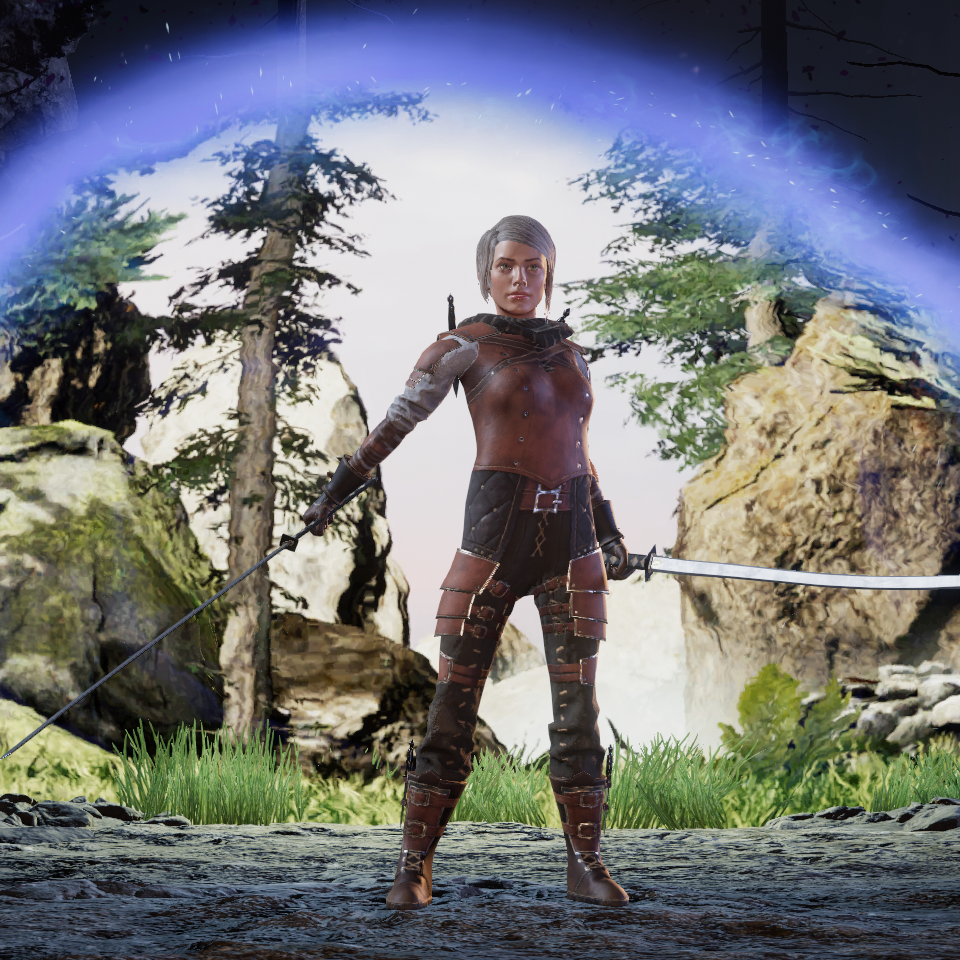
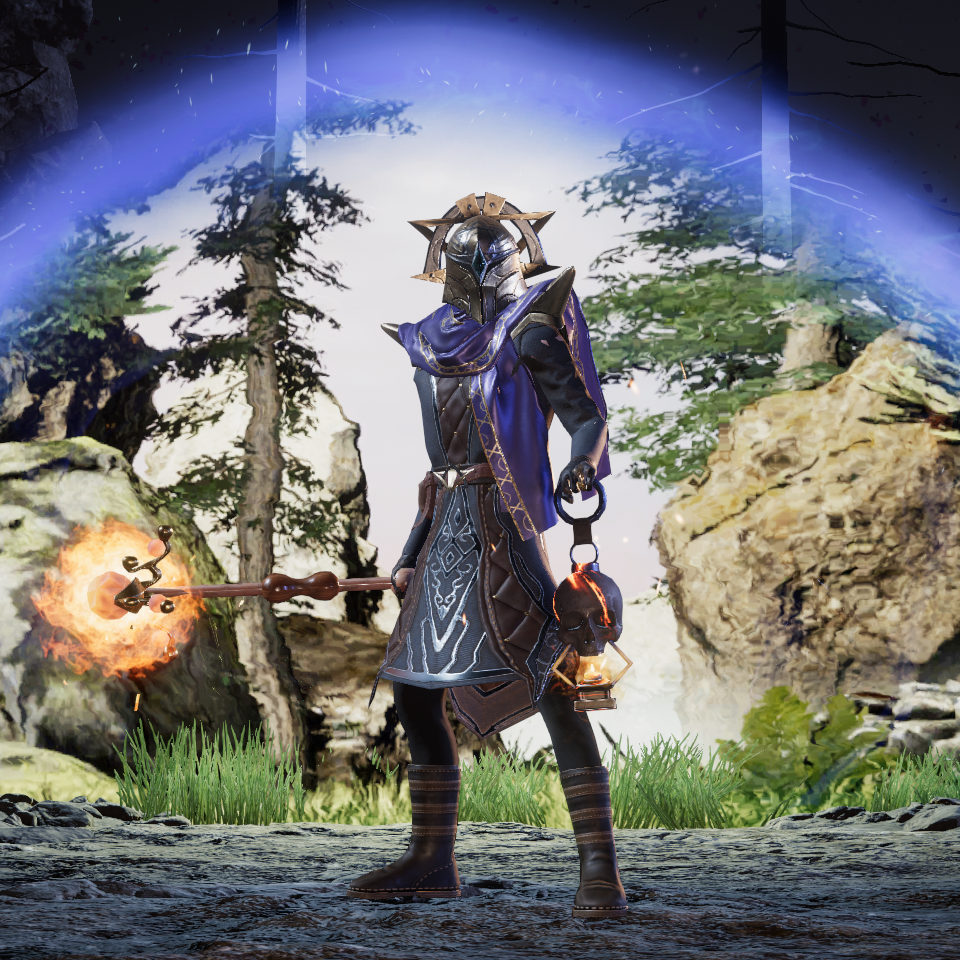
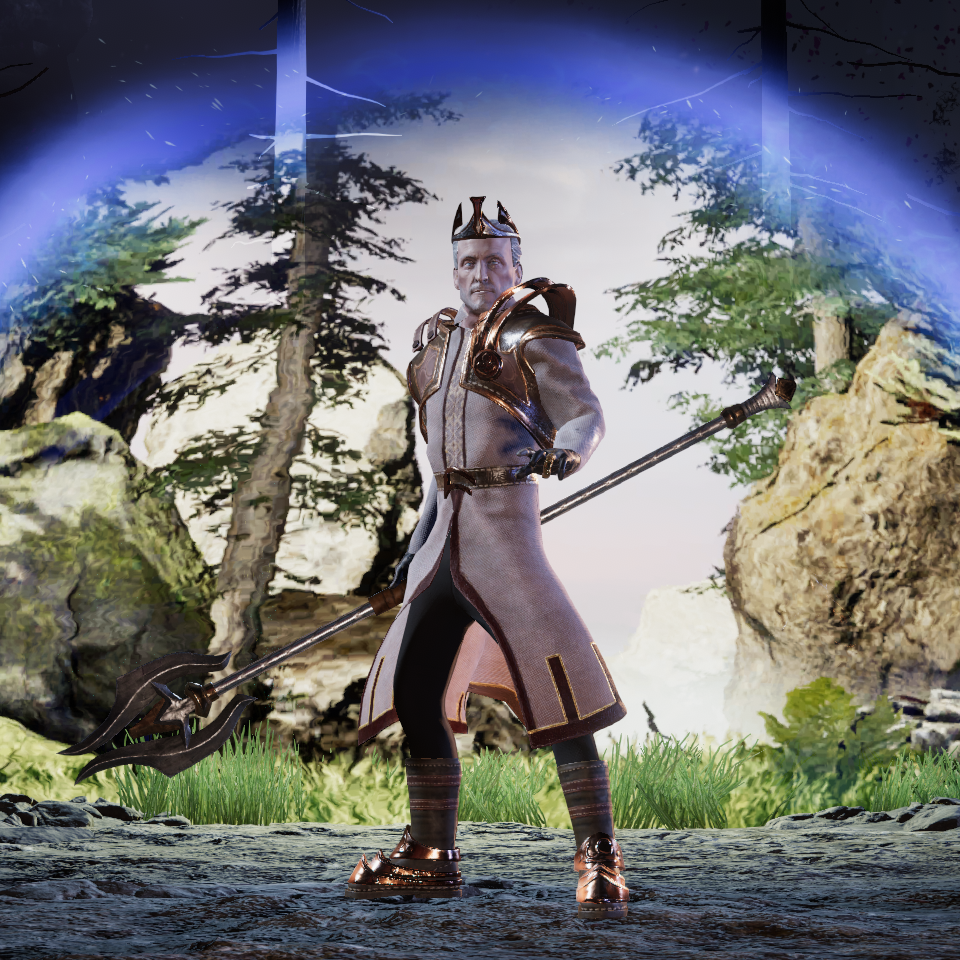
We're Updating the Character Selection Screen in Patch 0.8.1!

Starting in Patch 0.8.1, your characters will show their currently equipped gear when clicked on in the character selection screen! We’ll be releasing Patch 0.8.1 later this month.


Dual wielders represent!


This change should make it more convenient to tell your characters apart straight away, which will gradually get even easier as we continue to add additional 3d models for equipment.


Don’t they look amaging?


We plan to update the appearance of the character selection screen itself in a later update.
...