Sorry about this piece of news, but we were unable to upload the new multiplayer update in January as promised, this is due to some bugs we are still trying to fix and also because translations are not ready yet. We are working hard to have the new version available as soon as possible within February.
The new version will have:
- Two new monsters and Area 500 in multiplayer mode. - Improvements in performance. - Some minor changes in enemies Artificial intelligence.
To our loyal and amazing fans and customers; As of March 1st 2020 Iggy's Egg Adventure will no longer be available to purchase on Steam. We currently have no plans of releasing Iggy on any other platform or sales venue. It has been an amazing journey taking the game from concept to completion and seeing so many Iggy fans enjoy the game over the yeas. Thank you all for your support and we genuinely hope that you enjoyed our game.
Now you can participate in alpha testing of new features and try them first! To do this, you need to go to a new branch:
Find the app in the Steam client
Click RMB
Select Properties
Go to the “Betas” tab (usually the last one)
Change "default" to "alpha"
Save the changes and wait for the update.
Foreword
This is the first part of a big update that will be released in parts (more in one of the previous announcements). Version 0.2.0 should be the last update of the program in early access. According to plans, after it enters the main branch in a month or two (time for checking bugs), the program will have to exit early access. In addition, the plans for updating 2.0 include a complete change of the page in the store, because during this time the functionality of the program has changed a lot.
In this part of the update, there are only a few test mods. In the next part of the update, new mods will be added.
Highlights of this part of the update:
Strong visual enhancement of rendering (graphics);
UDCE is migrating to the new version of Unity;
Adding mods (global effects);
Interface enhancement;
Tutorial;
Additional settings for optimizing the UI;
Bug fixes.
More details below.
UDCE is migrating to the new version of Unity
In the new version there were many changes, including regarding the used API. If before when you started UDCE you had a black background and this was not fixed by following the instructions on the forum, you can try the new version. However, keep in mind that the chance is small enough.
Workshop: backward compatibility: Initially, the loading of characters was built with the expectation of moving to a new version of Unity, so there should not be any compatibility problems. However, due to strong changes in cloth physics, Unity cloth from older versions is not supported in the new version of UDCE. As far as I know, in the workshop there are practically no characters with Unity cloth.
v2.0: plans
Adding New Mods (Global Effects);
Adding New Pages to the Tutorial;
Finalization of documentation for version 2.0;
Adding new characters to the workshop;
Interface revision;
Interface translation into some languages;
Complete revision of the store page: video, screenshots, description;
Translation of the store page into some languages;
Transfer standard mods to the workshop or to the DLC;
Update UDCEAssetCreator to Unity 2019.3;
Improving perspective rendering;
Toolkit for creating mods.
Global Effects (Mods)
One of the main changes in version 2.0: adding mods. Now you can export any object with custom scripts from Unity to UDCE. Mods will use the capabilities of UDCE: interact with windows, settings menus, etc.
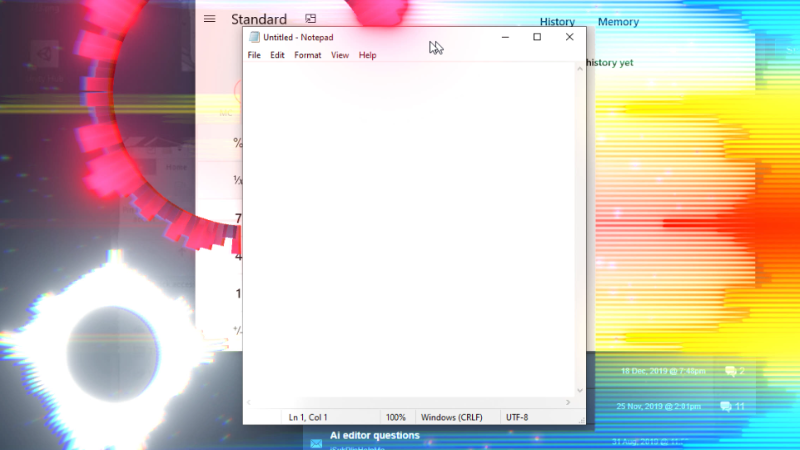
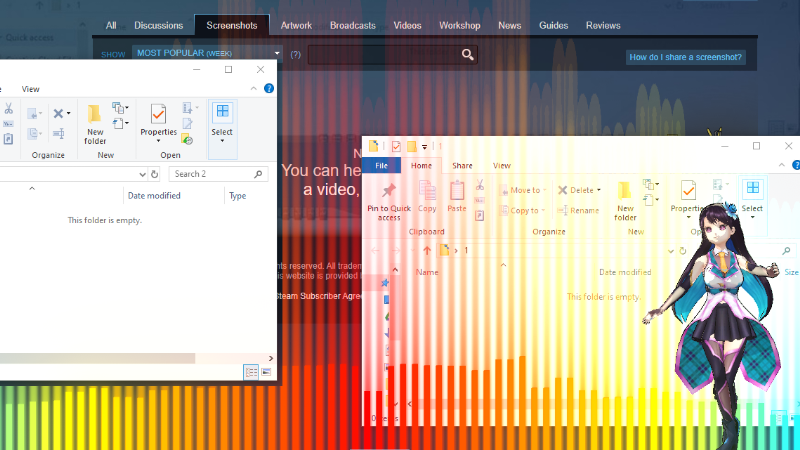
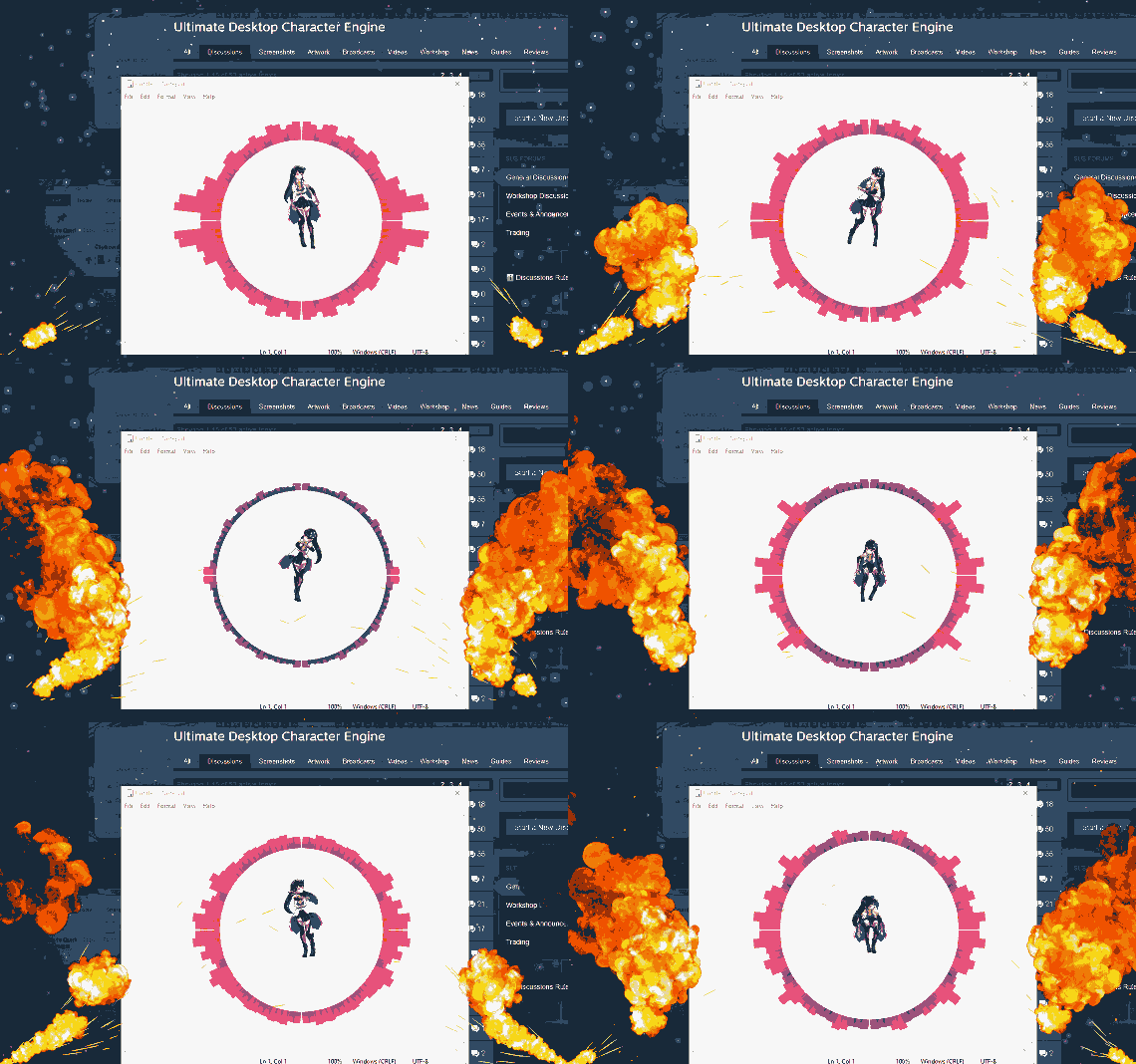
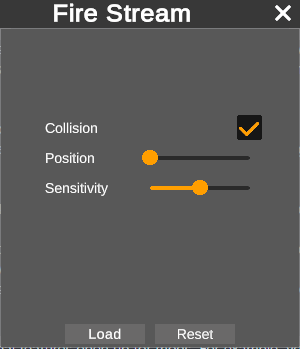
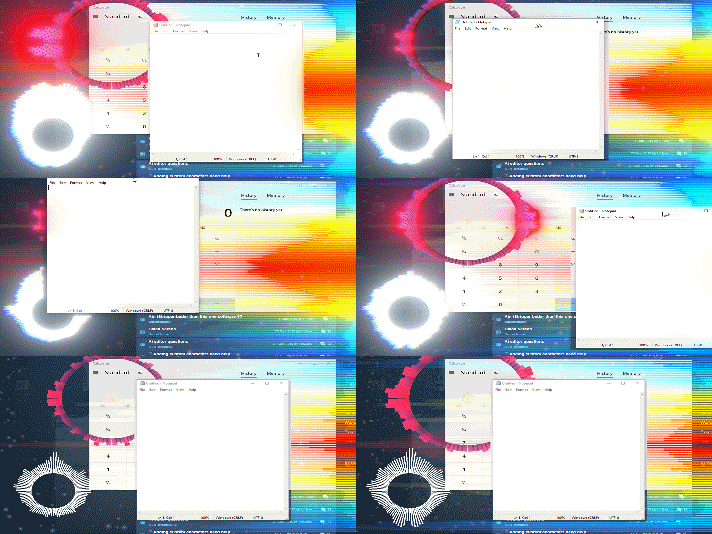
Look at this fire: if the energy of the audio on the computer exceeds a predetermined threshold, the fire is emitted and it collides with the main window and goes up without going into the window itself. You can configure the necessary parameters (for example, change the sensitivity, turn off the collision, move the fire outside the main window), move, rotate and scale objects. The position of the objects and settings are saved, so if you restart the application you do not need to re-configure everything. Since UDCE defines OS windows, additional features open up for mods. For example, you can put an audio visualizer on top of all windows except the main one. This way you will see the effects outside the main window, but they will not overlap it. Mods can be created by users themselves, but at the moment this feature is not available: work is still ongoing to improve security, as well as the ease of creating new mods for those who are completely unfamiliar with Unity and programming. Adding this feature is planned at the end of 0.2.x alpha.

Prior to this (in the update cycle 0.2.x alpha) a few more default effects will be added. For example, it is planned to add a mini-game: a kind of aquarium, as in older versions of Windows. In this case, fish and water can be located outside the main window, without interfering with the user's work.
The main advantage of mods is that they can be downloaded to the workshop or free DLC, so that the user can download only the mods he needs. Since there can be many of them and each of them can occupy 0-100 MB, it is very convenient: the program itself will not weigh much, since all effects can be downloaded separately.
Rendering (color space):
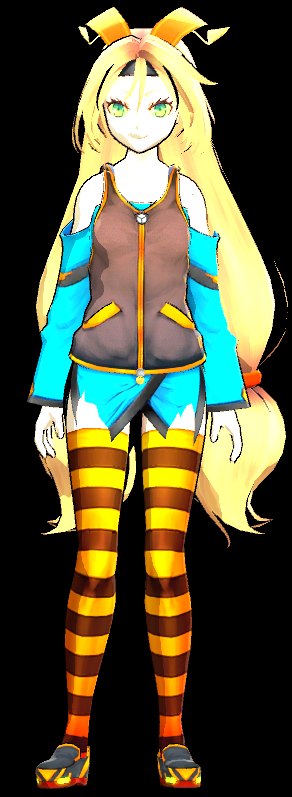
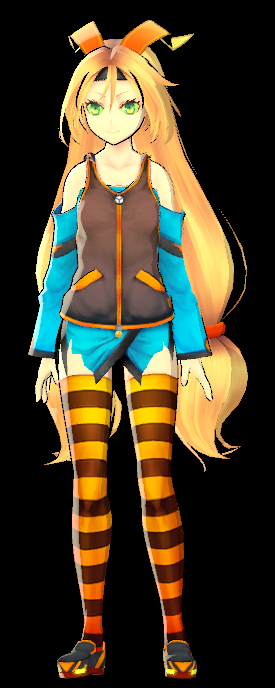
The color space has been changed from Gamma to Linear. Among other things, it will provide more realistic, beautiful and customizable lighting, and gives deeper settings. Please note: old characters will now look new. You cannot return them to their old appearance, but you can achieve its similarity using the settings. Look at your characters: most of them should look really better than before. Take a look at Unity-Chan: Linear will also help to remove terrible excess light on characters with high lighting settings.
Tutorial
Since some new users encounter difficulties in learning the program, at the first start they will be asked to view a tutorial: a list of animations that shows the basic actions that are needed to create / customize a character, etc. New pages will be added gradually and existing ones will be improved. The tutorial can also be launched from the “Help” menu.
Interface
The old interface had many problems, some of which were fixed in the new version:
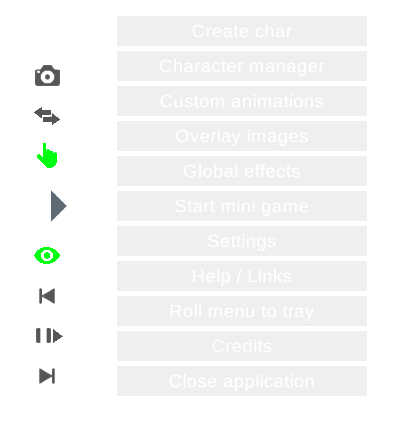
Many of the buttons were transparent, which made it impossible to read the text on them. Most buttons are no longer transparent.
The main menu was too transparent and against some background it was extremely uncomfortable. The transparency of the main menu is greatly reduced.
Almost the entire main interface with a day / night theme was terribly contrasting and unpleasant to look at. The contrast of the interface has been reduced, and the transitions between colors have become smoother.
Many icons have been changed to others with a much higher resolution.
Improving the interface continues.
Workshop
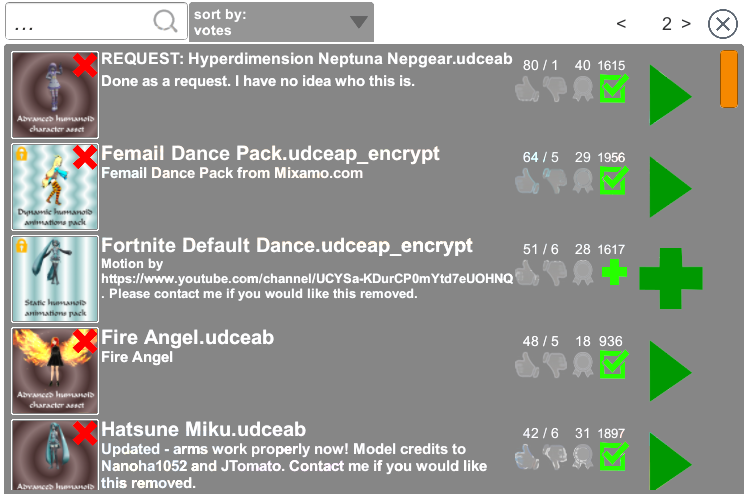
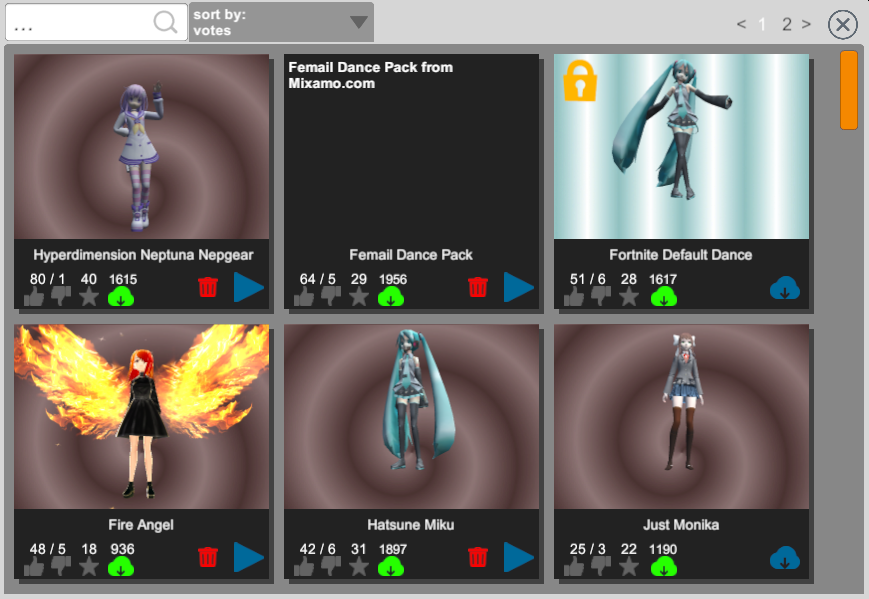
The workshop interface has been redesigned. Now it should become more compact, understandable and convenient. In a night theme, text with page numbers is poorly visible: this will be fixed in one of the following updates.
Messages
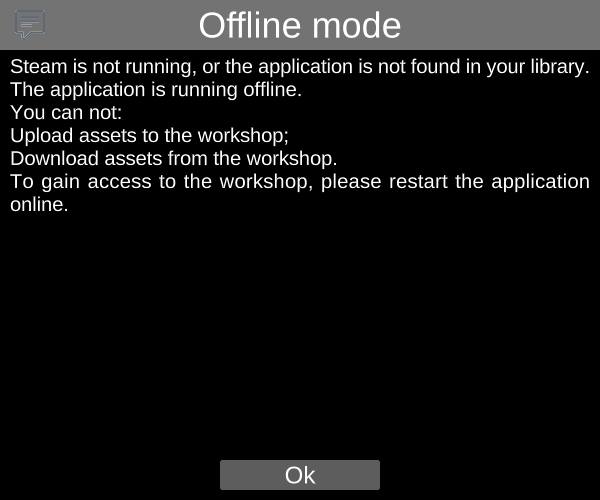
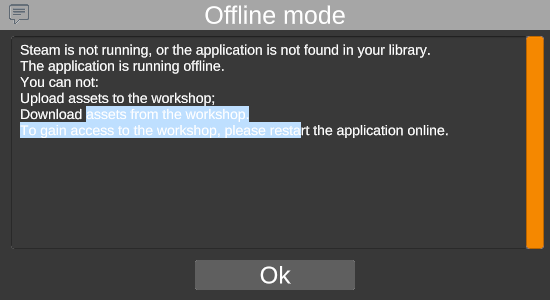
Changed message interface. Since in most cases the messages contained information about the error or voluminous text in English, for most of the audience their meaning was lost. Now you can select and copy the text from the message to translate it into your language or send a detailed message about the error.
The message interface has been redesigned to become less contrast, more compact and convenient.
Notifications
Since messages overlap the main screen, they will now open only for really important information. Notifications will be used for less significant messages: tooltips in the corner of the screen.
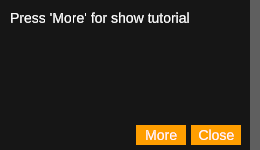
You can click on the notification to pin it. The edge color indicates the type of message. In some notifications, the “More” button is available, when clicked, detailed and information will be shown (for example, a message)
Characters
Significantly reduced the distance by which the character can move off the screen before teleporting him to the center. Now go ~ 3 meters per screen, the character will be teleported to the center of the screen.
UI optimization:
On some devices, when scrolling through a large number of elements (for example, a workshop or a large list of characters to create), lags were noticeable and there was no smoothness. Now the “UI Pixel Perfect” flag is available in the settings: when enabled, it increases the quality of small UI elements and paths, but greatly reduces performance when scrolling through a large number of elements (for example, a workshop or a large list of characters to create). If you encounter lags while scrolling, disable this flag and scrolling will become smooth.
Others:
Changed links to documentation in the “Help” menu;
Many of the switches have been replaced with checkboxes for the convenience of users and to save screen space;
Improved UI optimization in some places;
Improved general optimization;
The problem of rendering transparent elements of non-red colors that were not always displayed or displayed with greater transparency or with a red tint is fixed;
Now in the list of created characters for each character there is a button: you can return a specific character to the center of the screen;
Many bug fixes;
The Drag Ragdoll setting, turned off by default, was removed so as not to mislead users who did not see that this feature was experimental.
Within a week there will be a small documentation about using Global Effects.
Soon, new parts of the update will be released gradually with planned features and the addition of new global effects.
After blocking the game, 3 transferring the release date and bug release, we got to this release. We thank all the players for their support and it was very important for us to know that you are waiting for the game. We will do our best to help, fix bugs and improve the game to the needs of the community, so we will be glad to see you on the community forums.
Enjoy the release, comrades!
I suggest you look at a small game trailer that shows some of the basics of the game, basic functionality, dealers, production and improvement. We will be very grateful if you like it on YouTube since no one was waiting for the game there ːmeatytearsː, good luck in hard business, illegally fans.
P.S Yes, there are donations and DLCs in the game, but this is the only way the game can get cards, and you understand how cool they can be, given our genre and not, the game is not made difficult intentionally to make you donate, the game is made difficult to to reflect the whole picture of this difficult business and show in a playable way what fragile and thin ice is under each drug lord.
Tags: real release, real release, fair release, true release, release release, release.
We are so thankful for our community and every idea or feedback that we receive helps a lot. This next game-mode was also recommended by our community member.
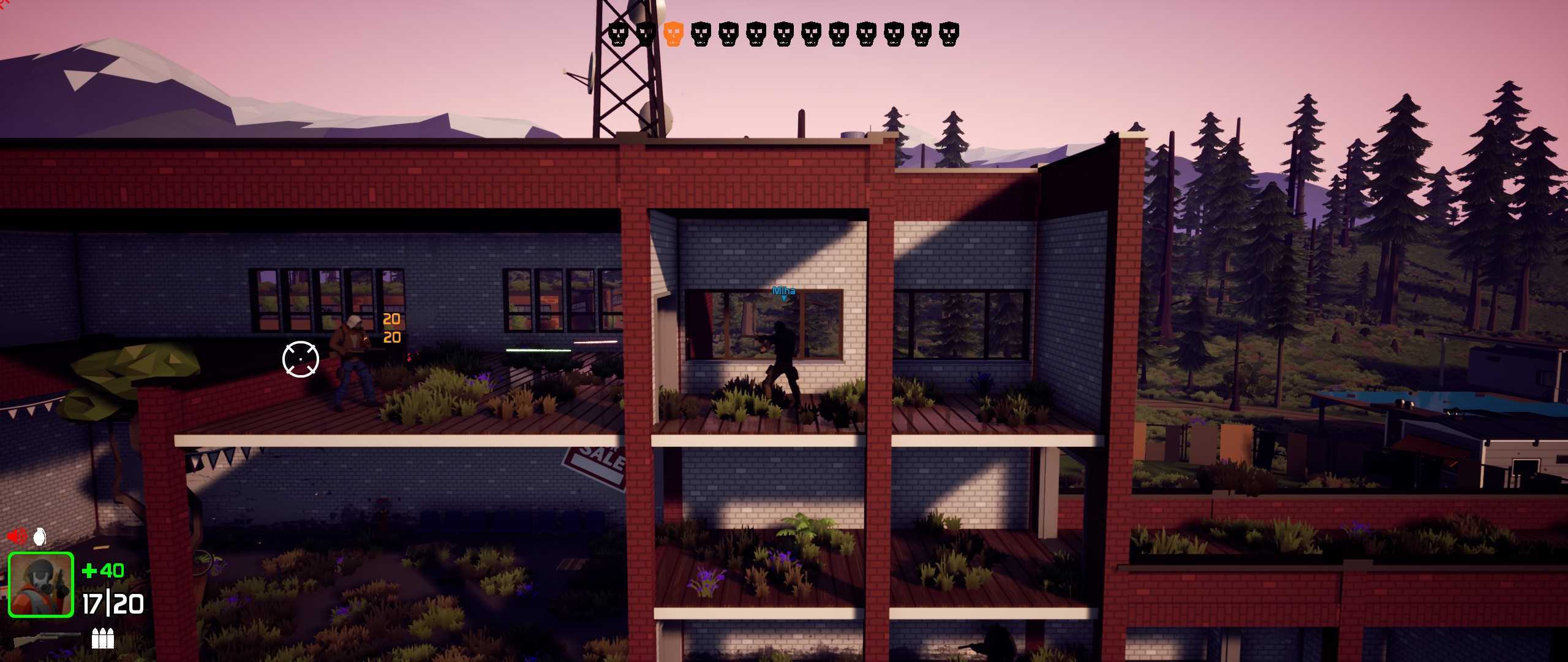
Gun Game is a free for all game-mode were every 2 kills level you up and your weapon switches with the next weapon. You can win by getting the first kill with the final weapon.
Vehicles
Note: Vehicles are at this point only a concept and are not guaranteed to make it into full release.
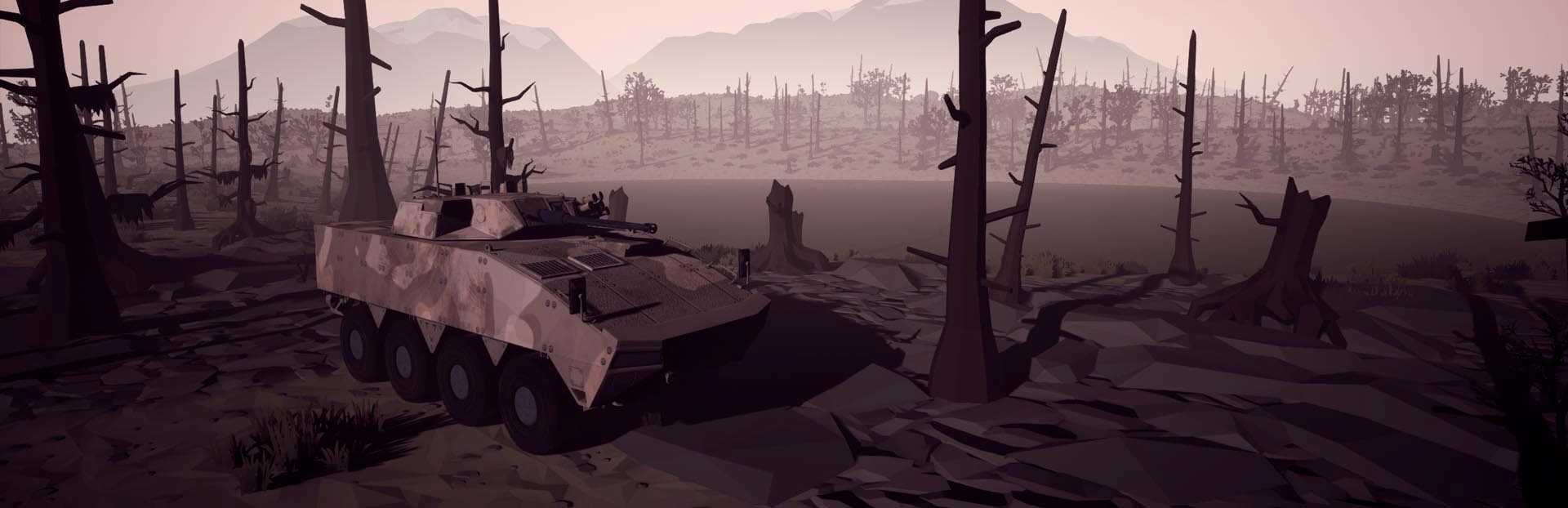
We started to experiment with vehicles because they are very rare in sidescroller shooting games because it is very hard to make them fun and balanced.
First APC test model:
Offline bots
The most requested feature was an offline mode with AI bots. Since the game is still very early in development there are not a lot of people playing multiplayer simultaneously, so the best solution to this is to add some AI bots that have IQ lower than 6 and god-like aim. At this point, you can play against bots on two different maps with two different game-modes (team deathmatch and gun game).
Maps
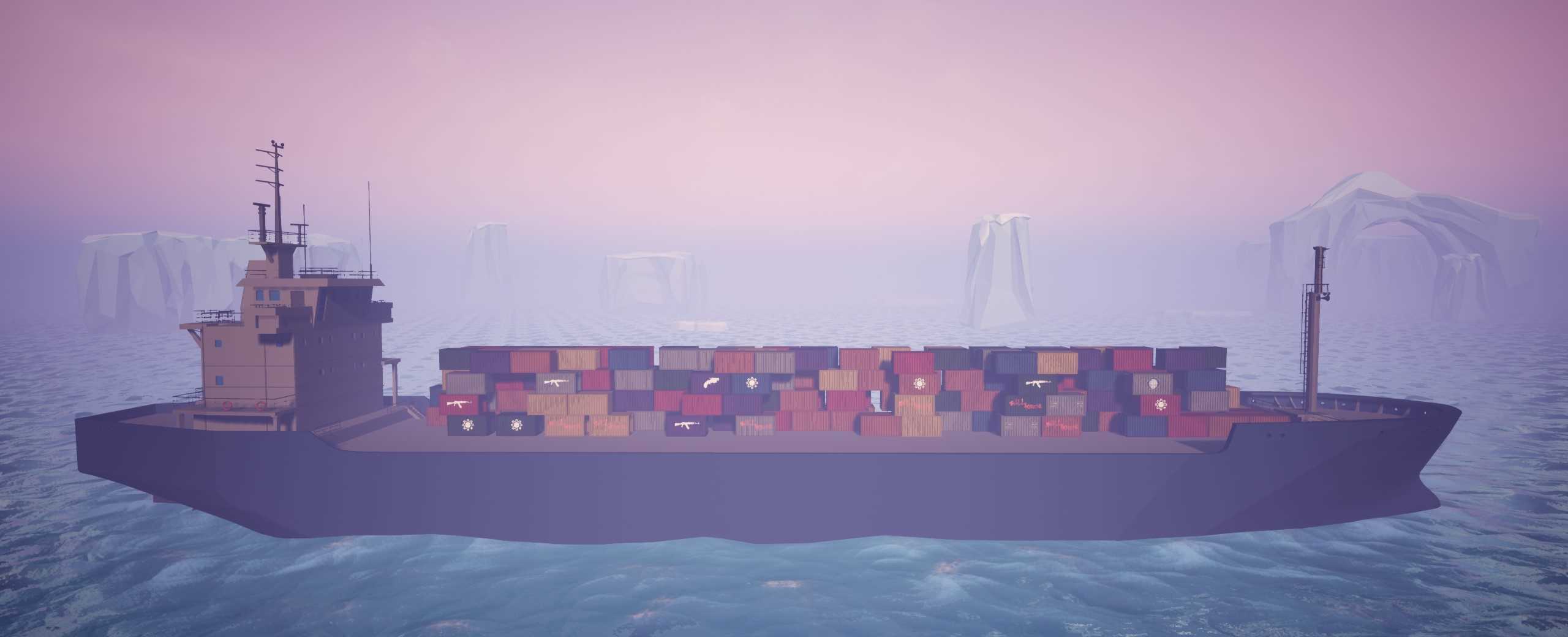
Cargo ship
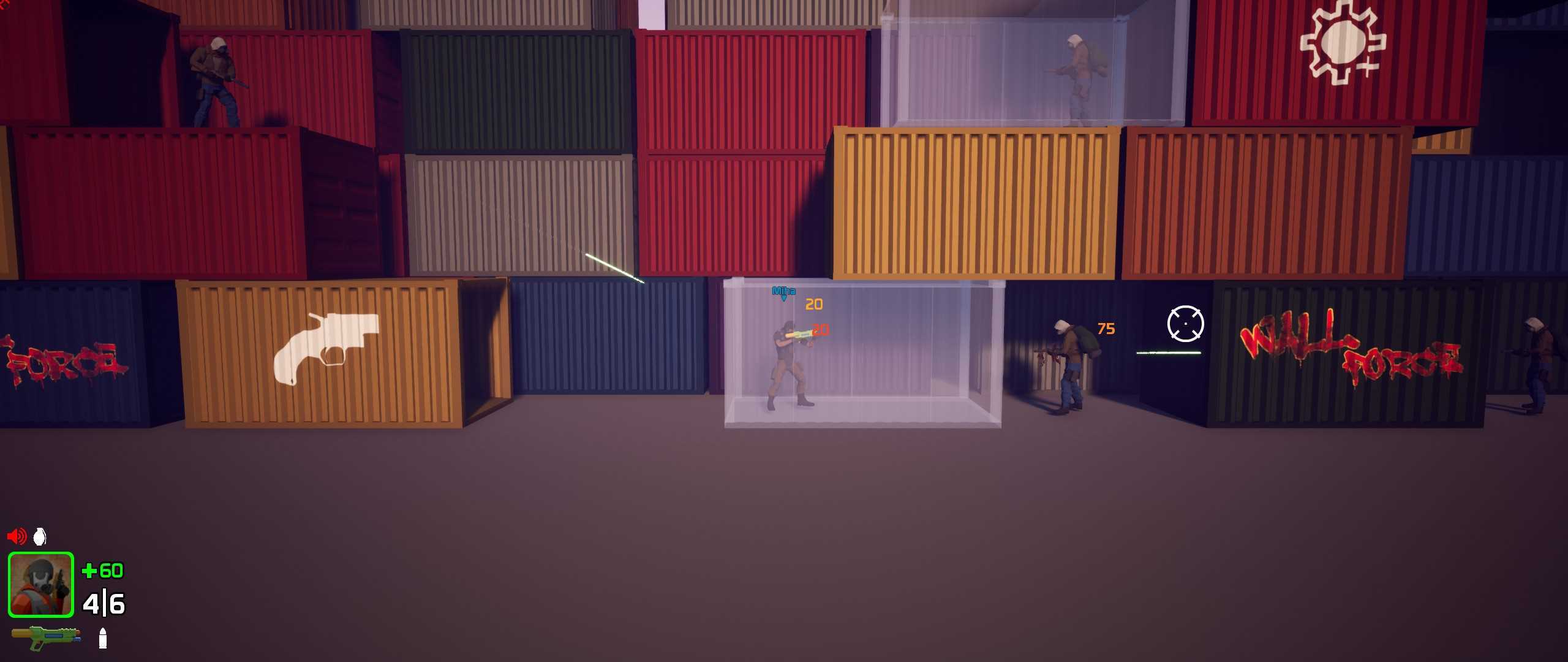
Experience intense close-quarters firefights taking place on a moving cargo ship.
This map idea was submitted by one of our community members.
A cargo ship or freighter is a merchant ship that carries cargo, goods, and materials from one port to another. Thousands of cargo carriers ply the world's seas and oceans each year, handling the bulk of international trade.
Weapons
New weapons
Two new weapons were added in this update.
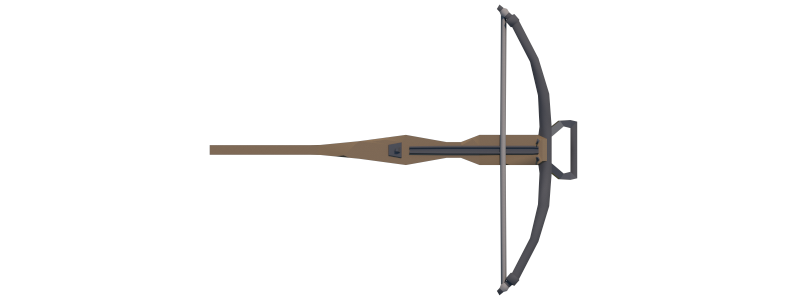
The first one is a crossbow, it shoots a slow-moving arrow that deals 100 damage, but has a lot of "bullet drop".
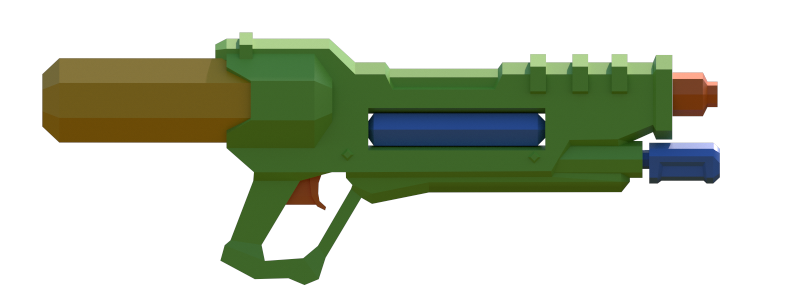
The second weapon is a water gun. Yes, you heard it right, a gun that shoots splashes of water. I won't spoil its characteristics, but it can be unlocked at level 50.
Weapon skins
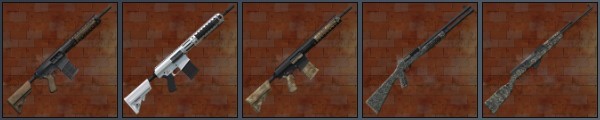
We did some testing with Steam Inventory and we implemented a couple of weapon skins that are purchasable.
New sounds
Some weapon sounds were improved, they now sound more powerful and satisfying. Some impact effects were also added, surfaces like metal, wood, water, rock, and dirt now have individual sounds and visual effects.
Player name tags
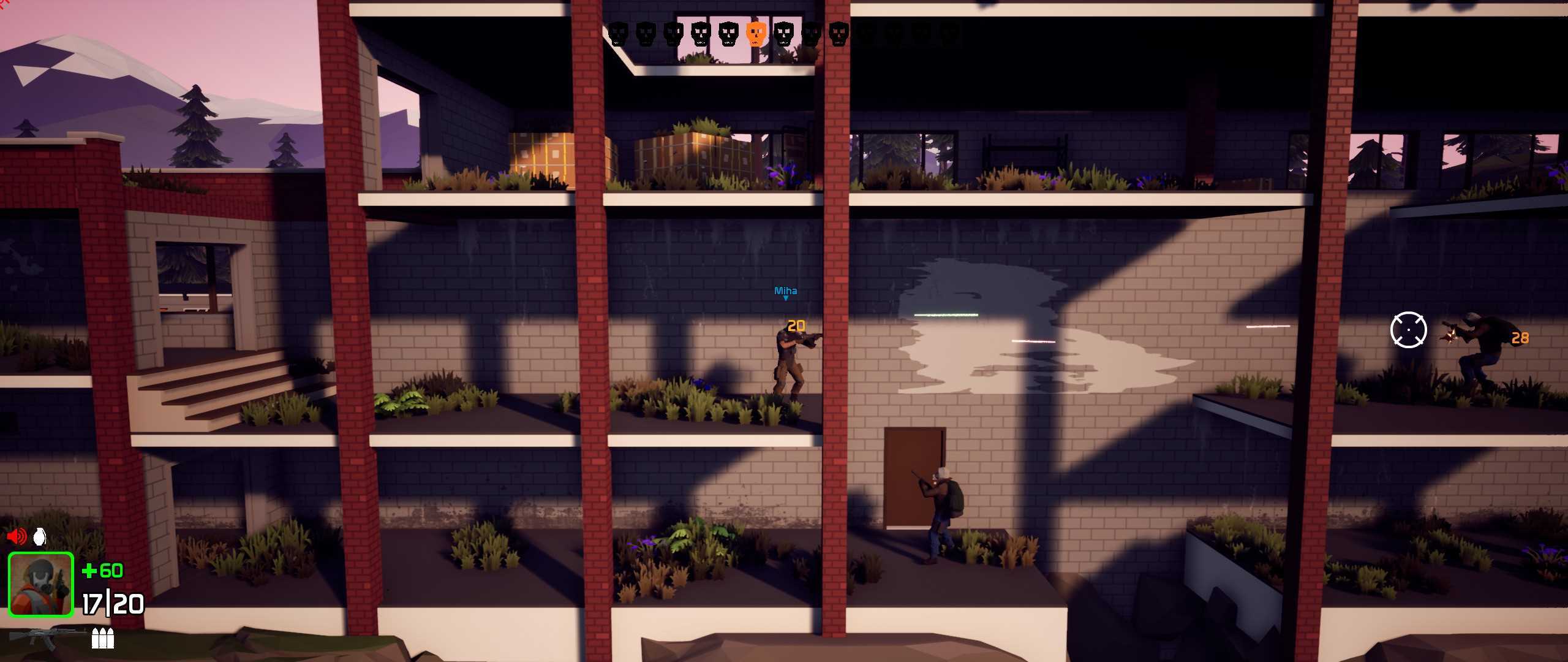
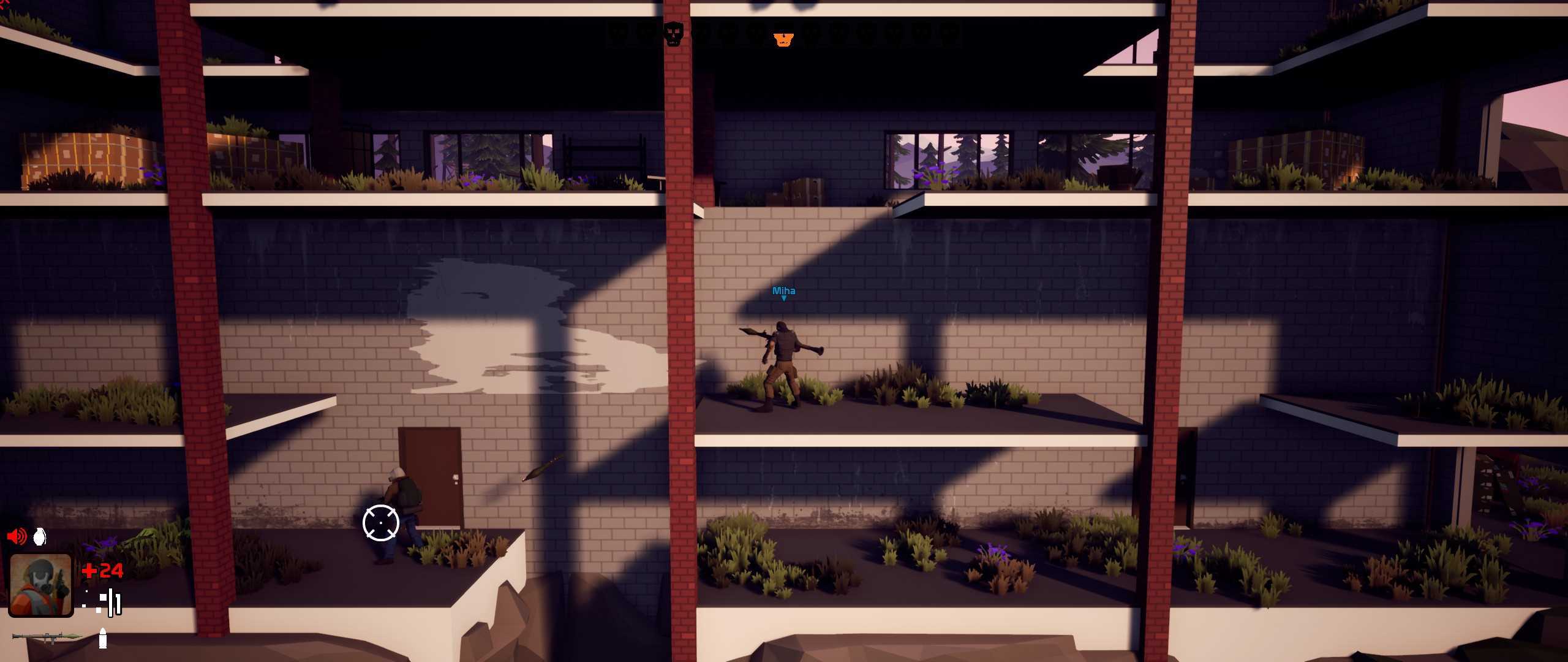
Now you can distinguish between enemy and ally players by their names.
- Added secret Kickstarter items into game. - Added option to censor foul language! (even voice overs!) - Added option to censor gore! - Added Options to disable hunger, sleep, injuries, and thirst! (Low difficulties only!) - Started adding hand drawn art into story! - Made intro easier for lower difficulties! - Fixed the naming script (name your animals!) - Added more secrets and easter eggs - and much more!