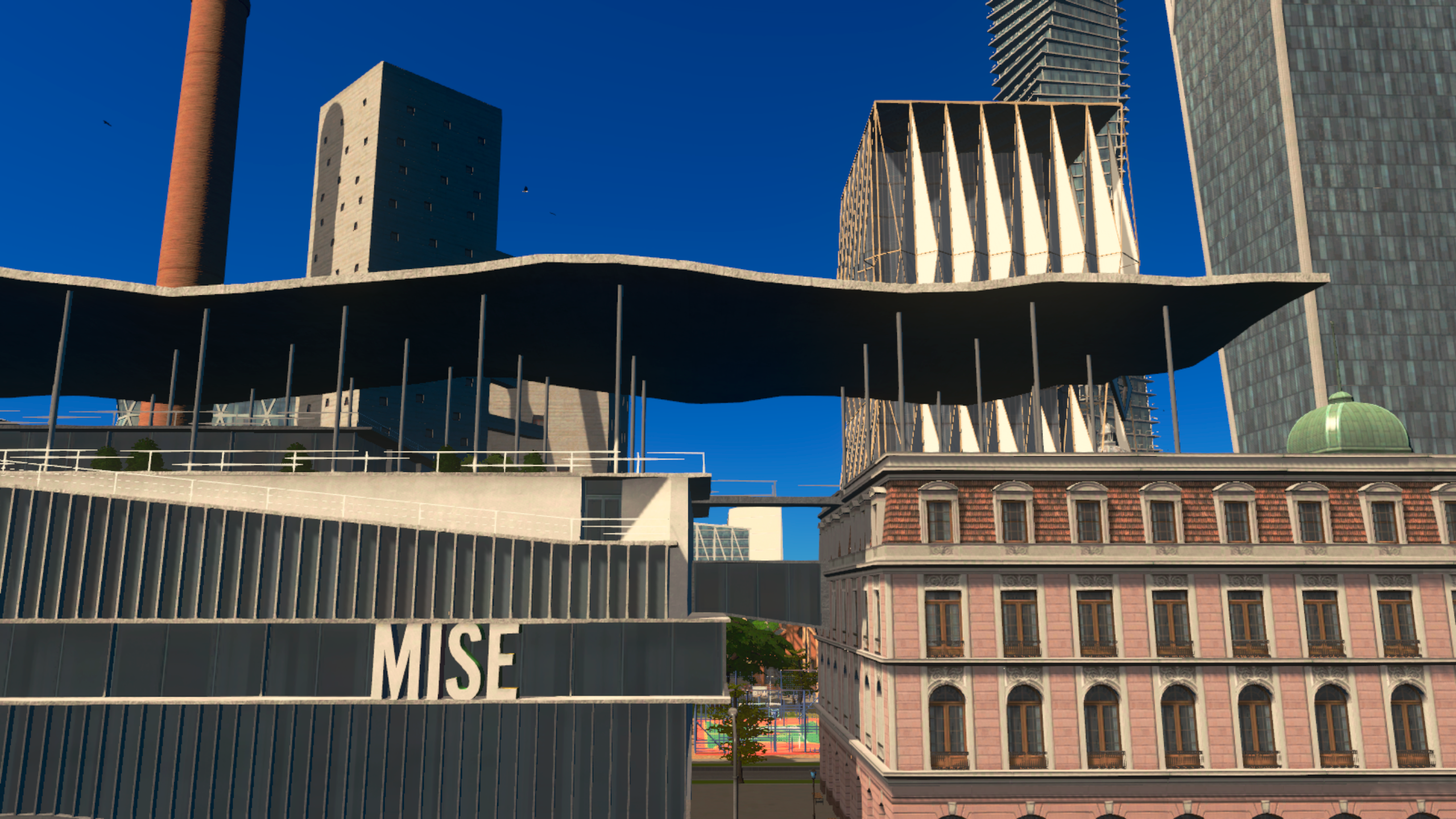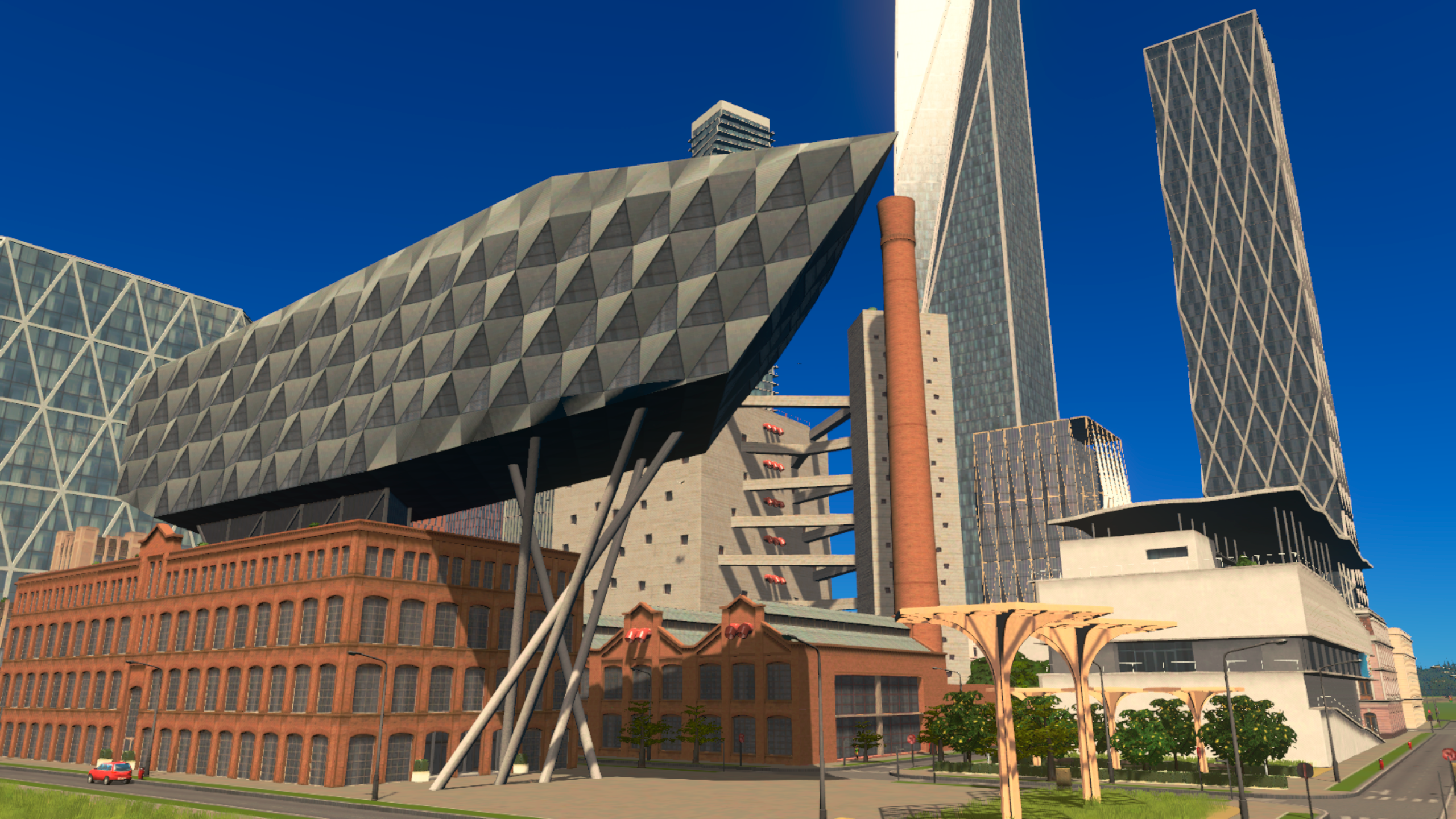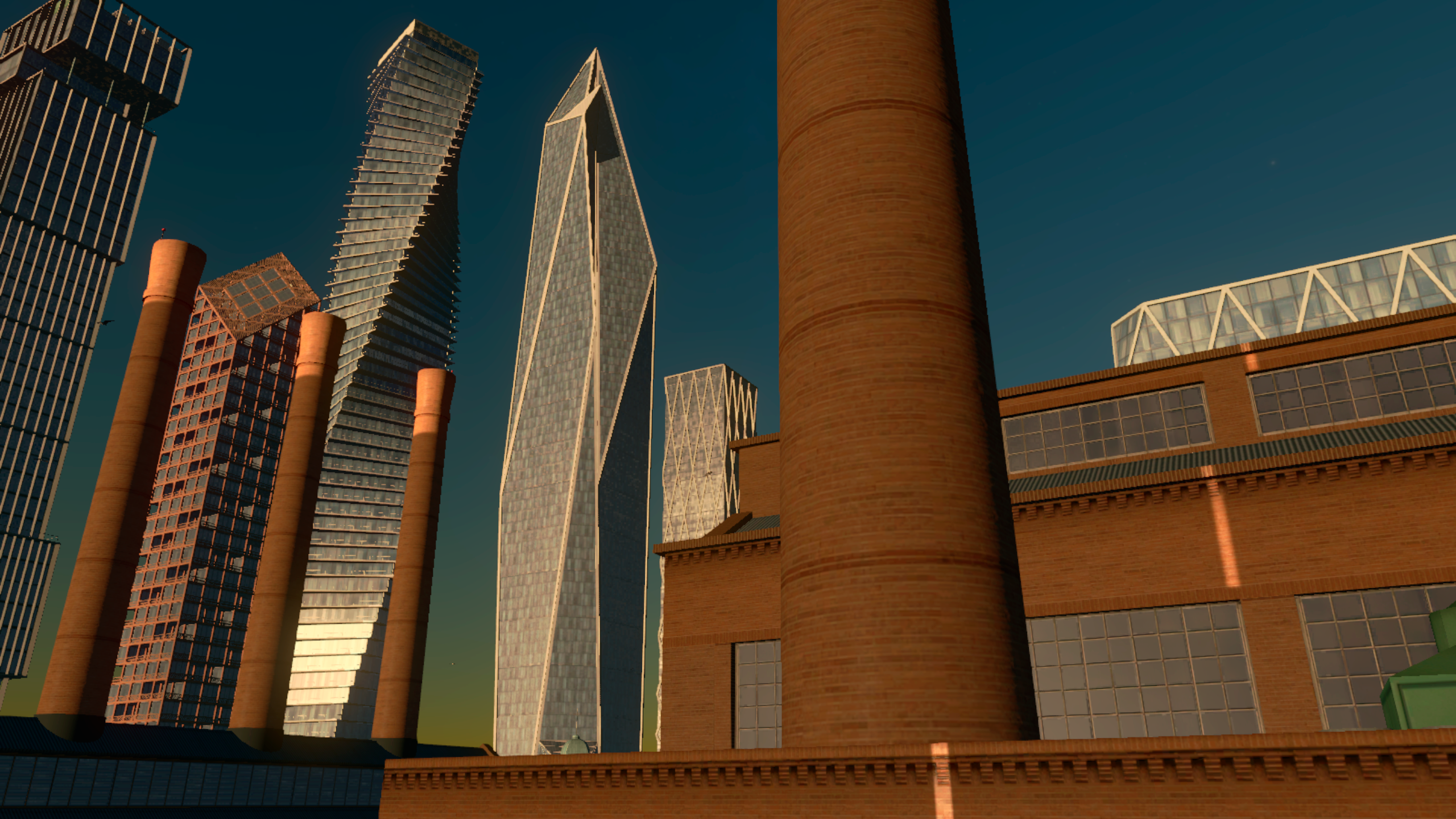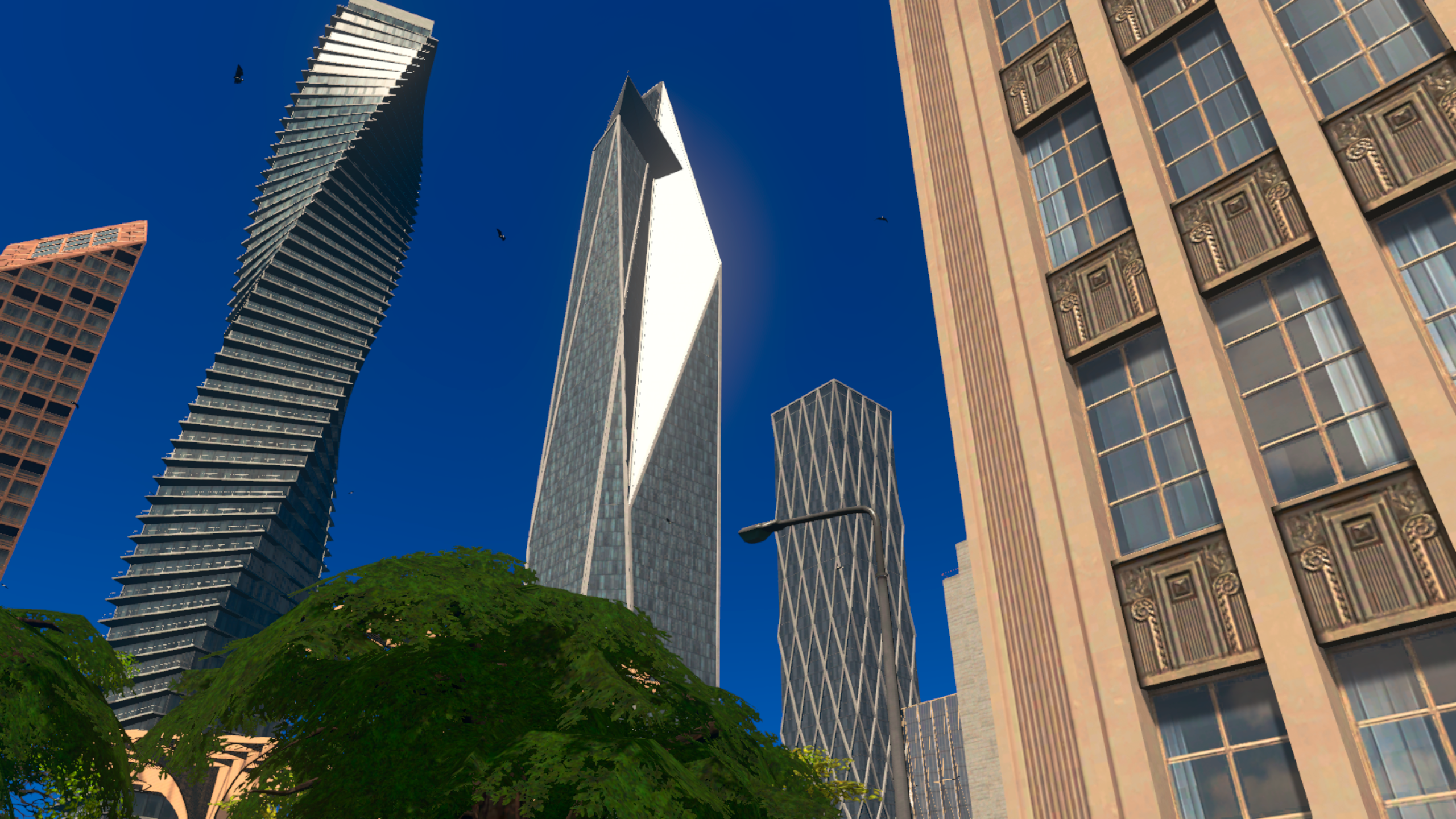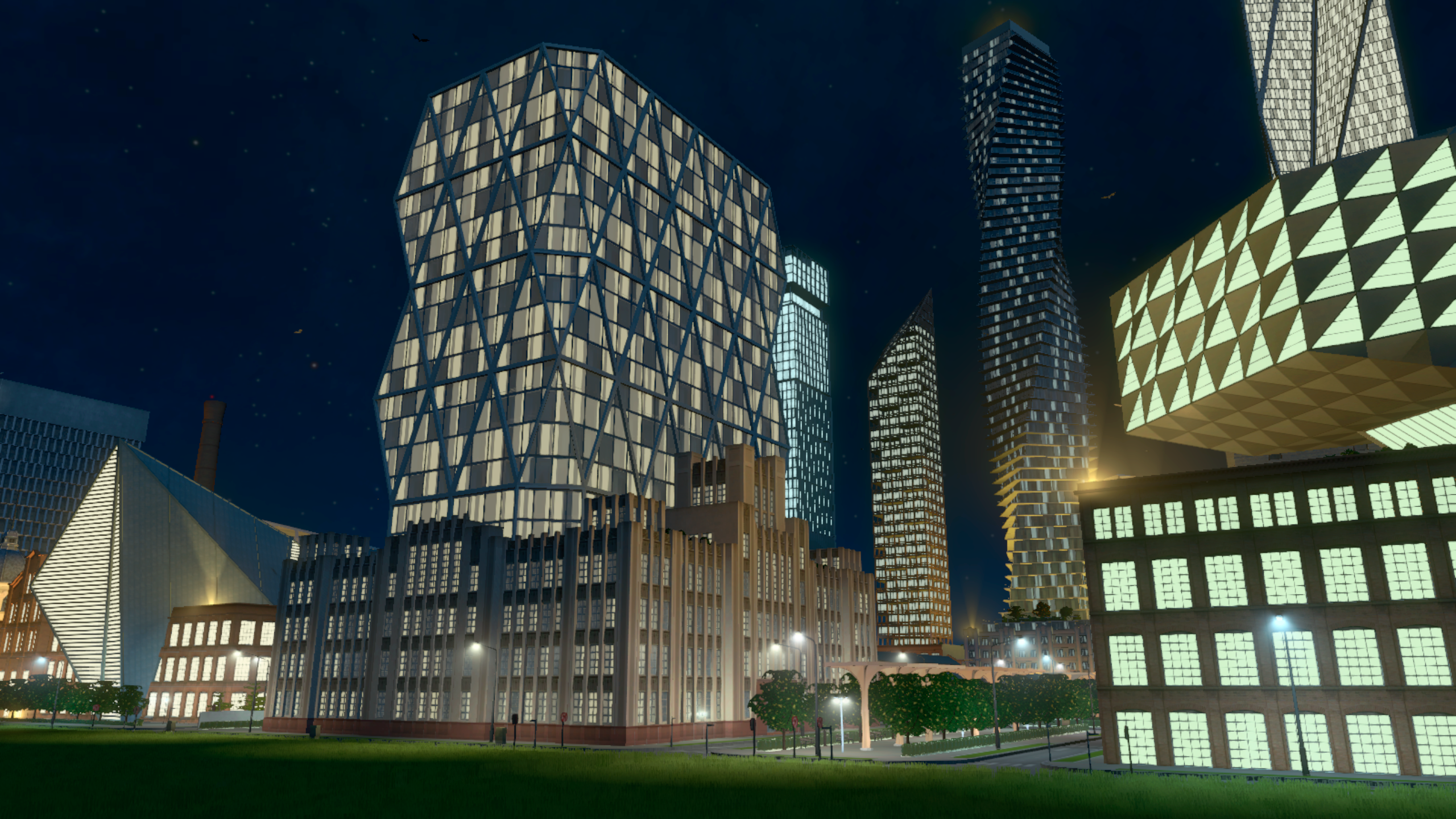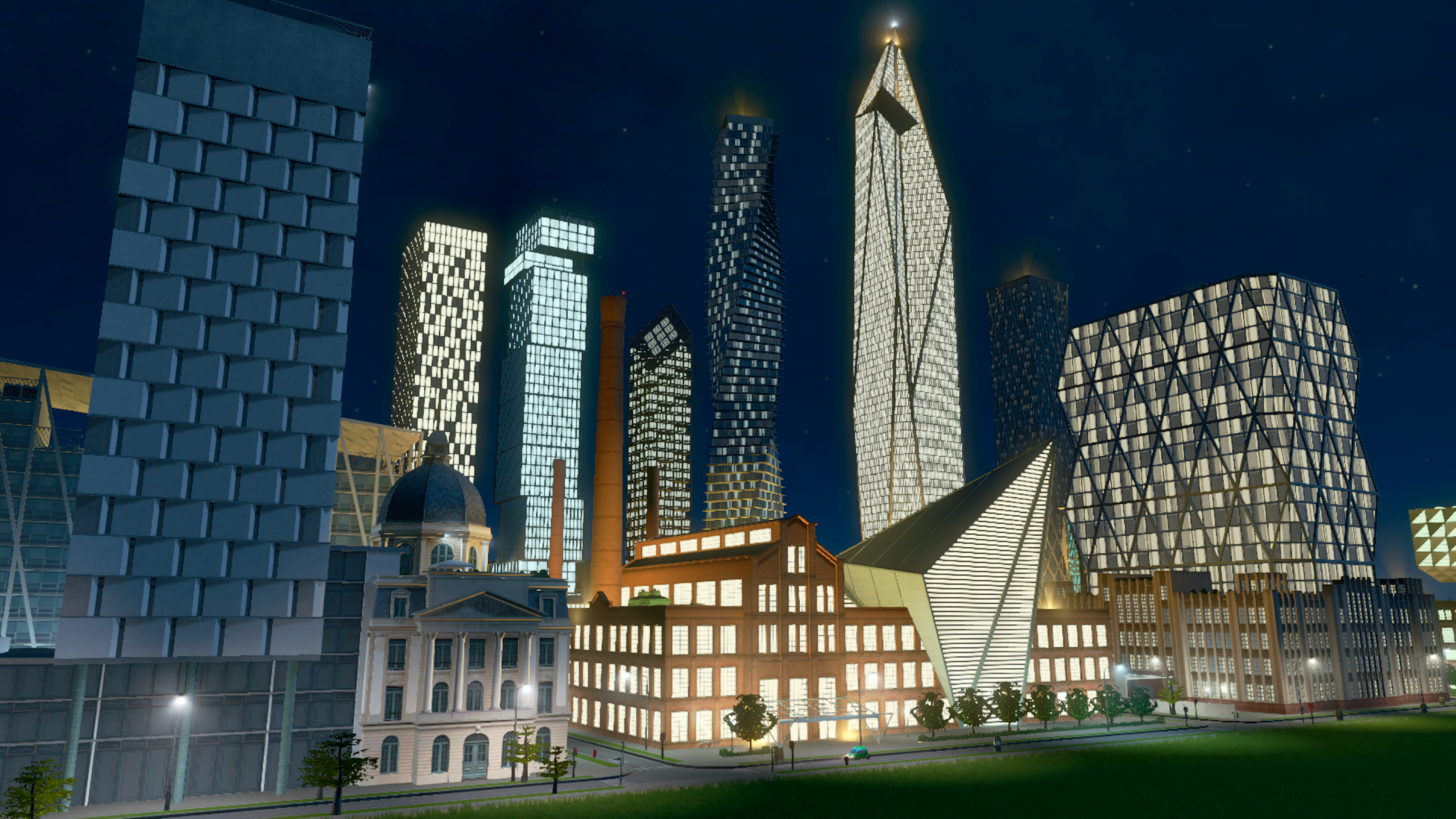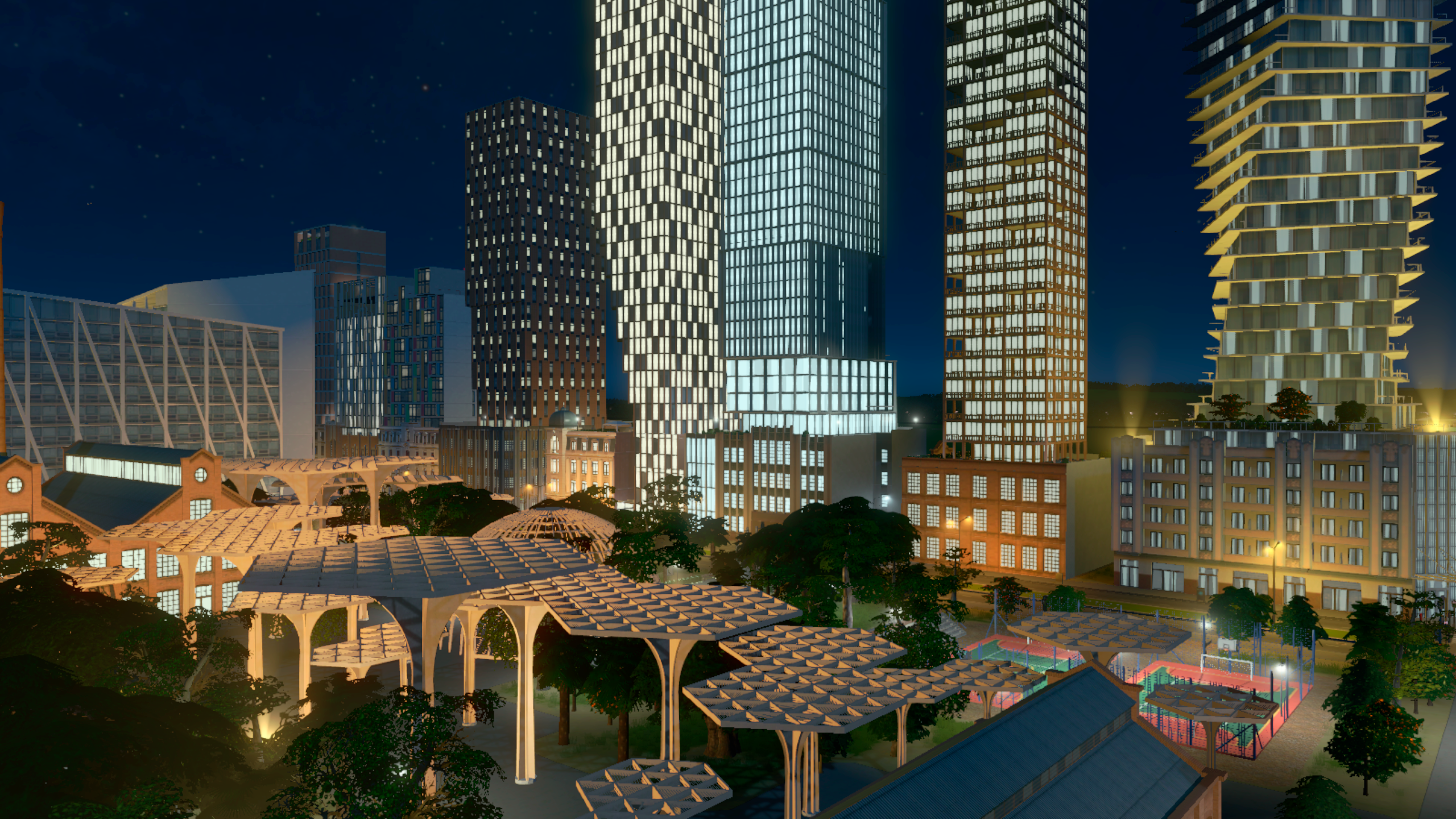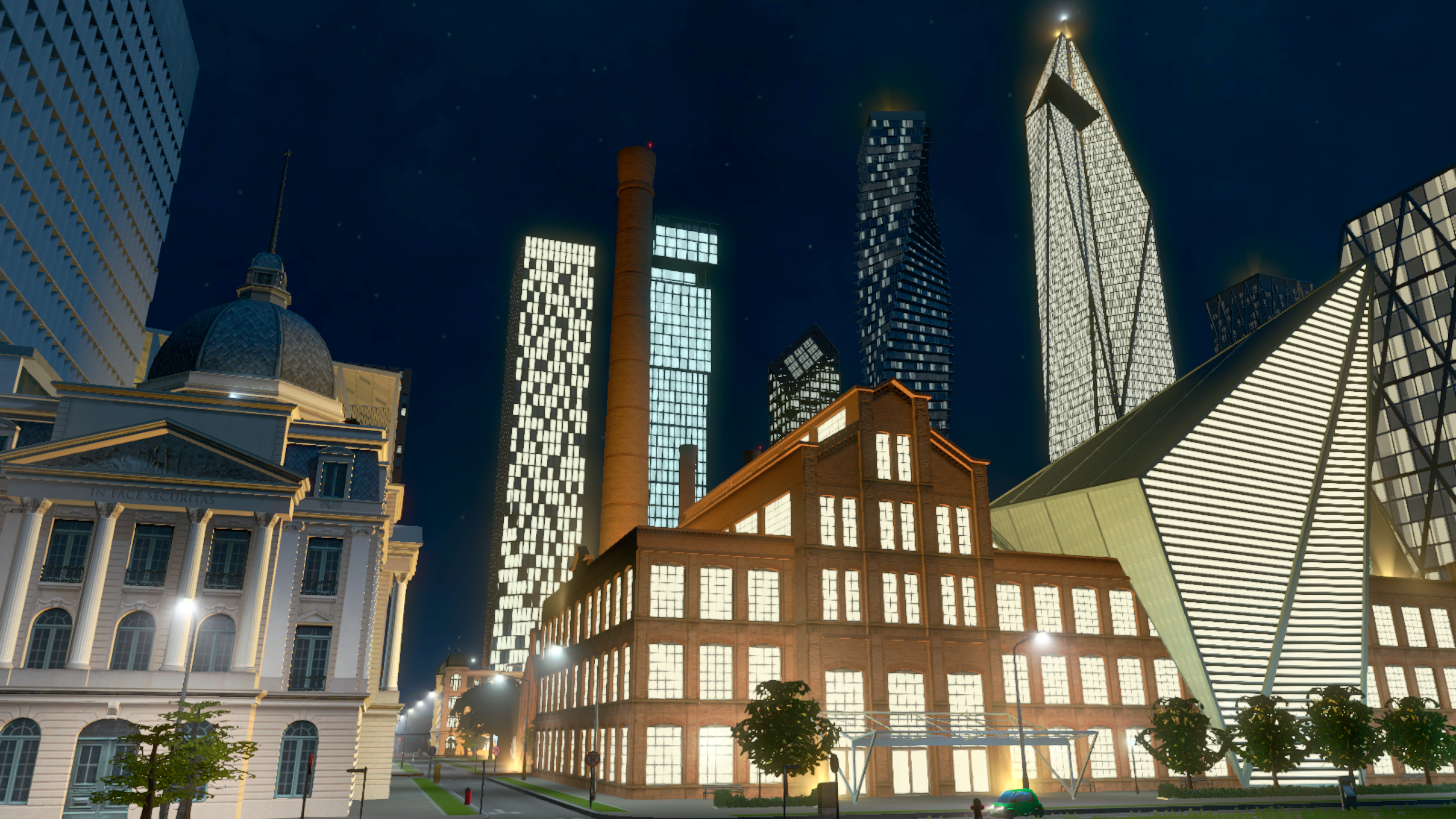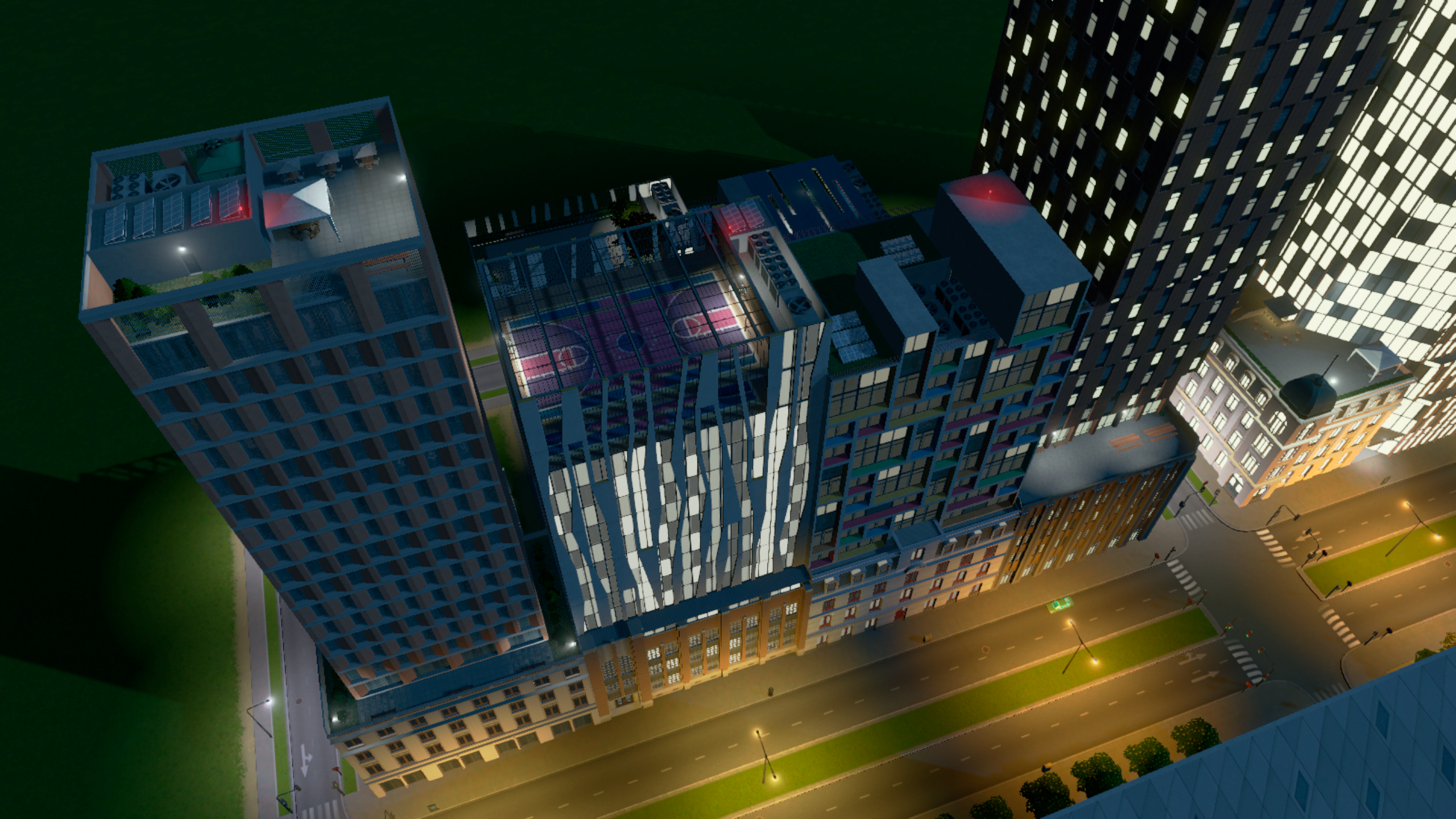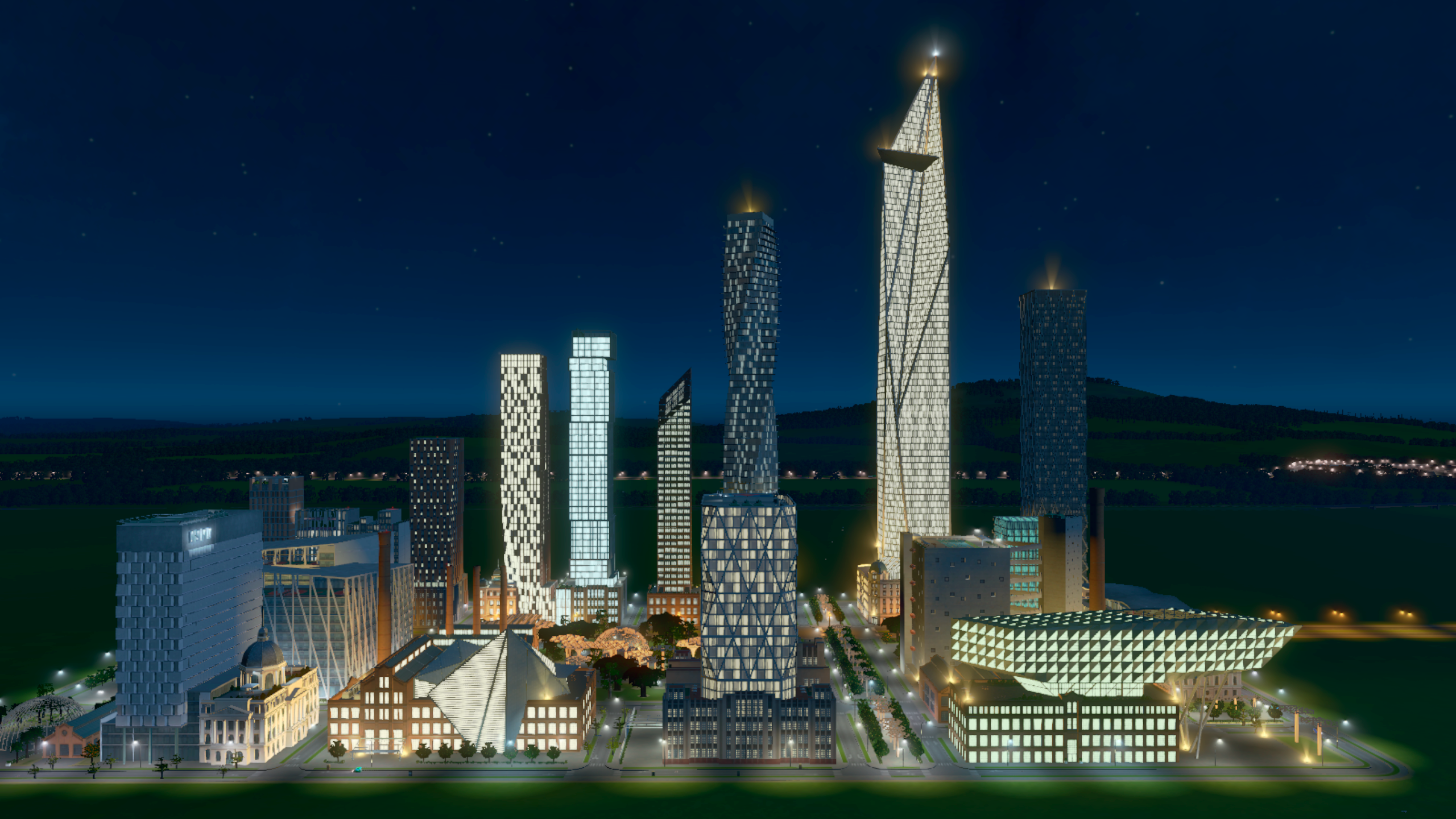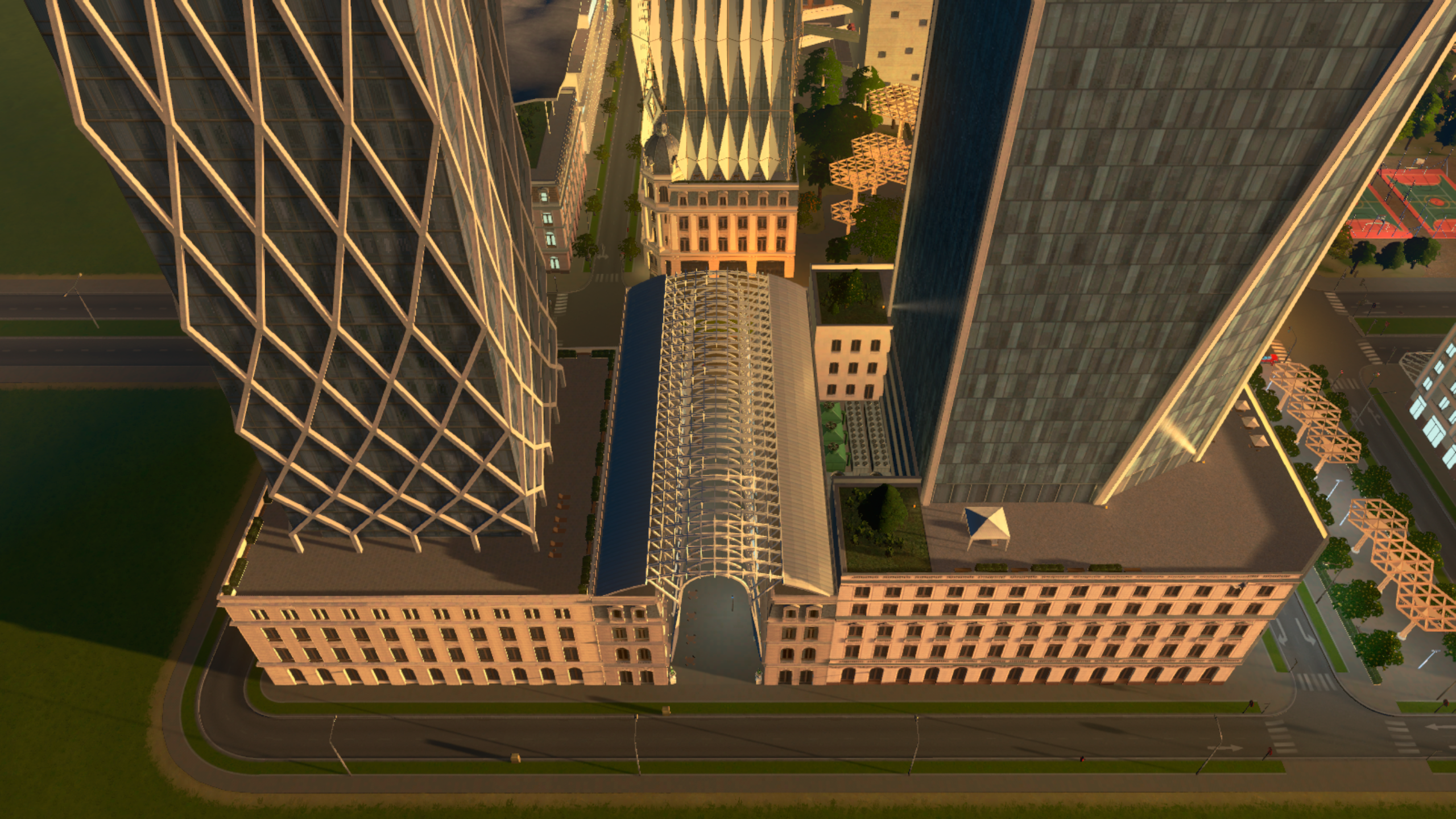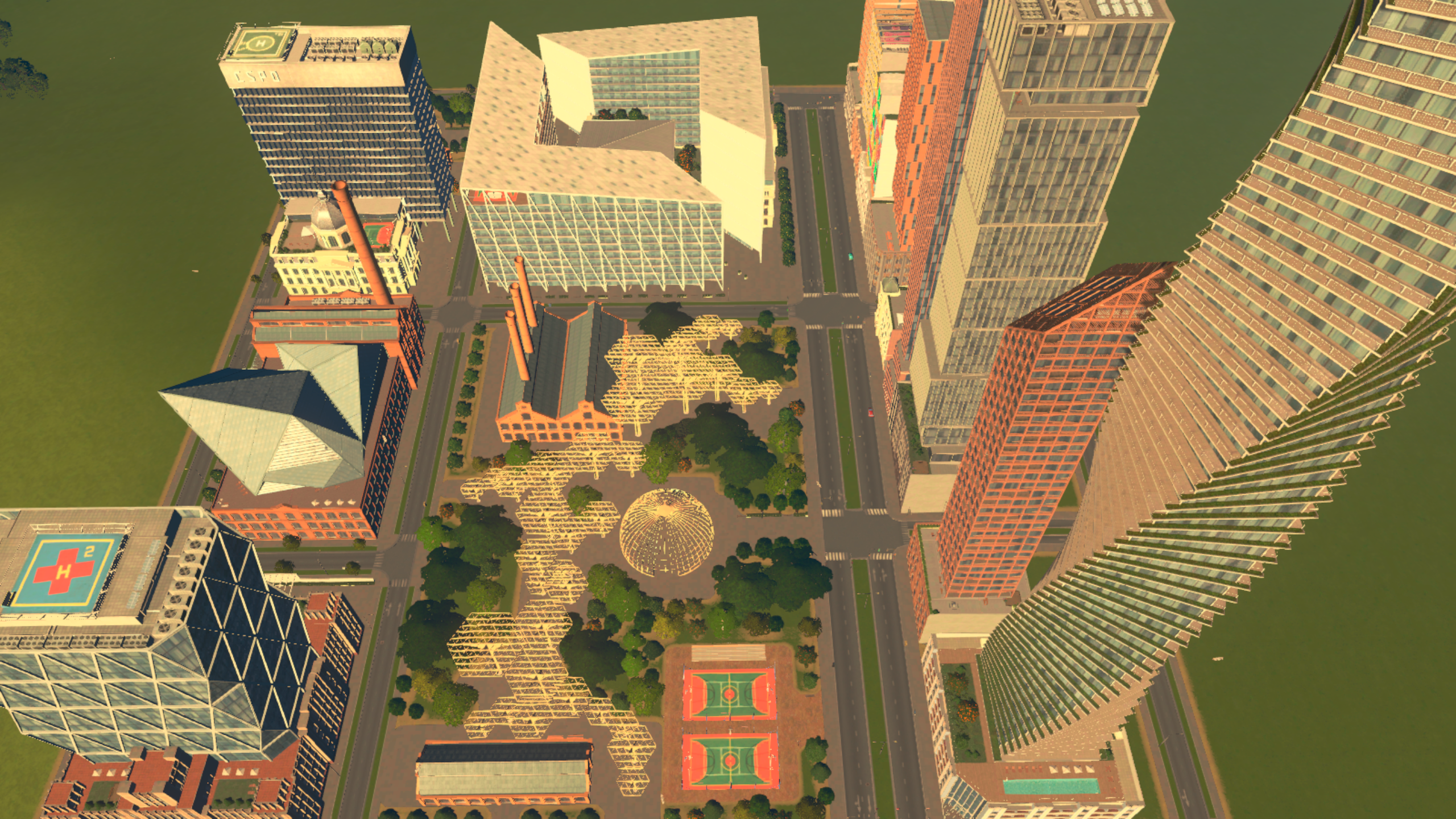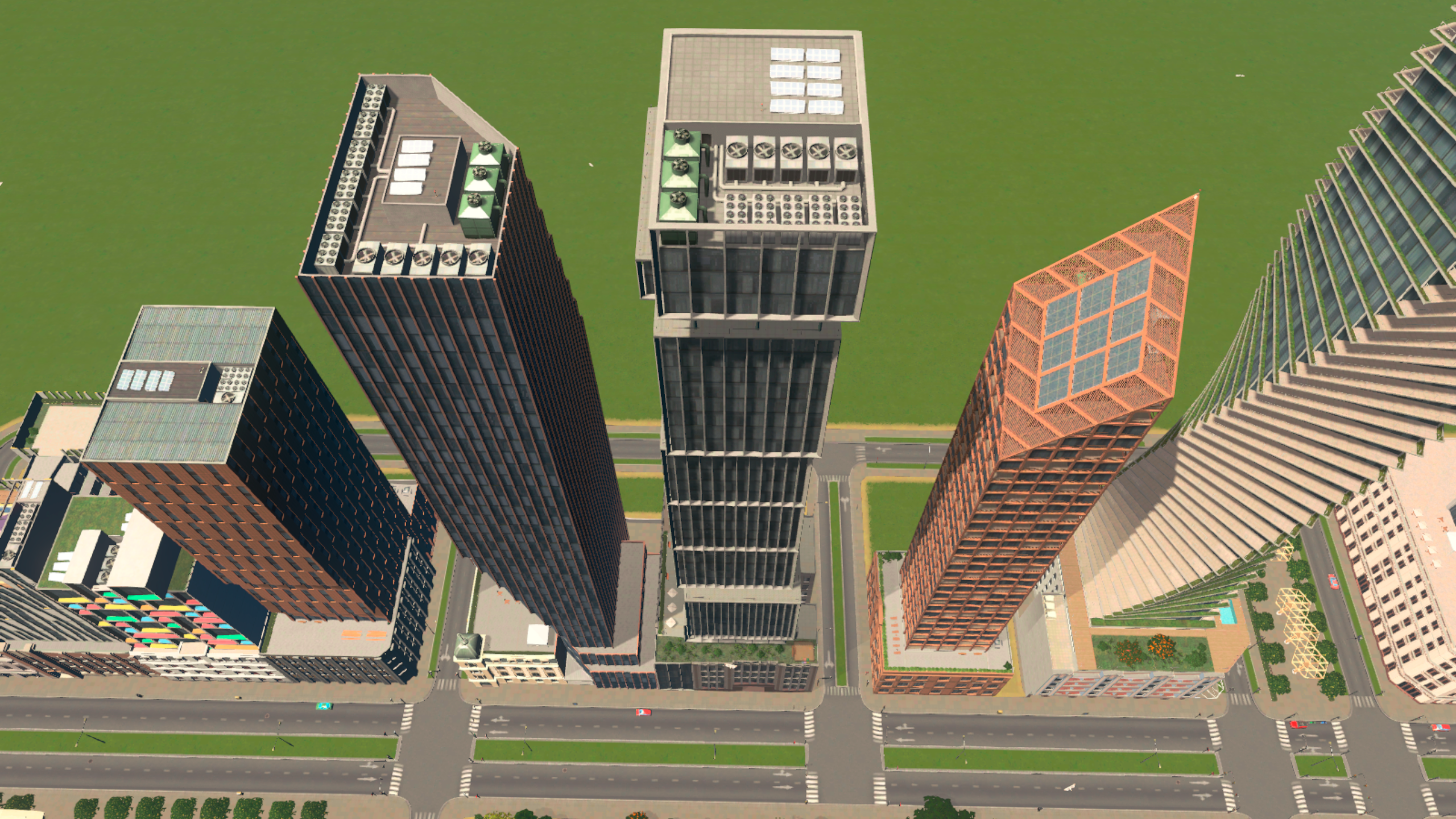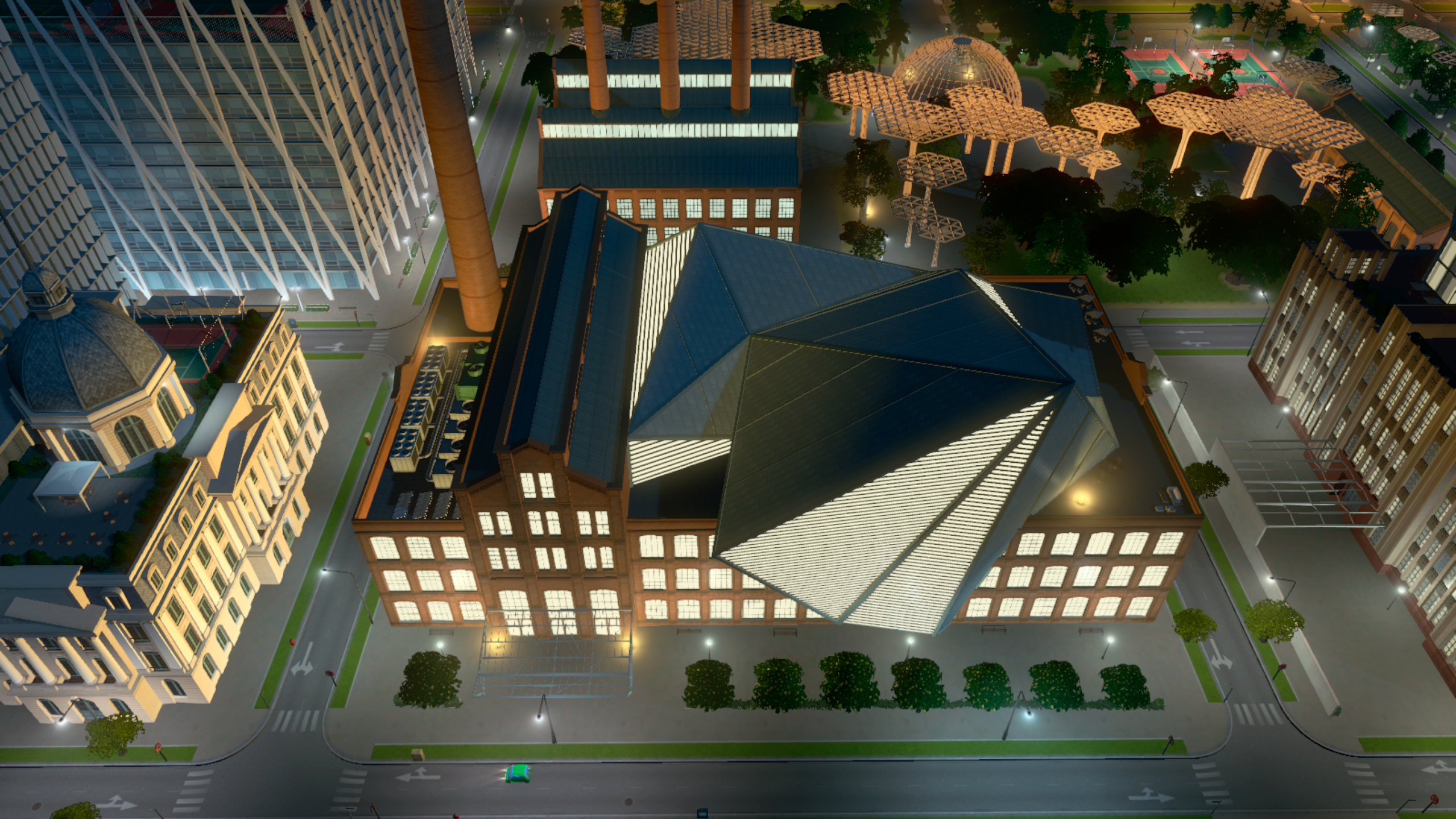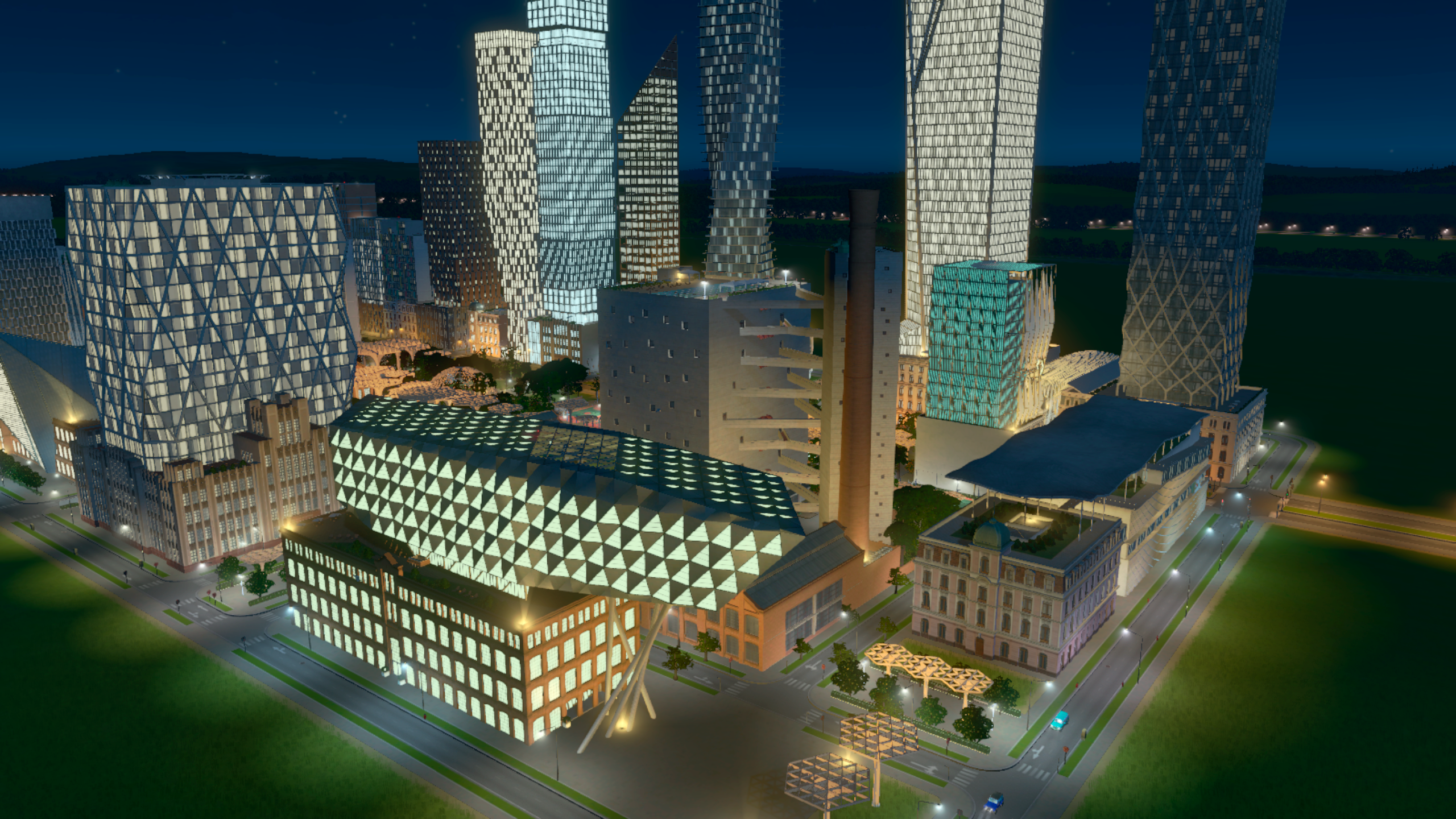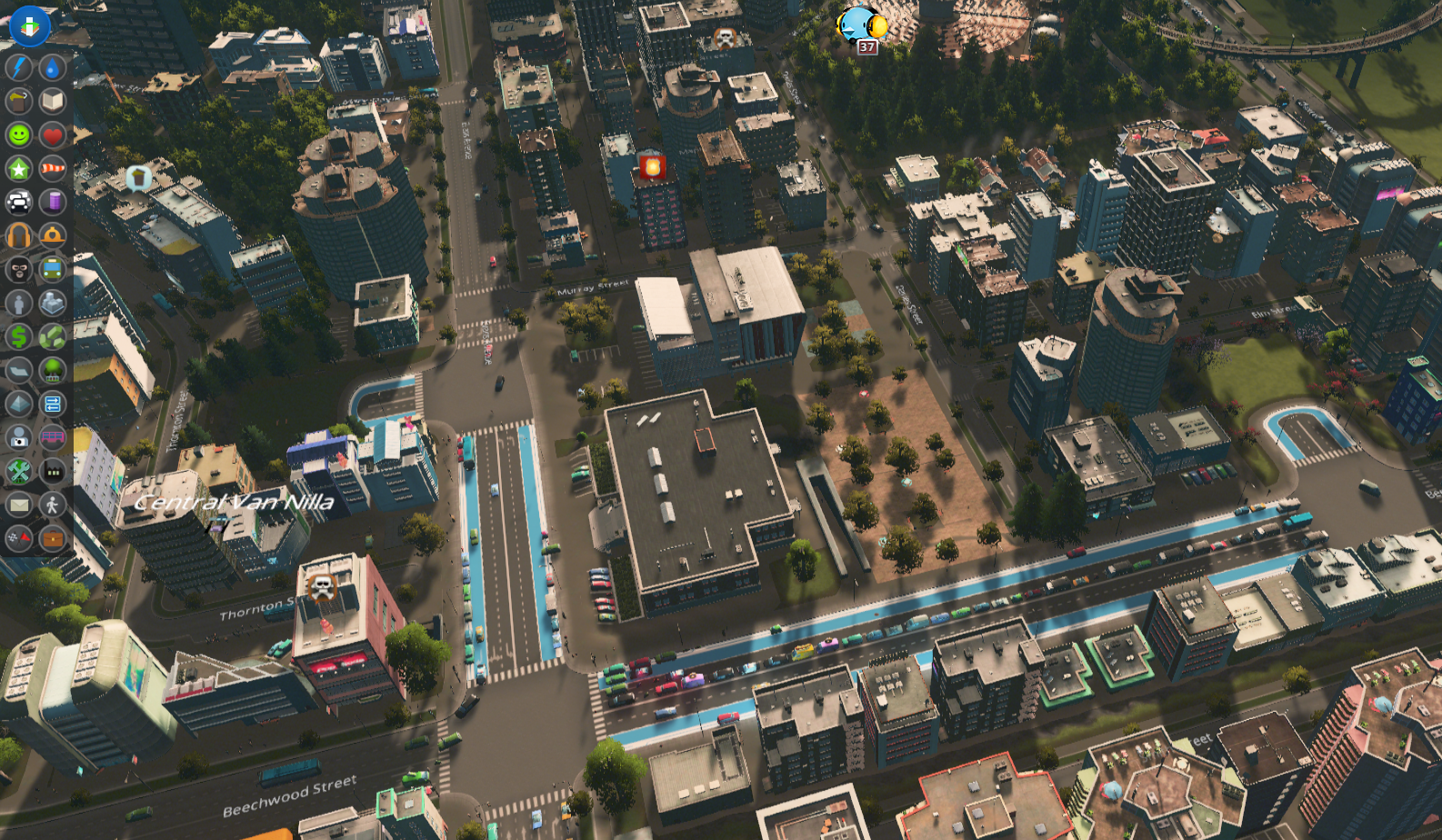
We have a very small update for you all today that covers the bugs reported to us over the past week. We think that this will be the last one!
This update is very minor and should not affect mods and asset functionality.
Fixed a bug where trees placed on roads would go back to default trees when reloading the save file.
Fixed a bug where trolleybuses became invisible.

Hello Mayors! We have a small patch for Cities: Skylines - Race Day. This patch should have little to no effects on Mods functionality. Here are the Patch Notes:
All platforms
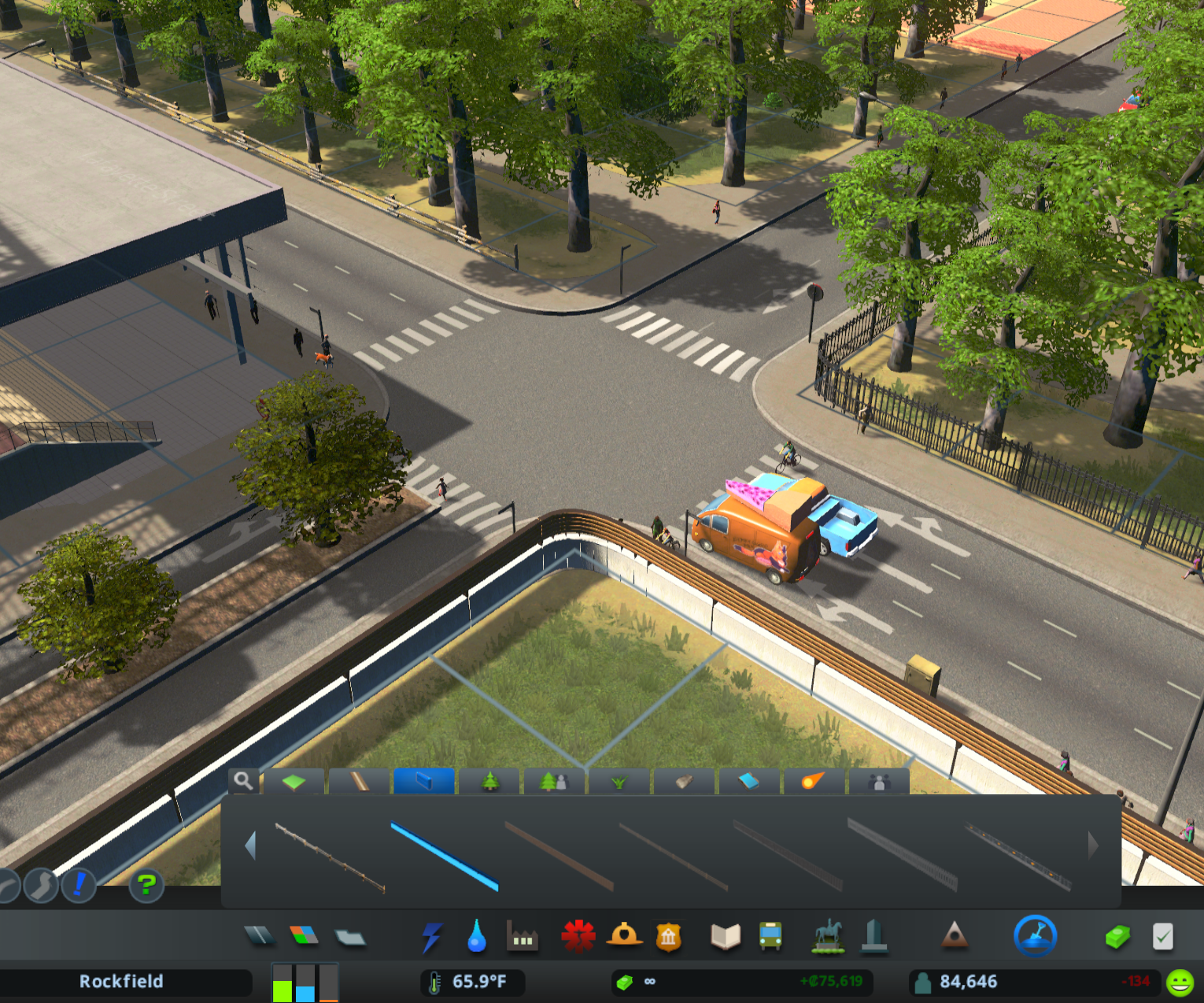
Added additional tooltips for the new Road Fence Tool
Fixed errors after loading a save game with non-Race Day events, such as Concert or Stadium
Fixed errors when connecting two Start-line Parks with Event Roads
Added sounds to occupied Race Day Stand buildings when an event is active
Fixed spectators not attending motor race events at the Race HQ
Reduced the spectator capacity at the Race HQ from 150 to 100
Halved garbage accumulation for Race HQ
Fixed Stands not being assigned the route color when placed on Pit Lanes
Fixed direction indicators for demolished race track segments remaining visible
Fixed unbuildable terrain being left by a demolished Race HQ building
Improved consistency of competitor positions displayed in Inspector and Results
Improved appearance of Parade participants when entering and exiting the parade
Fixed some animations for citizens competing in cycling and running races
Improved race competitors staying on the road instead of floating or submerging
Fixed the colour gradient shown in the Races and Parades Infoview panel
Fixed spectators on the sides of Event Roads walking back and forth
Fixed the camera operator remaining after demolishing or relocating a Camera Stand
Fixed Inspector details for various characters
Fixed missing asset error when loading a Snow Map with Race Day DLC active
Fixed snow accumulating and causing errors on Pit Lanes
Fixed snow accumulating on the seats within the Stand buildings
Removed Fireman and Farmer from cycling event
Steam
Improved compatibility with some older mods such as Unlimited Trees Mod v1.12
Resolved update issue with the Subscription button on the Main Menu so that it
displays current subscription status
Steam (Asset Editor)
Bumped package version number to 12
Fixed colors not appearing on Joggers
Fixed CitizenInfo and PropInfo not being filtered when picking references for buildings
Improved missing texture debug log message when importing an asset
Fixed custom asset serialisation of CitizenColors and CitizenInfo references
Fixed ColorSet and Tier information not being serialised
Fixed references to citizen and vehicle prefabs not being serialised in new Race Day assets
When selecting a reference in asset editor all custom assets are now shown
Added F5 to refresh template panel for cases where it could get stuck
Fixed order of loading Race Day assets (so Parade Group and Event load after Race
Team, Props, Citizens etc

Hi all!
We have a small patch today with several fixes listed below.
All platforms
Fixed the races and parade event cost to match that shown in the UI
Fixed Motor Racetrack with Single Curb is not being reversible
Fixed incorrect Uneducated values in the Employment Info View Panel
Linux
Fixed the issue where the placeholder 8-Gear Radio station icon was being displayed
Steam (Asset Editor)
Added support for new Race Day assets
Fixed error when importing a custom FBX
Added lots of tooltips to fields and other buttons
Added double-click select-and-continue in some panels
Removed unnecessary refresh of template panel when selecting same asset type again
All platforms
Based on player feedback, we plan to improve the new Road Fence Tool with additional tooltips
Consoles
Crash for some users when booting into Main Menu
Crash when loading certain save games
Icons in some panels from previous DLC are not displayed correctly
We are currently working on an additional patch that includes stability improvements and bug fixes. We expect to release this update in the coming week.
Note: You may see a warning that mods are out of date. This is expected, and the update should not impact your mods
The wait is over, mayors. The anniversary content for Cities: Skylines is live now.
Starting today, you can hit the streets with Race Day, the brand-new expansion developed by Tantalus Media. Build dedicated racing venues, map out running and cycling routes through your city, and line the roads with cheering crowds as competitors speed past your skyline. Whether you’re designing a professional circuit or weaving a course through downtown, it’s time to bring a new kind of spectacle to your city.
https://store.steampowered.com/app/4031130
Also available today:
https://store.steampowered.com/app/4031140
https://store.steampowered.com/app/4031150
https://store.steampowered.com/app/4031160
Alongside the paid content, a free patch is now live for all players, adding road fences and a new Employment Info View, giving you clearer insight into how your workforce keeps the city running.
https://store.steampowered.com/app/62792https://store.steampowered.com/bundle/62792/Cities_Skylines__Race_Day/
Everything launching on March 10 will be available separately, or together in the Race Day Bundle for $23.75 / £20.15 / €23.99, which saves you 18% if you want the full set.
Update your game, load up your favorite save, and let the celebrations begin.
1.21.1-f4 Patch Notes
Implemented Race Day DLC.
Implemented the two Content Creator Packs.
Implemented 8 Gear Radio.
Added Employment Infoview.
Added the Fence tool that allows fences to be placed along roads.
All fences can now be flipped in direction using the upgrade tool, in the same way road directions can be flipped.
Coming soon: we are already working on an update to expand the modding support for Race Day so players can customize the racing experience even more. Stay tuned for more info!

On March 10 at 10 AM CET, the latest patch for Cities: Skylines will go live. Along with the new Expansion, there is also the free patch, given to and released to EVERYONE who owns the game.
There are significant changes in the code for this patch, so this update will probably break many mods. If you use mods, this is good information to have for tomorrow.
While some modders have been able to update their mods before this update goes live, they might not be able to update their mods as soon as it goes live.
We understand that picking up an old project from many years ago isn’t always the easiest, and with all the changes that are included in this patch, we ask that you give your favorite modders time to update their mods. Please don’t bug them to update their mods; they’re probably already working on it. 🙏
With this in mind, we have dusted off the cobwebs of this old Patch 101, updated it, and adjusted the text that needed adjusting. We think that it should help with sharing the basic knowledge of what a Patch can do to your mods, and what you can do to start playing faster. BUT FIRST;
Do you play without custom community content?
If you play without mods, you can enjoy everything the Expansion, Content Creator Packs, and Free Update provide at the time of release.
Do you play with custom community content?
If you use mods, there may be issues when you try to launch the game at the time of release. This is because some mods you rely on may be broken, and if you try to play without them, the game will be altered/glitched/broken.
Patch Day 101
Back up your save files
In-game warnings about compatibility
Dealing with broken mods
Everyone receives the new patch. See here to learn more about the content included in the free patch.
Because new features and code changes are introduced into the base game, mod creators may have to implement their code in a new or different way.
Many mod creators have been given early access and have been able to work on their mods ahead of time, but these might not update immediately.
Please be patient. Everyone has a personal life and might be unable to update a game mod immediately at launch. Do not bug creators to update their mod.
If you want to play the Vanilla game while you wait for mods to be patched but don't want to unsubscribe from your Workshop items, you can temporarily add --noWorkshop to the game's Steam launch options to disable all mods and custom assets.
However, remember that some save files will not load if some critical mods and assets aren't enabled; in this case, you will need to wait.
Make a backup of your most recent save file by copying it to your desktop so that you don’t accidentally overwrite it. Once your required mods have been patched, copy this file back to the previous folder, and you should be able to load it safely. Save file locations are listed below:
Windows:[c] %LOCALAPPDATA%\\Colossal Order\\Cities_Skylines\\Saves[/c]
Mac: [c]/Users/\[username]/Library/Application Support/Colossal Order/Cities_Skylines/Saves[/c]
Linux:[c] $XDG_DATA_HOME/Colossal Order/Cities_Skylines/Saves[/c]
The November 2022 Free Update introduced a pop-up and an icon to the in-game content manager stating whether or not a mod was made for the current version of the game.
The icon is advisory in nature; it just means that the mod you're using has been packaged up using the previous version of the game.
Because the game can't do automated testing against mods with unknown code, it just looks for and compares version numbers and adds the icon, just in case.
Many mods might work with the update, even though the icon may show it was made for a previous version.
If you use a mod that you know to be broken, UNSUBSCRIBE FROM IT.
If you use two mods that are similar or different versions of the same mod, PICK ONE, TYPICALLY THE MOST RECENTLY UPDATED ONE. Check the description of the mod on the Steam Workshop for information about compatibility.
Disabling mods in Content Manager is not the same as unsubscribing from them. Disabled mods might still run code, and if they're incompatible with other mods, old, or broken, they can still cause issues. Always unsubscribe from mods instead of simply disabling them.

Howdy y’all!
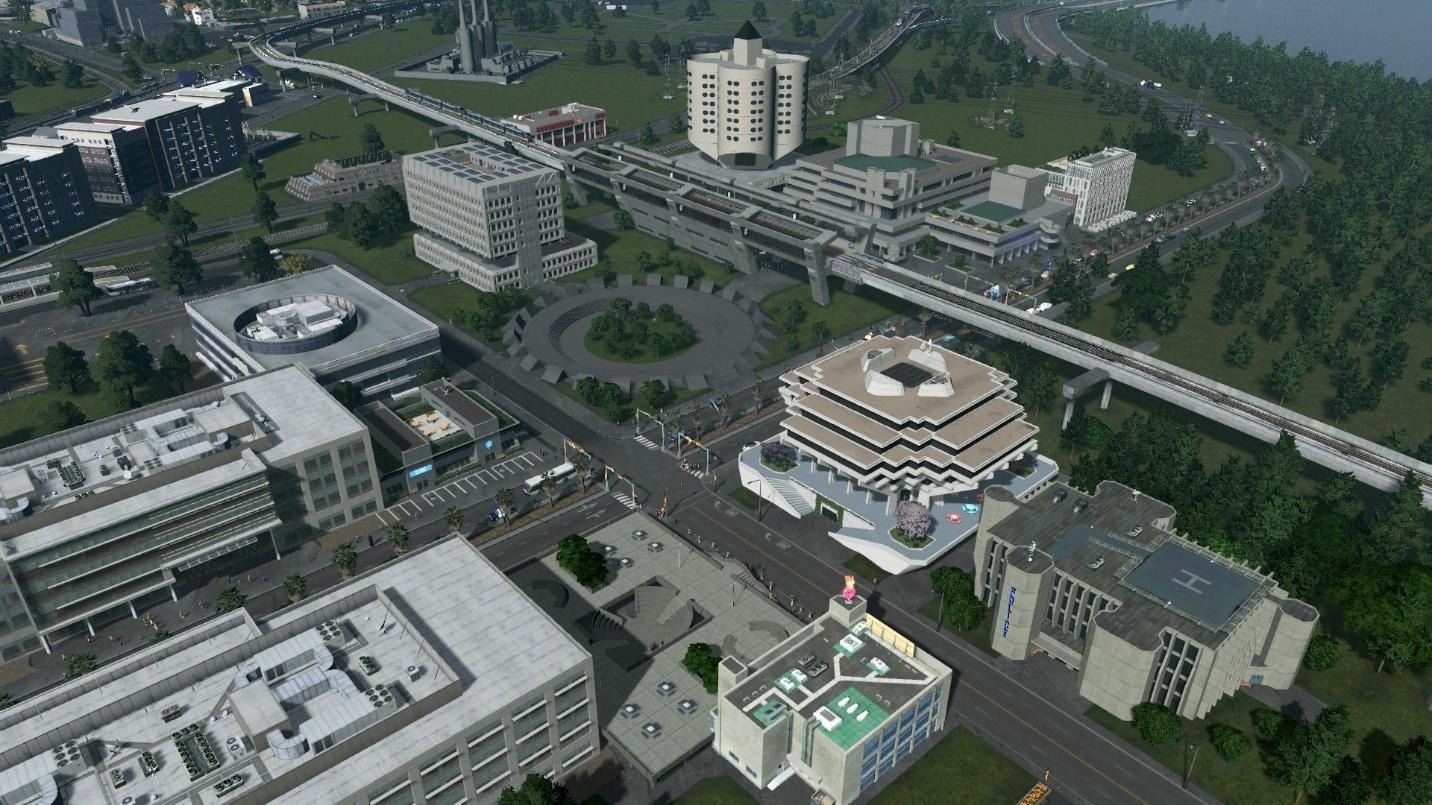
My name is Cristolisto, and I'd like to welcome you to my developer diary, where I'll be sharing insights into the creation of my content creator pack: Iconic Brutalism.
Since November 2015, I've been designing and publishing assets for the Cities: Skylines Steam Workshop, with a primary focus on North American commercial buildings, educational buildings, and public transit vehicles.
I'm a Houston, Texas native inspired by architecture and trains, which I express through my creations.
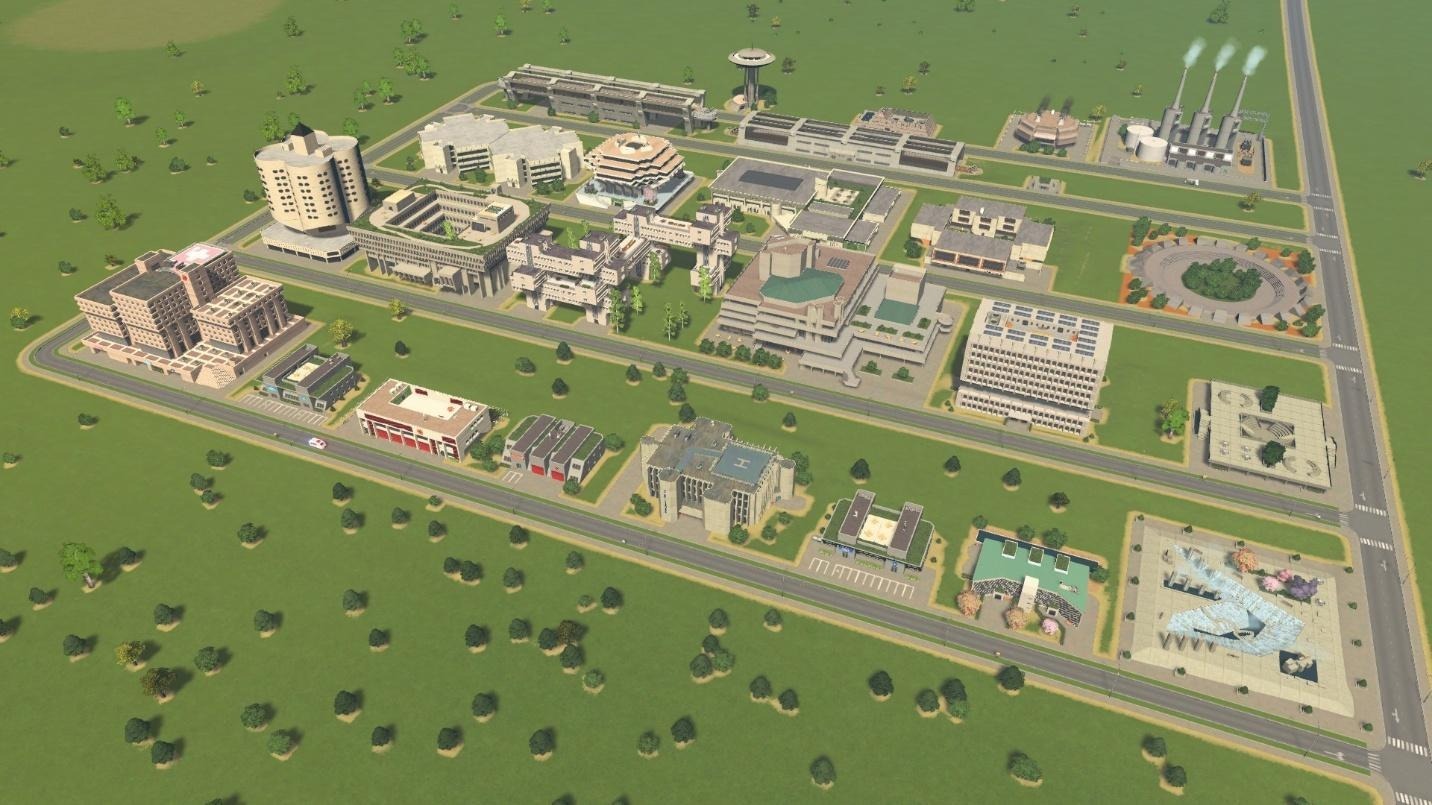
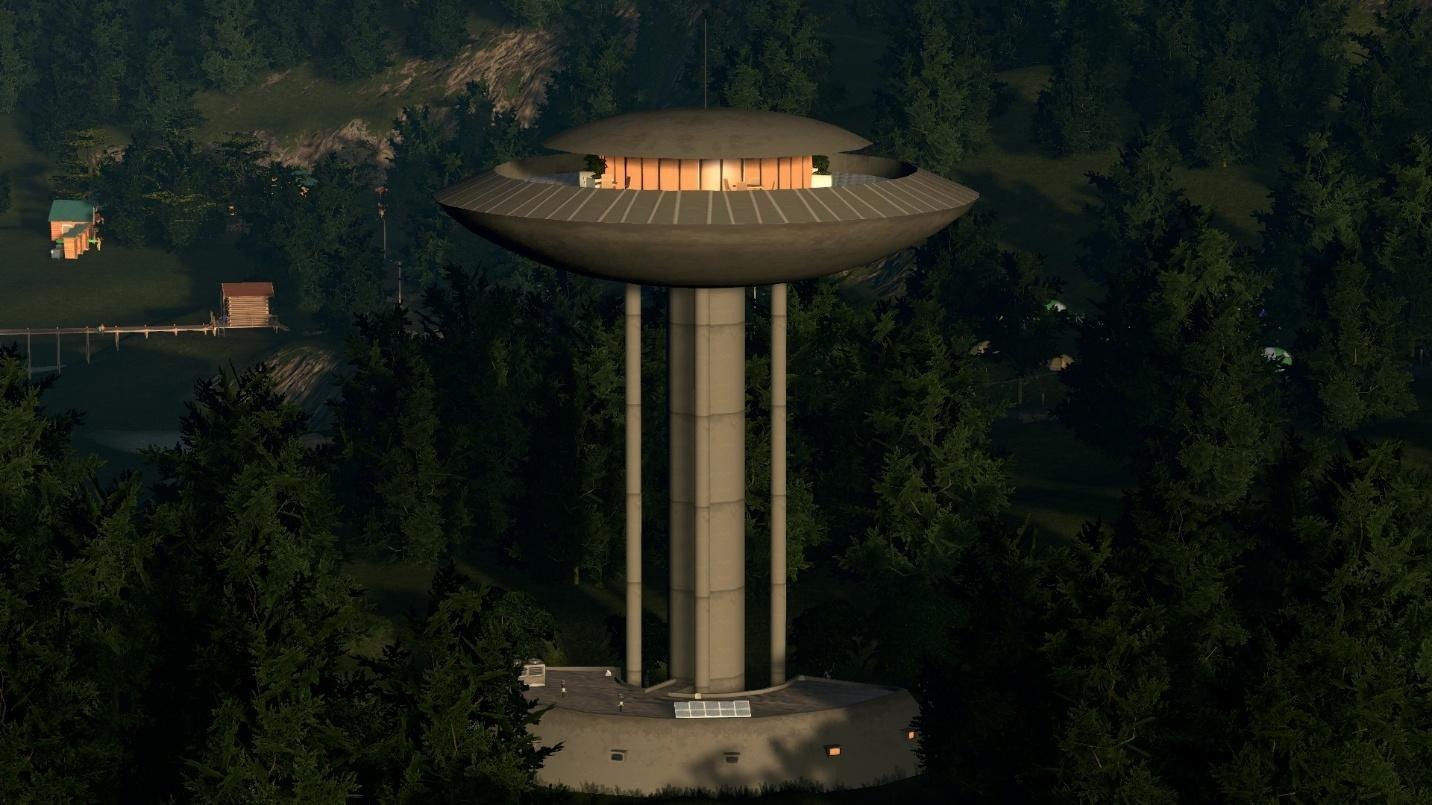
This content creator pack features a collection of 26 buildings. The pack includes:
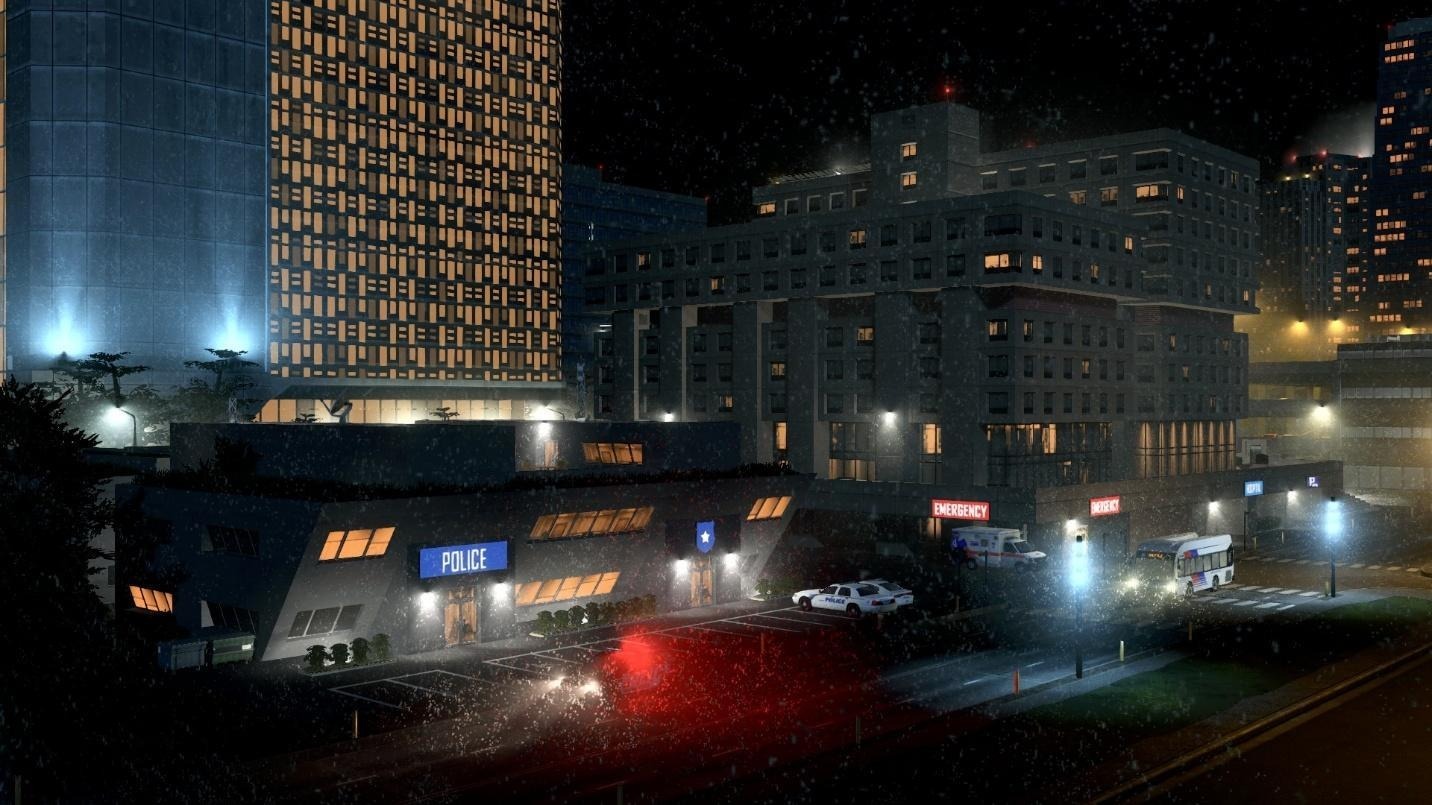
2 Healthcare buildings
2 Police Stations
2 Fire Stations
1 Crematorium
3 Metro Stations
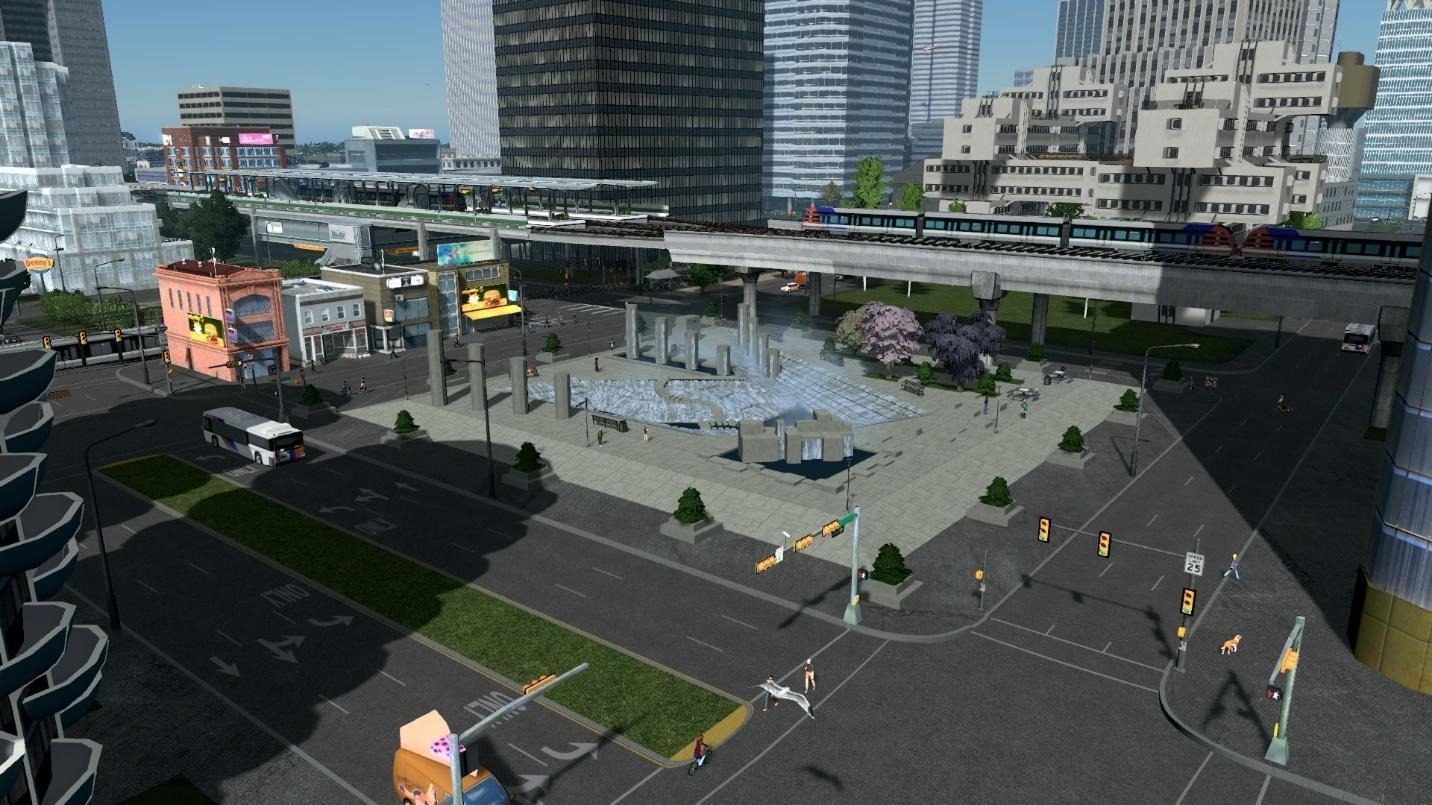
3 Plazas
1 Elementary School
1 High School
1 College
1 Library
5 Unique Buildings
1 Oil Power Plant
1 Garbage Incinerator
1 Water Tower
1 Water Treatment Plant

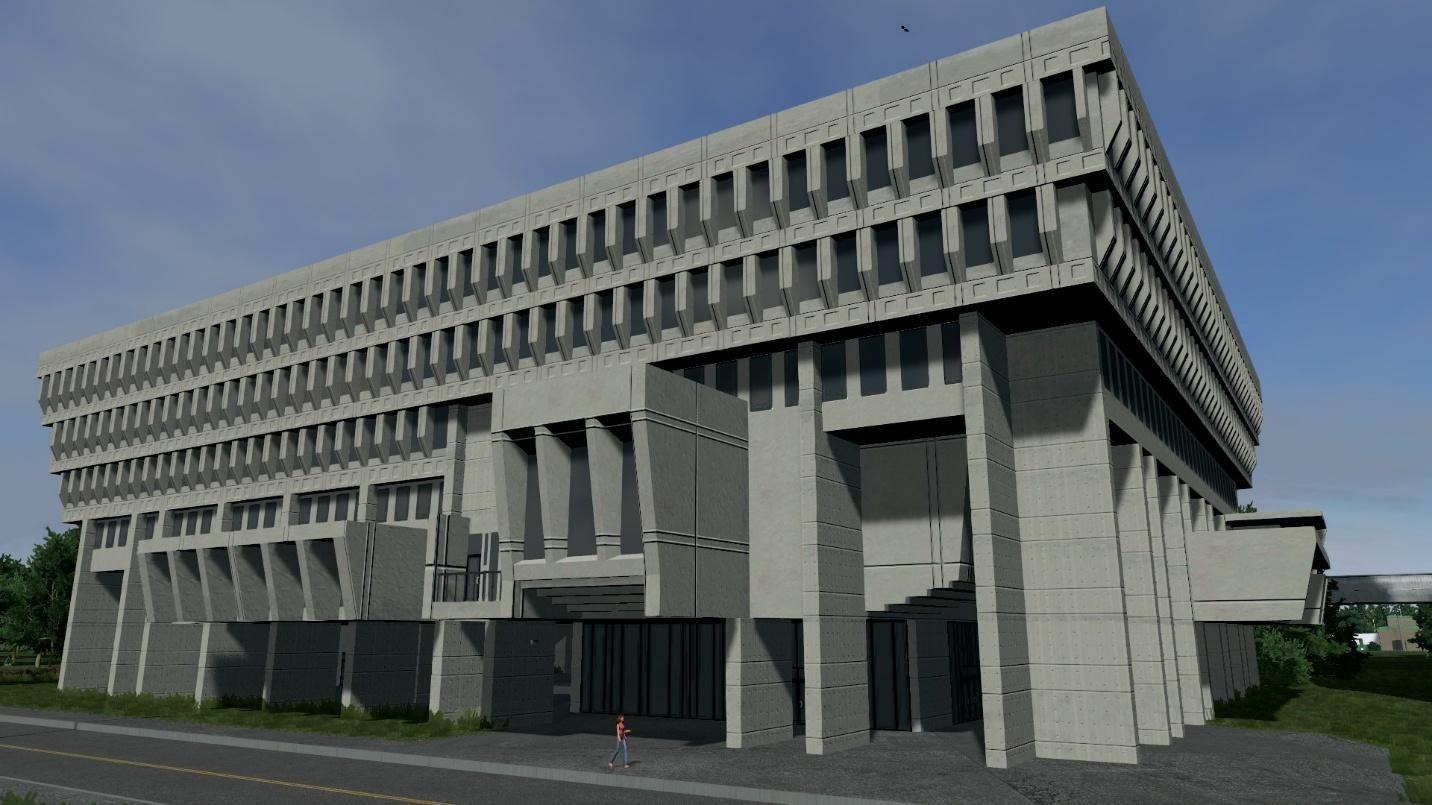
When I suggested this pack, some of my goals were both to design striking architecture and to preserve buildings that had been demolished. For example, the Brutalist Clover Building draws inspiration from the Prentice Women’s Hospital, a famous Chicago brutalist building demolished in 2014. The college asset is based on Farish Hall, which is scheduled for demolition in Houston in 2025.
My interest in brutalist architecture comes from its bold, raw concrete aesthetic. I chose Brutalism because it stands out and tells a story. Whether you see it as beautiful or intimidating, it makes you feel something.
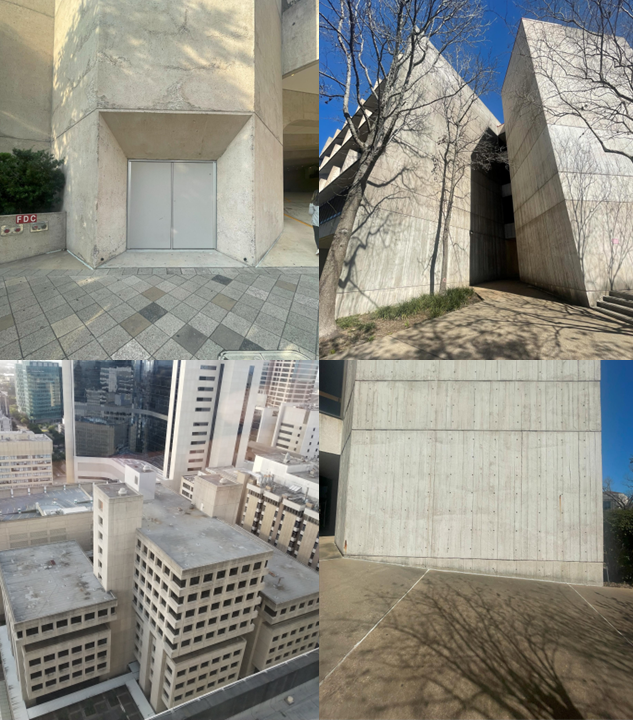
To gain inspiration for my project, I began by exploring examples of brutalist architecture around Houston so I could experience them firsthand. I went to the Alley Theatre in downtown Houston and Farish Hall at the University of Houston and took some photos that would eventually be used as textures for some of the buildings.

Photos of brutalism I took around Houston.
For this pack, I wanted to focus on service buildings. There’s a brutalist choice for all base game services, plus a few unique buildings. I drew inspiration from well-known brutalist structures, such as Boston City Hall. While creating the assets, I focused on ensuring that each service building's appearance clearly conveyed its purpose, allowing observers to identify their functions at a glance.
My goal was to craft designs that are instantly recognizable while also being visually distinct from one another. Throughout the process, I tried to balance realism with creativity, ensuring that each structure would feel authentic within a city but also spark curiosity and appreciation for this architectural style.
While designing the assets, I intentionally incorporated elements inspired by the cyberpunk aesthetic into some buildings. This choice was made because the genre frequently features brutalist architecture. This fusion of cyberpunk and brutalism allowed me to experiment with lighting, signage, and unconventional building shapes, resulting in structures that feel both futuristic and grounded in reality.

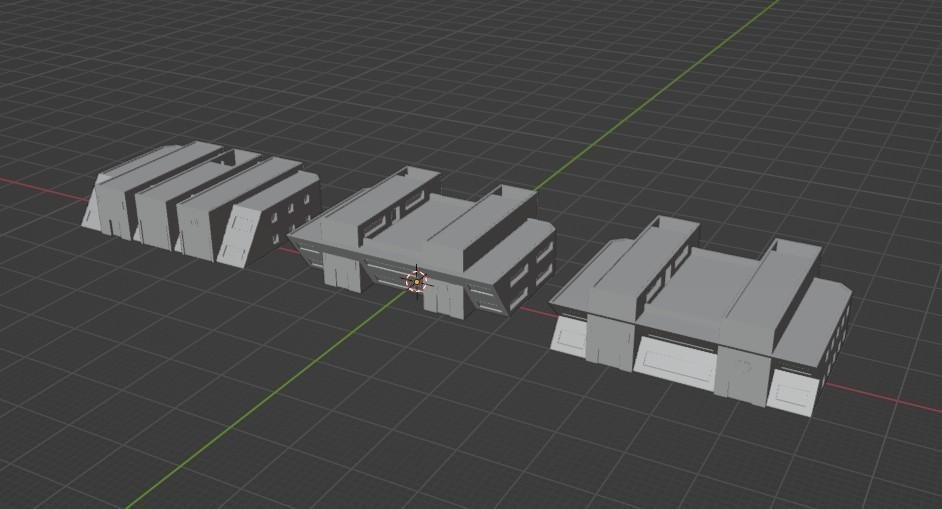
Small Service buildings being developed in Blender with the intention of fitting nicely in a Cyberpunk environment.
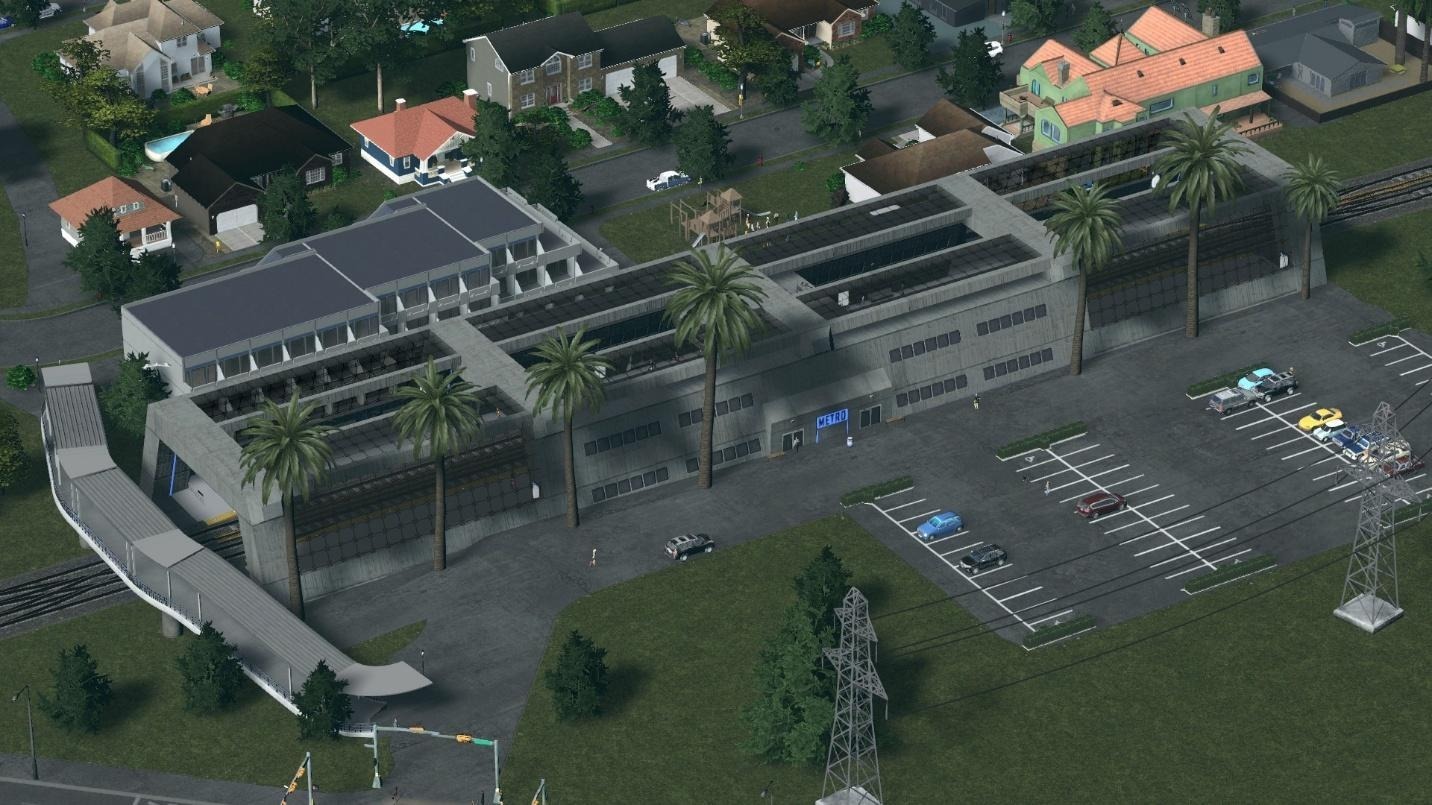
Brutalism is a good style for building public transport places. I made designs for three metro stations that all follow the same design language, so the whole metro system can have matching station buildings. There is an elevated, ground, and underground station to use in this pack.

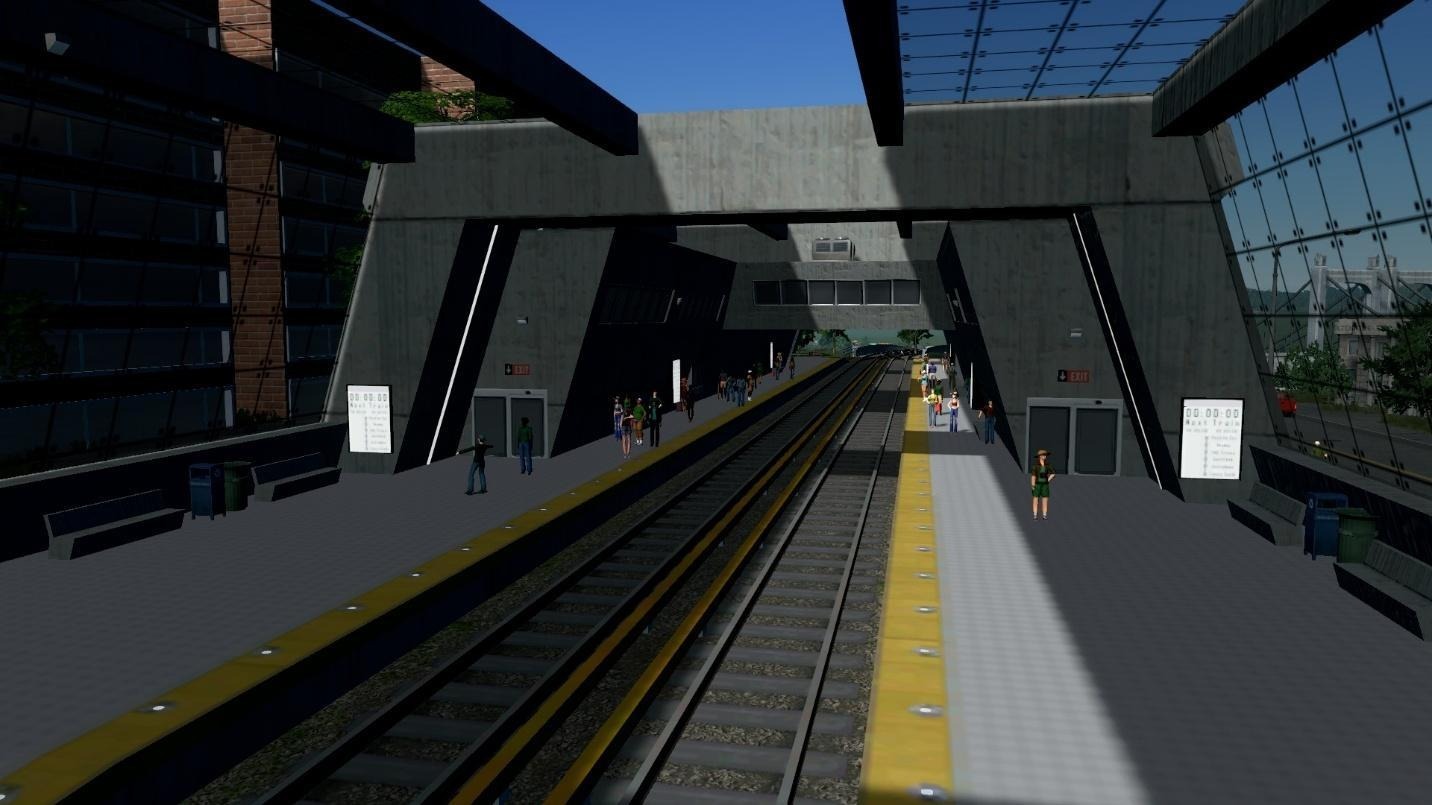
Ground metro station with platform lights inspired by the Washington Metro.
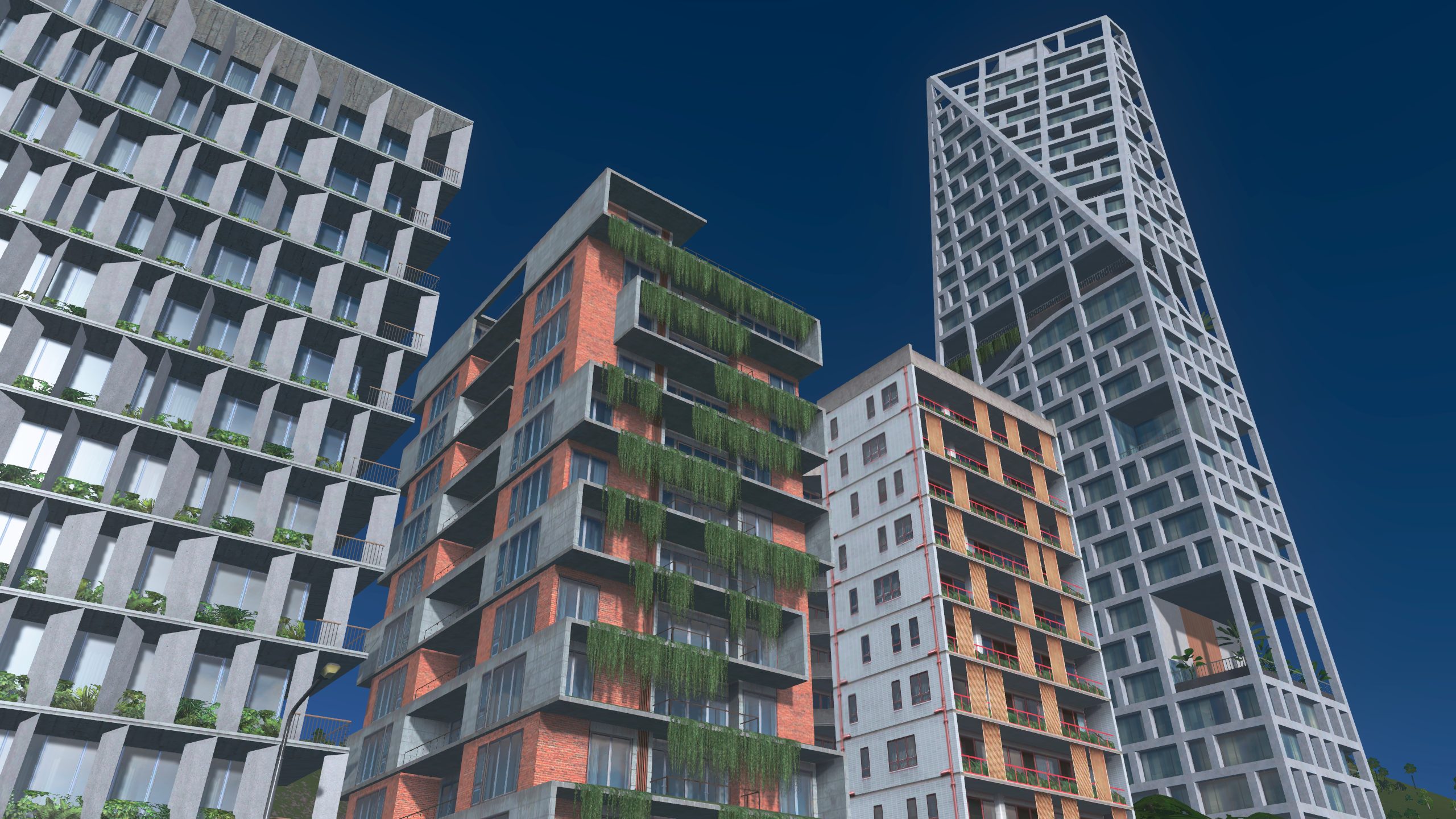
Green Brutalism played a significant role in shaping the distinctiveness of most of this pack. This architectural approach, also referred to as eco-brutalism, integrates greenery with the characteristic concrete elements of brutalist design. Mixing plants with buildings makes them nicer and more inviting for people to visit or live/work in.

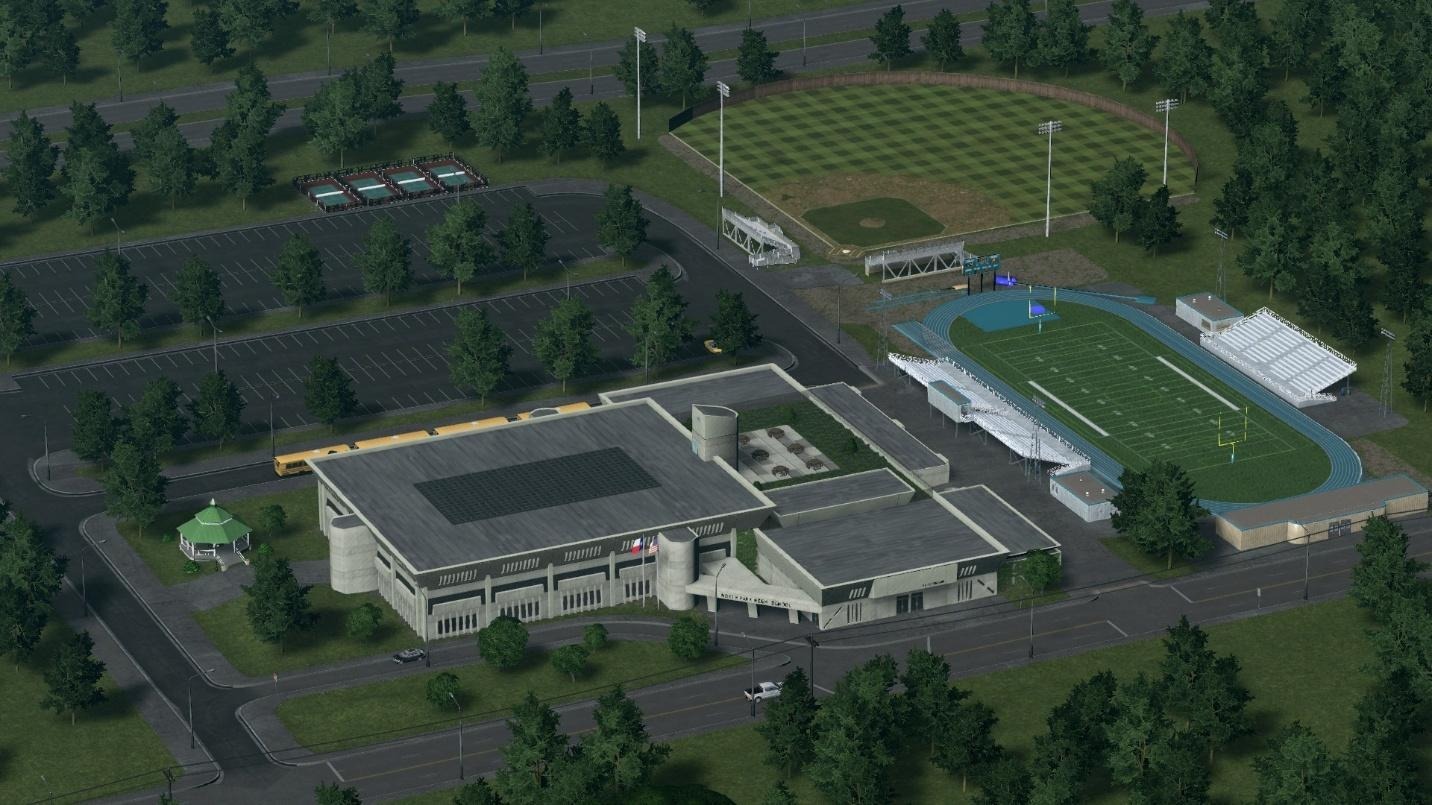
The High School features a green roof terrace designed to provide students with access to outdoor space and fresh air.
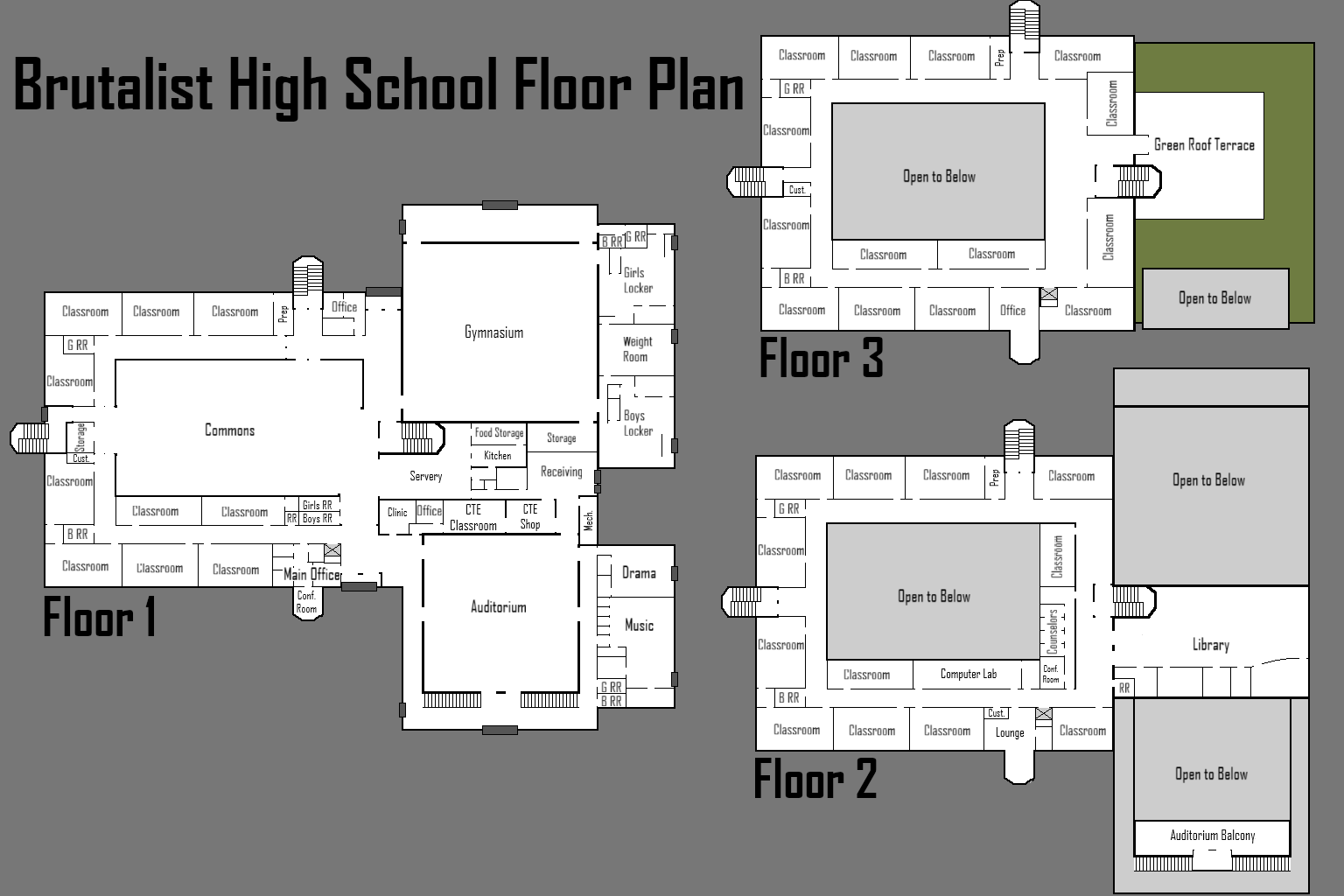
Working on the Brutalist High School was an enjoyable project. All the high school buildings I've shared on the Steam Workshop are my original creations, each designed to reflect the era I intended. They're also realistically sized, featuring every room a school typically requires. To illustrate my vision for each high school building, I've included a fictional floor plan that outlines what I had in mind during the development process. The Brutalist High School follows this same approach, combining an original design with a custom floor plan.

Fictional floor plan of the high school.
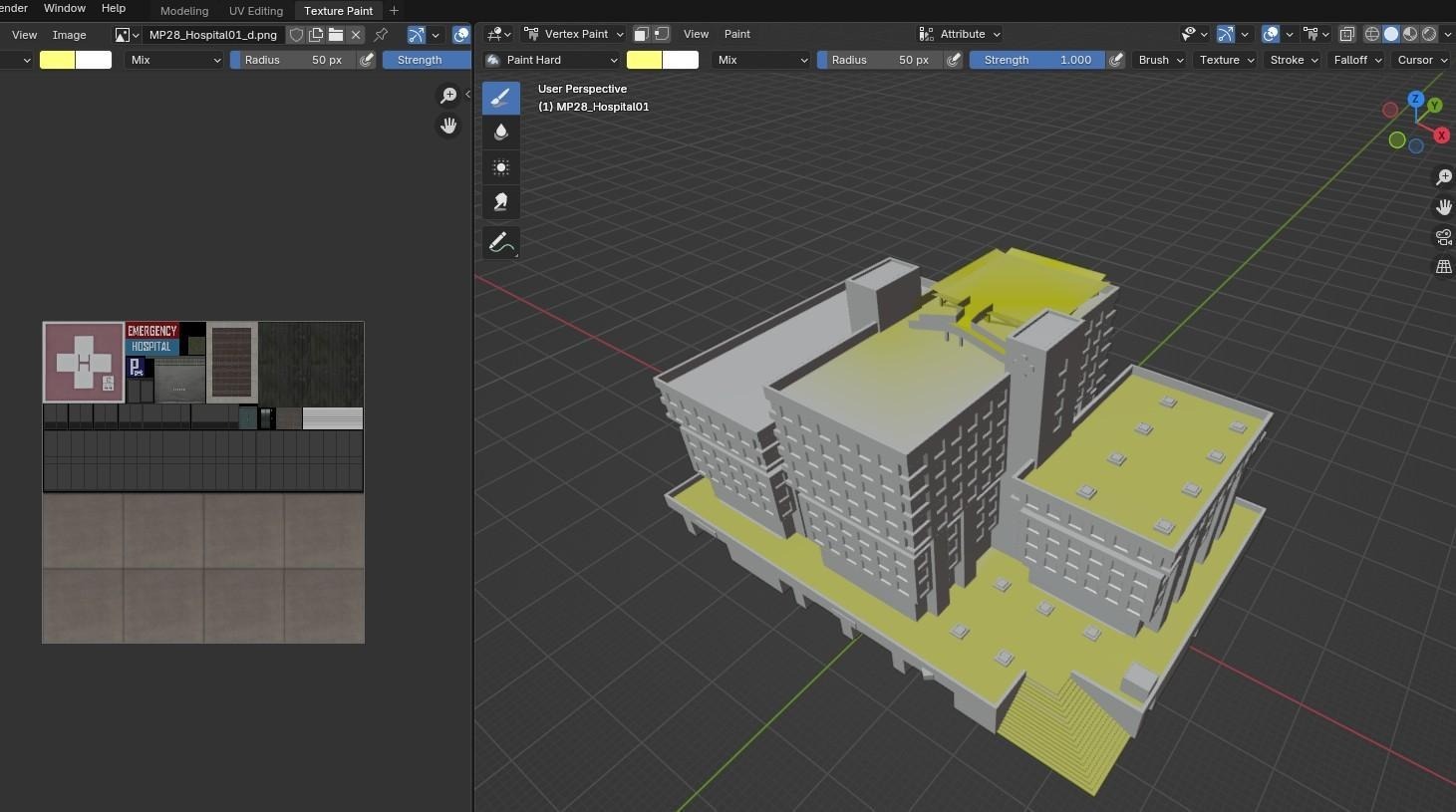
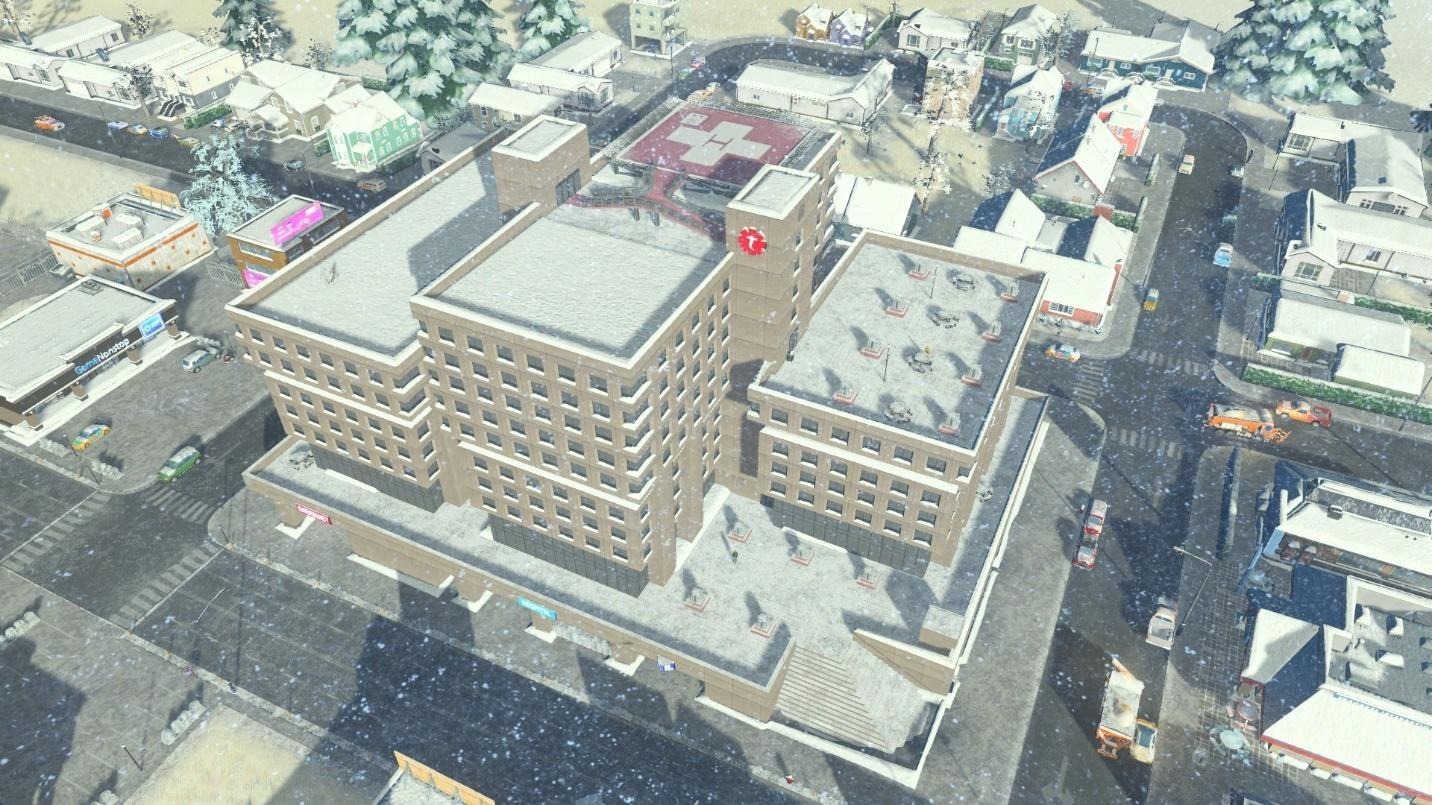
Testing the different biomes was needed to ensure the assets looked good in each one. The testing showed that brutalism looks great in both hot and cold environments. Using the assets in Snowfall needed extra work to make sure snow would not build up in certain areas. I went back to each building to paint the vertices in Blender. Vertex painting using hex colors #FFFF80 removes snow build-up and #FFFF00 to remove both snow and ice. The results are realistic snow on each building.

Vertex painting in Blender.

The effect of Vertex painting in-game. No snow build-up on walkable areas and no ice on the helipad.

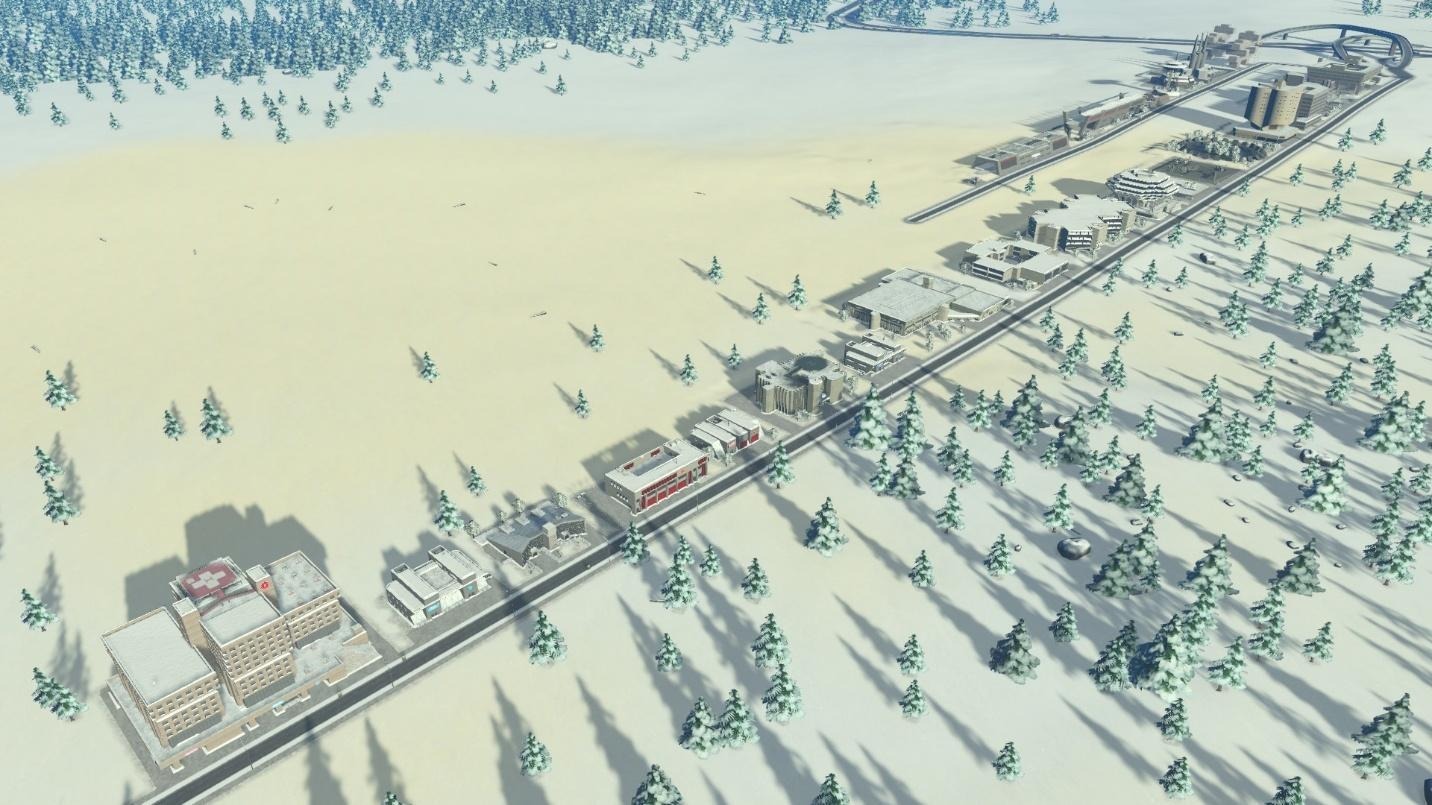
All buildings in a snowfall testing map.

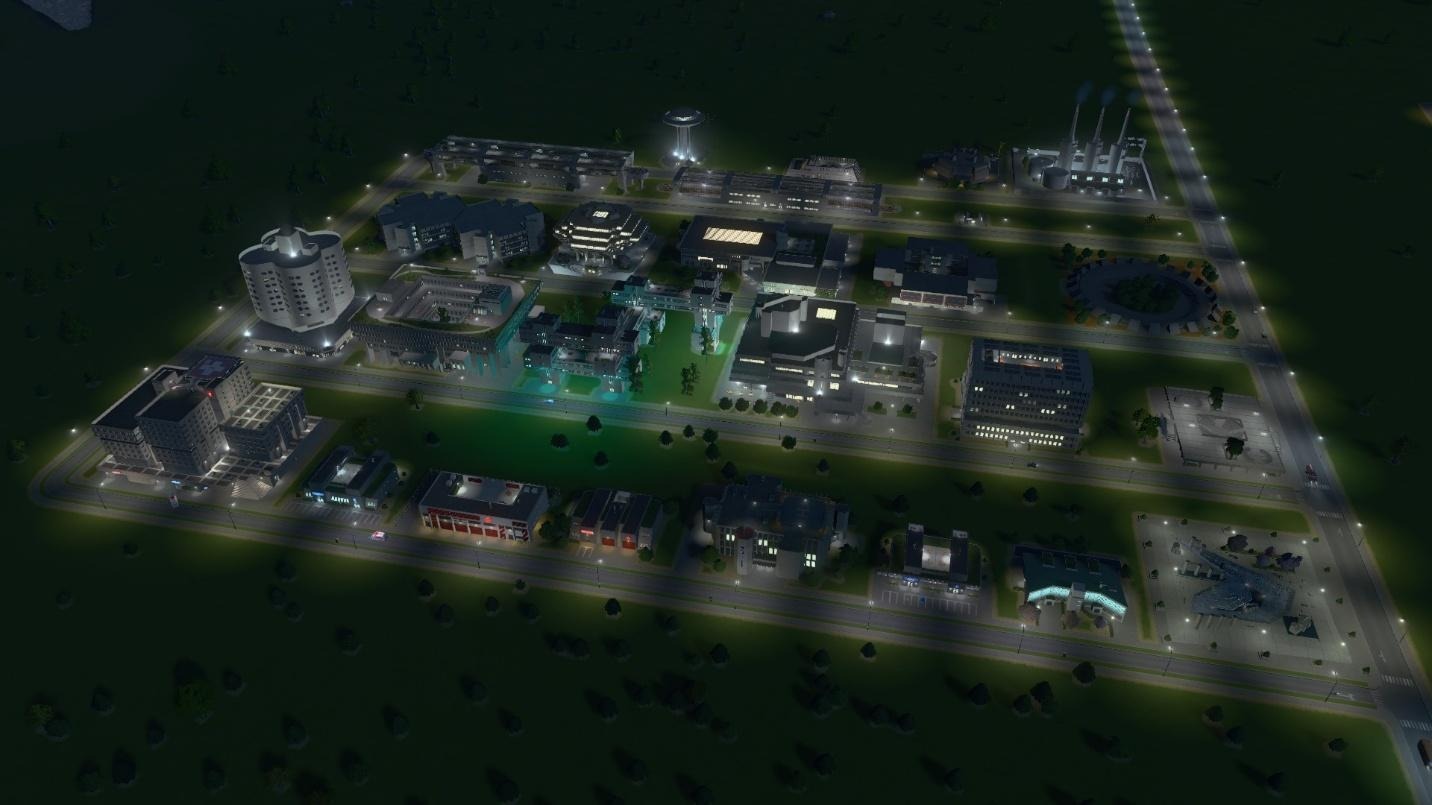
Testing night lighting.
I hope this helps explain how I made this pack. This was a very fun pack to create, and I hope you enjoy adding brutalist architecture to your cities!
Below are some more of my Screenshots showcasing some of the buildings!
Thank y’all for reading,
Cristolisto
Find more of my work:
Paradox Mods: https://mods.paradoxplaza.com/authors/Cristolisto
Steam Workshop: https://steamcommunity.com/id/cristolisto/


Hello everyone!
Welcome to my Developer Diary about the Content Creator Pack: Renewed Cities for Cities: Skylines.
First of all, let me introduce myself: I’m Brum, a Brazilian architect and designer passionate about architecture, urbanism, and a big fan of Cities: Skylines.
Living in a tropical country, I’ve always loved assets that represent my place and culture. But, there weren’t as many of them on the Workshop as I’d like. That’s why, at the end of 2022, I started learning 3D modeling and began creating Brazilian historical buildings and contemporary assets from tropical countries.


Some assets from my Workshop, which I opened in 2022.
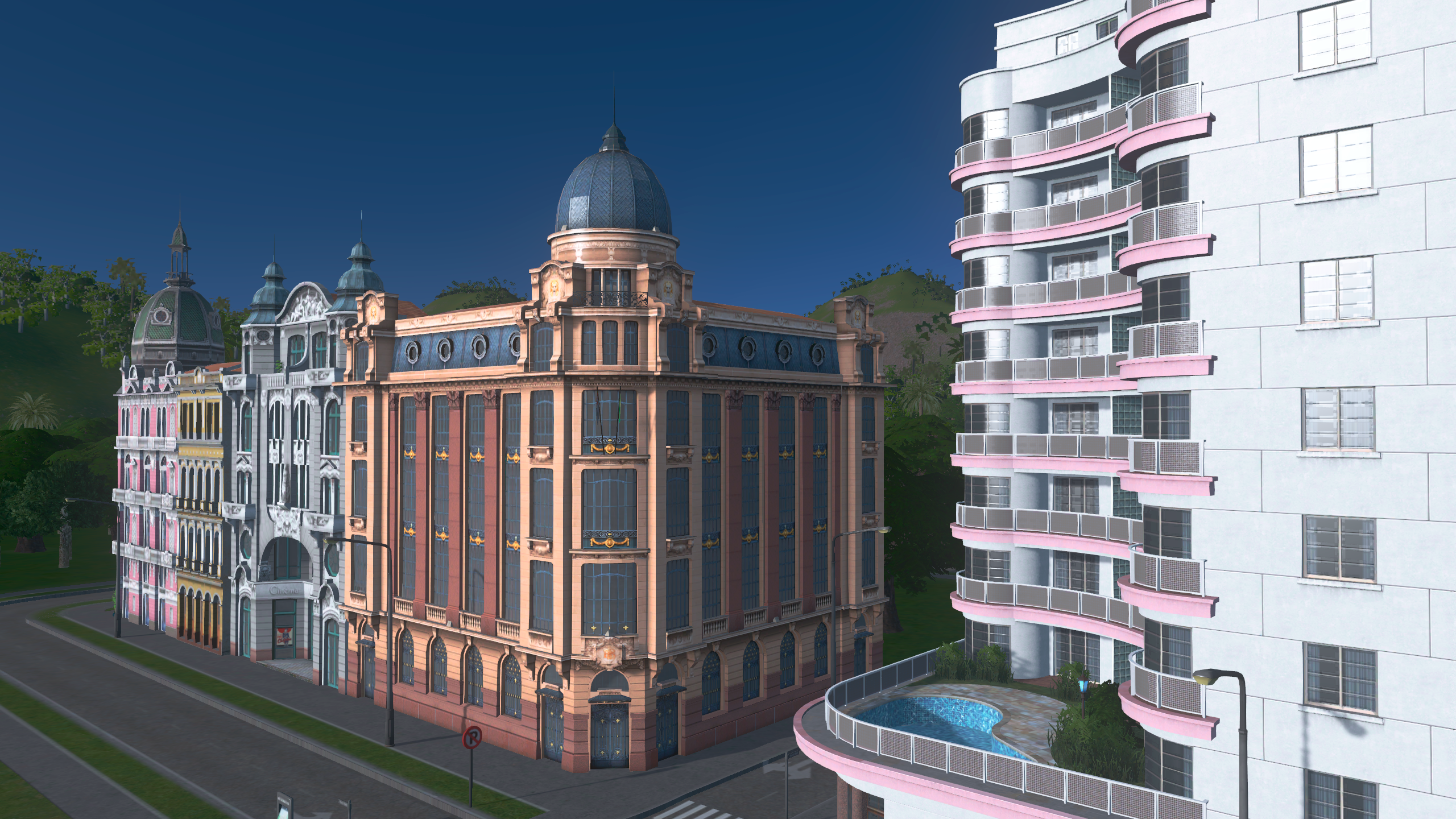
However, Renewed Cities goes beyond. I wanted to bring something that would connect with players from all around the world. It’s a pack inspired by cities that have found bold ways to renew their urban centers without erasing their history. By blending the old and the new, these cities have transformed urban life and created extraordinary landmarks.
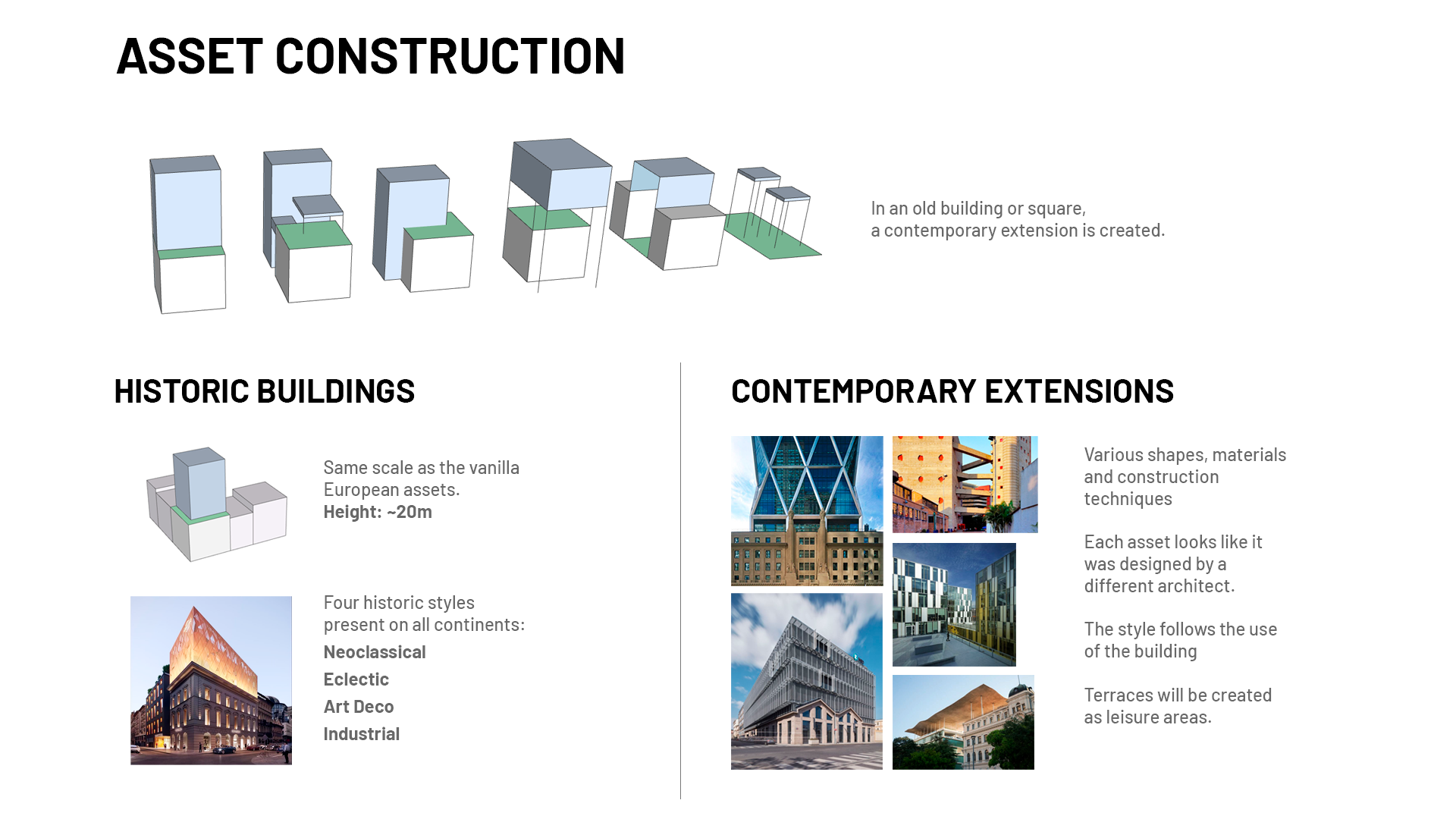
All assets in Renewed Cities embody this contrast between old and new, with steel, glass, and concrete structures emerging from traditional buildings. While the historic parts connect seamlessly with nearby classic architecture, the contemporary additions introduce unexpected elements that will reshape your city’s skyline.

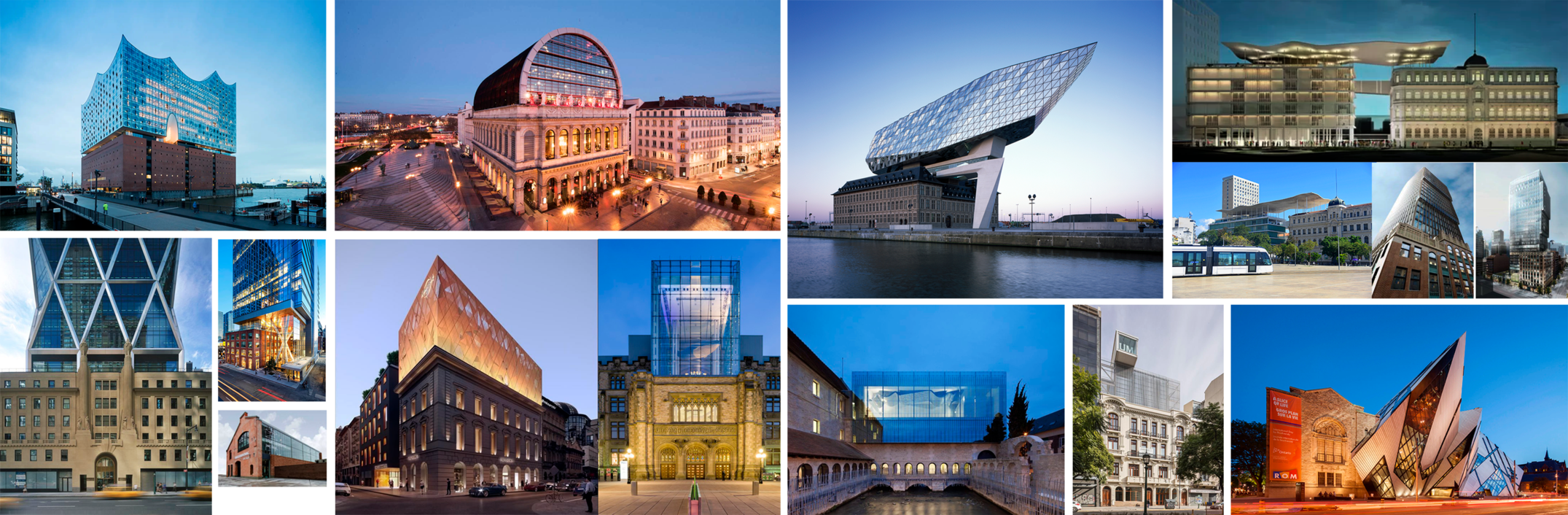
Initial mood board for Renewed Cities, featuring inspirations from Toronto, Rio de Janeiro, Buenos Aires, NYC, Hamburg, Lyon, Antwerp, and more.
To define which assets would be created and what their style would be, my research was guided by two key aspects: Function and Form.
Urban planners are always looking for ways to attract major companies and new residents to revitalize downtown areas. In addition, cultural, educational, sports, leisure, innovation, and creative economy spaces, along with social housing and parks, are key components of such renewal projects.
Contemporary urbanism, which aims to bring all these functions close together to create vibrant, livable cities, inspired my decision to design a CCP featuring a wide range of functions: office buildings, residential buildings, unique buildings, service buildings, and parks.
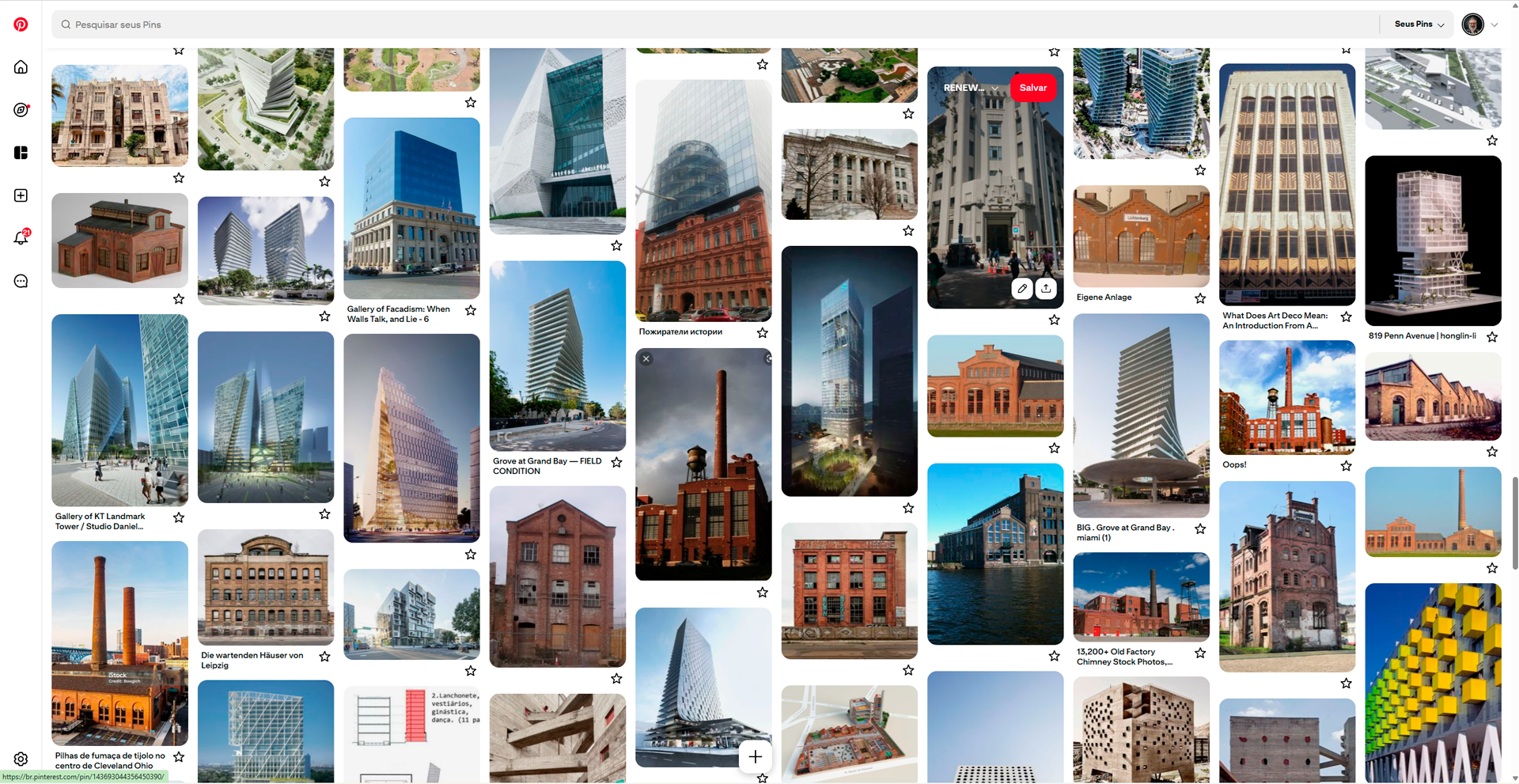
After defining my list of assets, I conducted extensive research on architectural styles. I compiled a panel with around 800 visual references from across the world that I might want to add to my pack.

At the end, I arrived at this long list, outlining the main design guidelines for the project.

For each asset, I created a moodboard with three final references. In the next phase - modeling - I’ll try merging these ideas to see whether the envisioned concept will result in cool assets.

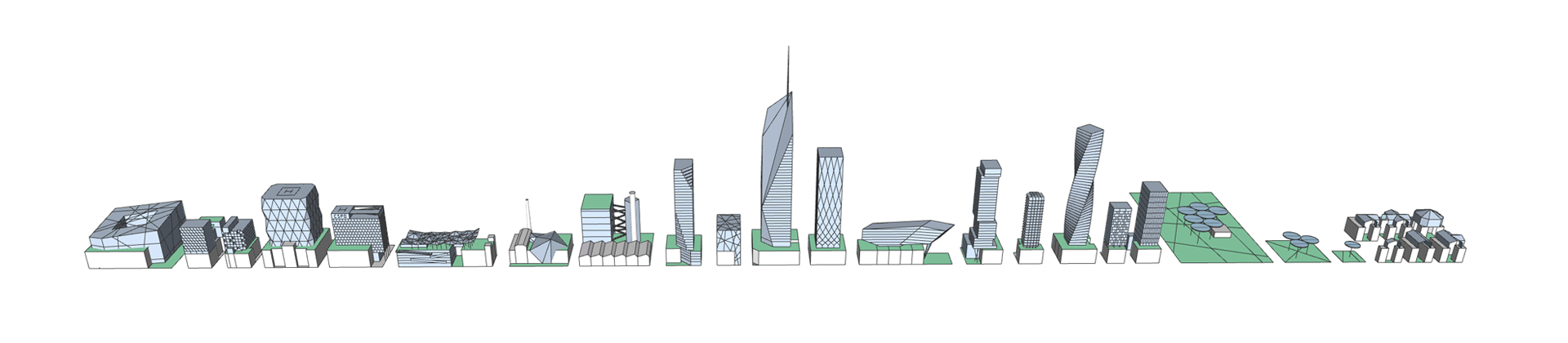
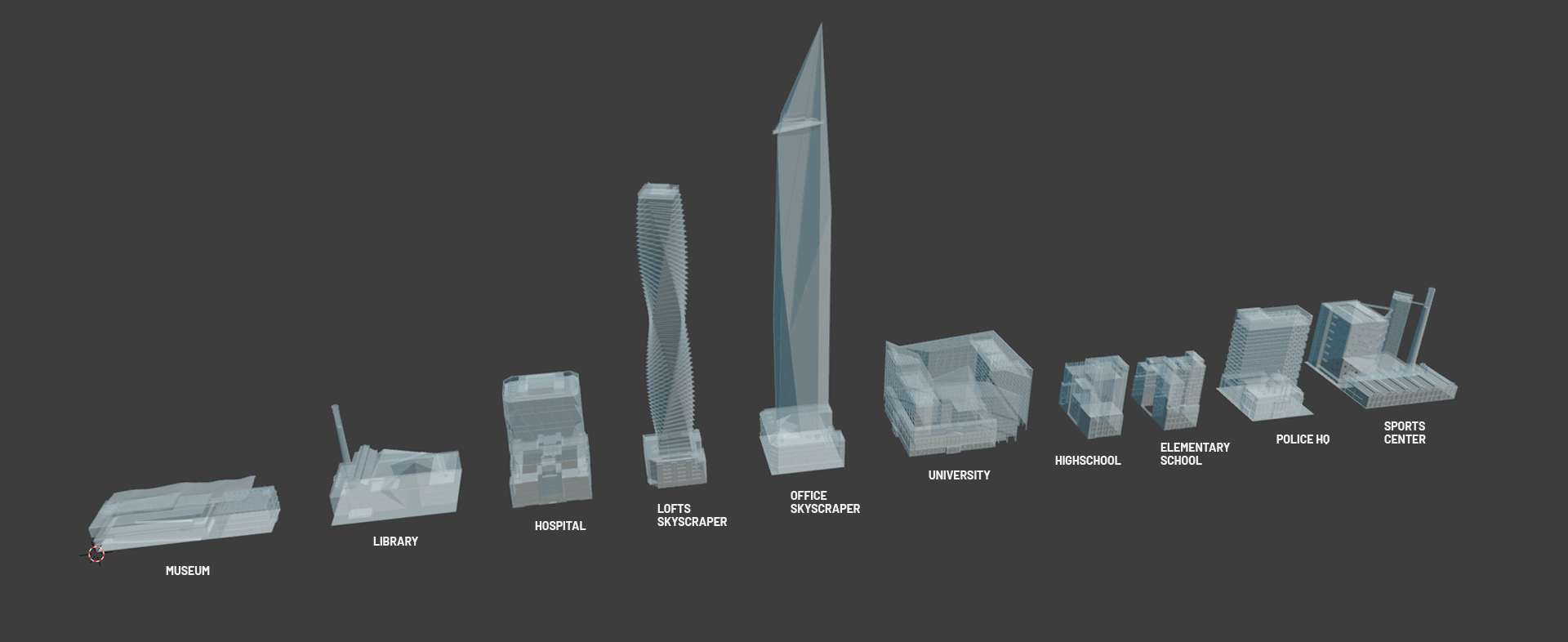
Based on the moodboard, I built a simple volumetric model for each asset, studying their scale within the city, approximate footprint, and height. After placing them together, I adjusted some proportions to bring greater impact and diversity to the overall set.

Basic volumetry of the proposed assets.
With the basic volumes and moodboards defined, I began the detailed modeling of each asset. The main challenge from this point on was to produce a significant number of assets and landmarks within a limited timeframe. In the case of Renewed Cities, each asset was essentially two - one historic and one contemporary - fused together. The first step, therefore, was to systematize the workflow.

The first 10 modeled assets.
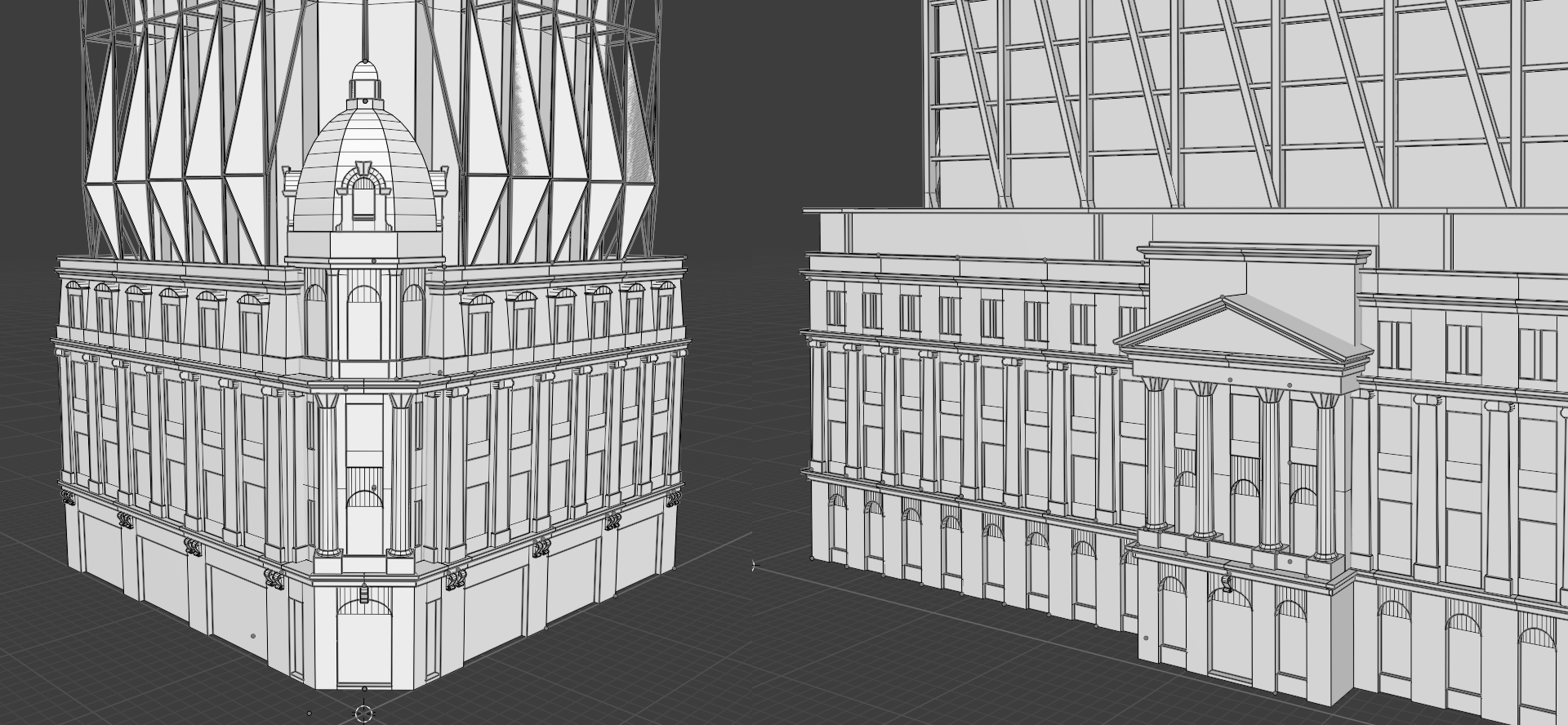
For the historical part, I created modular pieces that could be assembled to form buildings quite different from one another. I also included special elements such as domes, pediments, and porticos, which are essential for distinguishing and personalizing each building.

The Flagship Store and the University share some of the same façade elements.
For the contemporary parts of the assets, however, I worked in a more free way due to their geometric diversity and complexity. Each one should look as if it were designed by a different architect, with their own distinctive style.

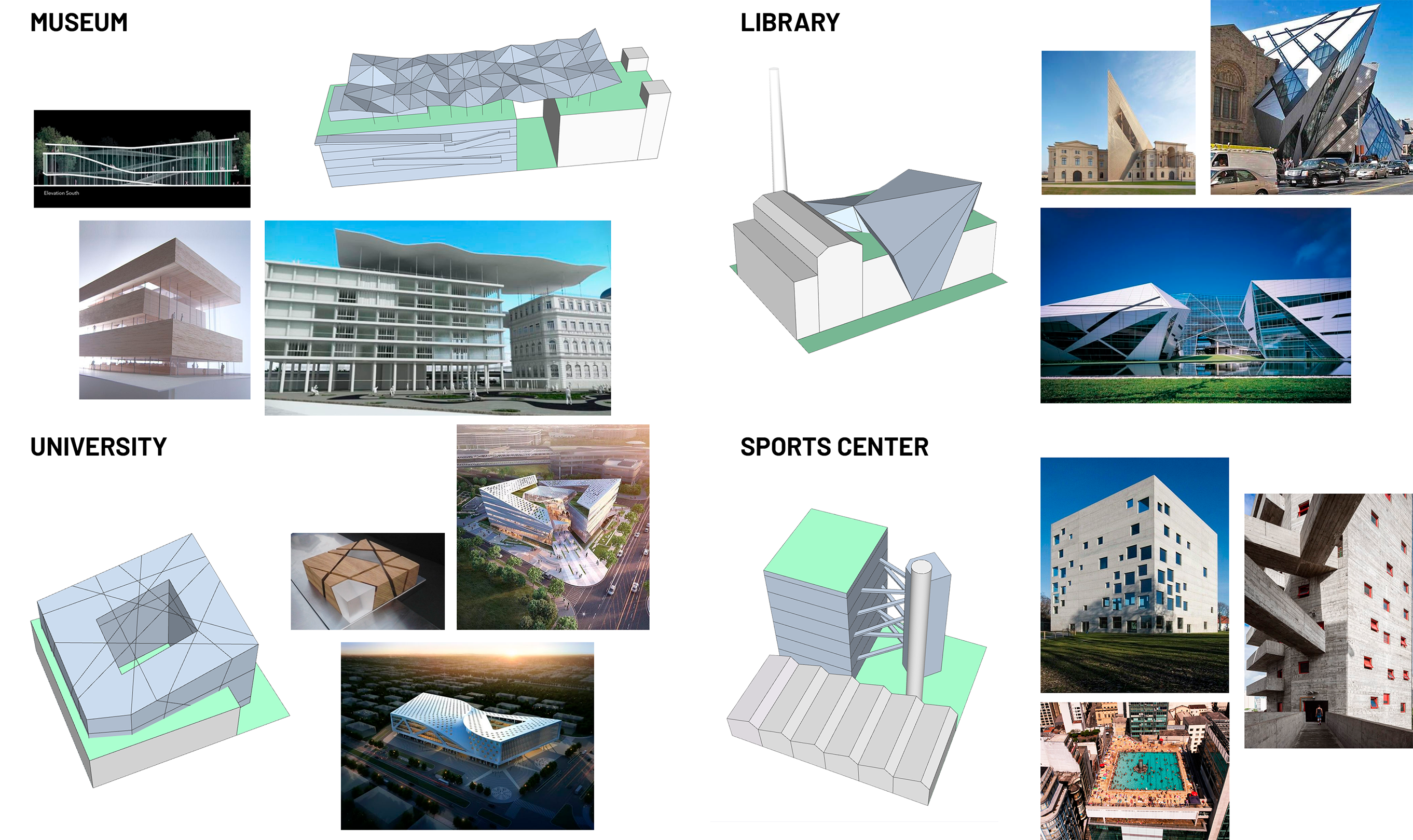
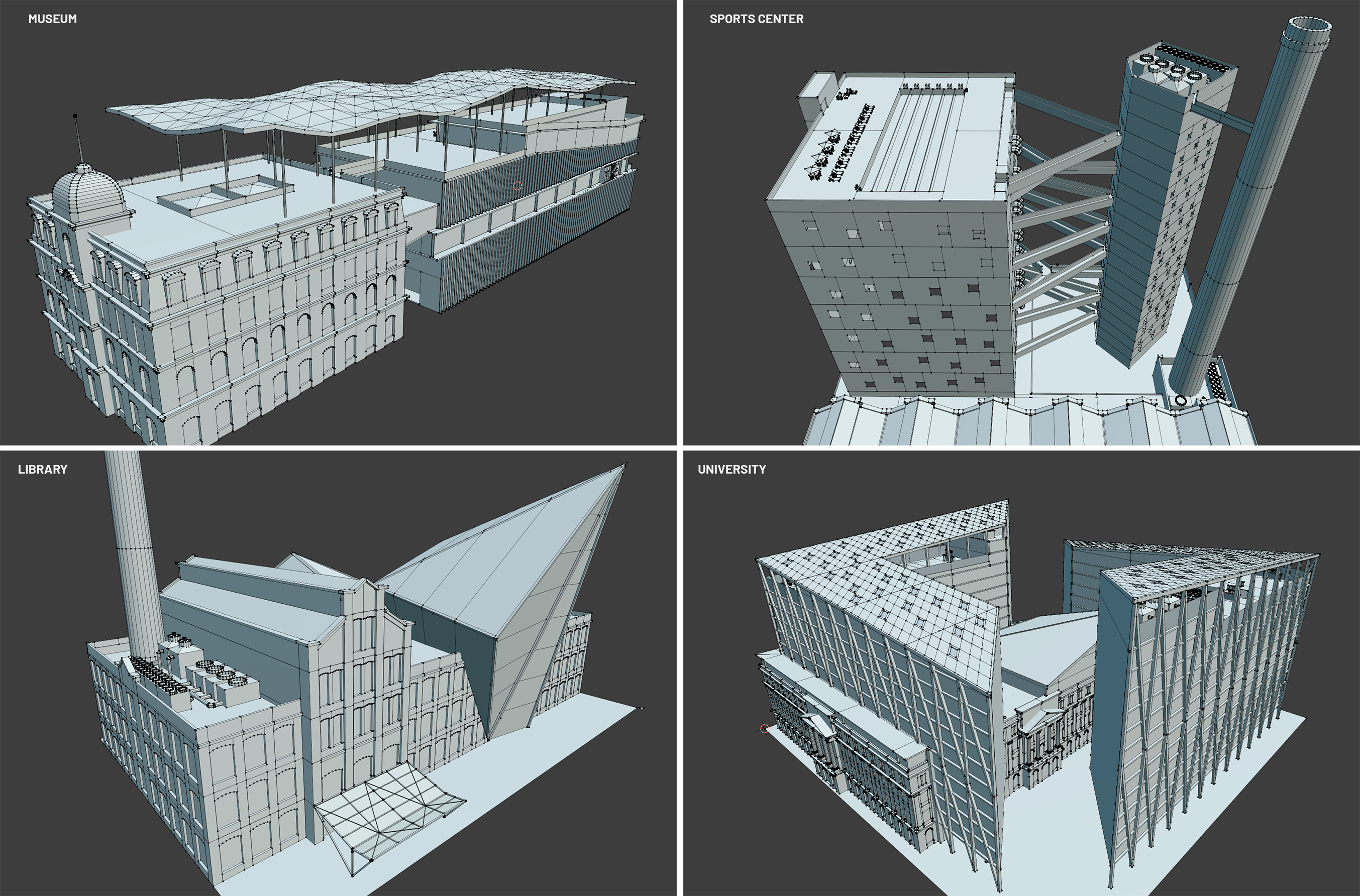
Museum, Sports Center, Library, and University are four of the most complex models in this CCP.
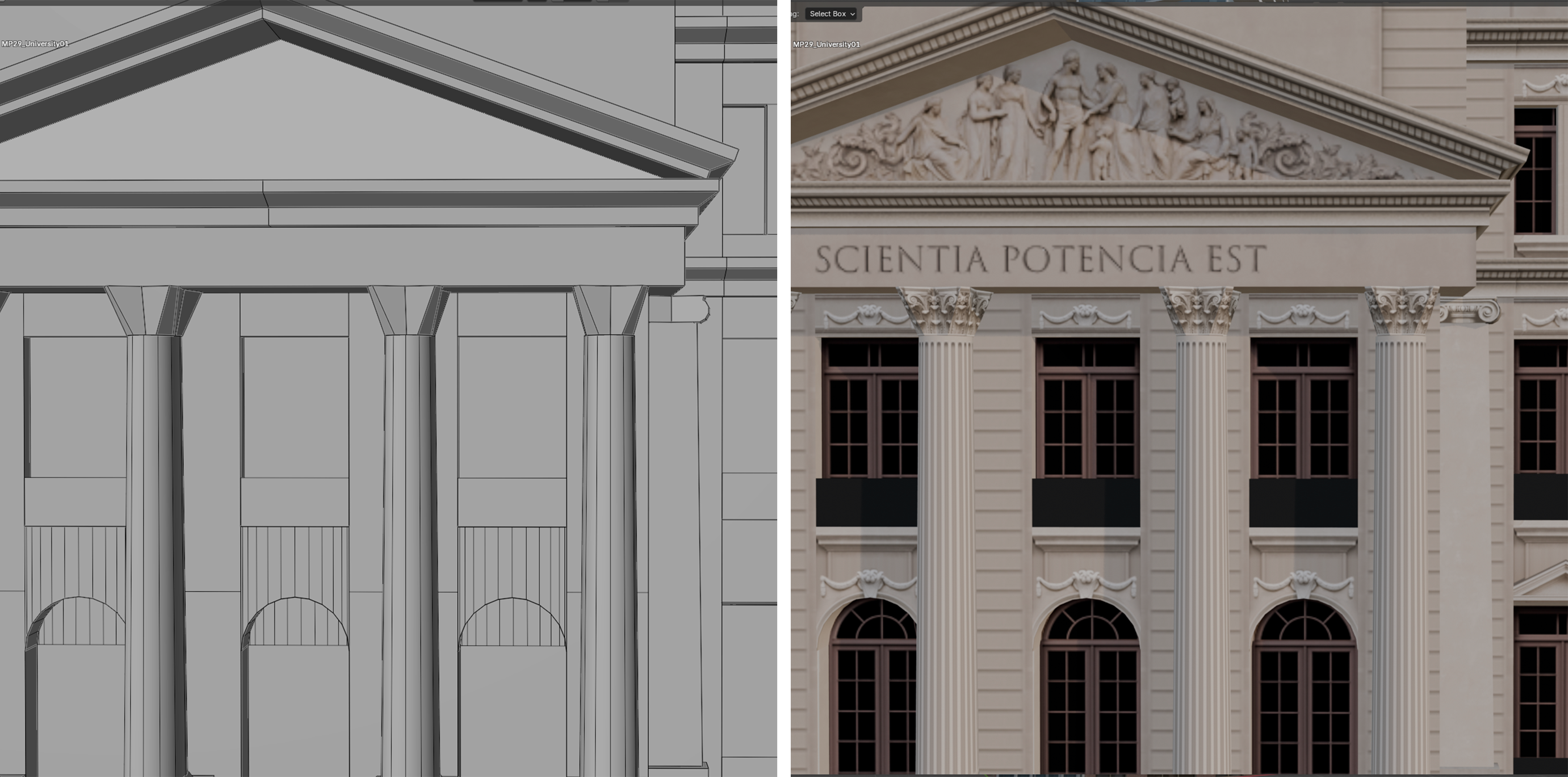
In modeling, the triangle count is crucial to ensure good in-game performance. Basically, you need to decide which volumes will be physically modeled and which will be represented through textures only. If a good number of volumes can be made by textures, then you achieve a reasonable tris optimization. In Renewed Cities, almost all assets range between 15K and 20K tris.

The historic façade of the University has few tris. Many decorative details are created with textures only.
When creating building assets, I consider texturing to be the longest and most challenging stage - it requires patience and close attention to detail.
Renewed Cities features a wide variety of architectural styles, which translates into a large number of textures. The historical architecture includes four distinct styles with many façade details. The contemporary part, in turn, showcases a multitude of materials and construction techniques that give each landmark its own character.
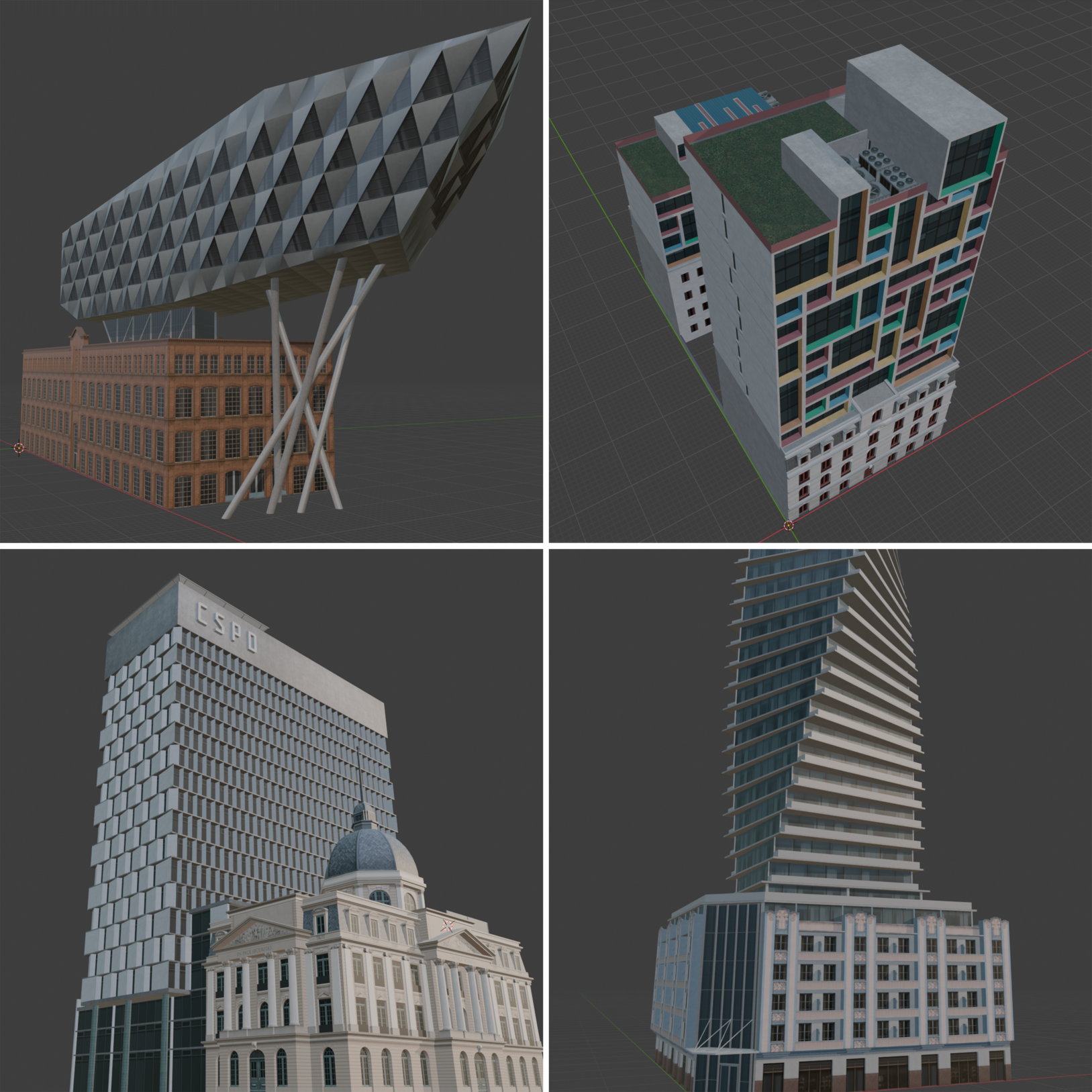
The assets in this CCP are not replicas, so there was plenty of room for texture experimentation. One of the initial concepts was to create buildings where form and materiality reflect their function. For example, the Elementary School was designed like a building-block toy, featuring vibrant colors. The Innovation Hub has a high-tech shape and textures. The Police Headquarters presents an austere architecture that conveys solidity through exposed concrete. And the Lofts Skyscraper, with its sinuous outline and large balconies, clearly represents a sleek, modern luxury condominium.

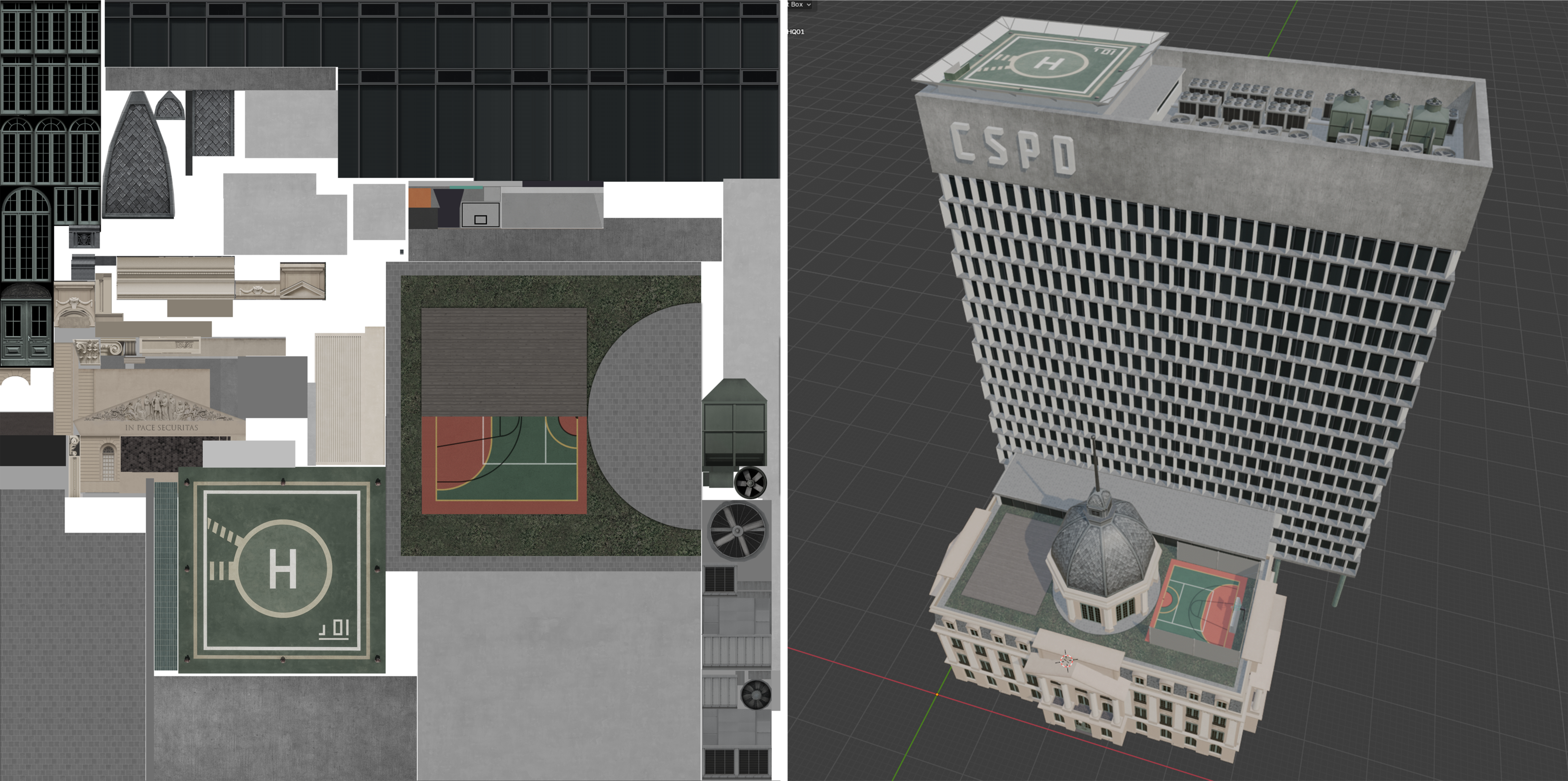
The Elementary School, the Innovation Hub, the Police HQ, and the Lofts Skyscraper in Blender.
To produce the textures, I primarily used Photoshop and AI tools. The AI-generated images were later refined and edited manually in Photoshop - after all, nothing replaces human sensitivity.


Example of the six texture maps for the Police HQ in the picture above. At the top, the diffuse texture (_d) is edited in Photoshop and tested multiple times on the 3D model. Later, it is also tested in the game editor, along with the other texture maps: alpha (_a), color (_c), illumination (_i), normal (_n), and specular (_s).
Importing the mesh and textures into the Cities: Skylines editor allows previewing the asset in-game, across all variations — map types, snow, day, and night. But that doesn’t mean the process is finished. Based on what the editor shows, textures are further refined in Photoshop and re-imported into the game as many times as necessary to achieve a perfect balance of color saturation, reflections, and nighttime lighting.

A set of assets viewed in the late afternoon, when the first city lights begin to turn on.
Only when the textures are 100% finalized do I begin adding decorative elements. These bring life and richness of detail to the assets. Renewed Cities feature many open-air leisure spaces, such as parks and large terraces, so these elements play a key role in defining the atmosphere.
Fortunately, the game includes a wide variety of vanilla decorations, which make it possible to create anything from refined nighttime lighting to beautiful landscaping projects. To complement them, this CCP also includes a set of contemporary design props related to outdoor living - café tables, chairs, lounge chairs, tents, bar, and more.

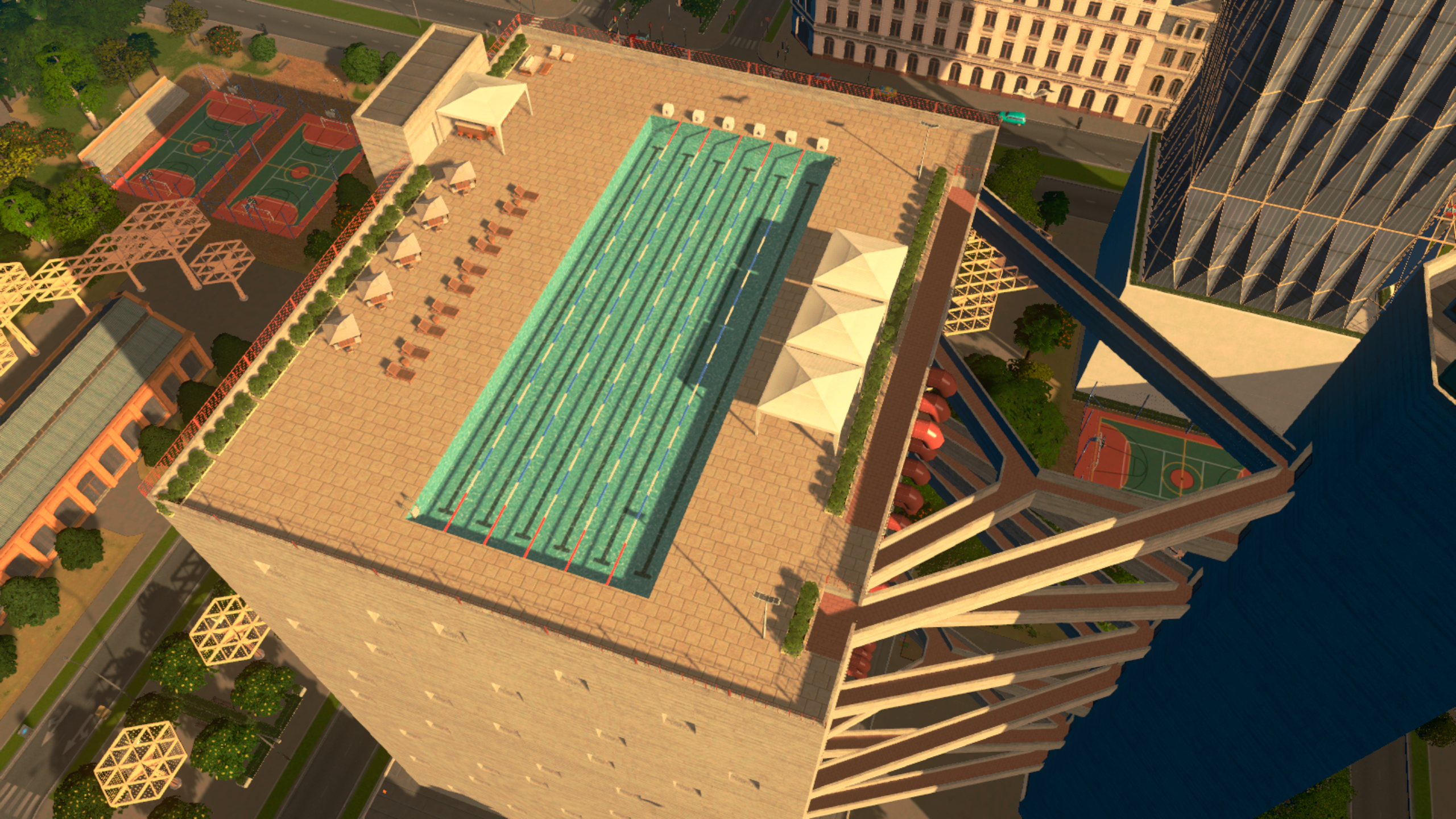
Sports Center terrace with various props from CCP Renewed Cities.
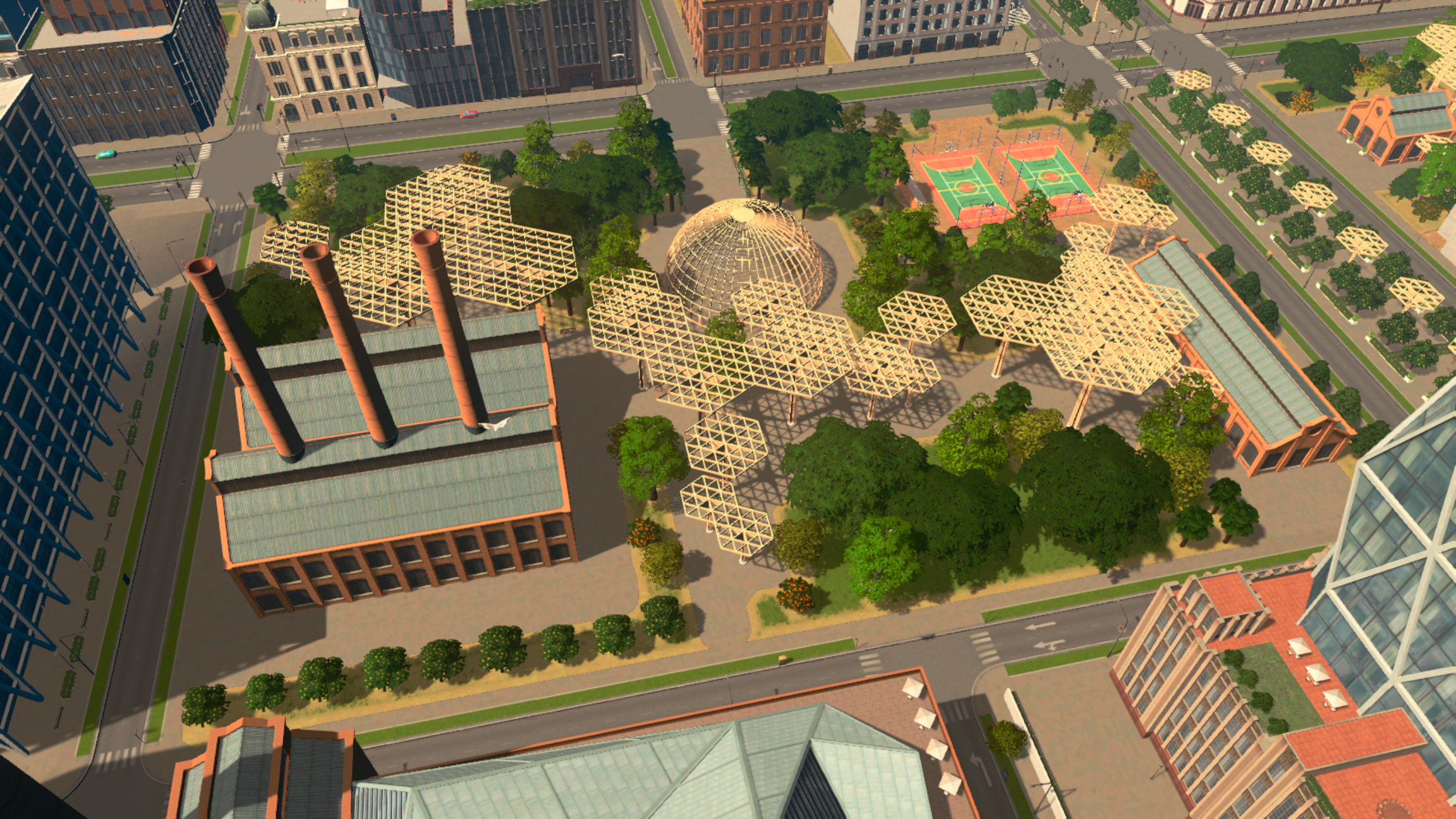
When it comes to parks, Renewed Cities offers a variety of sizes to fit different lots, ranging from 2x2 tiles to 8x16 tiles. The three largest parks can even be combined to form a large Central Park-style complex measuring 24x16 tiles. The pack also provides standalone decorative elements, allowing you to use in-game tools to design your own custom parks on an even larger scale.

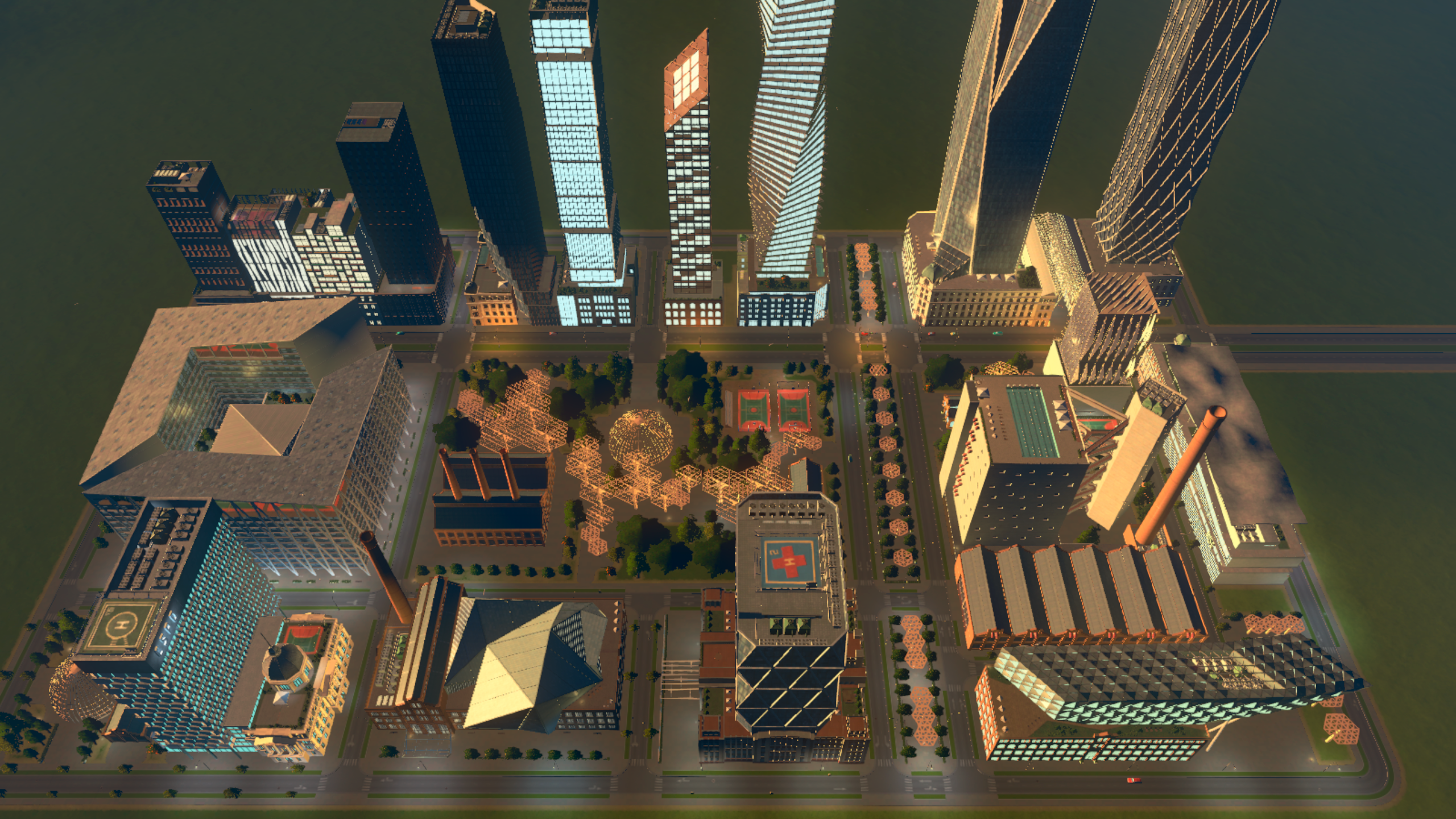
View of the three 8x16 parks, forming a large central park.
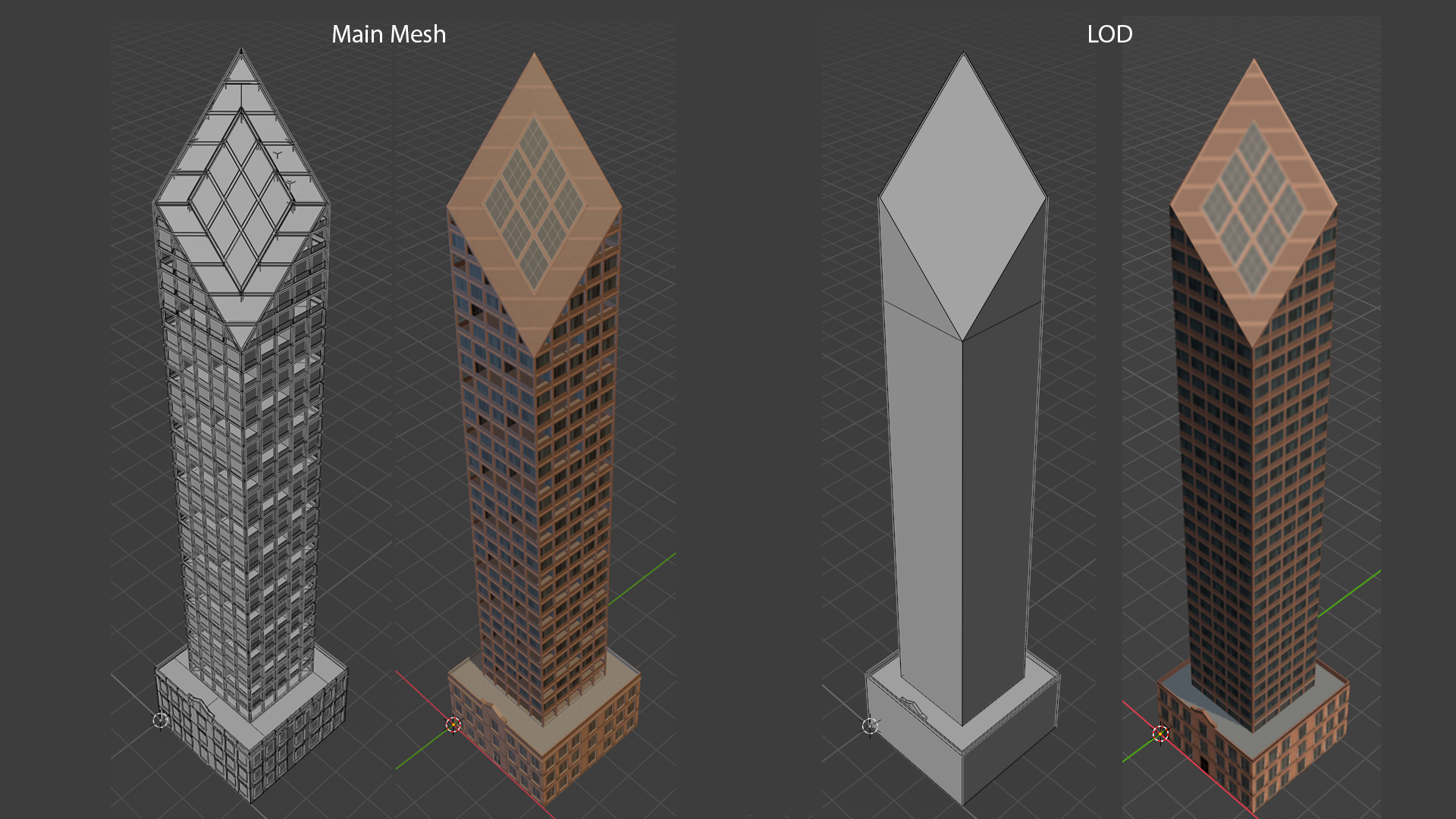
With the assets finished, it’s time to create the LODs. As many players know, an LOD (Level of Detail) is a simplified version of the asset with a reduced tris count and texture size - like a miniature model that replaces the main one when the camera zooms out, helping optimize the game’s performance.
The greatest challenge in creating a good LOD is to avoid a noticeable transition during zoom in and zoom out, when the full model switches to the simplified one. Some LODs had to be reworked multiple times to make this transition smooth and almost imperceptible.

Comparison of the main mesh (left) with the LOD (right). While one should look perfect at the largest zoom-ins, the other should be as simple as possible.
________________________________
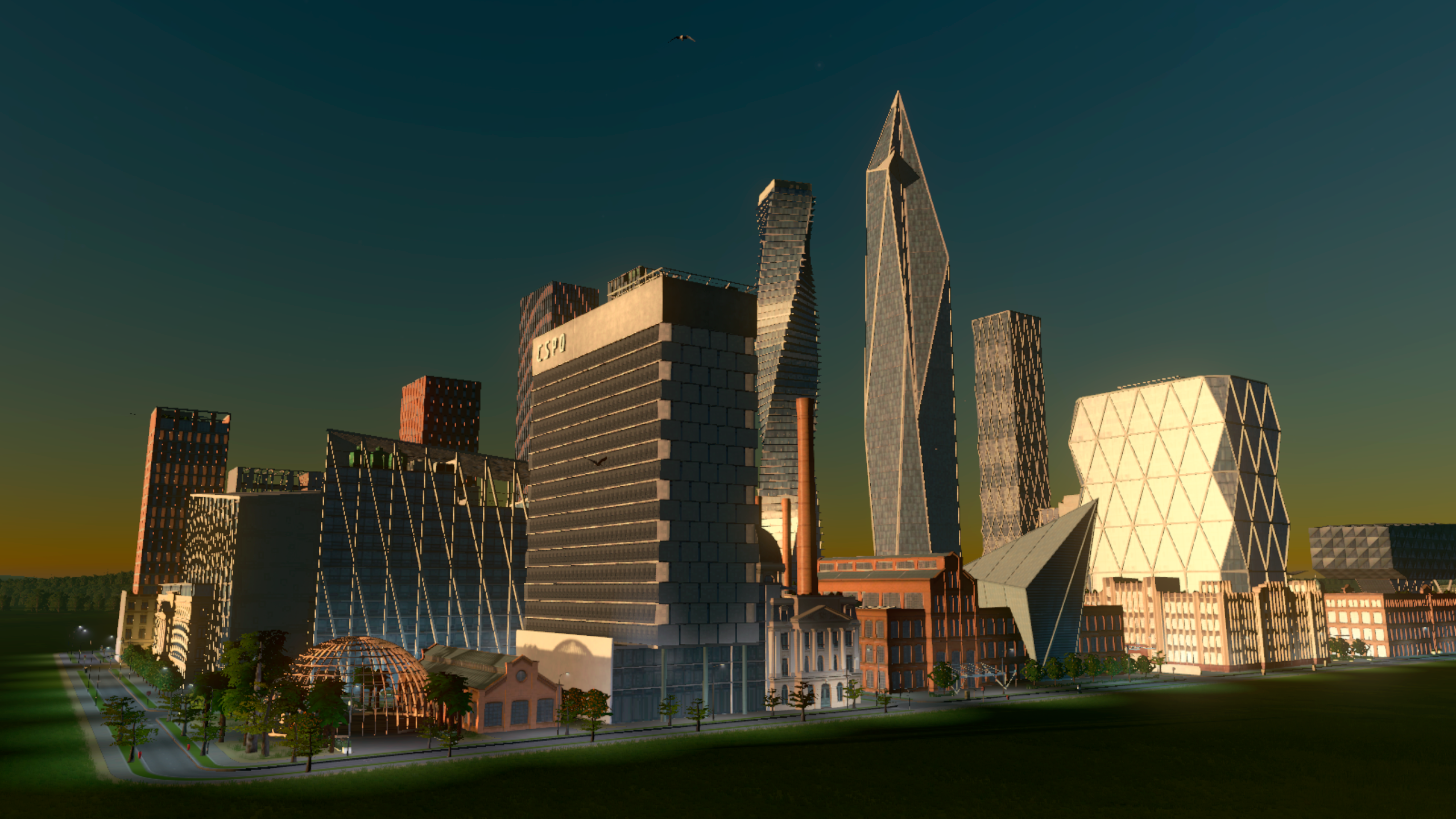
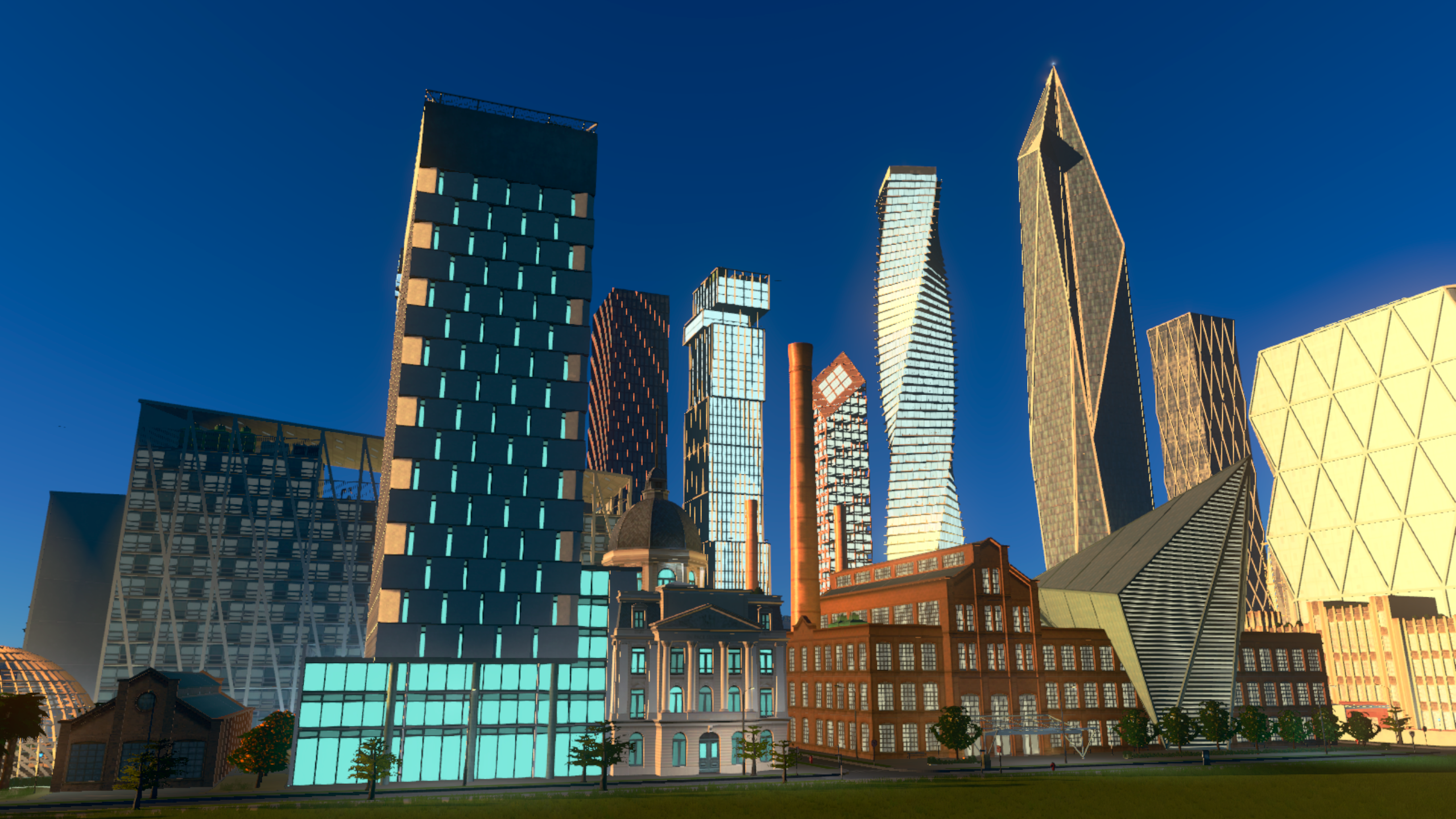
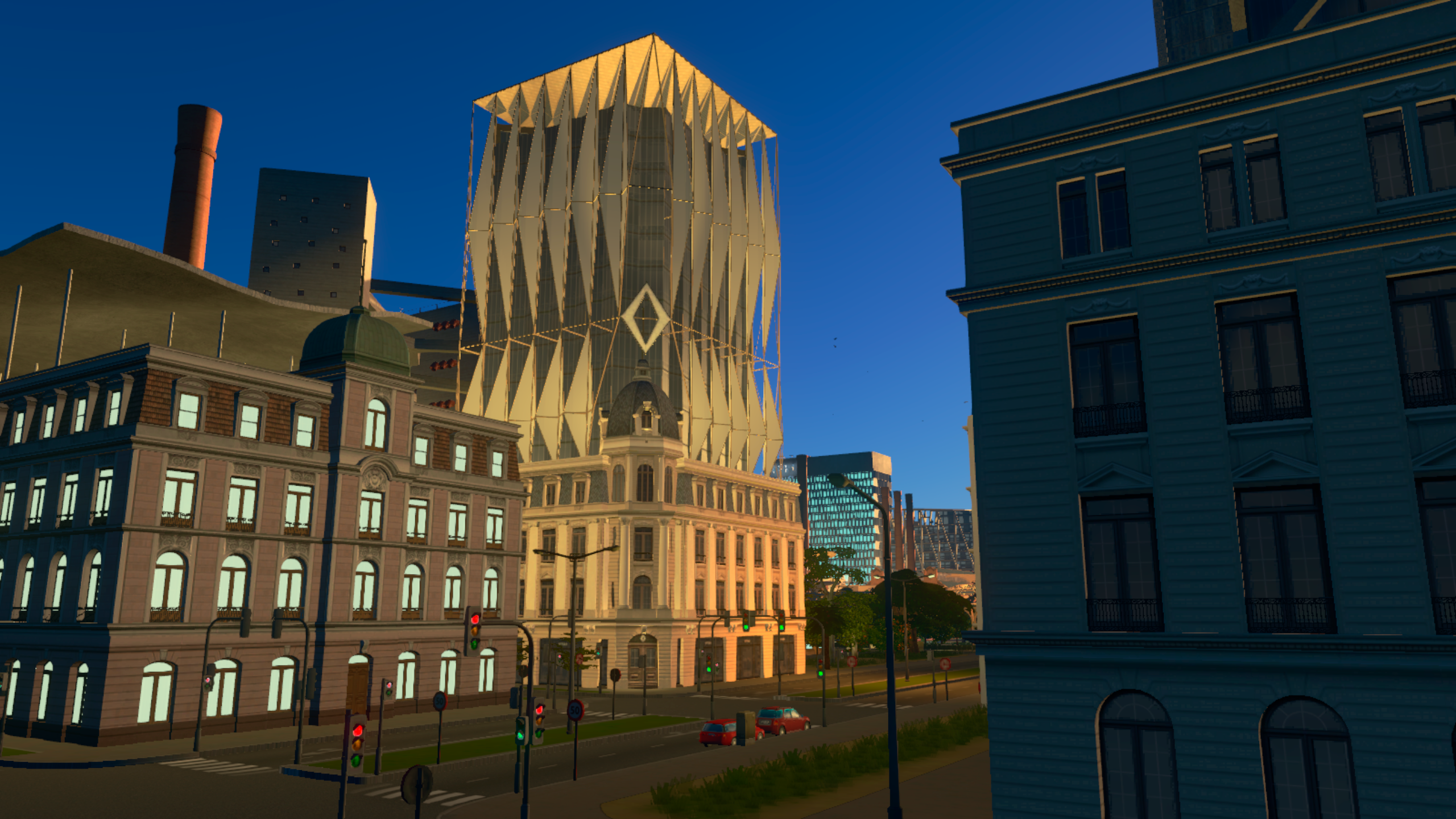
To conclude this Developer Diary, I've included below some screenshots of the Tempered Vanilla Theme at different times of day and night, without using color correction mods.
I’d like to express my gratitude for the privilege and creative freedom I was given to bring Renewed Cities to life. I’m excited to see what Cities: Skylines players’ imagination will create with these new assets. Thank you very much!
Daniel Brum
Follow Brum here
Cities: Skylines 1 Workshop: https://steamcommunity.com/id/DBrum/myworkshopfiles/
Cities: Skylines II Paradox Mods: https://mods.paradoxplaza.com/authors/DBrum
Instagram: https://www.instagram.com/dbrum23


Welcome back, mayors! In this third Developer Diary, we wanted to showcase all the free content coming in the update alongside the launch of Race Day Expansion.
And just to clarify, you are not required to own the Expansion to enjoy these features; it will be available for everyone!
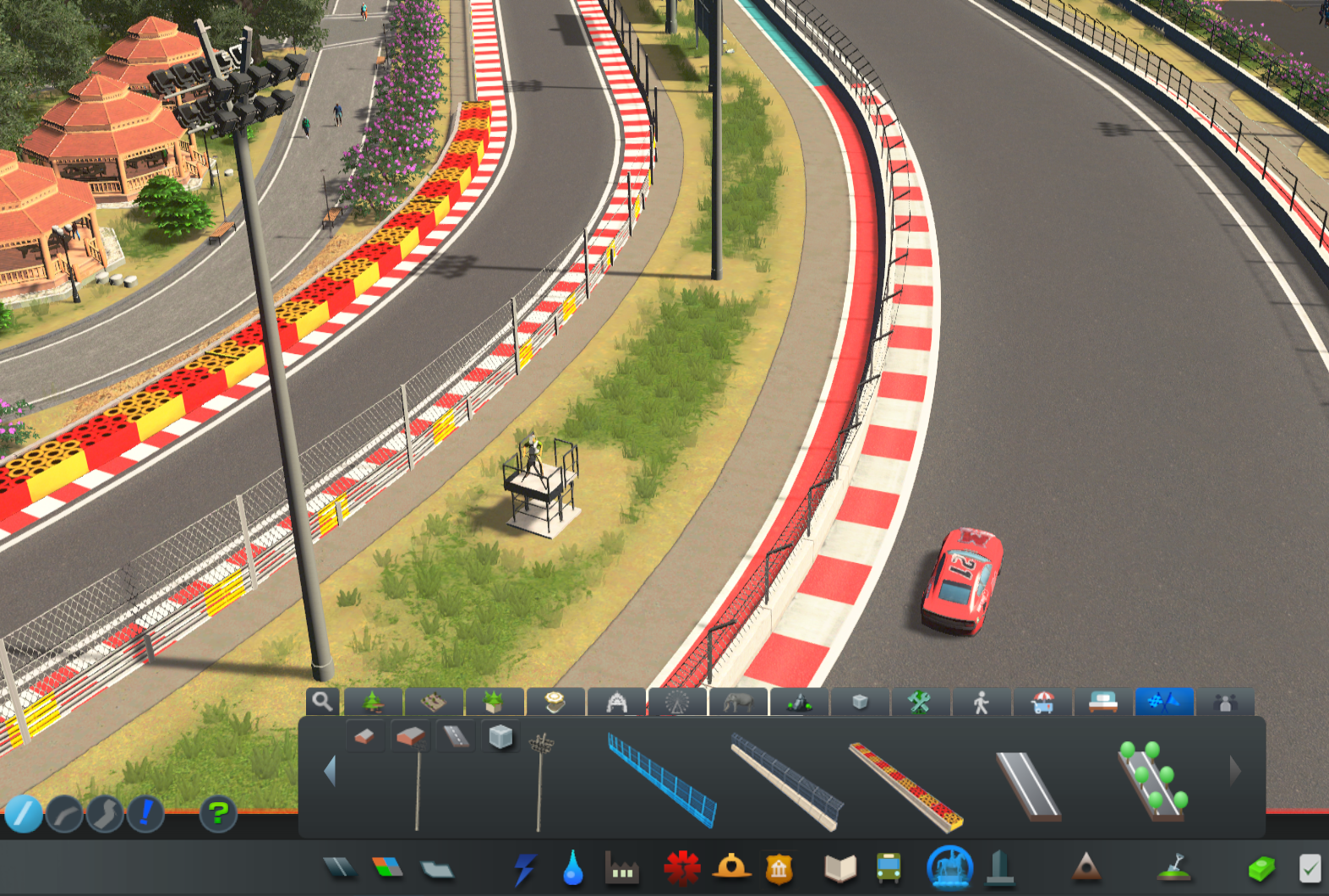
Fences can now be added to roads! Just like trees, you can select the fence you want and apply it to the roadside. This will work for any fence type on just about any road type.


Left-clicking on a road with the Fence selected will add it to the side nearest to the cursor or selection. Right-clicking will remove the fence.
If the Fence placement tool is set to Upgrade, right-clicking will flip the direction the fence is facing. This now works for all fences, not just ones on roads.
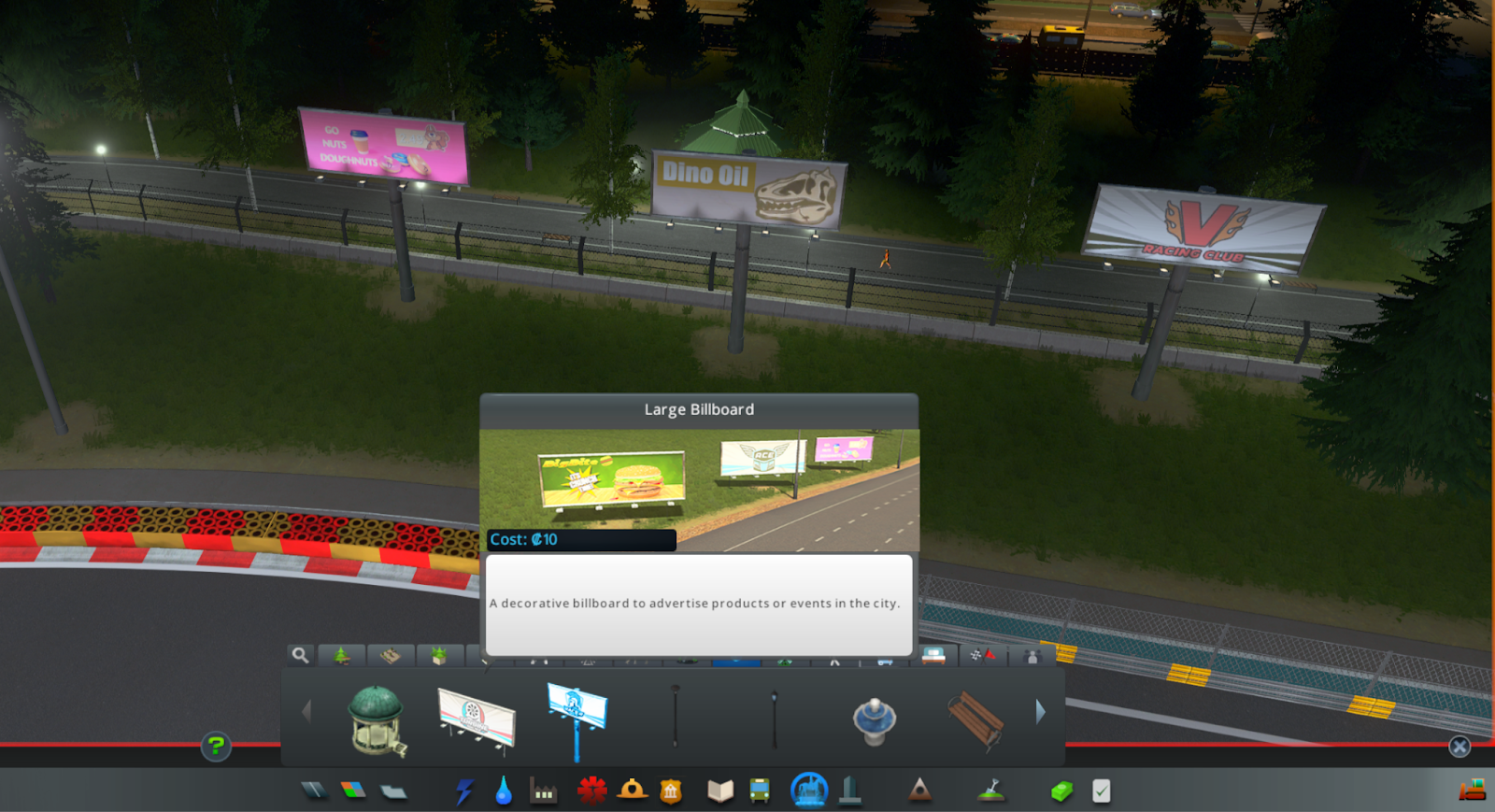
Two new large placeable billboard props are also included in the free content. These are self-illuminating, so you can advertise 24/7! Find these in the Props tab of Parks and Plazas.

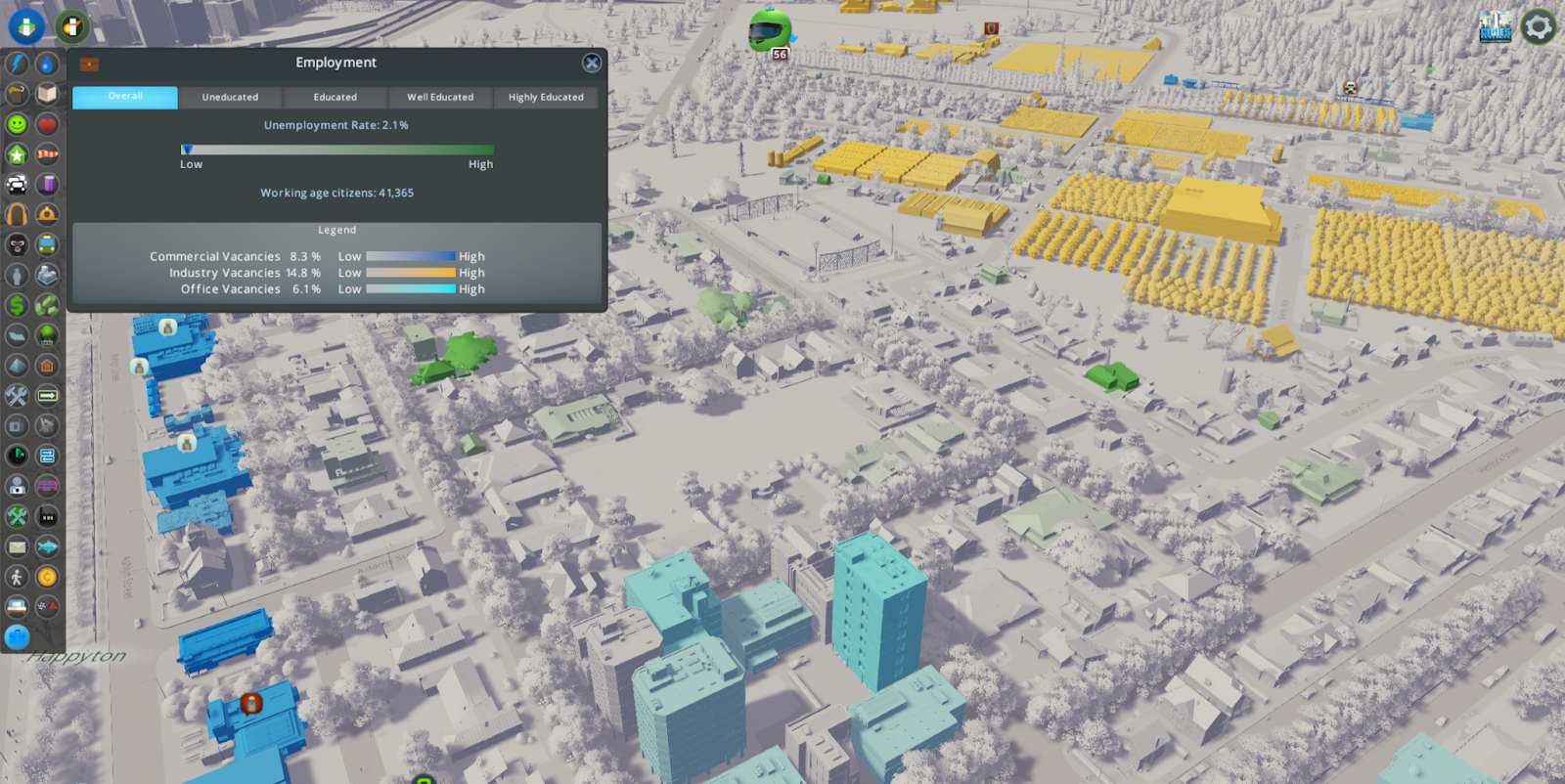
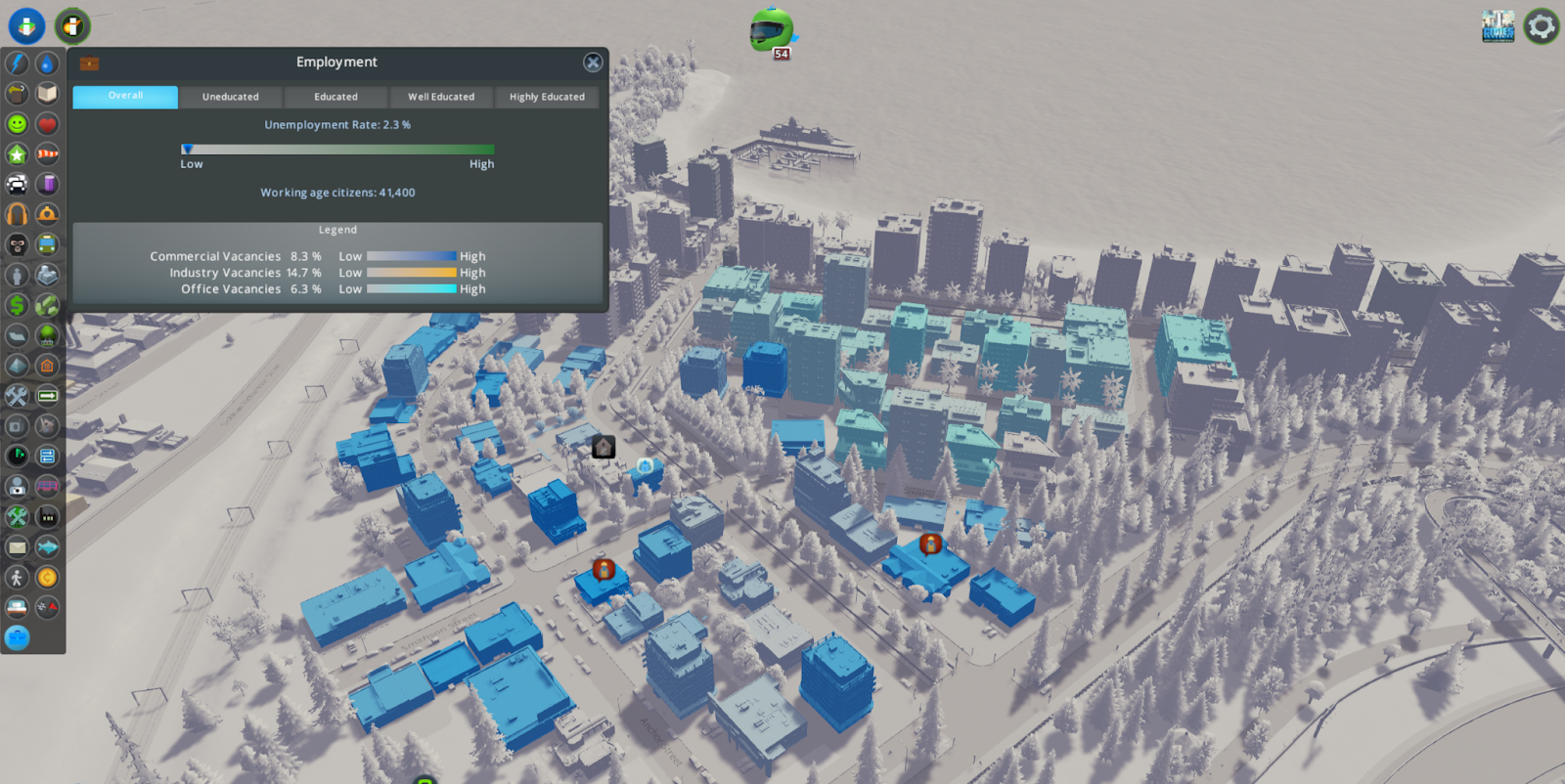
Employment is now visible in the Info Views. Take a look at your city to see if your commercial, industrial, and office zones are in need of workers to fill jobs. You can also check your residential areas to see where unemployed workers live.


Thanks for reading! That’s all for our update showcase. We hope to see what the community can build with this new content in Race Day or the free content we’ve added!
Tantalus

Cities: Skylines is Free to Play!
For a limited time, Cities: Skylines is free to play for the whole weekend! Whether you’ve been watching from the sidelines or meant to revisit your grandest metropolis, this is the perfect moment to step into the mayor’s office.
Design road networks with flair, shape districts with personality, and watch your citizens go about their daily routines. Every decision matters. A single intersection can smooth traffic across the map or bring the whole city to a standstill.
With eleven years of community creativity behind it, Cities: Skylines offers a city-building sandbox shaped by players who turned simple grids into living worlds. Now it’s your turn to lay the first road and see where it leads.
Time for the second Race Day Dev Diary from Tantalus! Today, we pull our motor race cars into the pit lane and cover the other types of events that can be held using the new Race Day Expansion. Parades, Running Races, and Bicycle races can all be held using the new Event Parks and Event Roads.
https://store.steampowered.com/app/4031130
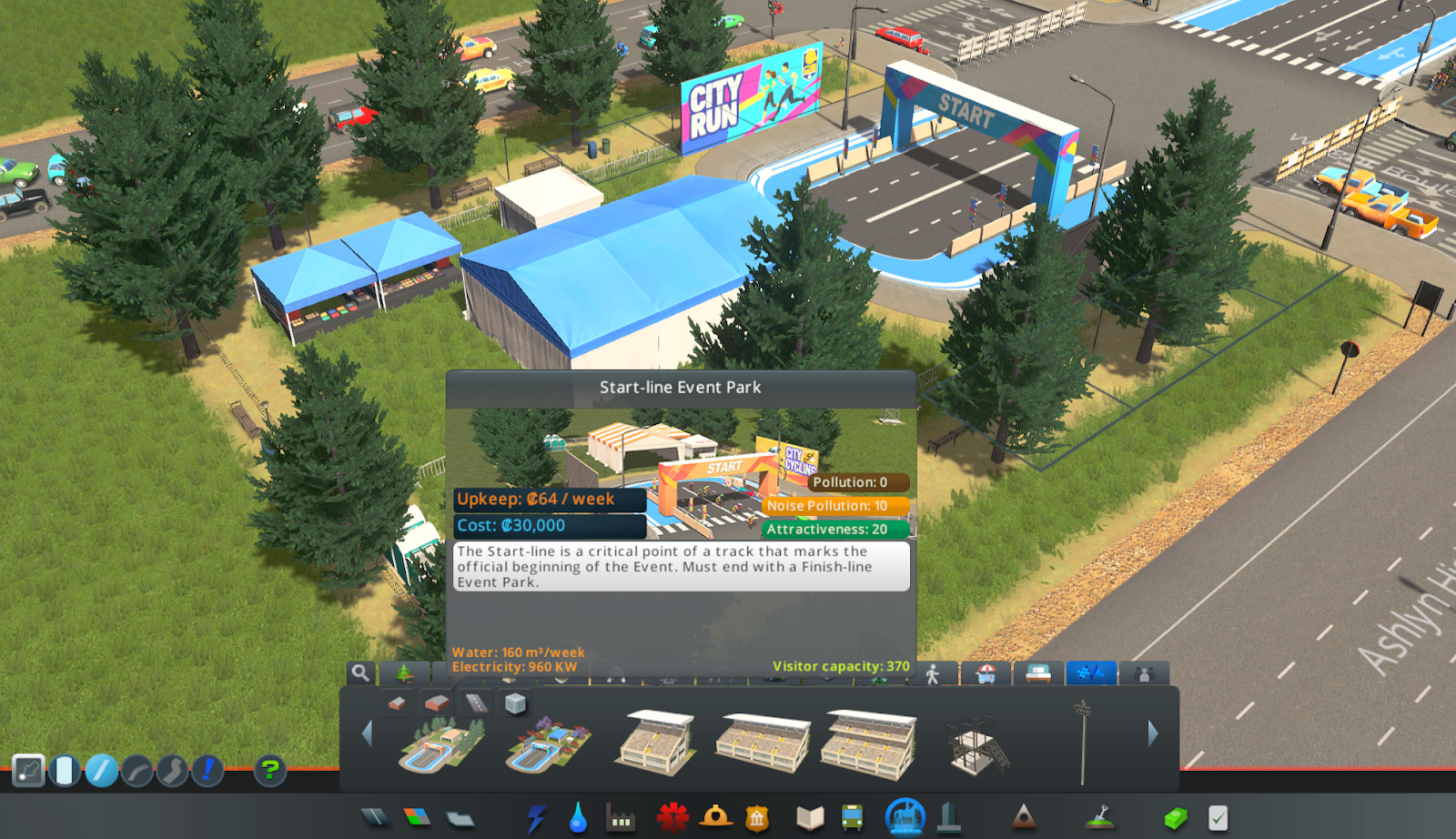
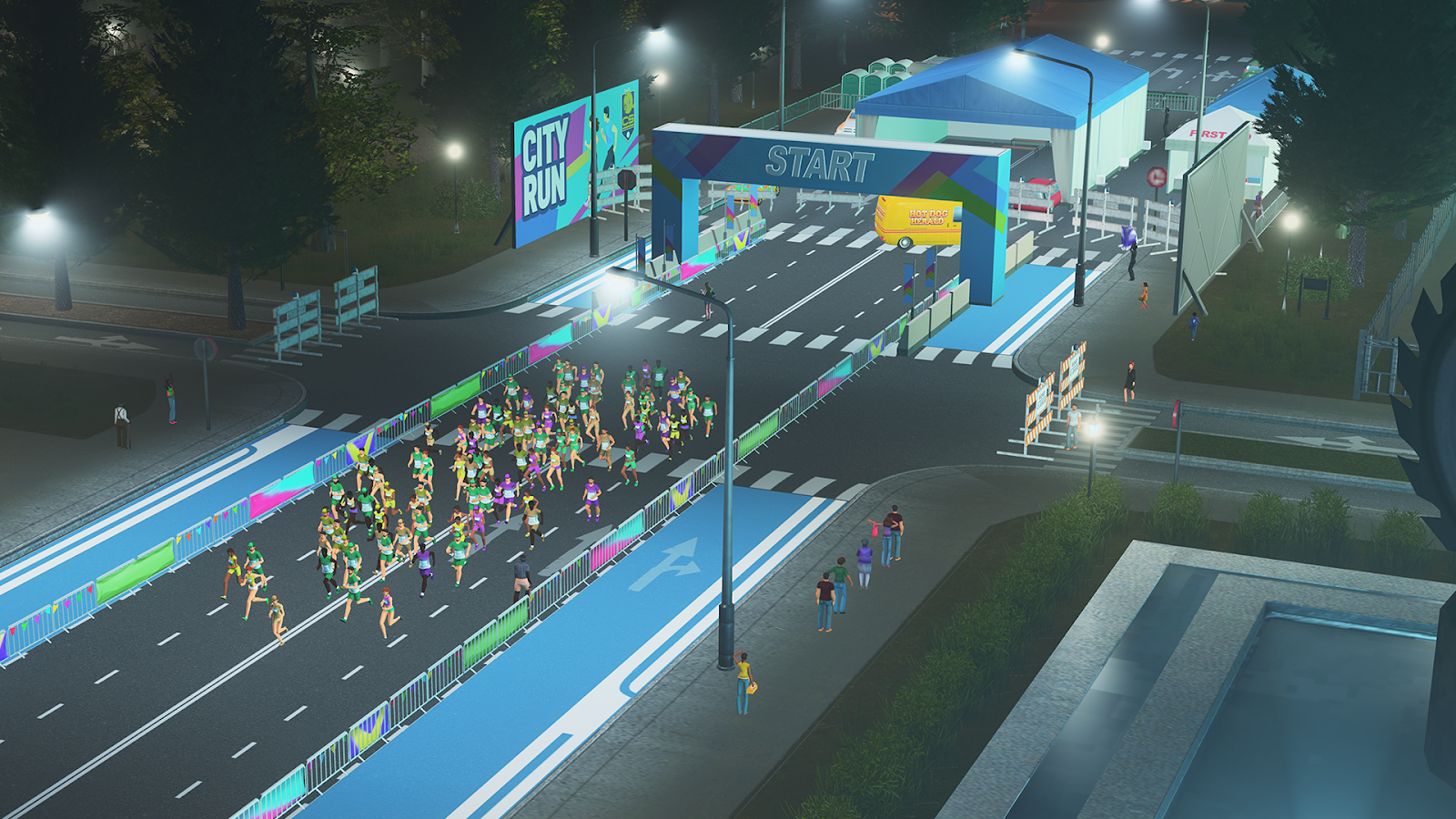
To establish a route for your events to be held on, first, we should identify a start and finish point within the city. The Start-line Park will be the main building and starting point for parades, running races, and cycling races. Once you are satisfied with the start, a Finish-line Park can then be built where the event route will end.
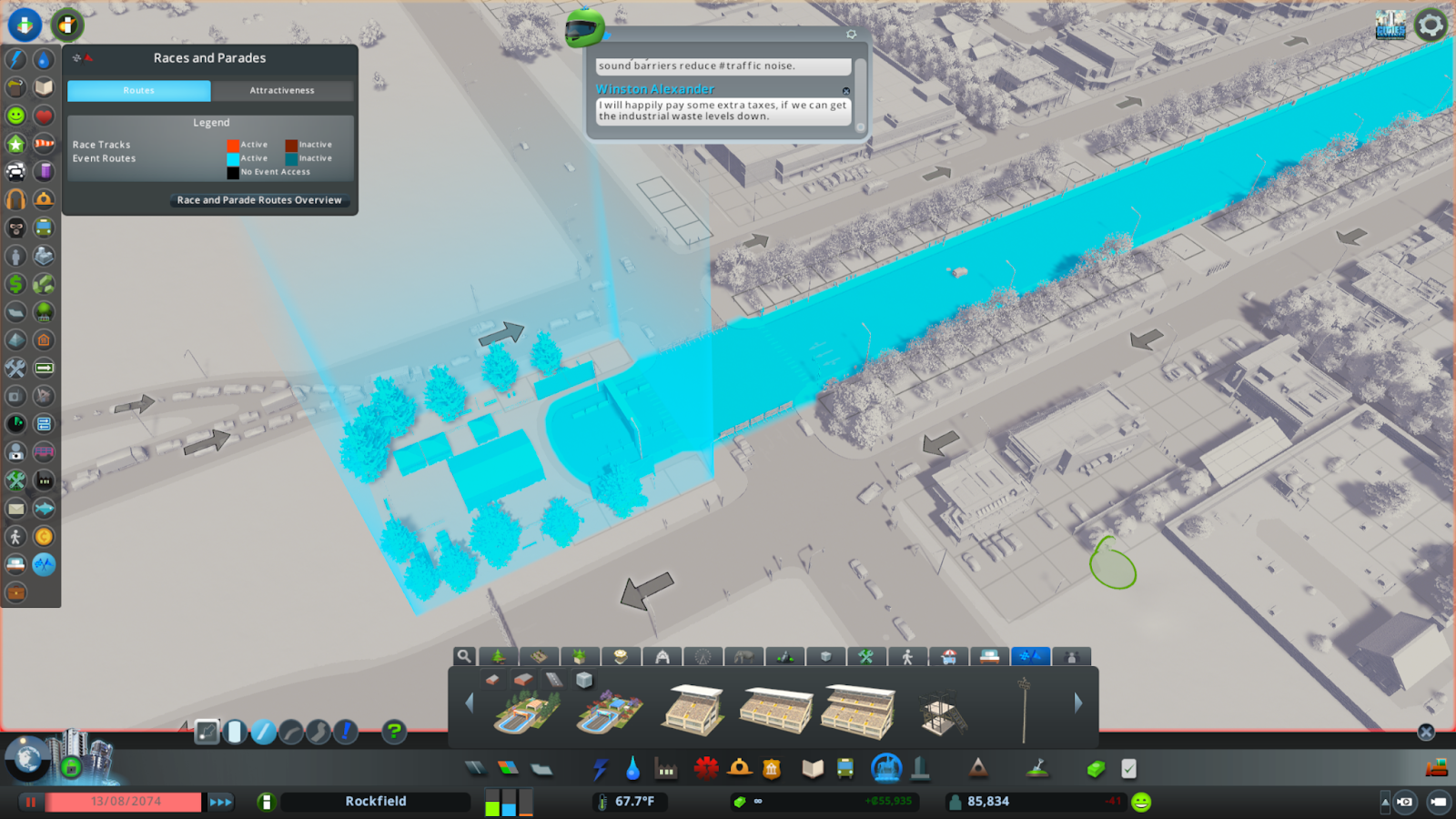
Event Road and One-way Event Roads can then be built between the parks, or you may upgrade the path between them to Event Roads. 
Event Routes can be built through established areas of cities.
The Start-line Park will look and function as a regular park when there are no events, Setting Up, In Progress, or Packing Up. Citizens can also walk through its perimeter as a pathway or shortcut.
The Start-line Park is your public space that can be transformed to host 3 main event types: Parades, Running Races, and Cycling Races.
Event Routes will affect the traffic of your city when there is an active event. Event Roads will be closed during events, so it’s important to mitigate the effects on your city when planning an Event Route through it.

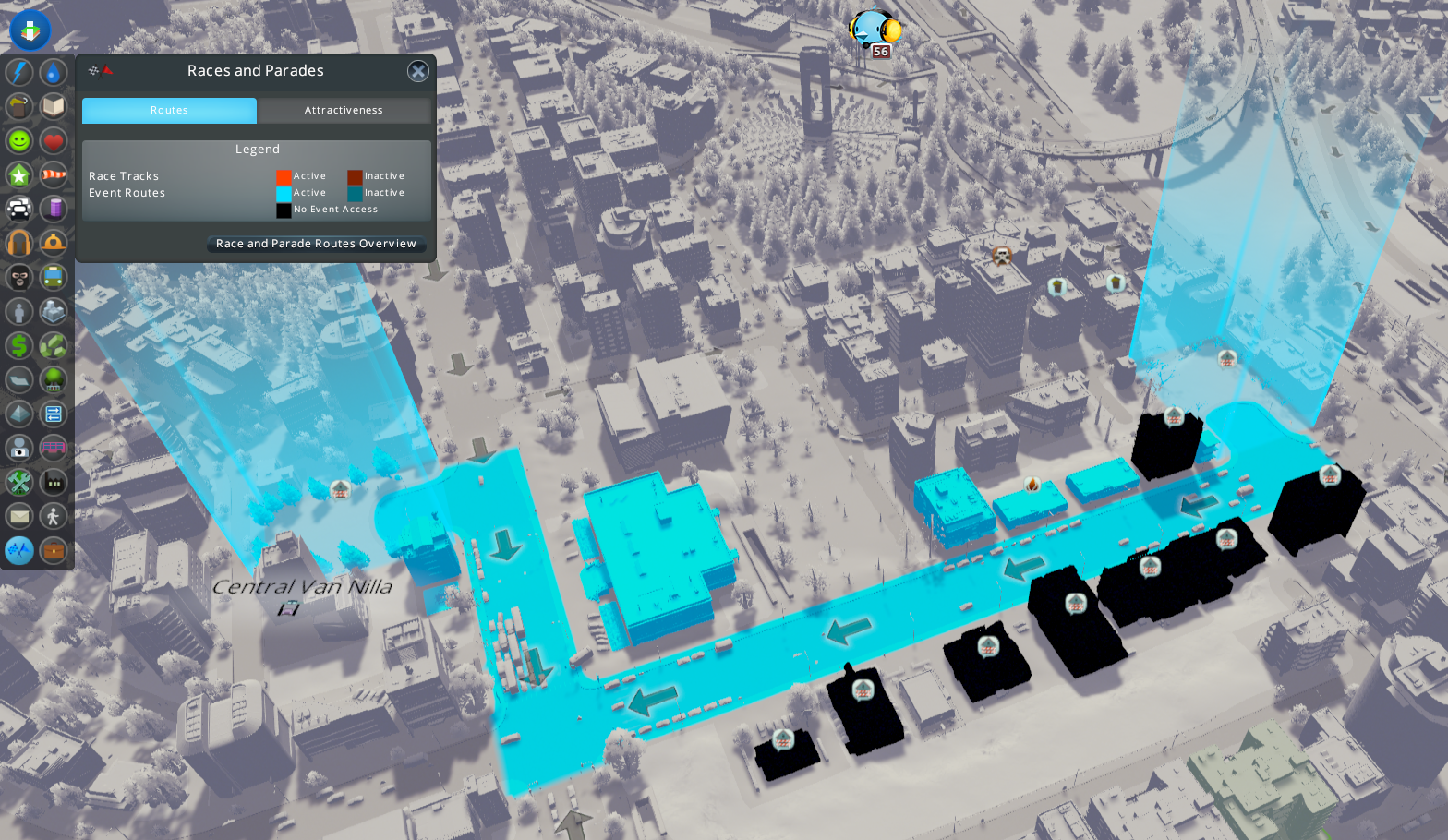
It’s a good idea to check the new Races and Parades Info View to see if any buildings have “no event access”, meaning that services cannot reach them when an event is in any of the active phases.

Races and Parades Info View shows which buildings will not have service access during an event.
Buildings that cannot be accessed by services during active events will be displayed in the Info View as black in colour, with the event access icon above them. To resolve this, it is possible to build an alternative access, or utilize the new Alley road-type as a lower impact way to allow service vehicles to access buildings while an event is active.
Because active events will disrupt normal traffic, it can be a good idea to allow alternate routes or build Event Routes that do not divide districts completely.
When scheduling an event, frequent disruptions to traffic can be avoided by hosting fewer annual events on each route. The length of the route will also increase the duration of disruptions.
It is encouraged that Event Routes are built through areas with existing tourism or attractiveness, to draw more spectators and tourists to increase ticket sales.
There are several stages to each event with varying impact to the city’s normal traffic routes.
Setting Up
During this phase, Event Roads are closed and vehicles are discouraged from using Event Roads to reach their destination. Road blocks are placed across the intersections to Event Roads. Citizens and tourists will begin to congregate along the Event Route and at the Start line Park and Finish-line Parks to spectate the event.
In Progress
The Event is Active and there is no access to the Event Road for normal traffic. Services will also not be able to reach any buildings along the Event Route that do not have alternative access.
Packing Up
The event has now concluded and the participants and/or competitors leave the event. Services will still not be able to reach buildings that have their access blocked by the adjacent event route being used. Traffic will be allowed to resume as normal after packing up has completed.
Inactive
There are no events in any of the three phases above. Barriers are removed, and traffic is normal across Event Roads.
Parades
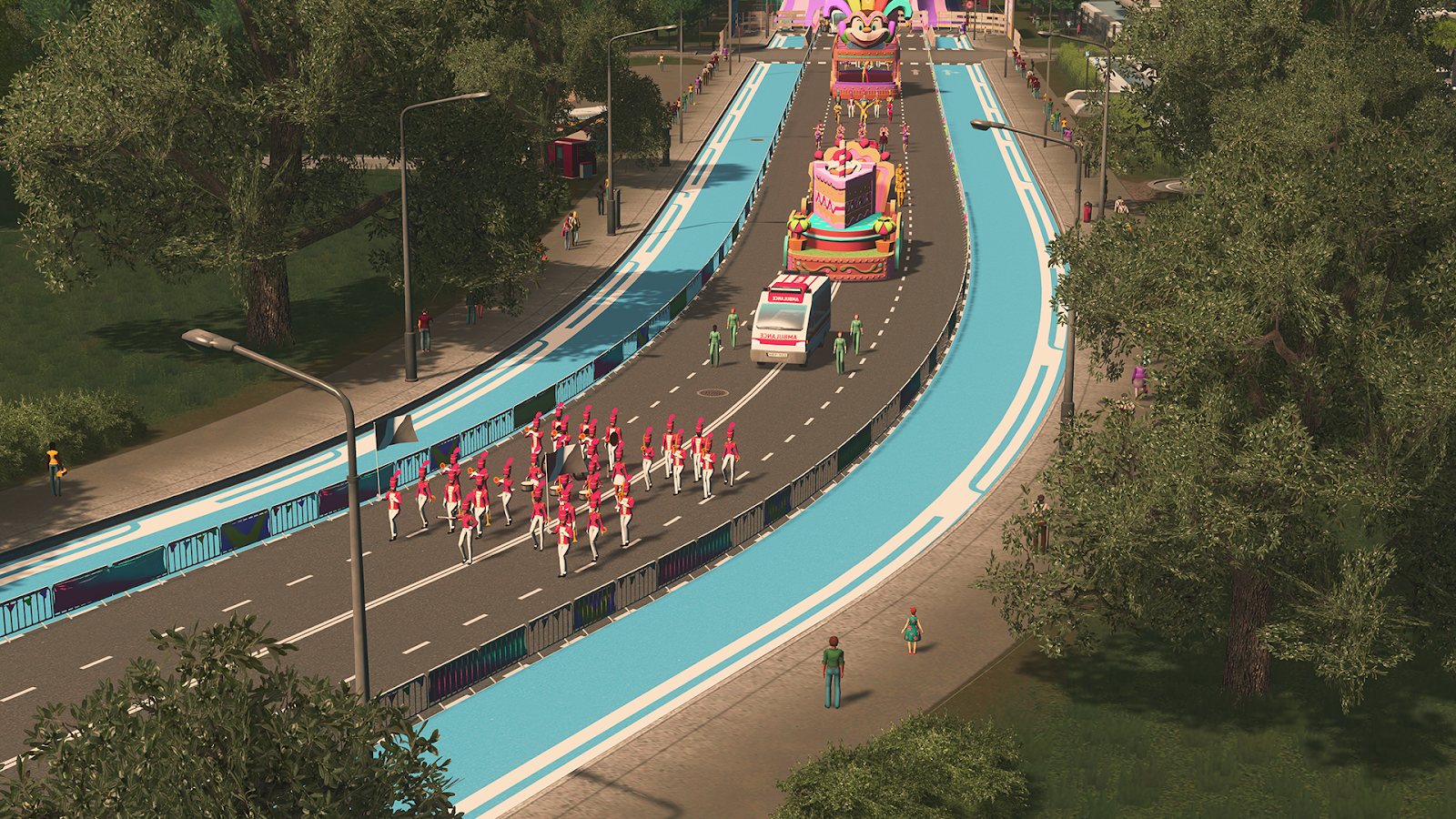
Parades can bring celebration to your prized city, drawing local spectators and tourists along the event route to enjoy the fanfare. There are 5 possible tiers of Parade, increasing in grandeur and variety of entertainment, but also expenses will increase on this scale.
Your citizens will line up along the sides of the parade route and watch the parade as it goes along, so make sure that you get to a good spot fast!

Running Races
Running Races and Fun Runs can also be held from the Start-line Park. This type of event will have your city's athletes or fun runners run the distance between your Start and Finish lines.

Cycling Races
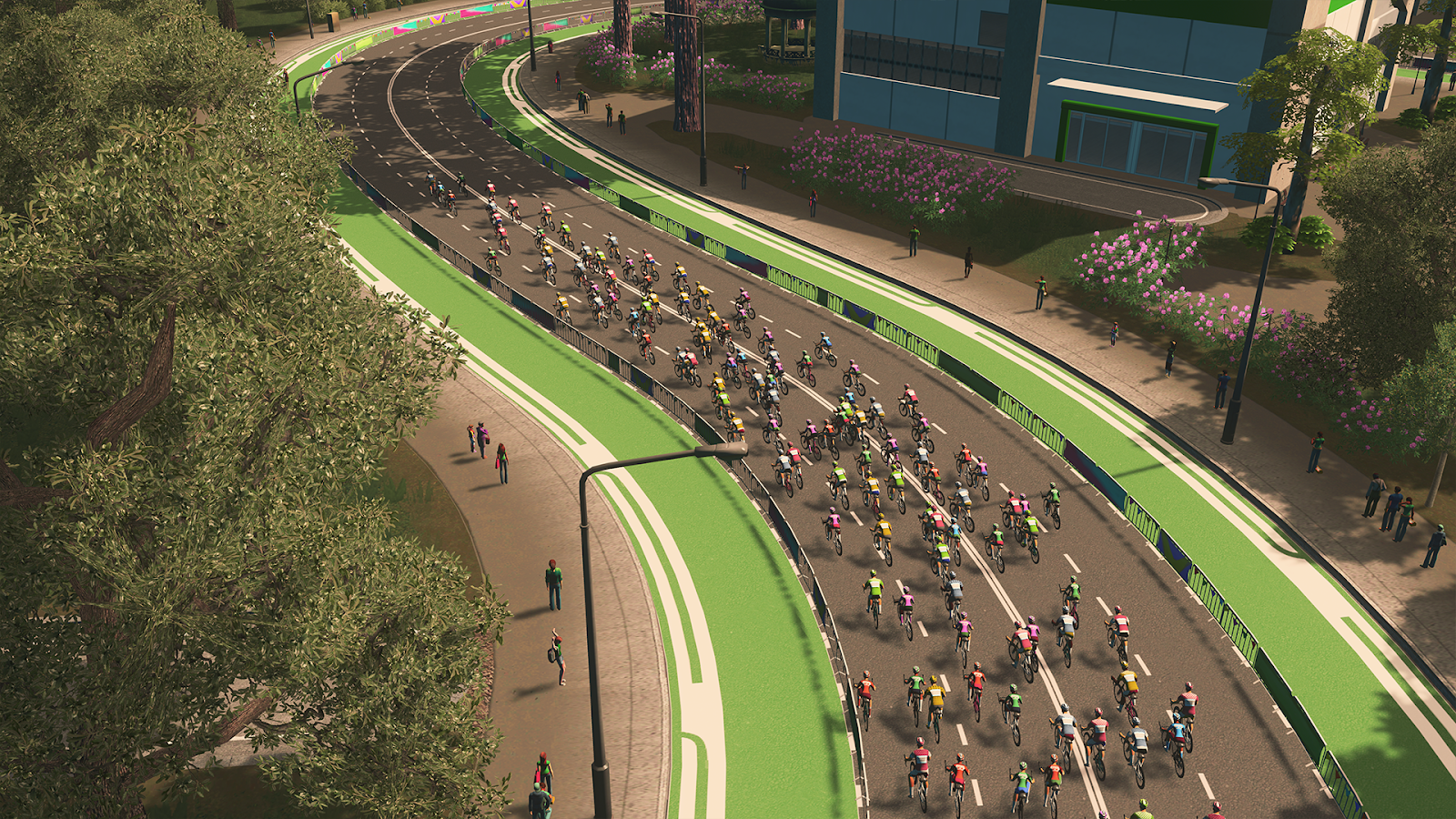
Competitive or novelty Cycling Races can showcase a faster race between your citizens. How fast will your citizens pedal?

Motor races on Event Roads
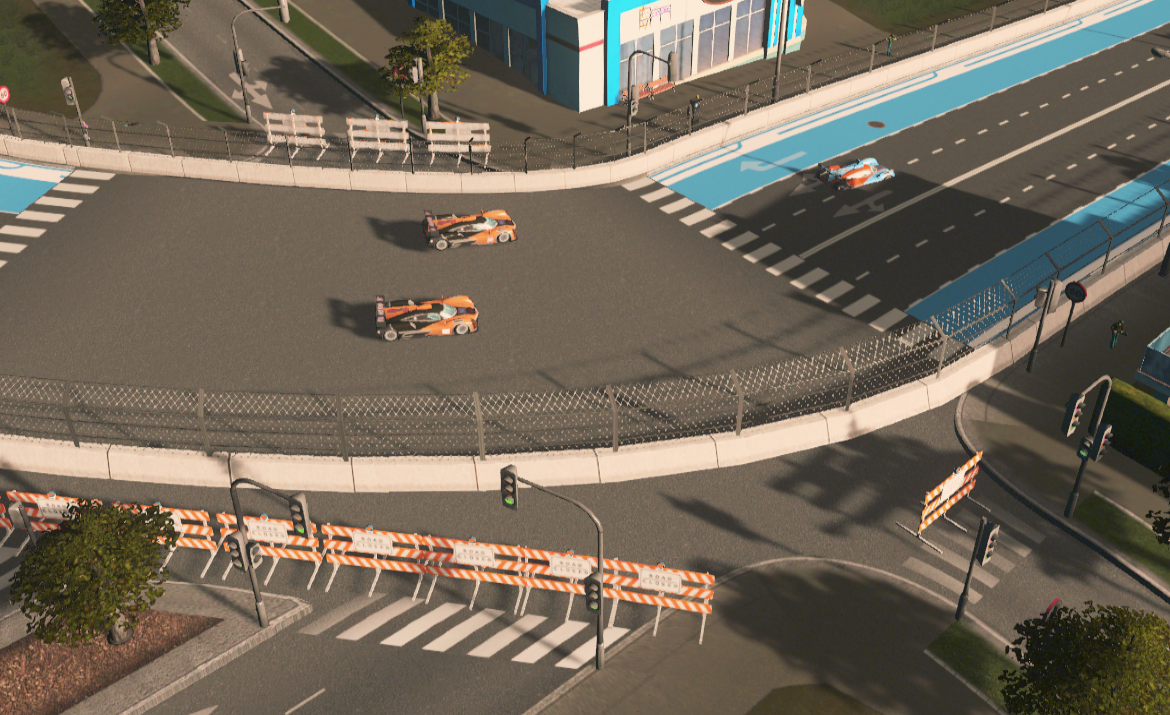
Motor races can also be held on Event Roads! A Race HQ is still required, but part of the track can be built or upgraded to Event Roads, meaning that when a Race is not active, normal traffic can use the roads. Be careful when planning a circuit through your city to ensure that buildings along the route have alternative access for services. Also, keep in mind that the more laps your race event has, the longer traffic will be disrupted!

Thanks for reading! In the next update, we will showcase the free content that will be released alongside the new Race Day Expansion. We have a new Fence Tool, Billboards, and an all-new Info View to share. See you then!
Tantalus