Great moments in PC gaming are bite-sized celebrations of some of our favorite gaming memories.
Over the course of my PC gaming career, I've conquered the world, slain the most terrifying foes, and uncovered the deepest secrets of many a dungeon. But when it comes to pure euphoria at having accomplished something astounding through a combination of thought, persistence, and fine motor skill, it's hard to beat landing Jebediah Kerman and his friends on the Mun—and returning safely—in Kerbal Space Program.
KSP is far from a completely realistic simulation of Newton's laws and the challenges of operating in deep space, but it's close enough that it truly expanded my understanding of how our universe works. It's one thing to read about gravity in a textbook or nod your head in agreement when someone on TV explains that orbits are basically objects falling toward each other with high enough horizontal speed to prevent a collision. But I never truly got it until I had to interact with gravity directly in this quirky game about little green astronauts.
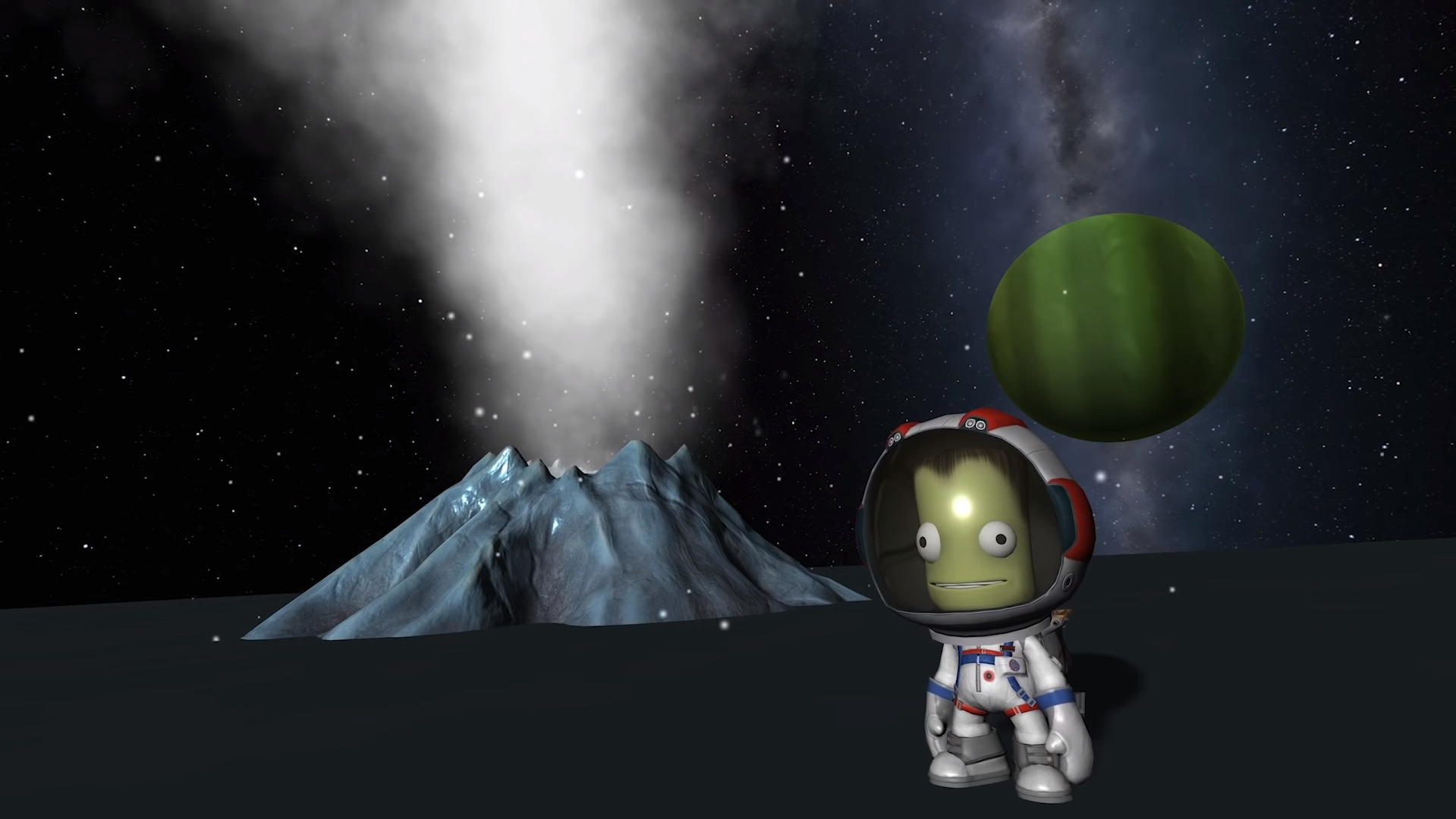
The Mun is the closest and arguably easiest target you can send your Kerbals to, and it ends up being the trial by fire (sometimes literally) for any new mission controller's understanding of the rocket construction and flight mechanics. There are more distant, more difficult heavenly bodies to pursue, but reaching them never quite tops that very first time you manage to launch a crew of Kerbals in a tin can through space to tag an icy rock.
There were many failures on the way. Analyzing each hilarious disaster slowly taught me what worked and what didn't. There were some heartbreaking close calls, like making it to the Mun but having the lander tip over, stranding the crew there indefinitely, or having something go wrong on the final re-entry to Kerbin—KSP’s equivalent to Earth—which always serves as a stressful and dramatic finale to any mission.
But then came that one fateful mission came when everything lined up perfectly. My rocket was honed by many hours of learning and evolutionary pressure. My hands were steady on the flight stick. I lifted off, put myself into a beautiful circular orbit around Kerbin, executed a near-perfect burn that used as little fuel as possible, and set down gently in the smooth bowl of an enormous crater. My intrepid kerbal captain disembarked, took some readings for science, and hopped back in to head home. The moment of truth came as I blasted him into a re-entry orbit, jettisoned everything except the heat-shielded capsule, and held my breath hoping that my trajectory would use Kerbin's atmosphere to slow us down enough not to crash (a technique called air-braking) without causing enough heat from friction to cook poor Jeb alive.
The heat shield caught fire as the air pressure increased and Kerbin got closer and closer below us. At one point, the temperature readings got so high that I thought the whole mission was about to go up in flames after everything else had gone so well. I realized that the auto-adjusting gyroscopes supposed to keep the heat shield fully facing into the atmosphere were letting just a bit of air past to hit the capsule itself. This usually doesn't happen and may have been a glitch, but I didn't have time to worry about that. My only option was to take the joystick and make a series of tiny adjustments to ensure the heat shield was taking the brunt of the friction.
My wrist was sore and my teeth were clenched by the time it was all over, but eventually the flames subsided. My heart skipped a beat in the moment it took the capsule's parachutes to deploy, as they can become damaged in flight and lead to a catastrophic failure at the 11th hour. But those white plumes eventually billowed out and carried Jeb to a safe (if not comfortable) splashdown in the crystal blue ocean. I felt like one of those people jumping up and down in Mission Control after every successful return in a space movie. I was ecstatic. My heart was beating fast and I had a huge smile on my face. I knew in that moment that Kerbal Space Program was something special. And I've delighted in taking my Kerbals higher, faster, and further ever since but nothing has ever felt quite as fulfilling as that first successful run to the Mun and back.