A multi-sensory educational experience featuring three modes: Rainbow colors with audio feedback, animal images with names, sing along mode and keyboard recognition with visual display. Perfect for young learners to explore colors, sounds, animals and letters through engaging, interactive gameplay.

로그인하셔서 게임을 찜 목록에 추가하거나, 팔로우하거나 또는 제외로 지정하세요.

앞서 해보기 게임

지금 바로 플레이할 수 있습니다. 게임이 개발되는 과정에 참여하세요.

참고: 앞서 해보기 게임은 완성된 게임이 아니며 개발이 진행됨에 따라 크게 바뀔 수 있습니다. 게임의 현재 상태가 흥미롭지 않게 느껴진다면, 개발이 더 진행될 때까지 기다려 보세요. 앞서 해보기에 대해 자세히 알아보세요.

개발자의 한마디:

왜 앞서 해보기를 진행하나요?

“I would like to get some feedback from parents. I have 1 play tester, my child, myself so I would like to see how other kids interact with the game to see if there additions or bugs I would like to add or fix.”

얼마나 오래 앞서 해보기를 진행할 계획인가요?

“I would say only a couple of months at the most.”

정식 버전은 앞서 해보기 버전과 어떻게 달라지나요?

“I plan on adding a few more features, shapes, sounds, aquatic life, insects and possibly more.”

앞서 해보기 버전은 현재 어떤 상태인가요?

“All features listed in the "About This" section are currently available, please refer to that section for details.”

앞서 해보기 기간 전후로 게임 가격이 달라지나요?

“The price will remain the same for early access compared to the release. I feel I have ironed out most of the things I would consider issue but would like to make sure others get a chance to give feedback before full release.”

개발 과정에서 어떻게 커뮤니티와 소통할 계획인가요?

“Feedback from our forums page and through reviews.”
더 읽어보기
한국어(을)를 지원하지 않습니다

이 제품은 귀하의 로컬 언어를 지원하지 않습니다. 구매하기 전에 아래에 있는 지원하는 언어 목록을 확인해주세요.

My First PC Game 구매

 
모든 토론 보기

버그를 신고하고 게임 토론에 피드백을 남기세요.

게임 정보

Interactive Color & Sound Learning Game

A delightful educational experience that combines visual learning, audio feedback, and interactive gameplay to help children and learners of all ages explore colors, sounds, and keyboard recognition.

Overview

An engaging educational game that teaches colors, sounds, songs and keyboard recognition through four interactive modes. Players can cycle through rainbow colors with audio feedback, animal images with names, sing along songs to sing and dance to, or explore keyboard keys with visual and audio responses. Perfect for young learners, the game combines visual learning with audio reinforcement to create a multi-sensory educational experience that makes learning fun and interactive.

Four Engaging Modes

🌟Rainbow Mode

  • Cycle through the classic ROYGBIV rainbow colors with intuitive controls

  • Each color plays its own unique sound when selected

  • Visual and audio learning - see the color name and hear its sound simultaneously

  • Perfect for teaching color recognition and sound association

🖼️ Animal Mode

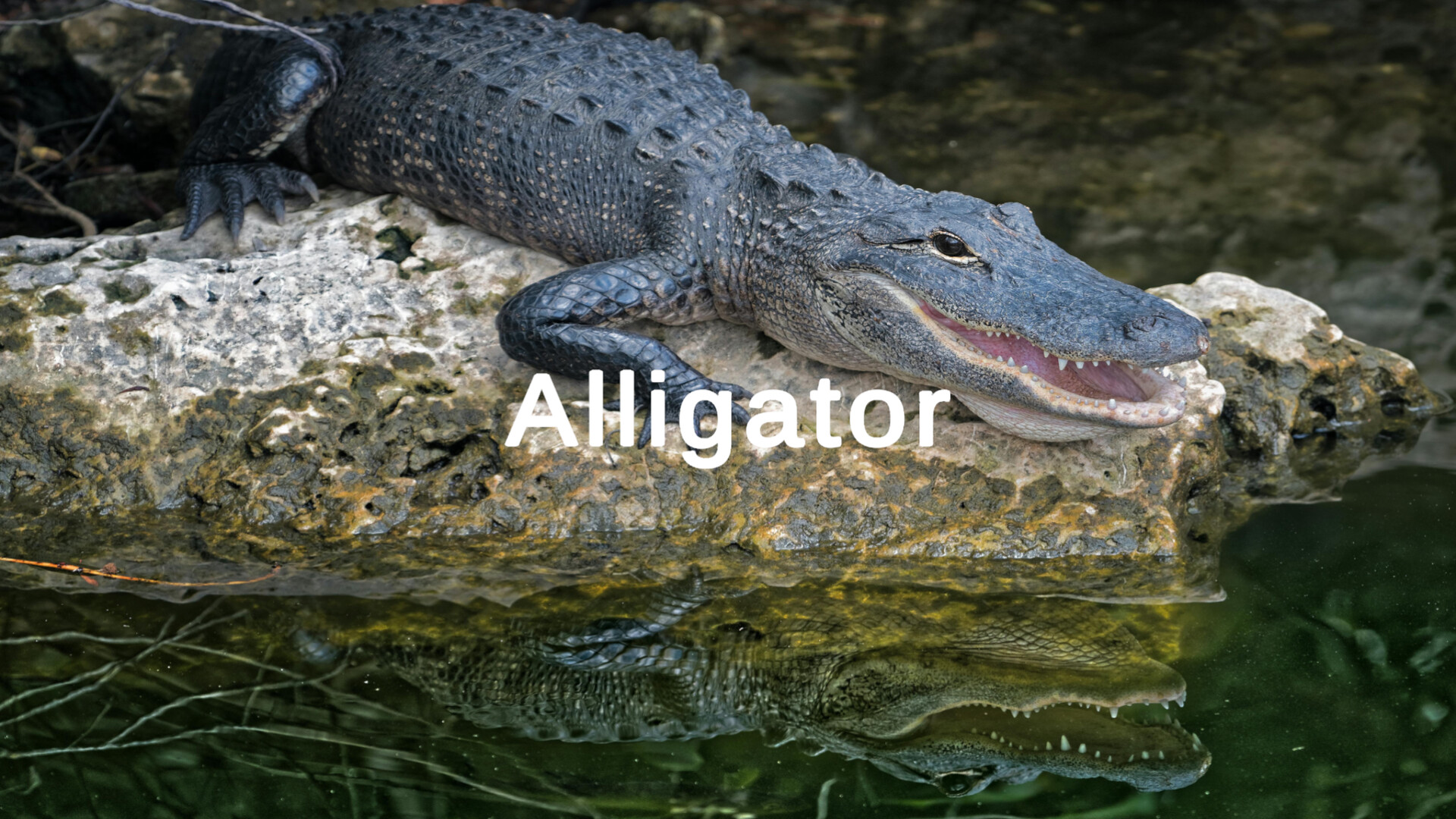
  • Different animals to learn through the alphabet

  • Sounding each name for learning

  • Great for teaching vocabulary and animal recognition

⌨️ Alphabet Mode

  • Press any key to see it displayed on screen with a clean black background

  • Sounds to specific keys for interactive learning

  • Special key recognition - friendly names for punctuation and function keys

  • Ideal for keyboard familiarization and letter recognition

🌟Music Mode

  • Cycle through custom songs

  • Dance and sing along

🎯 Interactive Features

Intuitive Controls

  • Mouse: Left click to go backward, right click to go forward

  • Keyboard: A/D keys or arrow keys for navigation

  • Mode Switching: Hold both mouse buttons or both arrow keys simultaneously to cycle through modes

  • Text Size: Scroll wheel to adjust text size for accessibility

Fun Extras

  • Text Jump Animation: Press spacebar to make the text bounce with sound effects

  • Smooth Transitions: Beautiful animations between color and mode changes

  • Audio Feedback: Every interaction includes appropriate sound effects

🎓 Educational Benefits

  • Multi-sensory Learning: Combines visual, auditory, and kinesthetic learning

  • Color Recognition: Teaches rainbow colors with audio reinforcement

  • Keyboard Skills: Helps develop typing and computer literacy

  • Vocabulary Building: Custom content supports language development

🎨 Perfect For

  • Preschool and early learners

  • Special education classrooms

  • Speech and language therapy

  • Home learning environments

  • Anyone learning colors, sounds, or keyboard skills

🚀 Easy to Use

  • Responsive design works with any screen size

  • Accessible controls suitable for young learners

Transform learning into an engaging, interactive adventure where every click, key press, and color change becomes a moment of discovery! 🌟

AI 생성 콘텐츠 사용 공개

개발사는 게임에서 AI 생성 콘텐츠를 사용하는 방법을 다음과 같이 설명합니다.

We used Stable Diffusion for the icon generation of the achievements.

시스템 요구 사항

    최소:
    • 운영 체제: Windows 10
    • 프로세서: Intel® Core 2 Duo
    • 메모리: 2 GB RAM
    • 그래픽: GTX 260 or equivalent
    • DirectX: 버전 9.0
    • 저장 공간: 1 GB 사용 가능 공간

My First PC Game에 대한 사용자 평가 사용자 평가 정보 환경 설정

종합 평가:
사용자 평가 1개 (평가 1개)


특정 날짜 범위에 속하는 평가를 보려면, 위의 그래프에서 선택 항목을 클릭한 후 드래그하거나 원하는 바를 클릭하세요.


평가를 작성한 시점의 사용자 플레이 시간을 기준으로 평가를 필터링:


최소 시간 없음 ~ 최대 시간 없음

선택한 표시 순서로 평가 보기


자세한 정보
필터
게임과 관련없는 평가 활동 제외
플레이 시간:
주로 Steam Deck에서 플레이
위에서 설정한 필터 조건에 맞는 평가가 없습니다
다른 평가를 보려면 위에서 필터를 조정해주세요
평가 불러오는 중...