The IdeaBookRoom is a writing and reading software that goes beyond plain text by incorporating multimedia and interactive components such as "Narrator," "Image", "ShowText", "Words Before", and "Words At End" significantly enhancing readers' experience.

로그인하셔서 게임을 찜 목록에 추가하거나, 팔로우하거나 또는 제외로 지정하세요.

한국어(을)를 지원하지 않습니다

이 제품은 귀하의 로컬 언어를 지원하지 않습니다. 구매하기 전에 아래에 있는 지원하는 언어 목록을 확인해주세요.

IdeaBookRoom 사용

무료
 

소프트웨어 정보

The Idea Bookroom is a new writing and reading platform, characterized by supporting various interesting interactive reading components, which can greatly enrich readers' reading experience.

The official website (ideabookroom dot com) offers an Android version APK / Web version.

Multiple reading components, bid farewell to boring pure text reading ~~~

  • Component 1: StartPS and EndPS

    StartPS = The author can say two sentences before each chapter

    EndPS = The author can say two sentences at the end of each chapter

  • Component 2: Image

Conventional image component, click to enter browsing, slide down to exit


  • Component 3: Narrator

Narrator is a type of centered card text, inspired by the dramatic novel (Narrator: XXXXXX)。

Optional text color and bottom color, with multiple preset colors to choose from. Can be displayed in multiple rows.

The author can use the sidebar to prompt the time, place, background, and content of relatively "non plot scenes" such as comments and roast.


  • Component 4: ShowText

ShowText is an interesting (!!!) interactive component that hides text and image in clickable glowing text.

When readers click, a surprise will pop up!

Click on the glowing text to bring up the text and image!

Click on the glowing text to bring up the image!

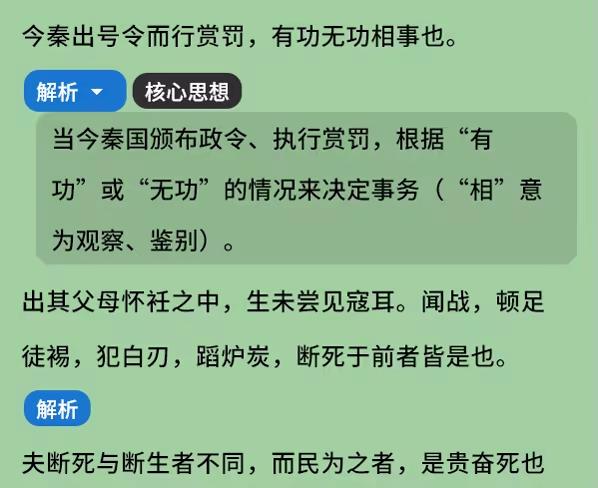
  • Component 5: FloatingNotes

    FloatingNotes are highly expandable folded text segments that can be used to fold "parsing", "translation", "comments", etc. They also support custom float tags. Click to expand or switch.


Component 6: Link

Link component makes your book no longer just a book.

1. It can link to online books and automatically display the cover, title, and introduction. Click to jump to the corresponding book's detail page.

2. Preset icons and connection forms of commonly used applications. You can set WeChat official account, post bar bilibili Number, Zhihu Number QQ Group Twitter、Telegram Group and other links allow readers to jump to your place and achieve precise traffic diversion!

Connect online books for creating book lists

Connect to forums, websites, etc. for traffic attraction

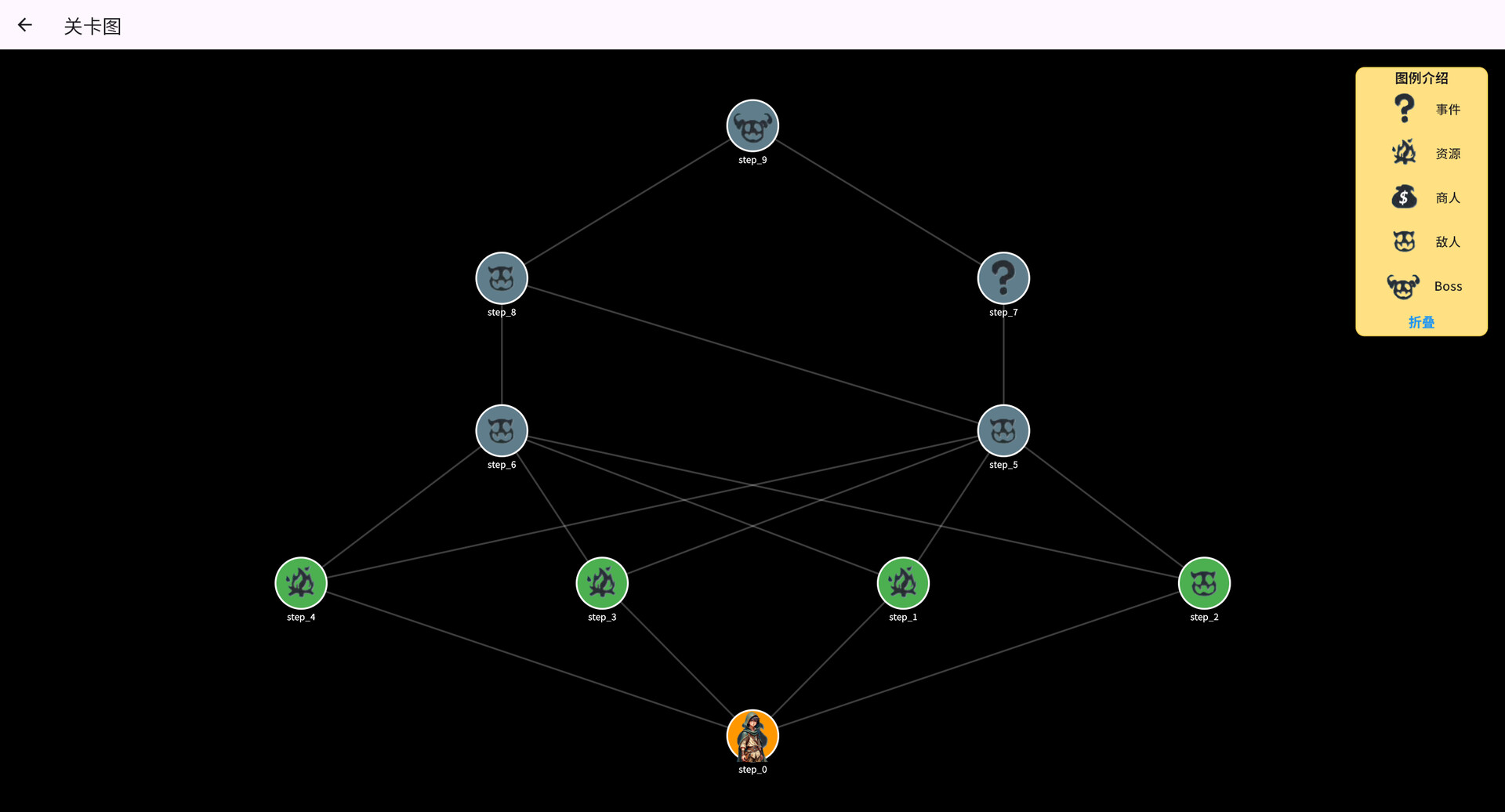
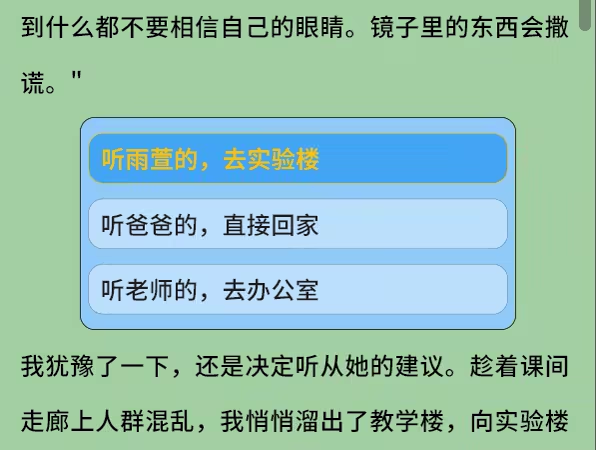
  • Component 7: Branch

The intra chapter branching component allows you to choose different storylines within the same chapter. If combined with the "jump" component, you can also jump to different chapters, achieving traditional branching novels! The Garden of Forking Paths will no longer be a dream!

  • Component 8: Jump

The jump component allows authors to set the desired chapter they want to jump to, which can be from their own book or another book (as long as you have access to its book) ID And articles ID)。 This function is mainly combined with branch components to jointly implement branch novels.

  • Function 1: Paragraph comments+End of chapter comments+Book review

Each paragraph and chapter can be commented upon at the end, and the book has a comment section

If your comment/reply is liked or replied to by someone else, you will receive a notification

Satisfy your desire for roast!

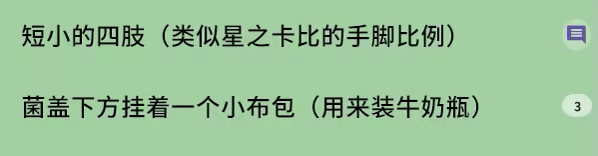
Paragraph comments

Bottom column of comments

End of chapter comments

Book Forum

  • Function 2: Reader Annotations

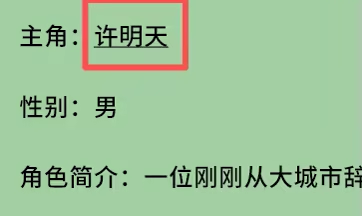
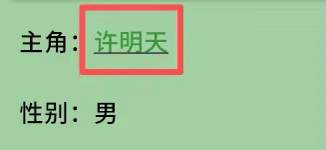
When readers are reading, they can underline and annotate some names of people/things. When they see the same content later, clickable text will be displayed. Click to view the previous annotations and add or delete them.

Annotations can be selected in different styles

Style 1

Style 2

Style 3

Click on the annotation to modify

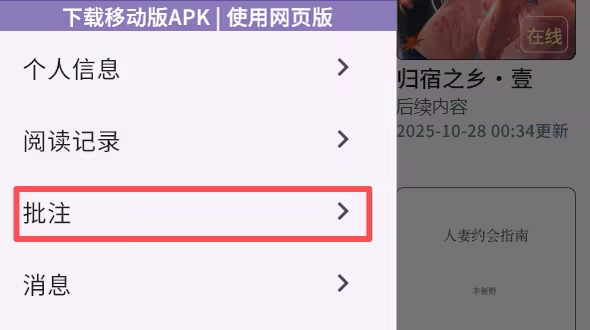
Click on the homepage sidebar to enter the annotation management page

Annotations exist locally and can be imported or exported json Format data for easy sharing and migration

  • Feature 1: Online novel sharing+offline novel sharing (through steam Creative Workshop

The Idea Bookroom supports online novel sharing (recommendation page) and offline novel sharing (creative workshop, only available) Steam Version support).

1. Supports converting online novel to offline novel!

2. online novels support from txt Import into draft!

3. offline novels also support from txt Import!

  • Feature 2: Publishing and Reading Books in One Software

If you are an unrepentant pure reader, you can close the creation page in the sidebar

If you want to write, you can click on "Become an Author" in the sidebar, read the Author Notice, and become a proud creator!

  • Feature 3: The application supports multiple devices (Windows, Android, web)

Current software support windows、 Xiaomi/Google based Android web Web version.

Due to technological reasons, the web version takes about 20 seconds to load for the first time.

It's like a cross era writing and reading platform ~~~

시스템 요구 사항

    최소:
    • 64비트 프로세서와 운영 체제가 필요합니다
    • 운영 체제: windows 10
    • 프로세서: i5
    • 메모리: 2 GB RAM
    • 그래픽: RTX3060
    • 네트워크: 초고속 인터넷 연결
    • 저장 공간: 100 GB 사용 가능 공간
    권장:
    • 64비트 프로세서와 운영 체제가 필요합니다
    • 운영 체제: windows 10
    • 프로세서: i5
    • 메모리: 2 GB RAM
    • 그래픽: RTX3060
    • 네트워크: 초고속 인터넷 연결
    • 저장 공간: 100 GB 사용 가능 공간

IdeaBookRoom에 대한 사용자 평가 사용자 평가 정보 환경 설정

종합 평가:
사용자 평가 8개 (평가 8개)


특정 날짜 범위에 속하는 평가를 보려면, 위의 그래프에서 선택 항목을 클릭한 후 드래그하거나 원하는 바를 클릭하세요.


평가를 작성한 시점의 사용자 플레이 시간을 기준으로 평가를 필터링:


최소 시간 없음 ~ 최대 시간 없음

선택한 표시 순서로 평가 보기


자세한 정보
필터
게임과 관련없는 평가 활동 제외
플레이 시간:
주로 Steam Deck에서 플레이
위에서 설정한 필터 조건에 맞는 평가가 없습니다
다른 평가를 보려면 위에서 필터를 조정해주세요
평가 불러오는 중...